Worship Remote

Worship Remote

Download on App Store
Logo of Worship Remote

Worship Remote: Seamless Control for Every Moment on Stage

Empower your ministry with untethered access to your backing tracks. Adjust keys, tempo, and mixer settings in real-time directly from your iPhone or iPad without leaving your position.

Download on App Store

Publisher

XME Inc.

Category

Music

Downloads

600

User Rating

4.8/5

Total Ratings

100

Locales

1

Command Your Stage

Discover the interface used by 600 users.
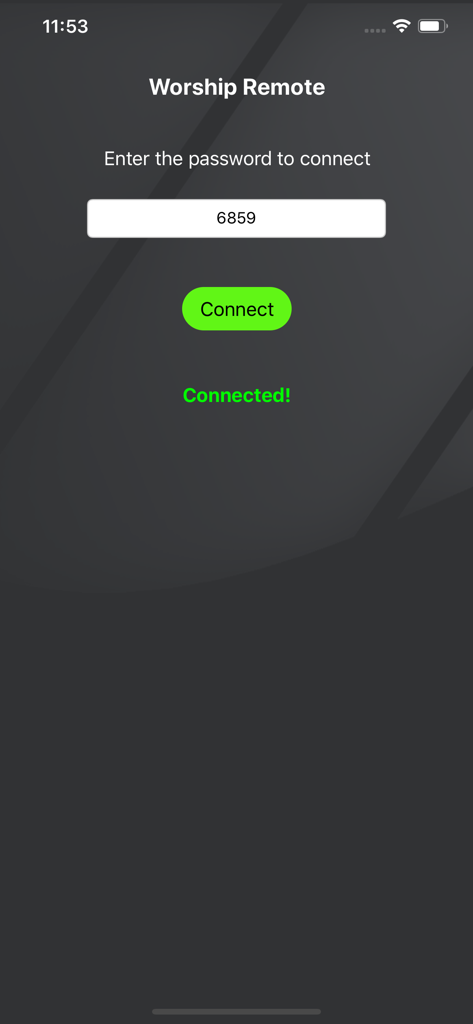
Worship Remote app connection screen showing a password entry field and a successful connection status

Worship Remote app connection screen showing a password entry field and a successful connection status

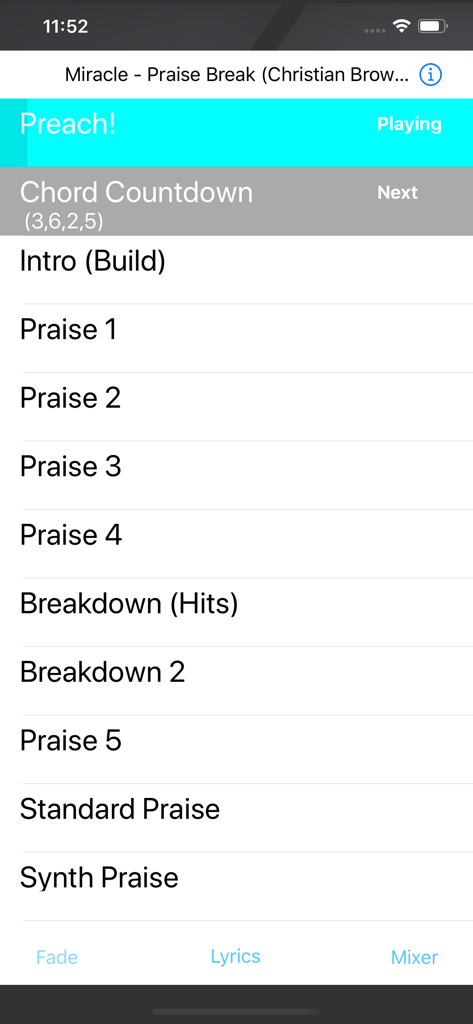
Interface of Worship Remote app showing live song parts and playback status

Interface of Worship Remote app showing live song parts and playback status

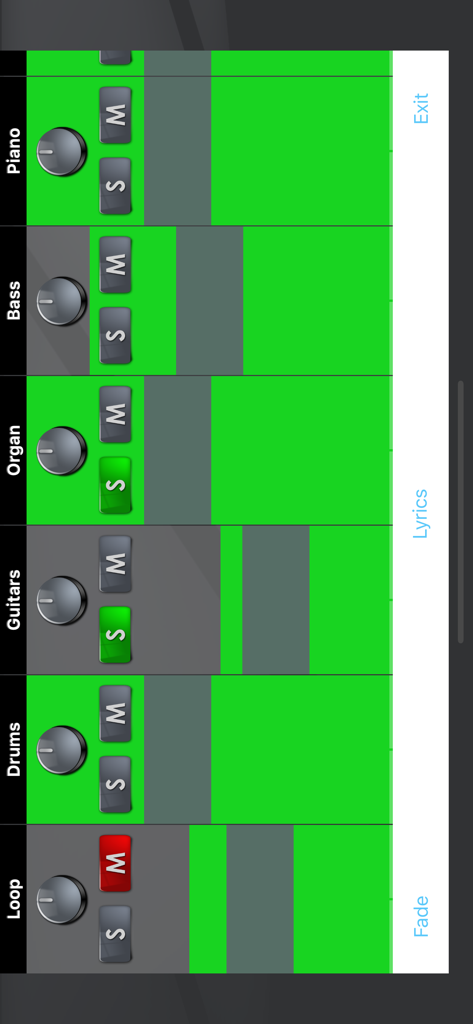
Worship Remote app mixer interface showing individual track controls for loop, drums, guitars, organ, bass, and piano with solo and mute buttons.

Worship Remote app mixer interface showing individual track controls for loop, drums, guitars, organ, bass, and piano with solo and mute buttons.

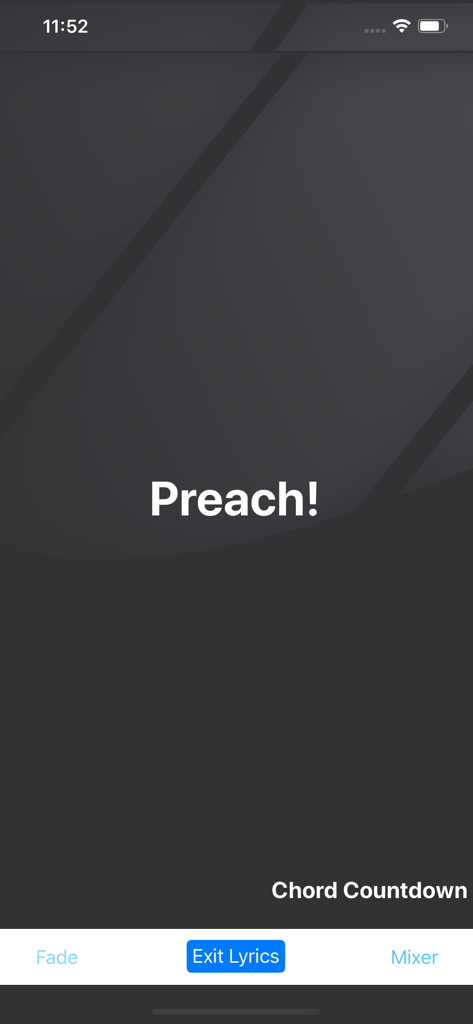
Worship Remote app screen showing a lyric cue and chord countdown for worship leaders

Worship Remote app screen showing a lyric cue and chord countdown for worship leaders

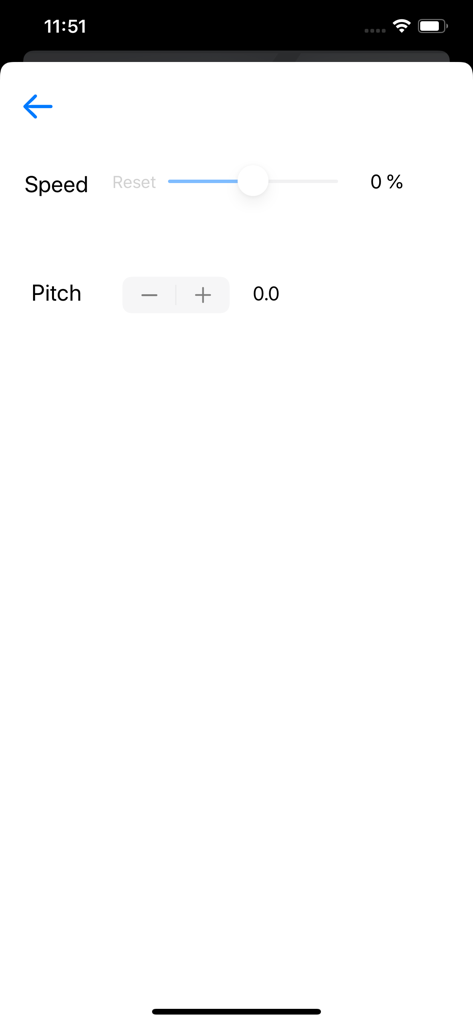
Interface of the Worship Remote app featuring a speed control slider and pitch adjustment buttons for audio playback.

Interface of the Worship Remote app featuring a speed control slider and pitch adjustment buttons for audio playback.

Lead Your Service with Confidence

The tools that make this app stand out, trusted by 600 users.

🎸

Untethered Stage Freedom

Command your main device from anywhere in the sanctuary. Start, stop, and transition songs without ever needing to walk back to the sound booth or laptop.

🎚️

Real-Time Flexibility

Follow the room’s energy by adjusting keys, tempo, and mixer levels on the fly, ensuring your tracks always serve the moment of worship.

👥

Unified Team Sync

Keep your entire team aligned by connecting up to five iOS devices simultaneously, allowing leaders and musicians to monitor song progress together.

About the app

Everything you need to know about Worship Remote.

Description

See and control the song playing on Worship Backing Tracks! Instructions: 1.) Open the main Worship Backing Tracks app on your ministries main device. 2.) Tap the remote button on the top right of the main app. 3.) There will be a 4 digit passcode shown. Enter this code into the remote app on your phone or iPad. - only up to 5 iOS devices using Worship Remote can connect at a time. 4.) Tap “Connect” 5.) On the main app, tap the “Allow Control” switch to give access to your device to control the main app. - otherwise, you’ll just be able to see what is happening on the main app in the song. Allowing control allows the person to play/pause, change keys and speed and adjust the mixer setting.

Latest Version

1.5

Size

9.9 MB

First Released

Mar 31, 2020

Ready to Lead Without Limits?

Join hundreds of worship leaders who have reclaimed their focus. Download Worship Remote today to adjust your tracks, mix, and tempo in real-time from anywhere on stage.

Download on App Store

App information, icons, screenshots, and descriptions displayed on this page are sourced from the Apple App Store and are the property of their respective developers. Download estimates and rankings are based on MWM's proprietary models and may not reflect actual figures. This page is provided for informational and analytical purposes only.

Believe this page infringes your intellectual property? File a dispute