
Diese Seite ist keine offizielle Seite der App oder ihres Entwicklers, sondern eine unabhängige redaktionelle Veröffentlichung, die zu Informations- und Kommentarzwecken erstellt wurde. Sofern nicht ausdrücklich anders angegeben, sind weder die App noch ihr Entwickler mit MWM, Apple, Google Play, dem App-Herausgeber oder dem Entwickler der App verbunden, von ihnen unterstützt, gesponsert, autorisiert oder anderweitig offiziell verbunden, und nichts auf dieser Seite impliziert, dass die App unter Verwendung der Dienste von MWM entwickelt wurde. Alle Marken, Logos, Screenshots und andere Inhalte bleiben Eigentum ihrer jeweiligen Inhaber.


AllCast Screen Mirroring to TV
Erleben Sie Ihre Lieblingsinhalte auf dem großen Bildschirm. Spiegeln Sie nahtlos Ihr iPhone oder iPad auf Samsung, LG, Roku und mehr – ohne Kabel oder zusätzliche Hardware.
Downloads
1M+Bewertung
Bewertungen gesamt
700Herausgeber
Kategorie
Photo & VideoSprachen
1Neueste Version
8.1.3Größe
42.4 MBErstveröffentlichung
30. Nov. 2011Alles, was Sie lieben, jetzt auf dem großen Bildschirm
Schließen Sie die Lücke zwischen Ihrem iPhone und Ihrem Smart TV. Streamen Sie Fotos, Videos und Spiele in 4K-Qualität, ohne teure Hardware oder lästige Kabel zu benötigen.
Universelle Kompatibilität
Verbinden Sie Ihr iPhone sofort mit Samsung-, LG-, Roku- oder Sony-Fernsehern. Kein AirPlay? Kein Problem.
Atemberaubende 4K HDR-Qualität
Erleben Sie Ihre Erinnerungen und Lieblings-Webvideos in kristallklarer Auflösung mit extrem geringer Latenz.
Die folgenden Screenshots und die Beschreibung stammen direkt aus dem offiziellen Store-Eintrag der App und sind Eigentum des Entwicklers.
App Store
Screenshots
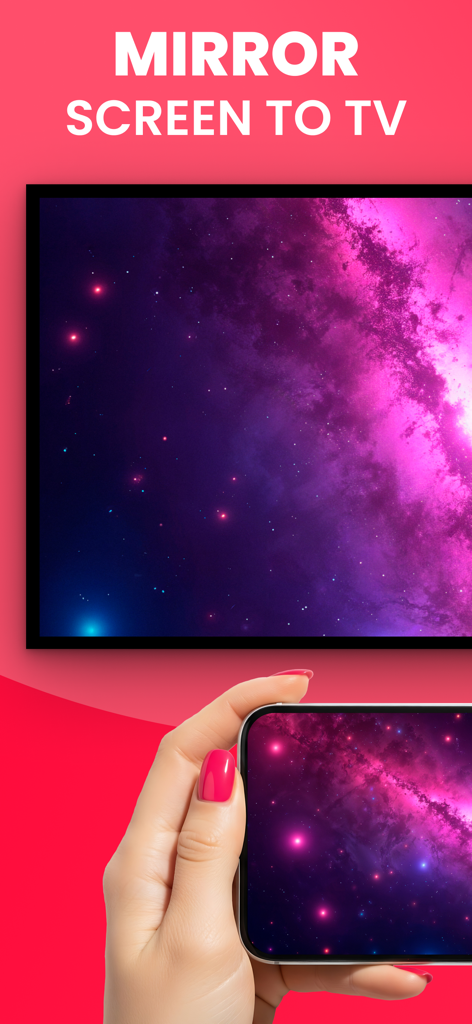
Hand hält ein Smartphone, das ein lila Galaxiebild auf einen Fernsehbildschirm spiegelt.
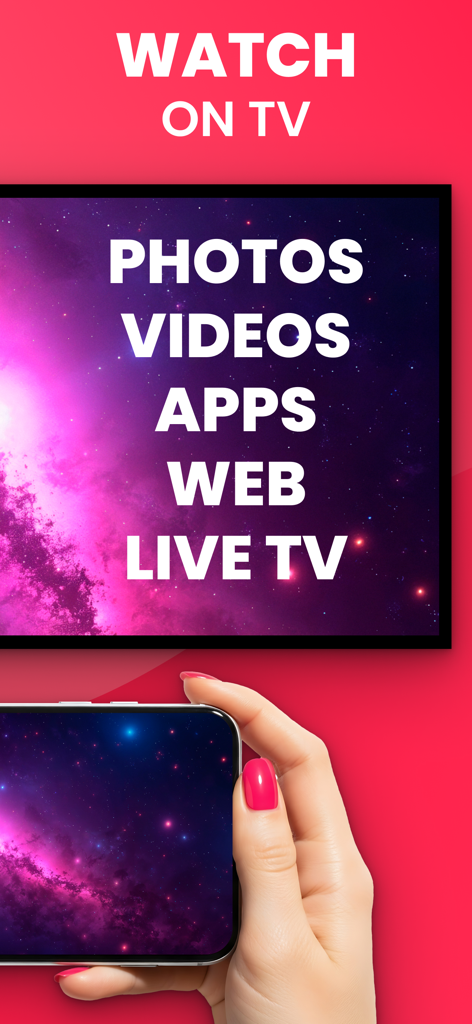
Ein Smartphone spiegelt seine Anzeige auf einen TV-Bildschirm, auf dem Optionen für Fotos und Videos angezeigt werden.
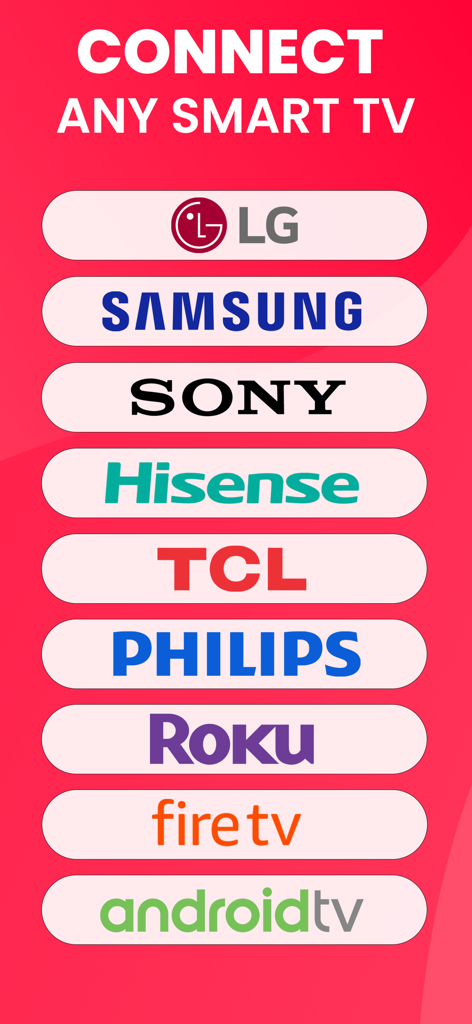
Liste der unterstützten Smart-TV-Marken für Screen Mirroring, einschließlich LG, Samsung und Sony.
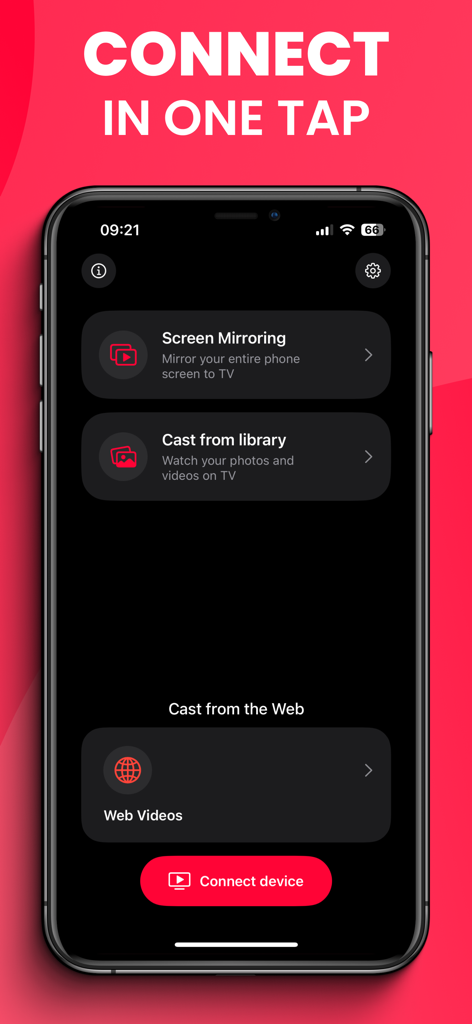
Hauptbildschirm der AllCast-App mit Optionen für Screen Mirroring und Web-Videos.
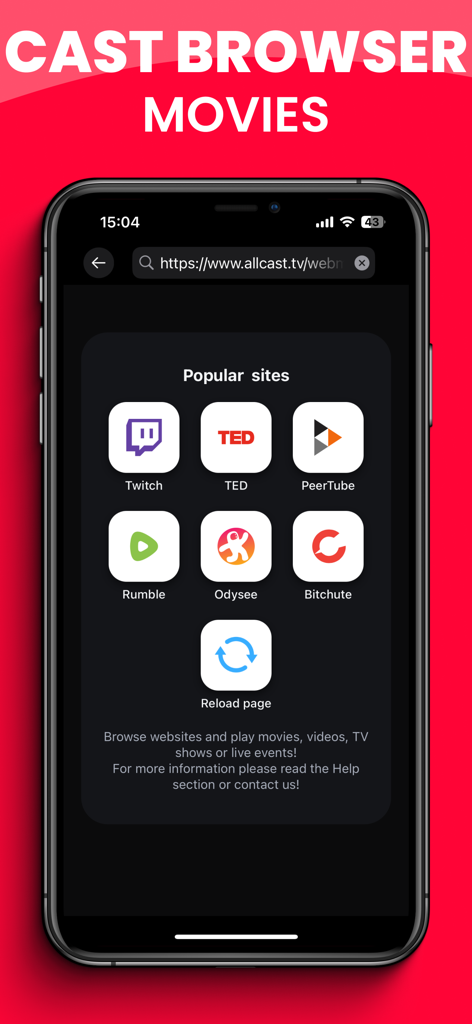
Smartphone-Bildschirm zeigt beliebte Video-Streaming-Seiten für Web-Casting auf den Fernseher.
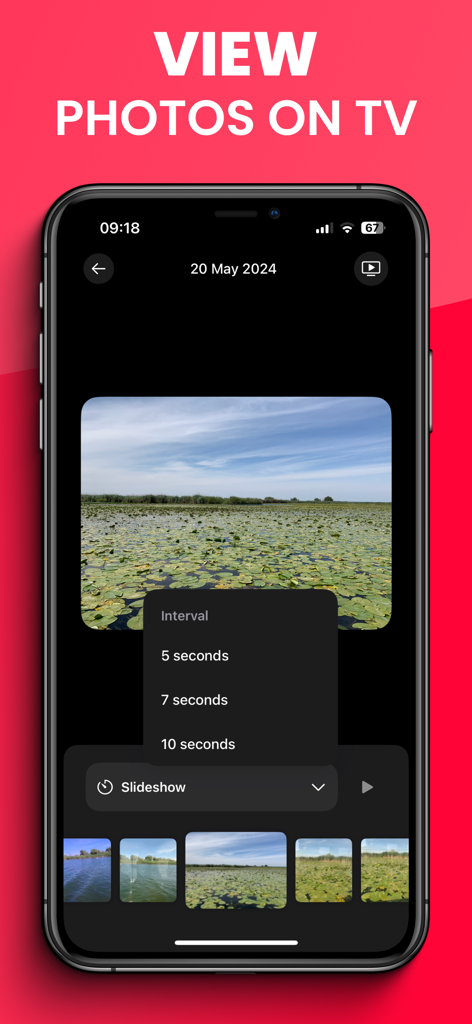
AllCast-App-Oberfläche zeigt ein Diashow-Menü für das Übertragen von Fotos auf den Fernseher.
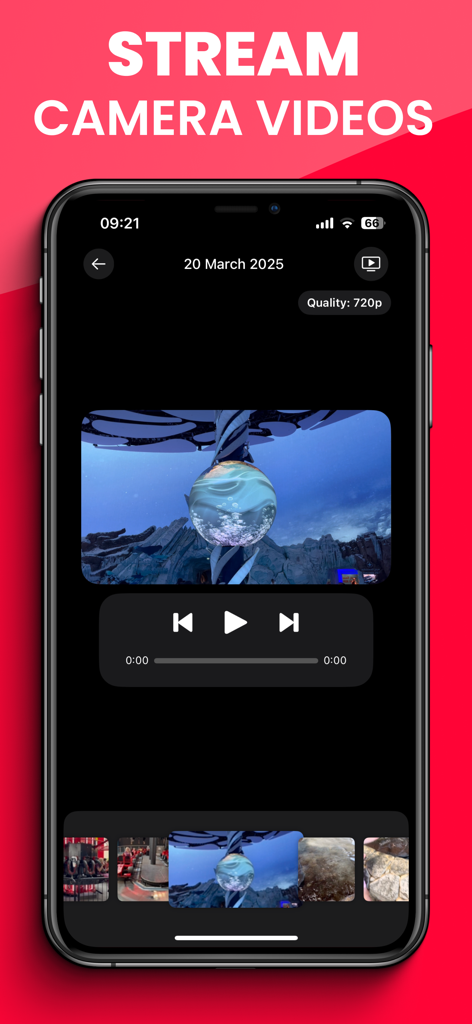
AllCast-App-Oberfläche zum Streamen von Videos aus der Kamerarolle auf einen Fernseher.
Beschreibung
Download
Ähnliche Apps
Top-gerankte Apps in derselben Kategorie

CapCut: Photo & Video Editor
BYTEDANCE PTE. LTD.

Instagram, Inc.

YouTube
Google LLC

Canva: AI Photo & Video Editor
Canva Pty Ltd

Snapchat
Snap, Inc.

快手
Beijing Kwai Technology Co., Ltd.

Edits: Video Editor
Instagram, Inc.

Meitu- AI Photo & Video Editor
Xiamen Meitu Technology Co., Ltd.

Google Photos: Backup & Edit
Google LLC
Diese Seite ist keine offizielle Seite der App oder ihres Entwicklers, sondern eine unabhängige redaktionelle Veröffentlichung, die zu Informations- und Kommentarzwecken erstellt wurde. Sofern nicht ausdrücklich anders angegeben, sind weder die App noch ihr Entwickler mit MWM, Apple, Google Play, dem App-Herausgeber oder dem Entwickler der App verbunden, von ihnen unterstützt, gesponsert, autorisiert oder anderweitig offiziell verbunden, und nichts auf dieser Seite impliziert, dass die App unter Verwendung der Dienste von MWM entwickelt wurde. Alle Marken, Logos, Screenshots und andere Inhalte bleiben Eigentum ihrer jeweiligen Inhaber.