
Diese Seite ist keine offizielle Seite der App oder ihres Entwicklers, sondern eine unabhängige redaktionelle Veröffentlichung, die zu Informations- und Kommentarzwecken erstellt wurde. Sofern nicht ausdrücklich anders angegeben, sind weder die App noch ihr Entwickler mit MWM, Apple, Google Play, dem App-Herausgeber oder dem Entwickler der App verbunden, von ihnen unterstützt, gesponsert, autorisiert oder anderweitig offiziell verbunden, und nichts auf dieser Seite impliziert, dass die App unter Verwendung der Dienste von MWM entwickelt wurde. Alle Marken, Logos, Screenshots und andere Inhalte bleiben Eigentum ihrer jeweiligen Inhaber.


AO Office
Machen Sie keine Kompromisse mehr mit vereinfachten mobilen Editoren. Erleben Sie die weltweit erste Desktop-Office-Suite für iOS, die Vollversionen von Writer, Calc und Impress ohne erforderliches Abonnement bietet.
Downloads
597K+Bewertung
Bewertungen gesamt
5K+Herausgeber
Kategorie
ProductivitySprachen
41Neueste Version
5.5.9Größe
279.4 MBErstveröffentlichung
21. Nov. 2016Leistung auf Desktop-Niveau für Ihr iPad
Geben Sie sich nicht mit eingeschränkten mobilen Apps zufrieden. Erleben Sie die volle, kompromisslose Leistung einer Desktop-Office-Suite, die für Power-User, Akademiker und Profis entwickelt wurde, die Präzision verlangen.
Vollständige Desktop-Parität
Erhalten Sie exakt dieselben Menüs, Formatierungswerkzeuge und komplexen Funktionen, die Sie vom PC kennen. Bearbeiten Sie Dokumente mit 100%iger Reproduzierbarkeit – keine verschobenen Ränder oder fehlerhaften Stile mehr.
Universelle Dateibeherrschung
Das ultimative Schweizer Taschenmesser für Ihre Dateien. Öffnen und bearbeiten Sie alles, von modernen DOCX- und XLSX-Formaten bis hin zu Legacy-Formaten von WordPerfect, AutoCAD und Photoshop, ohne die App zu verlassen.
Die folgenden Screenshots und die Beschreibung stammen direkt aus dem offiziellen Store-Eintrag der App und sind Eigentum des Entwicklers.
App Store
Screenshots
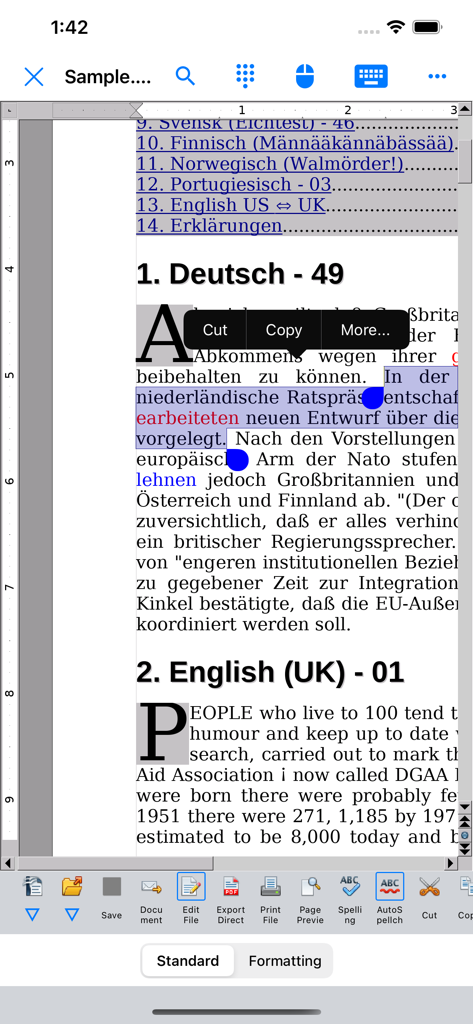
Die AO Office Writer-Komponente zeigt ein mehrsprachiges Dokument mit Textauswahl und Desktop-Bearbeitungs-Symbolleisten auf einem Mobilgerät.
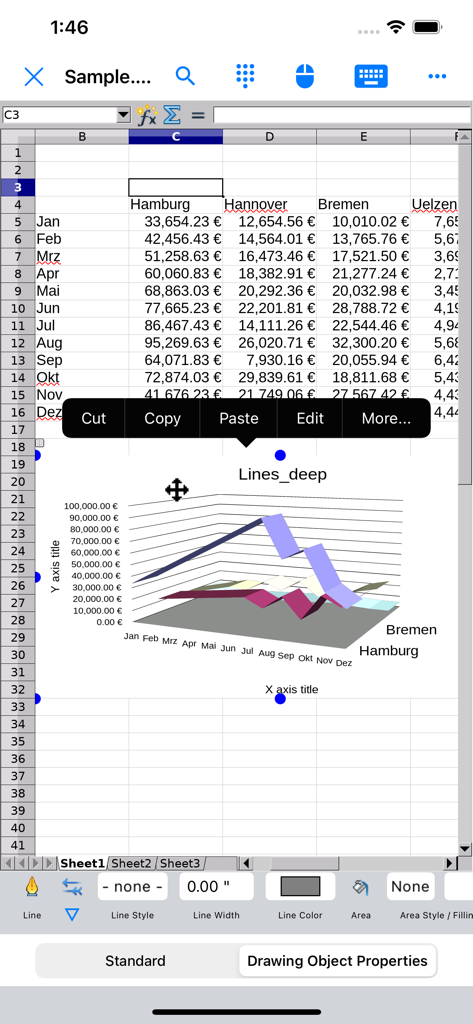
AO Office mobile Tabellenkalkulation zeigt ein 3D-Liniendiagramm und ein Kontextmenü im Desktop-Stil.
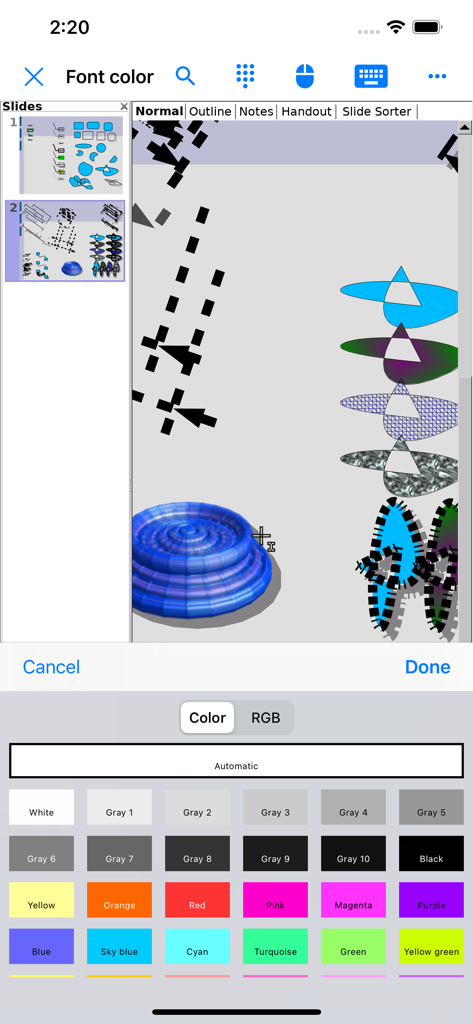
Die Benutzeroberfläche der AO Office Mobil-App zeigt eine detaillierte Schriftfarben-Auswahlpalette für die Bearbeitung von Folien und Zeichnungen.
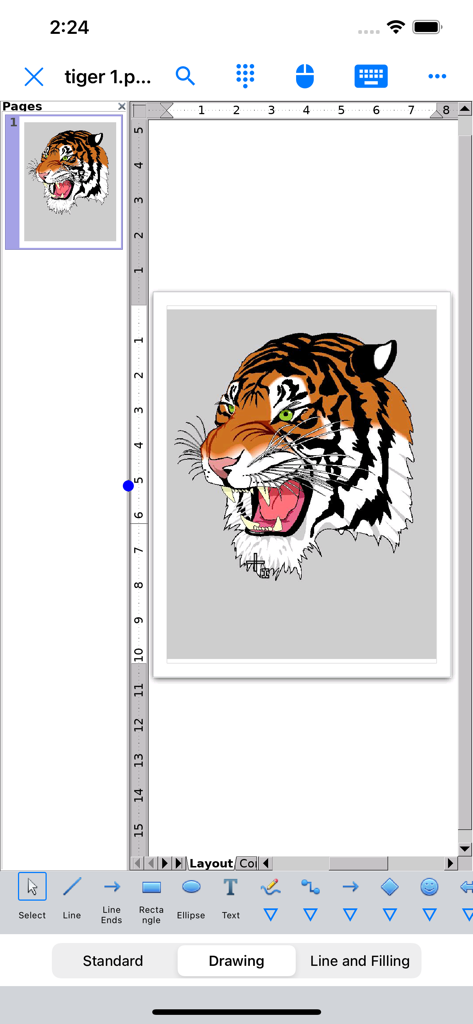
Die AO Office Draw-Benutzeroberfläche zeigt eine detaillierte Tiger-Illustration mit Desktop-Bearbeitungswerkzeugen auf dem Mobilgerät.
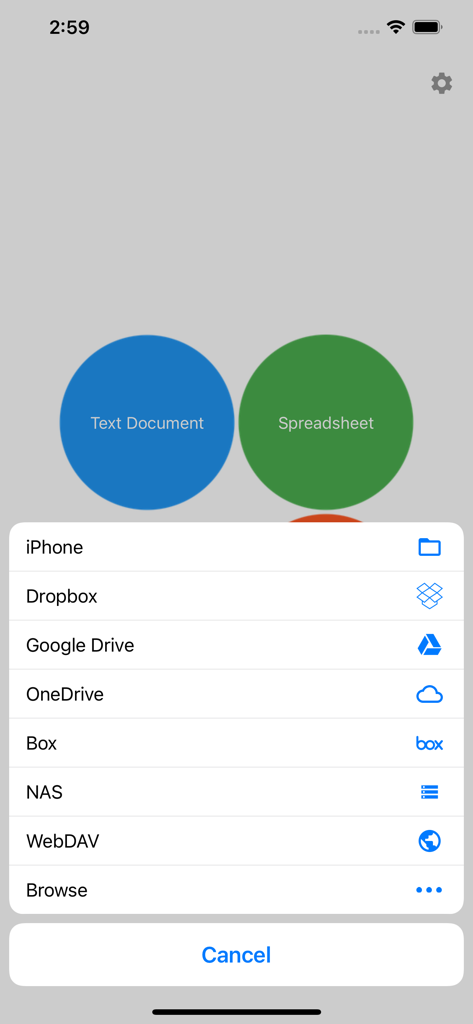
AO Office Mobil-App zeigt Speicheroptionen für Cloud- und lokale Dateien
Beschreibung
Download
Ähnliche Apps
Apps mit ähnlichen Funktionen und Nutzererfahrung

石墨文档 - 在线文档协作编辑和表格制作
ChuXin Tec Co., Ltd.

Documents - Create & Edit
Normal Vector Limited

全能办公文档-在线word文档手机版、在线文档编辑
亚敏 陈

表格手机版 -手机编辑表格文档
晶晶 姜

word文档手机版-在线文档编辑办公软件
根根 黄

OpenDocument Reader - view ODT
Stefl und Taschauer OG

xlsx表格手机版 -移动端表格编辑
华 杨

文档手机版-手机办公软件
卓臻 李

手机表格- xlsx表格编辑,表格手机版
孟达 李
Diese Seite ist keine offizielle Seite der App oder ihres Entwicklers, sondern eine unabhängige redaktionelle Veröffentlichung, die zu Informations- und Kommentarzwecken erstellt wurde. Sofern nicht ausdrücklich anders angegeben, sind weder die App noch ihr Entwickler mit MWM, Apple, Google Play, dem App-Herausgeber oder dem Entwickler der App verbunden, von ihnen unterstützt, gesponsert, autorisiert oder anderweitig offiziell verbunden, und nichts auf dieser Seite impliziert, dass die App unter Verwendung der Dienste von MWM entwickelt wurde. Alle Marken, Logos, Screenshots und andere Inhalte bleiben Eigentum ihrer jeweiligen Inhaber.