
Diese Seite ist keine offizielle Seite der App oder ihres Entwicklers, sondern eine unabhängige redaktionelle Veröffentlichung, die zu Informations- und Kommentarzwecken erstellt wurde. Sofern nicht ausdrücklich anders angegeben, sind weder die App noch ihr Entwickler mit MWM, Apple, Google Play, dem App-Herausgeber oder dem Entwickler der App verbunden, von ihnen unterstützt, gesponsert, autorisiert oder anderweitig offiziell verbunden, und nichts auf dieser Seite impliziert, dass die App unter Verwendung der Dienste von MWM entwickelt wurde. Alle Marken, Logos, Screenshots und andere Inhalte bleiben Eigentum ihrer jeweiligen Inhaber.

OpenDocument Reader - view ODT
Der ultimative Begleiter für ODF-Dateien. Zeigen Sie ODT-, ODS- und ODP-Dokumente mühelos unterwegs an, bearbeiten und durchsuchen Sie sie mit voller Offline-Unterstützung und ohne monatliche Abonnements.
Downloads
1M+Bewertung
Bewertungen gesamt
5K+Herausgeber
Kategorie
ProductivitySprachen
16Neueste Version
1.35Größe
14.6 MBErstveröffentlichung
9. Mai 2020Stärken Sie Ihren Open-Source-Workflow
Zeigen Sie LibreOffice- und OpenOffice-Dokumente auf Ihrem iPhone oder iPad nahtlos an, bearbeiten und verwalten Sie sie, ohne Abonnements zu belasten.
Präzise Schnellarbeiten
Einen Tippfehler vor einer Präsentation entdeckt? Aktualisieren Sie ODT- und ODS-Dateien sofort unterwegs und stellen Sie sicher, dass Ihre Arbeit immer poliert und professionell ist.
Universelle Cloud-Integration
Öffnen Sie mühelos Dateien von Google Drive, iCloud oder Dropbox. Ein einziger, leistungsstarker Hub für ODF-, Microsoft Office- und PDF-Formate.
Häufig gestellte Fragen
Alles, was Sie über wissen müssen OpenDocument Reader - view ODT
Was ist OpenDocument Reader - ODT anzeigen?
OpenDocument Reader - ODT anzeigen ist eine mobile Anwendung zum Anzeigen und Bearbeiten von Dokumenten, die mit LibreOffice oder OpenOffice erstellt wurden. Es unterstützt ODF-Formate wie ODT, ODS und ODP und ermöglicht grundlegende Bearbeitungen, Stichwortsuchen und Drucken.
Kann ich mit OpenDocument Reader Dokumente bearbeiten?
Ja, die OpenDocument Reader App unterstützt die grundlegende Bearbeitung von Dokumenten. Benutzer können Tippfehler beheben und Sätze hinzufügen, wodurch Änderungen schnell, einfach und gut in die App integriert werden.
Welche Dateiformate unterstützt OpenDocument Reader?
OpenDocument Reader unterstützt eine breite Palette von Dateiformaten, darunter ODF (ODT, ODS, ODP, ODG), PDF, Microsoft Office (DOCX, XLSX, PPTX), Apple iWork, Bilder, Videos, Audio und Textdateien.
Kann OpenDocument Reader passwortgeschützte Dokumente öffnen?
Ja, OpenDocument Reader kann passwortgeschützte Dokumente sicher öffnen. Diese Funktion ist für ODF-Dateien verfügbar und stellt sicher, dass Benutzer auf ihre gesicherten Daten zugreifen können.
Unterstützt OpenDocument Reader Cloud-Dienste?
Ja, OpenDocument Reader unterstützt das Öffnen von Dateien aus verschiedenen Cloud-Diensten. Dazu gehören GMail, Google Drive, iCloud, OneDrive, Nextcloud, Box.net und Dropbox sowie ein integrierter Dateiexplorer.
Kann OpenDocument Reader Dokumente laut vorlesen?
Ja, OpenDocument Reader bietet eine Text-to-Speech-Funktion. Benutzer können ihre Dokumente anhören, was die Zugänglichkeit verbessert und den Konsum von Inhalten in einem Audioformat ermöglicht.
Ist OpenDocument Reader offline verfügbar?
Ja, OpenDocument Reader ist vollständig offlinefähig. Benutzer können ihre Dokumente auch ohne Internetverbindung genießen und haben jederzeit und überall Zugriff darauf.
Zeigt OpenDocument Reader Werbung an?
Ja, in OpenDocument Reader wird Werbung geschaltet, um die Entwicklung zu unterstützen. Diese Anzeigen können über ein In-App-Menü vorübergehend entfernt werden.
Kann ich in OpenDocument Reader nach Stichwörtern in Dokumenten suchen?
Ja, OpenDocument Reader ermöglicht es Benutzern, nach Stichwörtern in ihren ODT- (Writer), ODS- (Calc) oder ODG-Dokumenten zu suchen. Die App hebt auch die Suchergebnisse zur einfachen Anzeige hervor.
Die folgenden Screenshots und die Beschreibung stammen direkt aus dem offiziellen Store-Eintrag der App und sind Eigentum des Entwicklers.
App Store
Screenshots
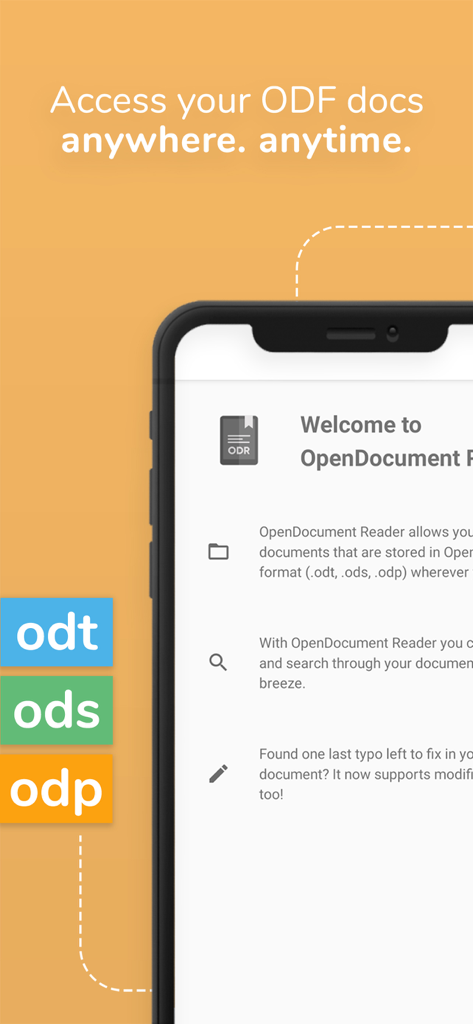
OpenDocument Reader mobile App-Oberfläche, die ODT-, ODS- und ODP-Dateiformatunterstützung auf einem iPhone zeigt
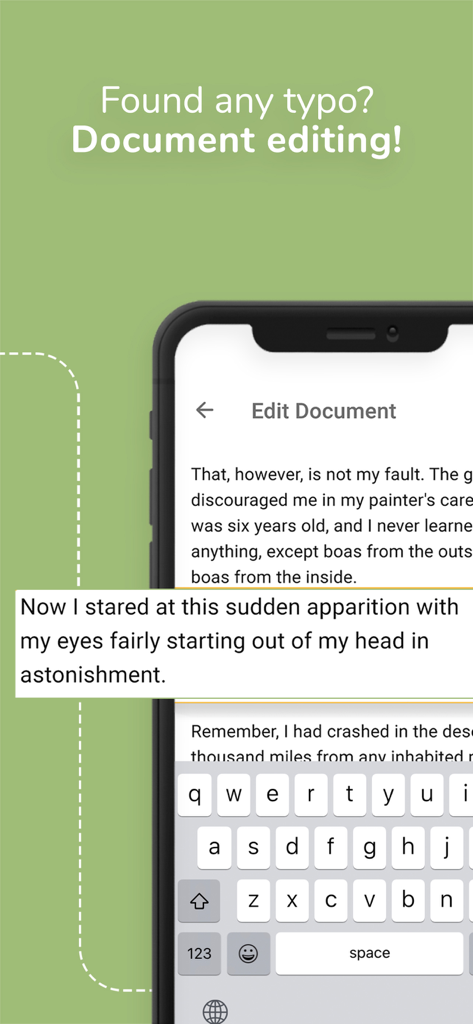
Smartphone-Bildschirm, der die Dokumentbearbeitungsfunktion der OpenDocument Reader App zeigt.
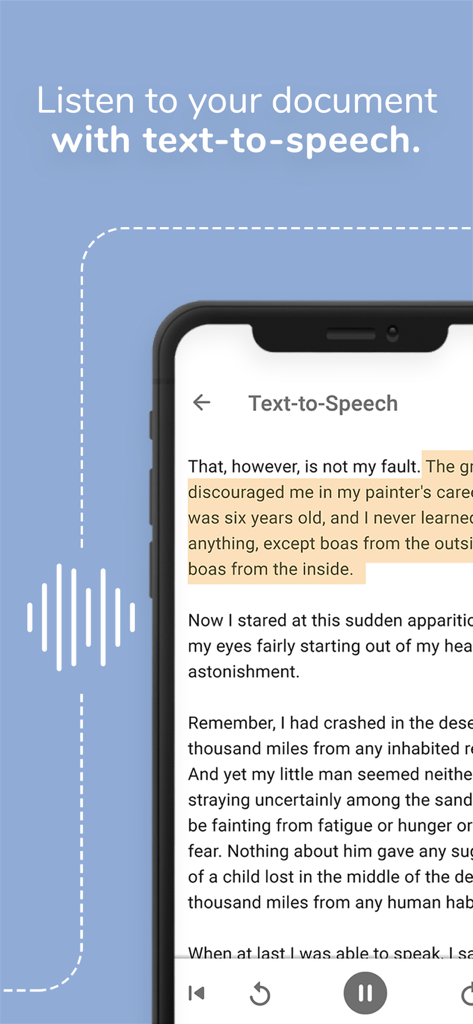
Smartphone, das die Text-to-Speech-Funktion in der OpenDocument Reader App anzeigt, um Dokumente anzuhören.
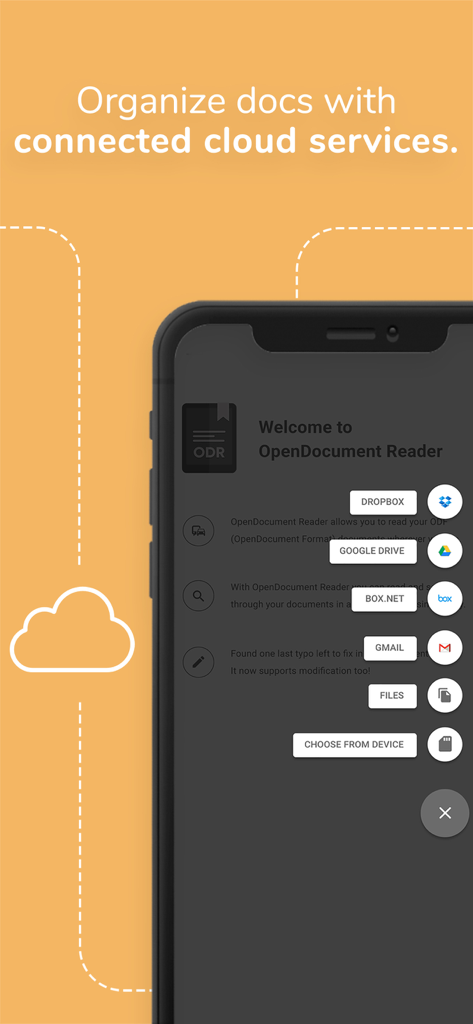
Screenshot der OpenDocument Reader App, der integrierte Cloud-Dienste wie Dropbox und Google Drive zur Dokumentenorganisation zeigt
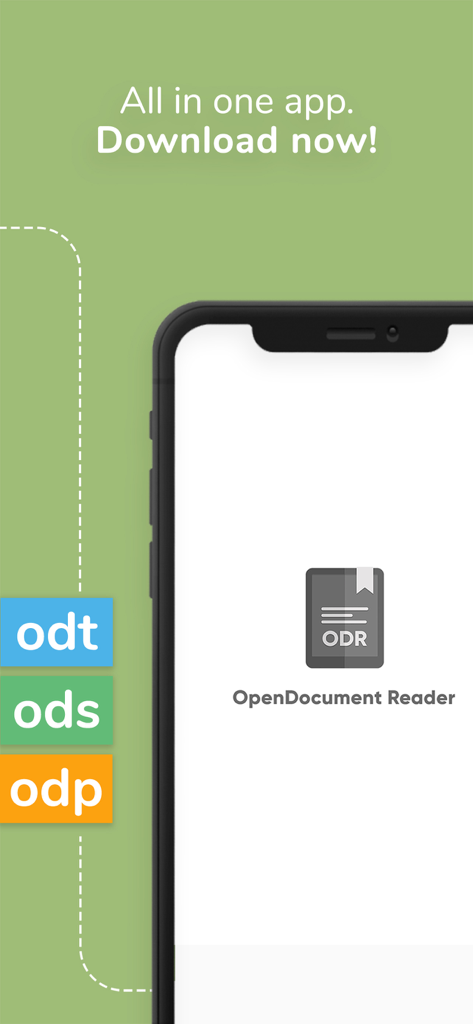
OpenDocument Reader App-Oberfläche, die die Unterstützung für ODT-, ODS- und ODP-Dateiformate anzeigt
Beschreibung
Download
Ähnliche Apps
Apps mit ähnlichen Funktionen und Nutzererfahrung

石墨文档 - 在线文档协作编辑和表格制作
ChuXin Tec Co., Ltd.

Documents - Create & Edit
Normal Vector Limited

全能办公文档-在线word文档手机版、在线文档编辑
亚敏 陈

表格手机版 -手机编辑表格文档
晶晶 姜

word文档手机版-在线文档编辑办公软件
根根 黄

xlsx表格手机版 -移动端表格编辑
华 杨

文档手机版-手机办公软件
卓臻 李

AO Office
Akikazu Yoshikawa

手机表格- xlsx表格编辑,表格手机版
孟达 李
Diese Seite ist keine offizielle Seite der App oder ihres Entwicklers, sondern eine unabhängige redaktionelle Veröffentlichung, die zu Informations- und Kommentarzwecken erstellt wurde. Sofern nicht ausdrücklich anders angegeben, sind weder die App noch ihr Entwickler mit MWM, Apple, Google Play, dem App-Herausgeber oder dem Entwickler der App verbunden, von ihnen unterstützt, gesponsert, autorisiert oder anderweitig offiziell verbunden, und nichts auf dieser Seite impliziert, dass die App unter Verwendung der Dienste von MWM entwickelt wurde. Alle Marken, Logos, Screenshots und andere Inhalte bleiben Eigentum ihrer jeweiligen Inhaber.