
Diese Seite ist keine offizielle Seite der App oder ihres Entwicklers, sondern eine unabhängige redaktionelle Veröffentlichung, die zu Informations- und Kommentarzwecken erstellt wurde. Sofern nicht ausdrücklich anders angegeben, sind weder die App noch ihr Entwickler mit MWM, Apple, Google Play, dem App-Herausgeber oder dem Entwickler der App verbunden, von ihnen unterstützt, gesponsert, autorisiert oder anderweitig offiziell verbunden, und nichts auf dieser Seite impliziert, dass die App unter Verwendung der Dienste von MWM entwickelt wurde. Alle Marken, Logos, Screenshots und andere Inhalte bleiben Eigentum ihrer jeweiligen Inhaber.

ArtRage
Erleben Sie die weltweit fortschrittlichste Simulation von realen Ölen, Aquarellen und Bleistiften. Meistern Sie den Fluss und die Textur traditioneller Medien auf Ihrer digitalen Leinwand – ohne Schmutz oder Kosten.
Downloads
439K+Bewertung
Bewertungen gesamt
3K+Herausgeber
Kategorie
EntertainmentSprachen
7Neueste Version
2.4.0Größe
62.1 MBErstveröffentlichung
27. Sept. 2010Meistern Sie die Kunst des realen Malens
Erleben Sie die authentischste digitale Simulation von Ölfarben, Aquarellen und Texturen, die jemals für Mobilgeräte entwickelt wurde, konzipiert für Künstler, die das taktile Gefühl traditioneller Medien schätzen.
Hyperrealistische Farbphysik
Im Gegensatz zu flachen digitalen Werkzeugen verfolgt ArtRage die Feuchtigkeit und Dicke der Farbe. Verwischen, mischen und vermengen Sie Farben auf der Leinwand genau wie mit echten Tuben Öl oder Aquarell.
Gebaut für präzise Hardware
Nutzen Sie Ihren Apple Pencil und Ihr iPad Pro voll aus. Mit professioneller Unterstützung für Druck, Neigung und 3D-Touch reagiert jeder Strich auf Ihre einzigartige künstlerische Berührung.
Die folgenden Screenshots und die Beschreibung stammen direkt aus dem offiziellen Store-Eintrag der App und sind Eigentum des Entwicklers.
App Store
Screenshots
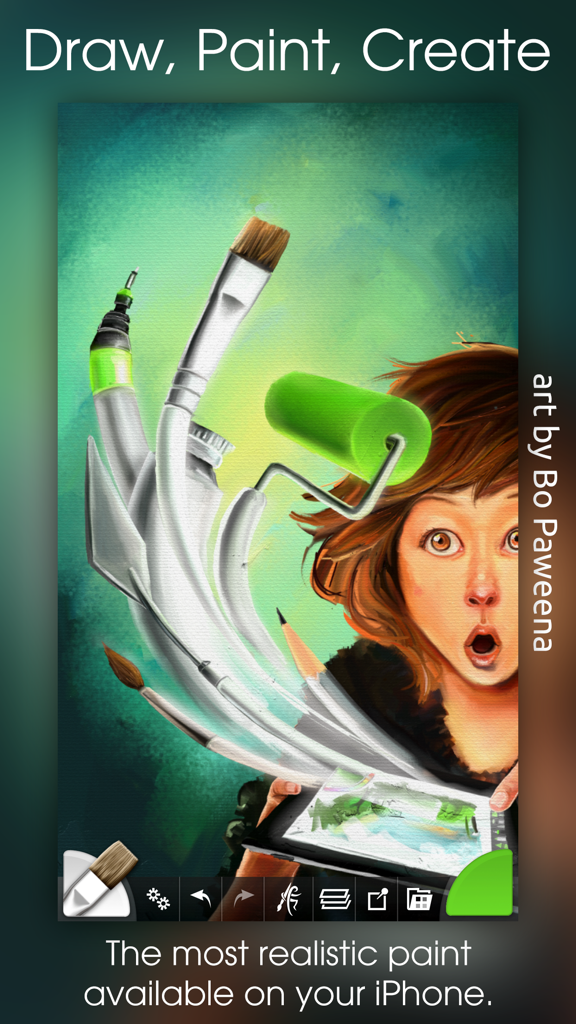
Digitale Illustration eines Mädchens mit schwebenden Kunstwerkzeugen, die die realistische Farbsimulation der ArtRage-App zeigen
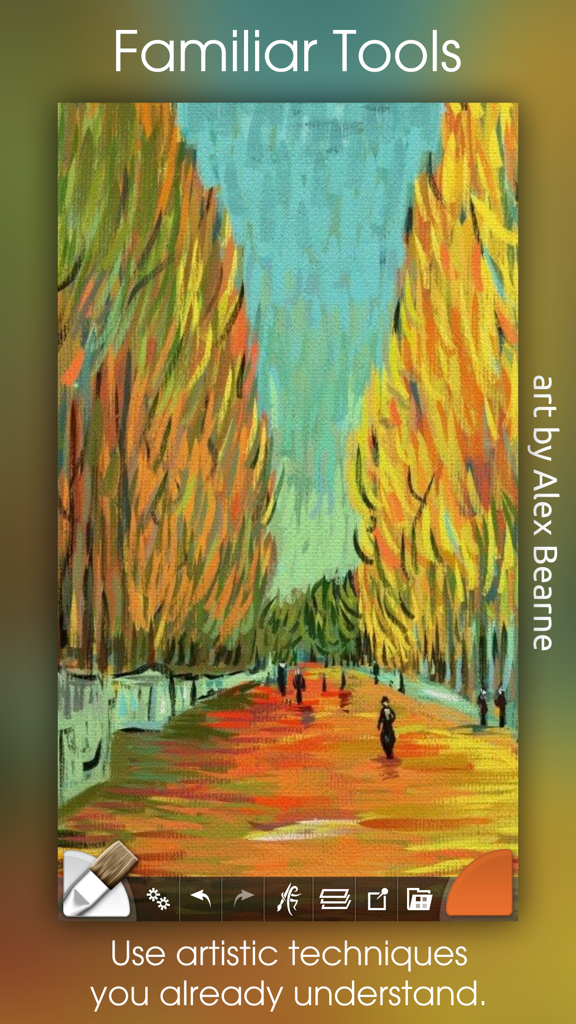
Ein farbenfrohes impressionistisches Ölgemälde eines von Bäumen gesäumten Weges, erstellt in der ArtRage-App.
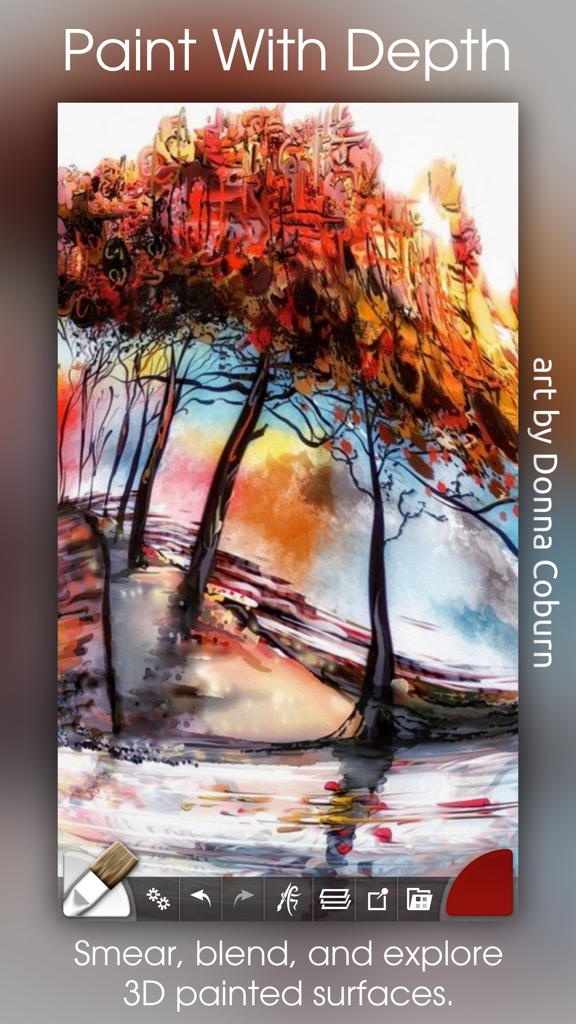
Digitales Ölgemälde von bunten Bäumen mit dicken, texturierten Farbeffekten in der ArtRage-App
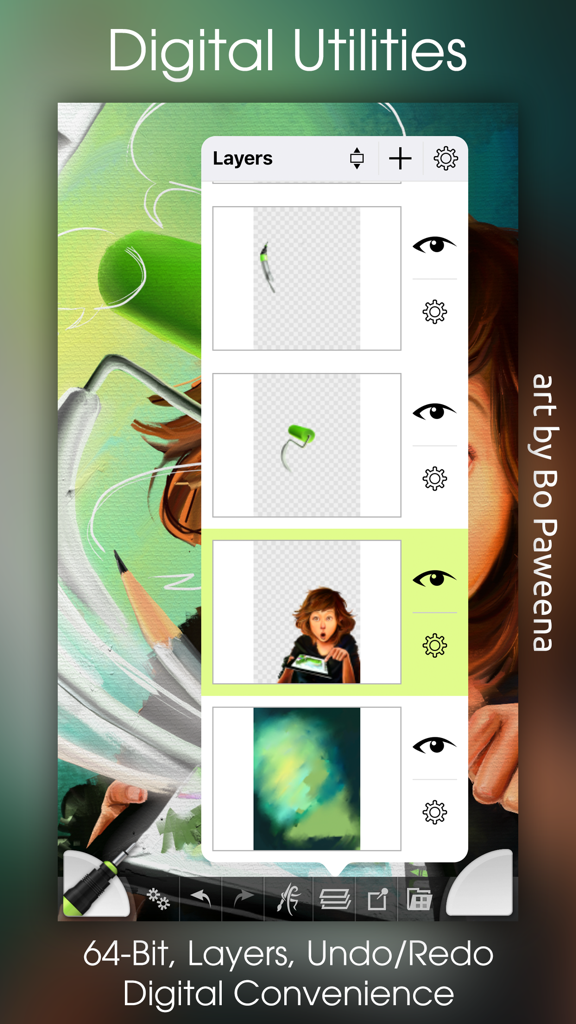
Ein Screenshot der ArtRage-App, der das Ebenenverwaltungsfenster über einem farbenfrohen digitalen Gemälde zeigt.
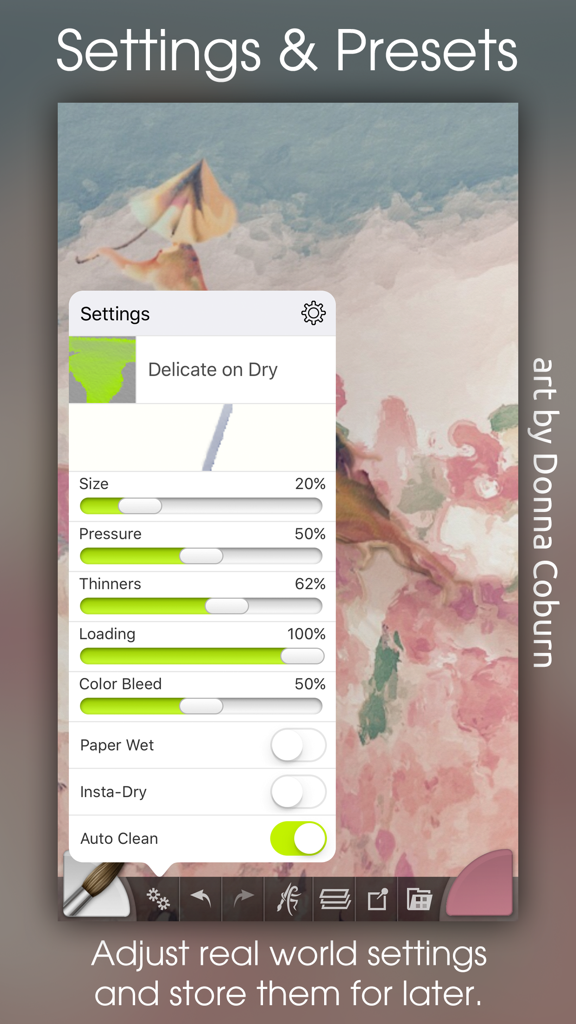
ArtRage Mobile-App-Oberfläche mit detaillierten Pinsel-Einstellungen und Presets für digitale Malerei
Beschreibung
Download
Ähnliche Apps
Apps mit ähnlichen Funktionen und Nutzererfahrung

Sketchbook®
Sketchbook, Inc.

Mental Canvas Draw
Mental Canvas, Inc.

ibis Paint
ibis inc.

ibis Paint X
ibis inc.

Paper: Sketch, Draw & Create
Evernote Corporation

Adobe Fresco: Draw & Paint App
Adobe Inc.

Art Set 4
Lofopi Ltd

MediBang Paint – Drawing & Art
MediBang inc.

Tayasui Sketches
SKETCHES SRL
Diese Seite ist keine offizielle Seite der App oder ihres Entwicklers, sondern eine unabhängige redaktionelle Veröffentlichung, die zu Informations- und Kommentarzwecken erstellt wurde. Sofern nicht ausdrücklich anders angegeben, sind weder die App noch ihr Entwickler mit MWM, Apple, Google Play, dem App-Herausgeber oder dem Entwickler der App verbunden, von ihnen unterstützt, gesponsert, autorisiert oder anderweitig offiziell verbunden, und nichts auf dieser Seite impliziert, dass die App unter Verwendung der Dienste von MWM entwickelt wurde. Alle Marken, Logos, Screenshots und andere Inhalte bleiben Eigentum ihrer jeweiligen Inhaber.