
Diese Seite ist keine offizielle Seite der App oder ihres Entwicklers, sondern eine unabhängige redaktionelle Veröffentlichung, die zu Informations- und Kommentarzwecken erstellt wurde. Sofern nicht ausdrücklich anders angegeben, sind weder die App noch ihr Entwickler mit MWM, Apple, Google Play, dem App-Herausgeber oder dem Entwickler der App verbunden, von ihnen unterstützt, gesponsert, autorisiert oder anderweitig offiziell verbunden, und nichts auf dieser Seite impliziert, dass die App unter Verwendung der Dienste von MWM entwickelt wurde. Alle Marken, Logos, Screenshots und andere Inhalte bleiben Eigentum ihrer jeweiligen Inhaber.


Authenticator App | 2FA Auth
Online-Konten fühlen sich an wie offene Scheunentore? Diese App macht sie zu Hochsicherheitstrakten, selbst wenn Passwörter versagen.
Downloads
100k+Bewertung
Bewertungen gesamt
331Herausgeber
Kategorie
UtilitiesSprachen
77Neueste Version
2.3.0Größe
84.3 MBErstveröffentlichung
13. Sept. 2024Diese Analyse beleuchtet die entscheidenden Funktionen der 'Authenticator App | 2FA Auth' im Hinblick auf deren Nutzen für sicherheitsbewusste digitale Anwender und Professionals.
Analyse der 'Authenticator App | 2FA Auth': Eine Evaluierung der Kernfunktionen
Robuste Zwei-Faktor-Authentifizierung (TOTP)
Die App sichert Online-Konten durch die Implementierung des Time-Based One-Time Password (TOTP)-Verfahrens, das alle 30 Sekunden neue, einzigartige Codes generiert. Dies bietet einen erhöhten Schutz vor unbefugtem Zugriff, selbst wenn Passwörter kompromittiert werden.
Umfassende Kompatibilität
Es funktioniert nahtlos mit Tausenden von beliebten Online-Diensten und gewährleistet, dass Nutzer ihre 2FA-Tokens universell für eine breite Palette von Plattformen, von sozialen Medien bis zu Finanzdiensten, verwenden können.
Offline-Fähigkeit
Dieses Tool generiert weiterhin sichere Authentifizierungscodes, auch wenn keine Internetverbindung besteht, was eine ununterbrochene Kontosicherheit und Zugänglichkeit gewährleistet.
Einfacher Konto-Import und -Export
Die App ermöglicht ein schnelles Hinzufügen und Verwalten von 2FA-Konten durch einfaches Scannen von QR-Codes oder die manuelle Eingabe privater Schlüssel, was die Einrichtung und Migration erheblich vereinfacht.
Häufig gestellte Fragen
Alles, was Sie über wissen müssen Authenticator App | 2FA Auth
What is the Authenticator App?
The Authenticator App is a two-factor authentication (2FA) solution that secures online accounts by generating unique Time-Based One-Time Passwords (TOTP). It ensures only authorized users can access accounts.
How does the Authenticator App enhance account security?
The Authenticator App uses Time-Based One-Time Passwords (TOTP) that change every 30 seconds. This adds an extra layer of security, significantly reducing unauthorized access risk even if your password is compromised.
Is the Authenticator App free to use?
Yes, the Authenticator App is completely free to download and use. This ensures that enhanced security features are accessible to everyone without any cost.
Can Authenticator App be used without an internet connection?
Yes, the Authenticator App includes an Offline Capability feature. It continues to protect your accounts even without an active internet connection, ensuring uninterrupted protection.
Does Authenticator App support password management?
Yes, Authenticator App offers password management. It securely stores and autofills your passwords for effortless and quick logins, eliminating the need to remember complex credentials.
How can users add accounts to the Authenticator App?
Users can easily add new accounts to the Authenticator App by scanning QR codes or entering private keys. This feature streamlines the process of managing 2FA accounts.
What online services are compatible with Authenticator App?
Authenticator App is compatible with thousands of popular online services, including Google, Instagram, Facebook, Twitter, LinkedIn, Dropbox, Snapchat, Github, Tesla, Coinbase, and Bitcoin wallets.
Does Authenticator App store user data on external servers?
No, the Authenticator App explicitly states 'NO Data JUST Security.' It secures all online accounts on your device, ensuring local storage and protection of user information through encryption.
Does Authenticator App offer account backup and sync features?
Yes, the Authenticator App provides seamless account sync and backup capabilities. This ensures your 2FA accounts are protected and available across all your devices.
How does Authenticator App protect access to the app itself?
Authenticator App protects access to the app itself using Face ID, Fingerprint, or PIN Lock. Users must authenticate to open the application, adding an extra layer of security.
Die folgenden Screenshots und die Beschreibung stammen direkt aus dem offiziellen Store-Eintrag der App und sind Eigentum des Entwicklers.
App Store
Screenshots
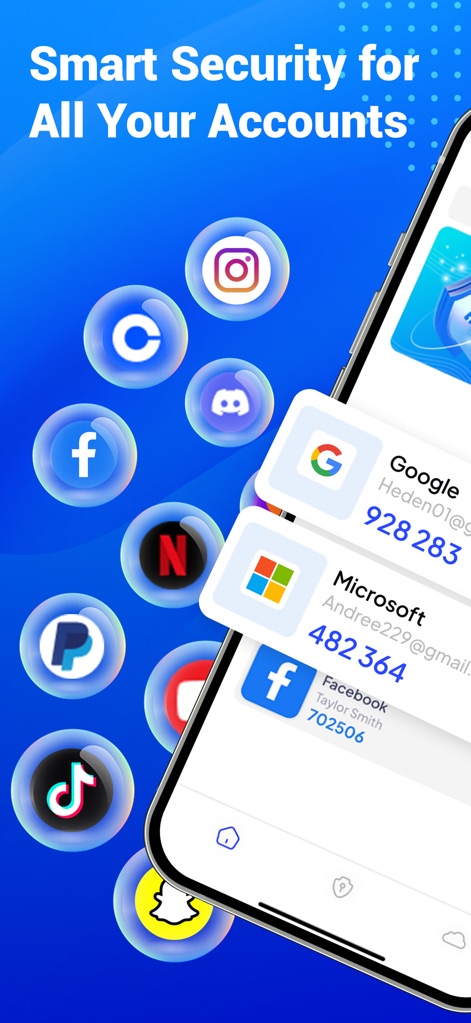
Die App präsentiert eine übersichtliche Ansicht der verbundenen Dienste mit ihren temporären Codes und zeigt zudem spielerisch die Vielzahl der unterstützten Plattformen durch schwebende Icons.
Smarte Kontoverwaltung
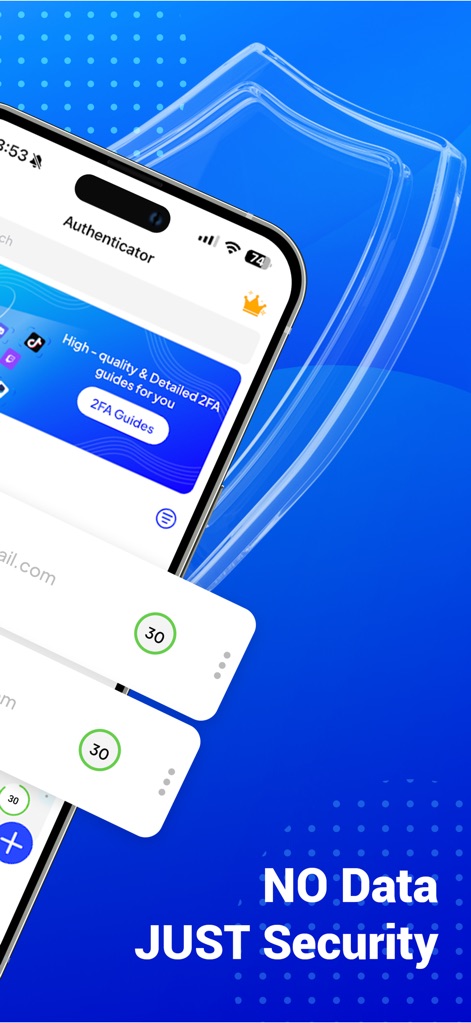
Dieses Bild betont die Kernphilosophie der App durch den markanten Slogan 'NO Data JUST Security' und visualisiert die Echtzeit-Generierung der 30-Sekunden-TOTP-Codes.
Sicherheit im Fokus
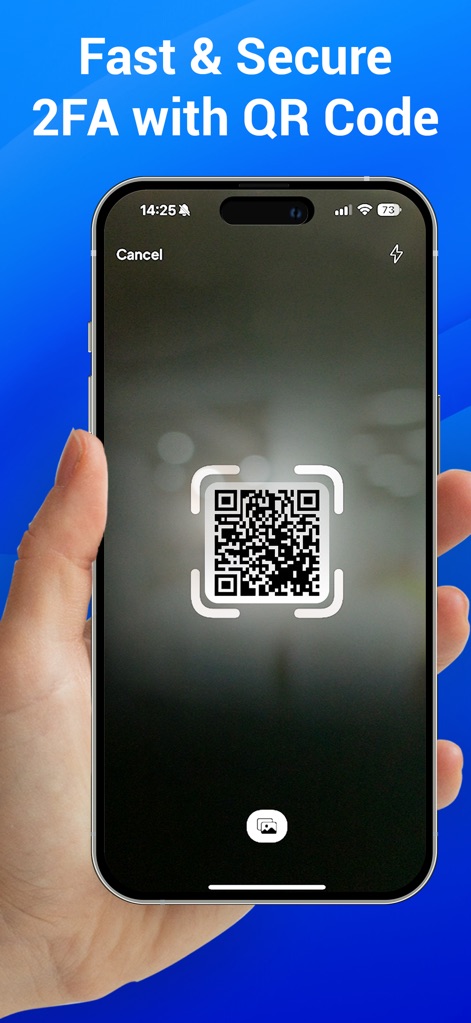
Nutzer können neue 2FA-Konten mühelos und sicher hinzufügen, indem sie den integrierten QR-Code-Scanner verwenden, was die schnelle Einrichtung verdeutlicht.
Schnelle Einrichtung
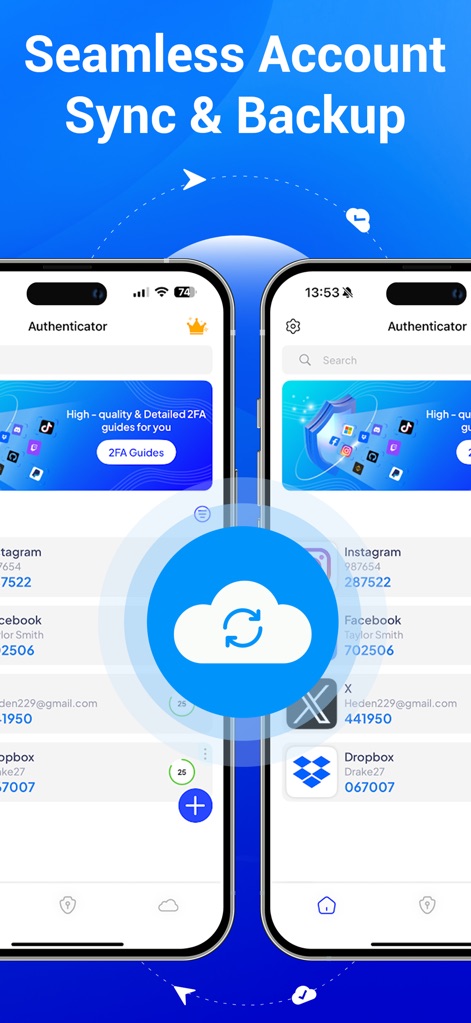
Die Abbildung demonstriert die Fähigkeit der App zur nahtlosen Kontosynchronisation und Datensicherung, symbolisiert durch die gegenüberliegenden Geräte und das zentrale Cloud-Symbol.
Nahtlose Synchronisation
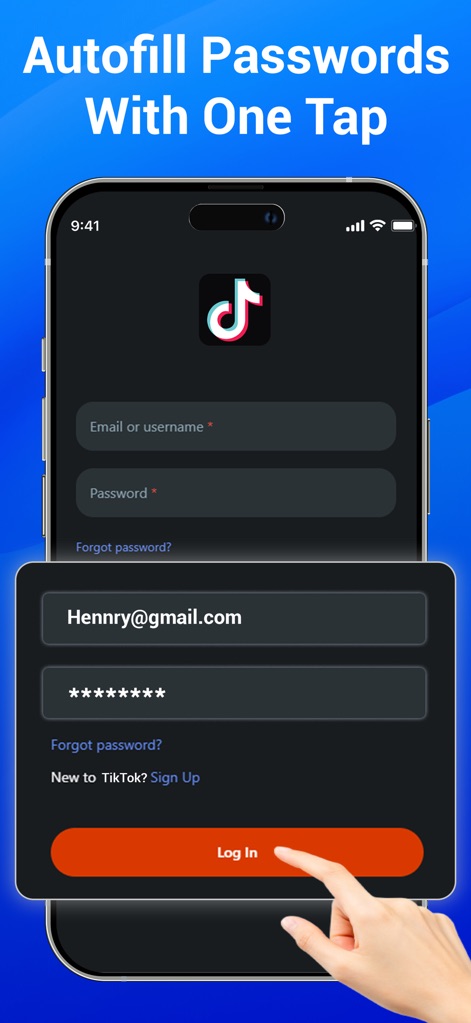
Dieses Bild hebt die Komfortfunktion des automatischen Ausfüllens von Passwörtern hervor, wobei der Finger die Ein-Tap-Anmeldung bestätigt und die vorausgefüllten Login-Felder sichtbar sind.
Passwort-Autofill
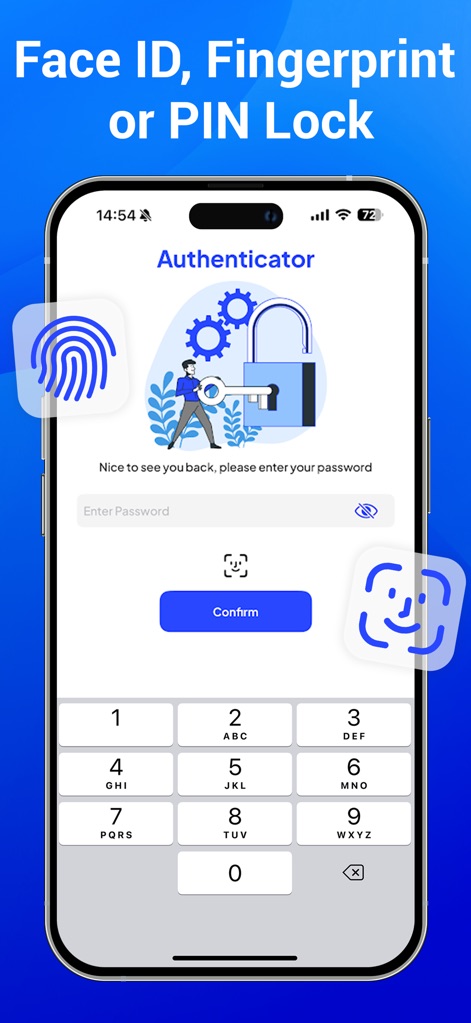
Die App bietet robuste Zugangssicherheit durch biometrische Methoden wie Face ID und Fingerabdruckscanner, ergänzt durch die Möglichkeit der PIN-Eingabe auf dem numerischen Tastenfeld.
Biometrischer Schutz
Beschreibung
Download
Ähnliche Apps
Apps mit ähnlichen Funktionen und Nutzererfahrung

Google Authenticator
Google LLC

Duo Mobile
Duo Security LLC

Authenticator App - 2FA &. MFA
APPLY DIJITAL HIZMETLER TICARET LIMITED SIRKETI

authenticator . app
Mustafa Uz

SafeNet MobilePASS+
Thales DIS (Singapore) Pte Ltd

Čítačka
Tatra banka, a.s.

Authenticator App - SafeAuth
Brilliant App Limited

Authenticator App - 2FA Auth
UNIVERSE DIJITAL HIZMETLER LIMITED SIRKETI

Authenticator App : Scan & 2FA
XSOFT GLOBAL LIMITED
Diese Seite ist keine offizielle Seite der App oder ihres Entwicklers, sondern eine unabhängige redaktionelle Veröffentlichung, die zu Informations- und Kommentarzwecken erstellt wurde. Sofern nicht ausdrücklich anders angegeben, sind weder die App noch ihr Entwickler mit MWM, Apple, Google Play, dem App-Herausgeber oder dem Entwickler der App verbunden, von ihnen unterstützt, gesponsert, autorisiert oder anderweitig offiziell verbunden, und nichts auf dieser Seite impliziert, dass die App unter Verwendung der Dienste von MWM entwickelt wurde. Alle Marken, Logos, Screenshots und andere Inhalte bleiben Eigentum ihrer jeweiligen Inhaber.