
Diese Seite ist keine offizielle Seite der App oder ihres Entwicklers, sondern eine unabhängige redaktionelle Veröffentlichung, die zu Informations- und Kommentarzwecken erstellt wurde. Sofern nicht ausdrücklich anders angegeben, sind weder die App noch ihr Entwickler mit MWM, Apple, Google Play, dem App-Herausgeber oder dem Entwickler der App verbunden, von ihnen unterstützt, gesponsert, autorisiert oder anderweitig offiziell verbunden, und nichts auf dieser Seite impliziert, dass die App unter Verwendung der Dienste von MWM entwickelt wurde. Alle Marken, Logos, Screenshots und andere Inhalte bleiben Eigentum ihrer jeweiligen Inhaber.

Authenticator App · 2FA
Schützen Sie Ihre Konten und Passkeys mit einem leistungsstarken All-in-One-Sicherheitscenter. Mit verschlüsselter iCloud-Synchronisierung, biometrischer Sperre und Apple Watch-Unterstützung für den technikaffinen Profi.
Downloads
115K+Bewertung
Bewertungen gesamt
800Herausgeber
Kategorie
UtilitiesSprachen
13Neueste Version
4.3.3Größe
112.4 MBErstveröffentlichung
13. Nov. 2023Umfassende Sicherheit für Ihre digitale Welt
Bleiben Sie Hackern immer einen Schritt voraus mit einer leistungsstarken Suite von Sicherheitstools, die für Geschwindigkeit, Organisation und Seelenfrieden auf all Ihren Apple-Geräten entwickelt wurden.
Verschlüsselte Cloud-Synchronisierung & Wiederherstellung
Verlieren Sie nie den Zugriff auf Ihre Konten. Synchronisieren Sie Codes sicher über iCloud auf iPhone, iPad und Mac mit fortschrittlicher OCR-Wiederherstellung für Ihre Backup-Codes.
Sofortiger Zugriff mit Widgets & FaceID
Erhalten Sie Ihre Codes direkt von Ihrem Home-Bildschirm oder der Dynamic Island. Entsperren Sie Ihr Tresorfach sofort mit FaceID für das schnellste verfügbare sichere Anmeldeerlebnis.
Die folgenden Screenshots und die Beschreibung stammen direkt aus dem offiziellen Store-Eintrag der App und sind Eigentum des Entwicklers.
App Store
Screenshots
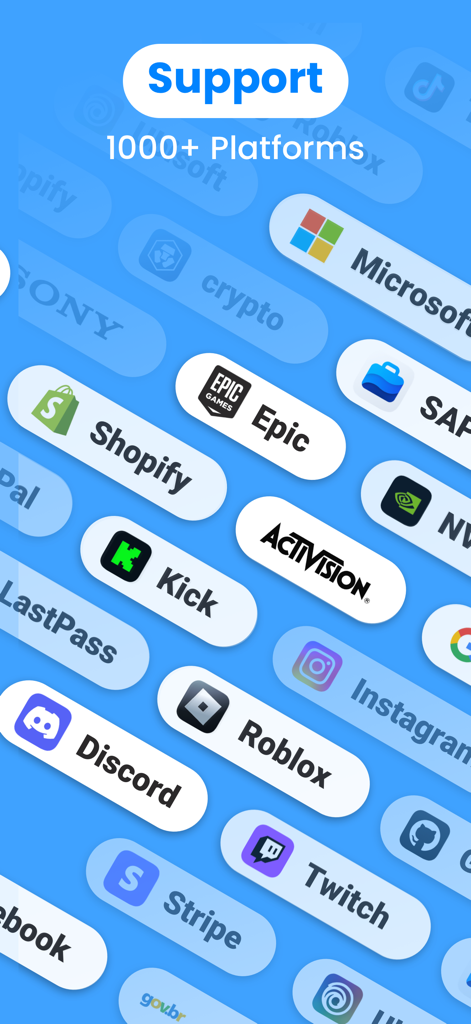
Authenticator-App-Oberfläche, die Unterstützung für über 1000 Plattformen zeigt, darunter Microsoft, Shopify und Discord
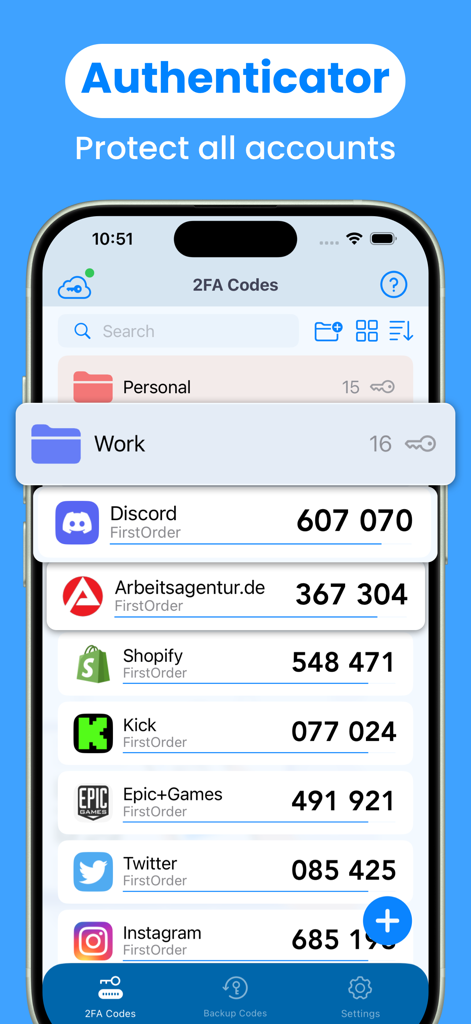
Authenticator-App-Oberfläche, die 2FA-Codes für Discord, Shopify und Epic Games zeigt, die in Ordnern organisiert sind
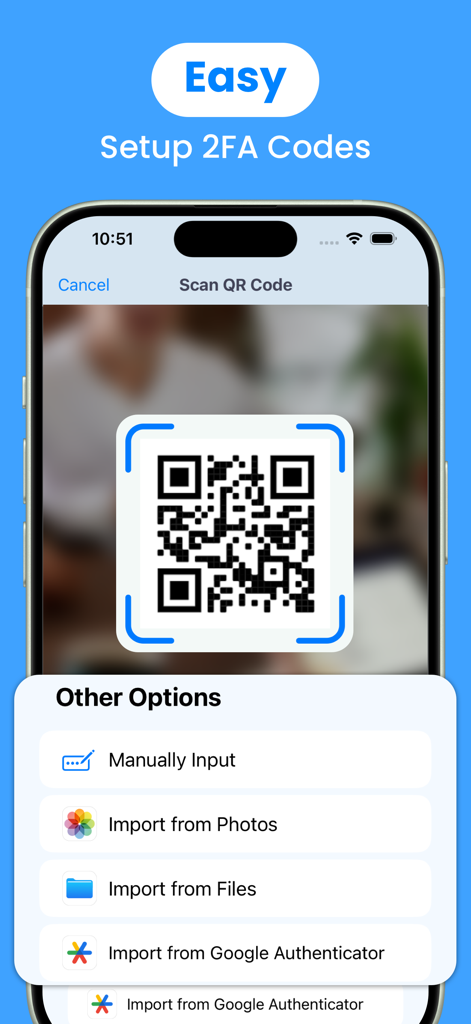
Authenticator-App-Oberfläche, die QR-Code-Scannen und Kontoimportoptionen für eine einfache 2FA-Einrichtung zeigt
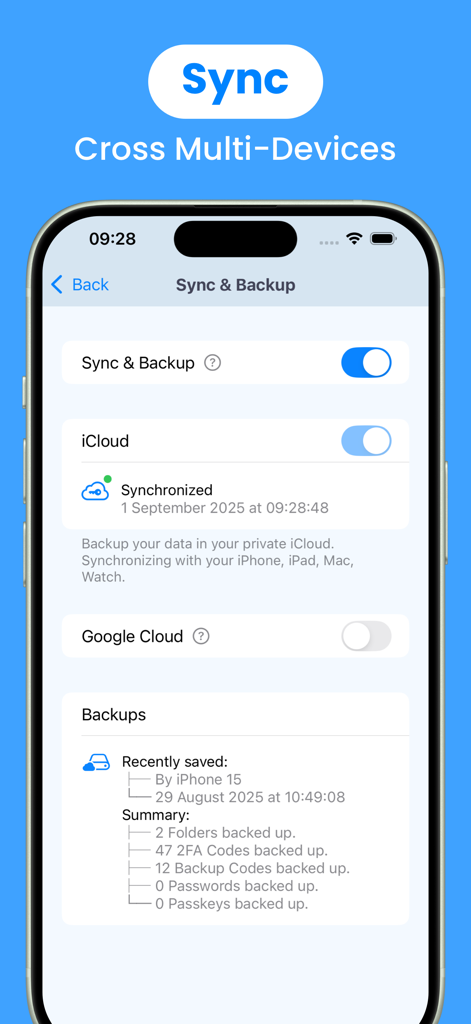
Authenticator-App-Bildschirm, der Synchronisierungs- und Backup-Einstellungen mit iCloud-Integration für geräteübergreifende Sicherheit zeigt
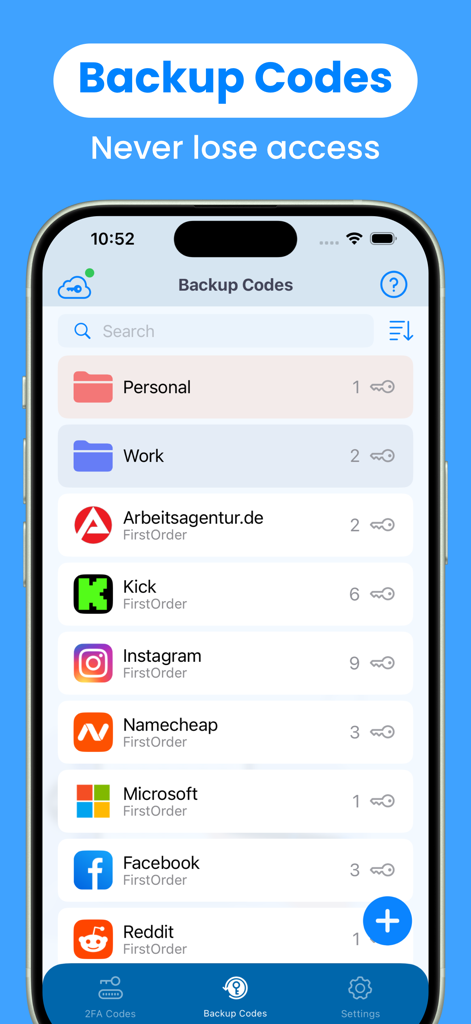
Der Bildschirm für Backup-Codes der 2FA-Authenticator-App, der Ordner und eine Liste von Konten anzeigt
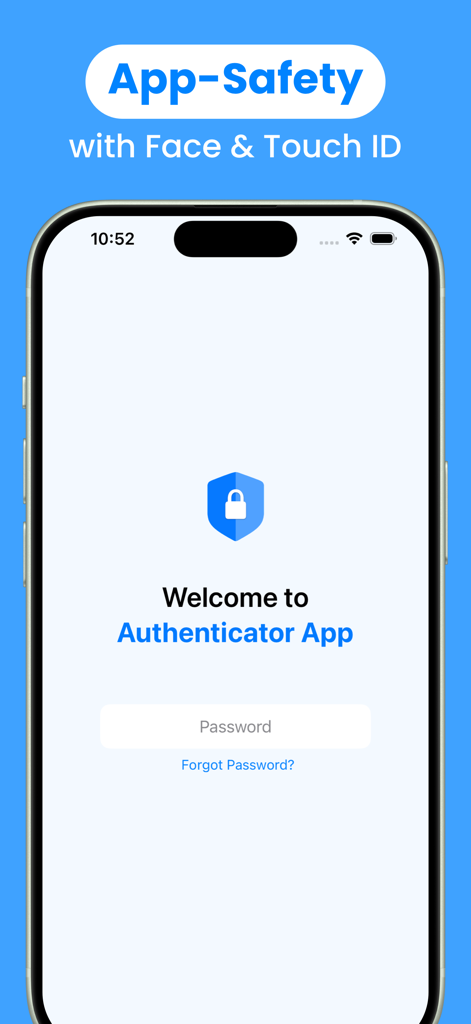
Authenticator-App-Anmeldebildschirm, der die App-Sicherheit mit Face- und Touch-ID-Integration hervorhebt
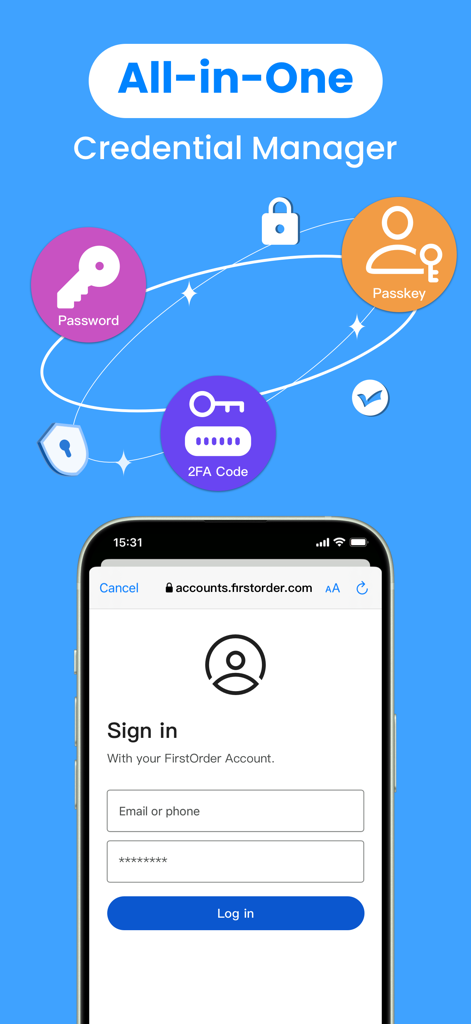
Authenticator-App, die einen All-in-One-Manager für Passwörter, Passkeys und 2FA-Codes anzeigt.
Beschreibung
Download
Ähnliche Apps
Apps mit ähnlichen Funktionen und Nutzererfahrung

Google Authenticator
Google LLC

Duo Mobile
Duo Security LLC

Authenticator App - 2FA &. MFA
APPLY DIJITAL HIZMETLER TICARET LIMITED SIRKETI

authenticator . app
Mustafa Uz

SafeNet MobilePASS+
Thales DIS (Singapore) Pte Ltd

Čítačka
Tatra banka, a.s.

Authenticator App - SafeAuth
Brilliant App Limited

Authenticator App - 2FA Auth
UNIVERSE DIJITAL HIZMETLER LIMITED SIRKETI

Authenticator App : Scan & 2FA
XSOFT GLOBAL LIMITED
Diese Seite ist keine offizielle Seite der App oder ihres Entwicklers, sondern eine unabhängige redaktionelle Veröffentlichung, die zu Informations- und Kommentarzwecken erstellt wurde. Sofern nicht ausdrücklich anders angegeben, sind weder die App noch ihr Entwickler mit MWM, Apple, Google Play, dem App-Herausgeber oder dem Entwickler der App verbunden, von ihnen unterstützt, gesponsert, autorisiert oder anderweitig offiziell verbunden, und nichts auf dieser Seite impliziert, dass die App unter Verwendung der Dienste von MWM entwickelt wurde. Alle Marken, Logos, Screenshots und andere Inhalte bleiben Eigentum ihrer jeweiligen Inhaber.