
Diese Seite ist keine offizielle Seite der App oder ihres Entwicklers, sondern eine unabhängige redaktionelle Veröffentlichung, die zu Informations- und Kommentarzwecken erstellt wurde. Sofern nicht ausdrücklich anders angegeben, sind weder die App noch ihr Entwickler mit MWM, Apple, Google Play, dem App-Herausgeber oder dem Entwickler der App verbunden, von ihnen unterstützt, gesponsert, autorisiert oder anderweitig offiziell verbunden, und nichts auf dieser Seite impliziert, dass die App unter Verwendung der Dienste von MWM entwickelt wurde. Alle Marken, Logos, Screenshots und andere Inhalte bleiben Eigentum ihrer jeweiligen Inhaber.

Calculator Vault Private Photo
Schützen Sie Ihre Privatsphäre mit einem sicheren, lokalen Tresor für Fotos, Videos und Kontakte, der geschickt als voll funktionsfähiger wissenschaftlicher Taschenrechner getarnt ist.
Downloads
356K+Bewertung
Bewertungen gesamt
500Herausgeber
Kategorie
UtilitiesSprachen
1Neueste Version
1.47Größe
141.3 MBErstveröffentlichung
22. Juli 2021Kompromisslose Privatsphäre, perfekt getarnt
Gehen Sie über standardmäßige versteckte Ordner hinaus. Sichern Sie Ihre sensibelsten Fotos, Videos und Kontakte hinter einem voll funktionsfähigen Taschenrechner, den nur Sie entsperren können.
Tarn-Taschenrechner-Oberfläche
Es sieht aus und funktioniert wie ein Standard-Wissenschaftsrechner. Ihr geheimer Tresor bleibt offen sichtbar und sorgt dafür, dass niemand seinen wahren Zweck ahnt.
Täuschungs-Doppelpasswort-System
Erstellen Sie einen gefälschten Tresor mit einer separaten PIN. Wenn Sie gezwungen werden, die App zu entsperren, zeigen Sie eine Täuschungsgalerie, während Ihre echten privaten Medien sicher verborgen bleiben.
Häufig gestellte Fragen
Alles, was Sie über wissen müssen Calculator Vault Private Photo
Was ist Calculator Vault Private Photo?
Calculator Vault Private Photo ist eine sichere App, die Fotos, Videos, Audio und Dateien verbirgt. Sie schützt die Privatsphäre, indem sie sensible Inhalte in einem getarnten Tresor auf Ihrem Gerät versteckt.
Wie versteckt Calculator Vault Private Photo meine Inhalte?
Calculator Vault Private Photo tarnt sich als Taschenrechner. Es versteckt private Medien hinter einer numerischen PIN oder Face ID, die nur innerhalb dieses versteckten Tresors zugänglich sind.
Wie setze ich mein Passwort für Calculator Vault Private Photo zurück?
Um Ihr Calculator Vault Private Photo-Passwort zurückzusetzen, geben Sie '11223344' auf dem PIN-Bildschirm ein und drücken Sie '='. Beantworten Sie dann Ihre Sicherheitsfrage, um es abzurufen.
Speichert Calculator Vault Private Photo meine versteckten Dateien online?
Nein, Calculator Vault Private Photo speichert Ihre Dateien ausschließlich auf Ihrem Gerät. Benutzer müssen alle versteckten Inhalte sichern, bevor sie sie übertragen oder einen Werksreset durchführen.
Wie funktioniert das Abonnement für Calculator Vault Private Photo?
Abonnements für Calculator Vault Private Photo werden über iTunes abgerechnet und automatisch verlängert. Kündigen Sie mindestens 24 Stunden vor Ablauf des Zeitraums. Nach der Aktivierung können Abonnements nicht mehr gekündigt werden.
Was ist die Funktion 'Deceptive Vault' in Calculator Vault Private Photo?
Die Funktion 'Deceptive Vault' in Calculator Vault Private Photo erstellt einen sekundären Tresor mit einem anderen Passwort. Dies ermöglicht die Speicherung von Lockvogel-Fotos und -Videos für erhöhte Privatsphäre.
Kann ich das App-Symbol für Calculator Vault Private Photo ändern?
Ja, Calculator Vault Private Photo bietet eine Symbolverdeckung. Benutzer können das App-Symbol ändern, um seine wahre Funktion zu verschleiern und die Diskretion auf ihrem Gerät zu wahren.
Welche Dateiformate unterstützt Calculator Vault Private Photo für Bilder?
Calculator Vault Private Photo unterstützt verschiedene Bildformate zur Verdeckung, darunter gängige Typen wie JPG, PNG und GIF. Es sichert verschiedene Bilddateien in seinem Tresor.
Erlaubt Calculator Vault Private Photo das Verstecken von Kontakten?
Ja, Calculator Vault Private Photo verfügt über eine Kontakt-Schutzfunktion. Benutzer können sensible Kontakte in der App importieren und schützen, um deren Vertraulichkeit und Privatsphäre zu gewährleisten.
Kann Calculator Vault Private Photo andere Anwendungen sperren?
Ja, Calculator Vault Private Photo verfügt über eine App-Sperrfunktion. Sie ermöglicht es Benutzern, andere Anwendungen auf ihrem Gerät zu sichern und unbefugten Zugriff auf diese zu verhindern.
Bietet Calculator Vault Private Photo eine Backup-Funktion für versteckte Dateien?
Calculator Vault Private Photo bietet eine unbegrenzte Backup-Funktion für versteckte Dateien. Dateien werden jedoch ausschließlich auf Ihrem Gerät gespeichert, was ein manuelles Backup vor der Geräteübertragung oder dem Zurücksetzen erfordert.
Welche Entsperrmethoden unterstützt Calculator Vault Private Photo?
Calculator Vault Private Photo unterstützt das Entsperren über eine numerische PIN. Es bietet auch biometrische Optionen wie Face ID für einen bequemen und sicheren Zugriff auf Ihren privaten Tresor.
Kann ich geheime Notizen in Calculator Vault Private Photo speichern?
Ja, Calculator Vault Private Photo enthält eine Funktion 'Geheime Notizen'. Benutzer können vertrauliche Notizen sicher innerhalb des Tresors der Anwendung erstellen, speichern und verwalten.
Enthält Calculator Vault Private Photo einen privaten Browser?
Ja, Calculator Vault Private Photo integriert einen privaten Browser. Diese Funktion ermöglicht es Benutzern, diskret im Internet zu surfen, ohne den Browserverlauf oder Daten zu speichern.
Die folgenden Screenshots und die Beschreibung stammen direkt aus dem offiziellen Store-Eintrag der App und sind Eigentum des Entwicklers.
App Store
Screenshots

Mobile App-Oberfläche zeigt einen PIN-Code-Eingabebildschirm für einen geheimen Foto- und Video-Tresor, der als Taschenrechner getarnt ist

PIN-Sperrbildschirm der Calculator Vault App, angezeigt über einer privaten Fotogalerie mit dem Text Ihre Geheimnisse Unsere Funktion
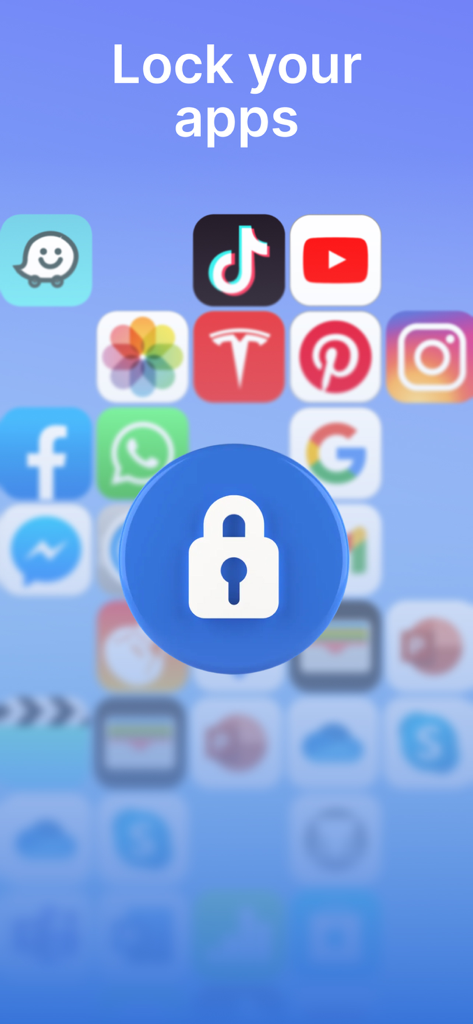
Weißes Vorhängeschloss-Symbol über verschwommenen Social-Media-Apps mit dem Text Lock your apps
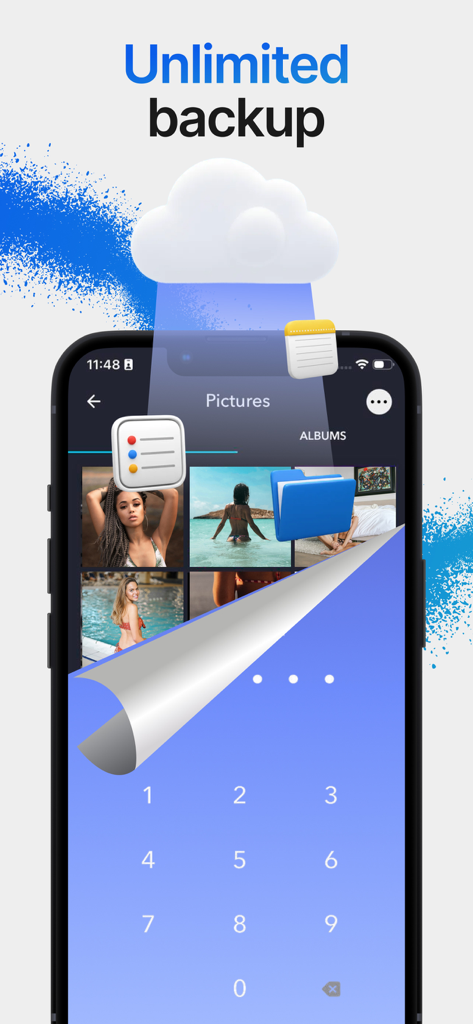
Private Fotogalerie mit Cloud-Backup und sicherem PIN-Eingabebildschirm
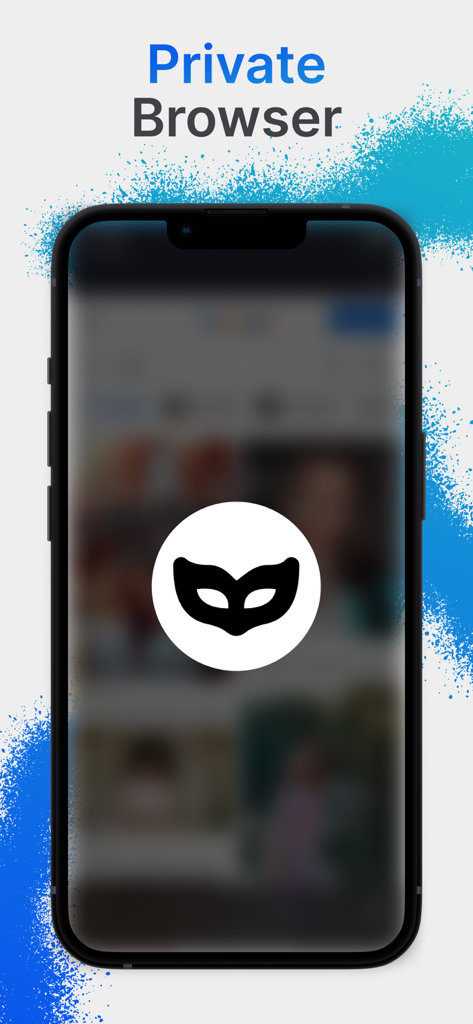
Private Browser-Oberfläche mit Inkognito-Masken-Symbol
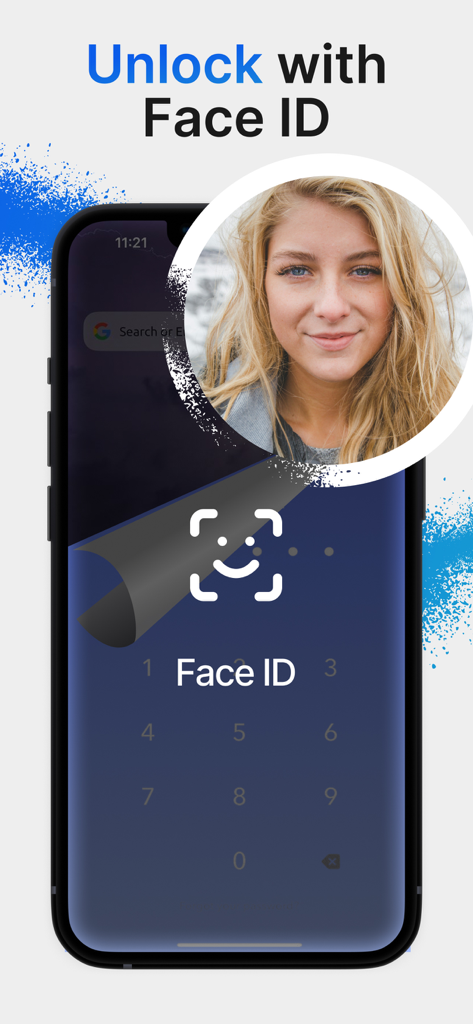
Smartphone-Bildschirm zeigt die Funktion „Mit Face ID entsperren“ für die Calculator Vault App
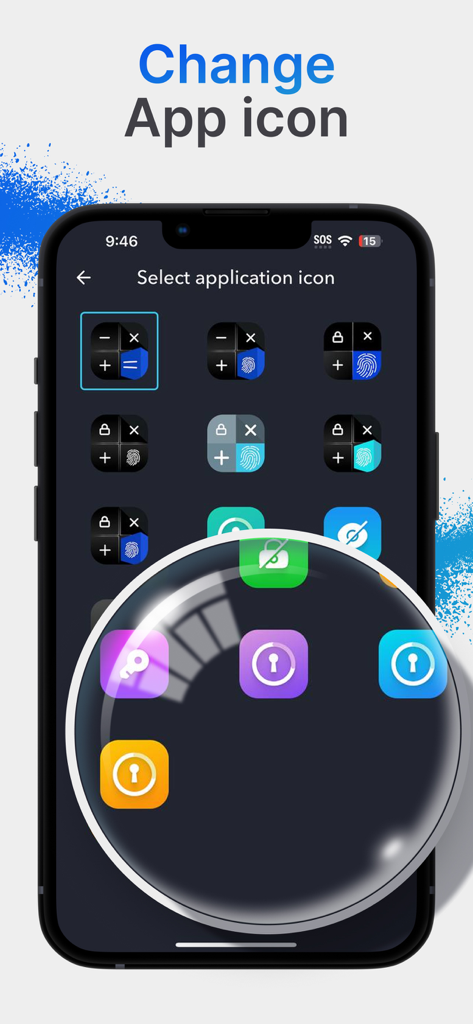
Auswahlbildschirm zum Auswählen verschiedener App-Symbole wie Taschenrechner oder Schlösser, um den privaten Tresor zu tarnen
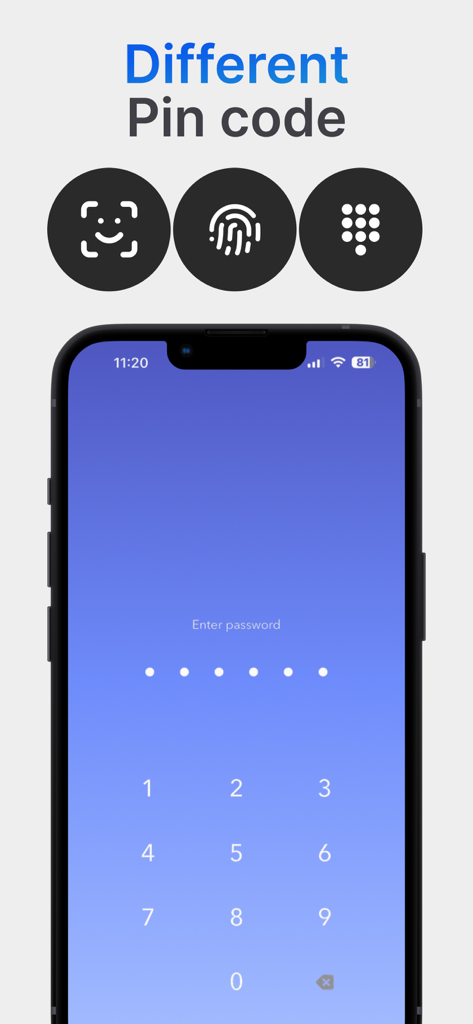
Oberfläche, die mehrere Authentifizierungsmethoden wie PIN-Code und Biometrie für den privaten Fototresor zeigt
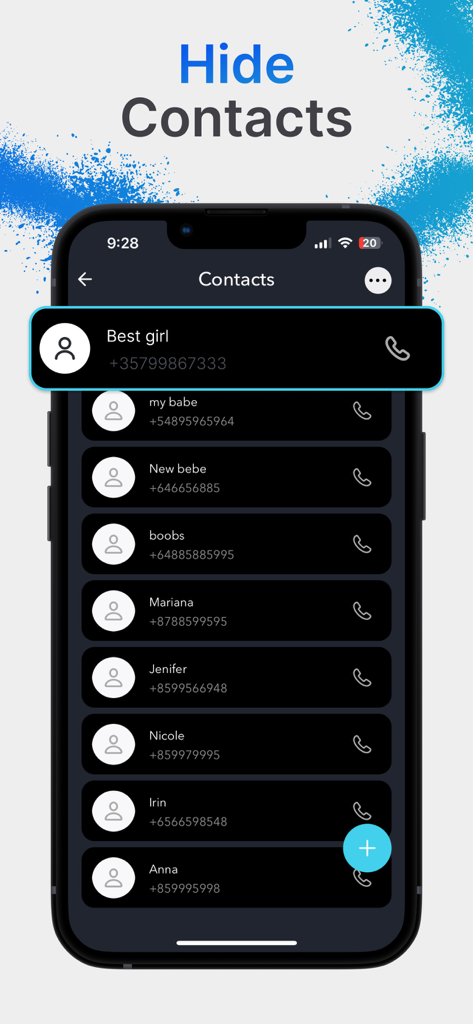
Oberfläche der Calculator Vault App, die die Funktion zum Verstecken von Kontakten mit einer Liste privater Telefonnummern zeigt.
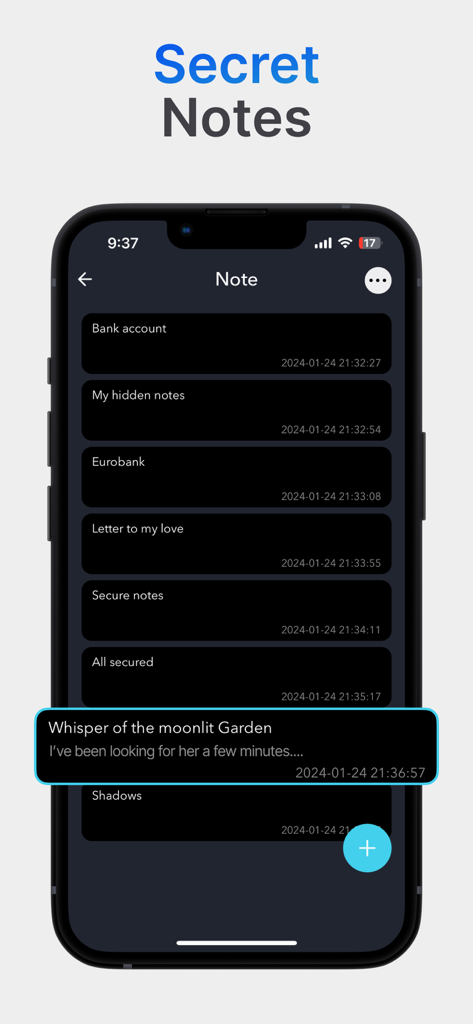
Oberfläche der Funktion „Geheime Notizen“ in der Calculator Vault App mit einer Liste verschlüsselter privater Notizen.
Beschreibung
Download
Ähnliche Apps
Apps mit ähnlichen Funktionen und Nutzererfahrung

Private Photo Vault - Pic Safe
Legendary Software Labs LLC

PBox-Private Photo Vault
宇 刘

Safe Lock - Hidden Photo Vault
Katerina Akhlebinina

SV - Private Photo Vault PRO
Legendary Software Labs LLC

PV - Secret Photo Album
Haibin Jiao

Converter: Hidden Photo Vault
Dmitry Petrov

Calculator Lock - Secure Vault
MacyMind

Secret Photo Vault: Keepsafe
KeepSafe Software, Inc

Digiposte: secure storage
la poste
Diese Seite ist keine offizielle Seite der App oder ihres Entwicklers, sondern eine unabhängige redaktionelle Veröffentlichung, die zu Informations- und Kommentarzwecken erstellt wurde. Sofern nicht ausdrücklich anders angegeben, sind weder die App noch ihr Entwickler mit MWM, Apple, Google Play, dem App-Herausgeber oder dem Entwickler der App verbunden, von ihnen unterstützt, gesponsert, autorisiert oder anderweitig offiziell verbunden, und nichts auf dieser Seite impliziert, dass die App unter Verwendung der Dienste von MWM entwickelt wurde. Alle Marken, Logos, Screenshots und andere Inhalte bleiben Eigentum ihrer jeweiligen Inhaber.