
Diese Seite ist keine offizielle Seite der App oder ihres Entwicklers, sondern eine unabhängige redaktionelle Veröffentlichung, die zu Informations- und Kommentarzwecken erstellt wurde. Sofern nicht ausdrücklich anders angegeben, sind weder die App noch ihr Entwickler mit MWM, Apple, Google Play, dem App-Herausgeber oder dem Entwickler der App verbunden, von ihnen unterstützt, gesponsert, autorisiert oder anderweitig offiziell verbunden, und nichts auf dieser Seite impliziert, dass die App unter Verwendung der Dienste von MWM entwickelt wurde. Alle Marken, Logos, Screenshots und andere Inhalte bleiben Eigentum ihrer jeweiligen Inhaber.

Chromecast TV Streamer #1
Streamen Sie jedes Webvideo, Live-Sport und persönliche Medien von Ihrem iPhone oder iPad direkt auf Ihren Chromecast-, Sony- oder Vizio-Fernseher. Erleben Sie echte Freiheit vom Kabelfernsehen und streamen Sie, was Sie wollen, wann Sie wollen.
Downloads
954K+Bewertung
Bewertungen gesamt
9K+Herausgeber
Kategorie
Photo & VideoSprachen
1Neueste Version
3.8Größe
34.3 MBErstveröffentlichung
3. Mai 2015Bringen Sie jede Ecke des Webs auf Ihren Großbildschirm
Erleben Sie totale Freiheit vom kleinen Bildschirm. Streamen Sie mühelos Webvideos, Live-Sport und Ihre persönlichen Medien mit nur einem Fingertipp auf jedes Google Cast-Gerät.
Streamen Sie jedes Webvideo
Brechen Sie aus den App-Beschränkungen aus. Wenn Sie es in einem Browser finden können – von Nischensportarten bis hin zu internationalen Nachrichten – können Sie es auf Ihrem Fernseher ansehen.
Sauberes, werbefreies Ansehen
Eliminieren Sie die Unordnung von mobilen Webanzeigen und Pop-ups. Unser integrierter Ad-Blocker sorgt dafür, dass Ihre Filmabende sich auf den Inhalt konzentrieren und nicht auf Unterbrechungen.
Häufig gestellte Fragen
Alles, was Sie über wissen müssen Chromecast TV Streamer #1
Was ist Chromecast TV Streamer #1?
Chromecast TV Streamer #1 ermöglicht es Benutzern, Web-Videos, Online-Filme, Livestreams und persönliche Medien auf Google Cast-fähige Geräte wie verschiedene Smart-TVs und Chromecasts zu streamen.
Kann Chromecast TV Streamer #1 meinen Gerätebildschirm auf dem Fernseher spiegeln?
Nein, Chromecast TV Streamer #1 streamt nur den Videoteil einer Webseite. Es bietet keine Bildschirm- oder Tab-Spiegelungsfunktion.
Welche Geräte sind mit Chromecast TV Streamer #1 kompatibel?
Chromecast TV Streamer #1 ist kompatibel mit Geräten mit Google Cast oder integriertem Chromecast, einschließlich TCL, Sony, Hisense, Vizio, Philips, Sharp, Toshiba TVs, Chromecast, Nexus Player und Nvidia Shield.
Unterstützt Chromecast TV Streamer #1 das Streamen von Diensten wie Netflix oder Amazon Prime?
Nein, Chromecast TV Streamer #1 unterstützt keine DRM-geschützten Videos von Diensten wie Netflix, Amazon Prime, Hulu, Vudu, DirecTV, Xfinity oder HBO now.
Benötigt Chromecast TV Streamer #1 ein Abonnement?
Nein, Chromecast TV Streamer #1 benötigt keine Abonnements. Premium-Funktionen sind als einmalige In-App-Käufe erhältlich.
Kann Chromecast TV Streamer #1 persönliche Fotos, Videos oder Musik streamen?
Ja, Chromecast TV Streamer #1 unterstützt das Streamen unbegrenzter persönlicher Fotos, Videos und Musik direkt von Ihrem Gerät oder Cloud-Diensten wie iCloud und Dropbox mit dem Upgrade für persönliche Medien.
Wie kann ich Werbung blockieren, wenn ich Chromecast TV Streamer #1 verwende?
Chromecast TV Streamer #1 bietet eine Ad-Blocker-Funktion als In-App-Kauf. Dies blockiert Anzeigen und Pop-ups auf den meisten Webseiten und entfernt Sponsoring-Anzeigen aus der App.
Was ist in der Premium Edition von Chromecast TV Streamer #1 enthalten?
Die Premium Edition in Chromecast TV Streamer #1 schaltet alle aufgeführten Upgrade-Funktionen frei, einschließlich zukünftiger Funktionen, und stellt sicher, dass keine zusätzlichen Zahlungen für nachfolgende Versionen erforderlich sind.
Bietet Chromecast TV Streamer #1 Untertitel für gestreamte Inhalte?
Ja, Chromecast TV Streamer #1 unterstützt die Anzeige von Untertiteln und geschlossenen Bildunterschriften auf Ihrem Fernseher mit der In-App-Kauf-Funktion für Untertitel.
Die folgenden Screenshots und die Beschreibung stammen direkt aus dem offiziellen Store-Eintrag der App und sind Eigentum des Entwicklers.
App Store
Screenshots
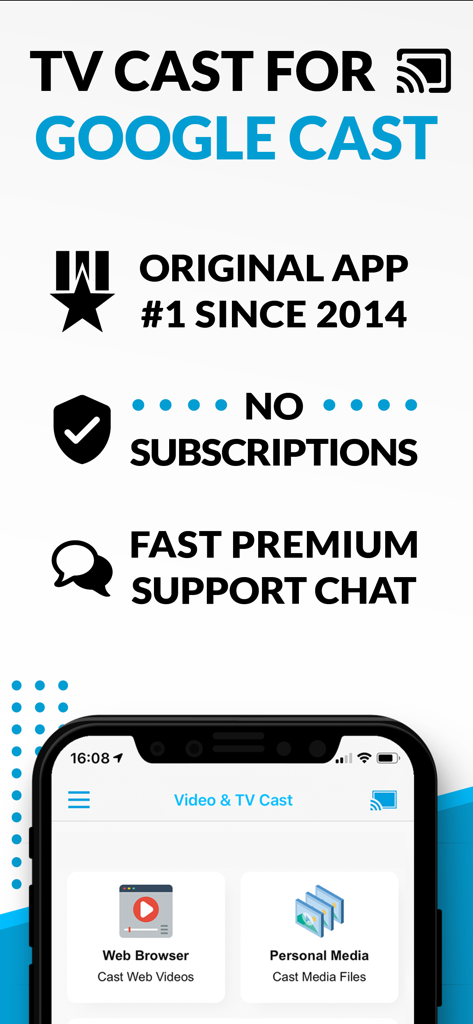
Screenshot der TV Cast for Google Cast App, der Webbrowser und persönliche Medien-Streaming-Optionen ohne Abonnement-Nachrichten zeigt
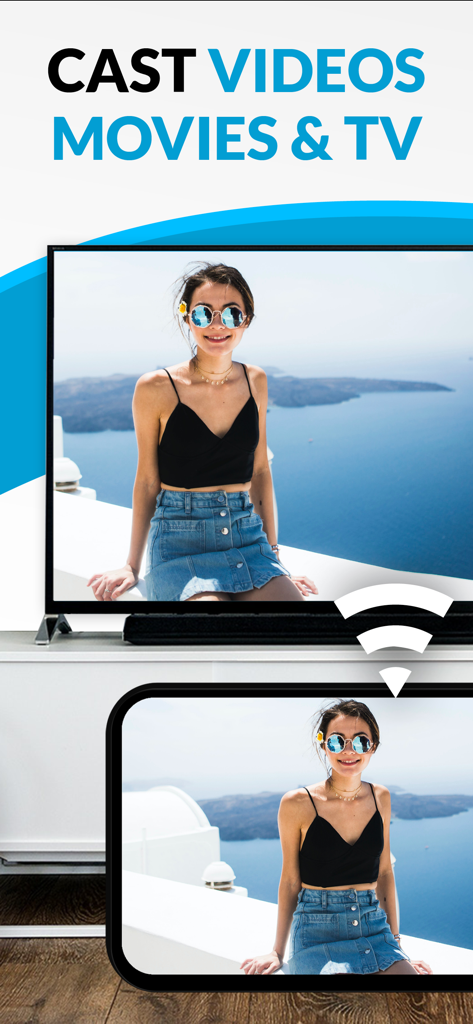
Ein Smartphone, das ein persönliches Foto einer Frau mit der Chromecast TV Streamer App auf einen großen Fernsehbildschirm streamt.
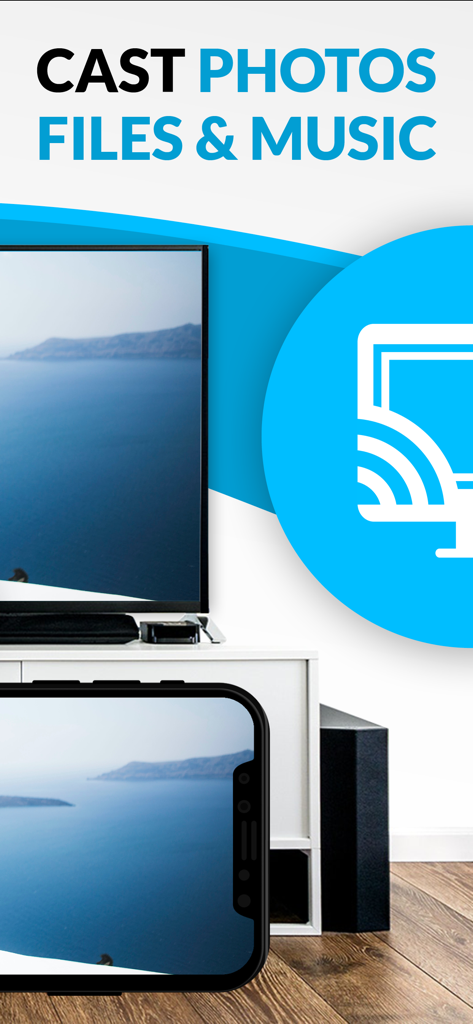
Ein iPhone-Bildschirm, der mit der Chromecast TV Streamer App ein Landschaftsfoto auf einen großen Fernsehbildschirm streamt.
Beschreibung
Download
Ähnliche Apps
Top-gerankte Apps in derselben Kategorie

CapCut: Photo & Video Editor
BYTEDANCE PTE. LTD.

Instagram, Inc.

YouTube
Google LLC

Canva: AI Photo & Video Editor
Canva Pty Ltd

Snapchat
Snap, Inc.

快手
Beijing Kwai Technology Co., Ltd.

Edits: Video Editor
Instagram, Inc.

Meitu- AI Photo & Video Editor
Xiamen Meitu Technology Co., Ltd.

Google Photos: Backup & Edit
Google LLC
Diese Seite ist keine offizielle Seite der App oder ihres Entwicklers, sondern eine unabhängige redaktionelle Veröffentlichung, die zu Informations- und Kommentarzwecken erstellt wurde. Sofern nicht ausdrücklich anders angegeben, sind weder die App noch ihr Entwickler mit MWM, Apple, Google Play, dem App-Herausgeber oder dem Entwickler der App verbunden, von ihnen unterstützt, gesponsert, autorisiert oder anderweitig offiziell verbunden, und nichts auf dieser Seite impliziert, dass die App unter Verwendung der Dienste von MWM entwickelt wurde. Alle Marken, Logos, Screenshots und andere Inhalte bleiben Eigentum ihrer jeweiligen Inhaber.