
Diese Seite ist keine offizielle Seite der App oder ihres Entwicklers, sondern eine unabhängige redaktionelle Veröffentlichung, die zu Informations- und Kommentarzwecken erstellt wurde. Sofern nicht ausdrücklich anders angegeben, sind weder die App noch ihr Entwickler mit MWM, Apple, Google Play, dem App-Herausgeber oder dem Entwickler der App verbunden, von ihnen unterstützt, gesponsert, autorisiert oder anderweitig offiziell verbunden, und nichts auf dieser Seite impliziert, dass die App unter Verwendung der Dienste von MWM entwickelt wurde. Alle Marken, Logos, Screenshots und andere Inhalte bleiben Eigentum ihrer jeweiligen Inhaber.
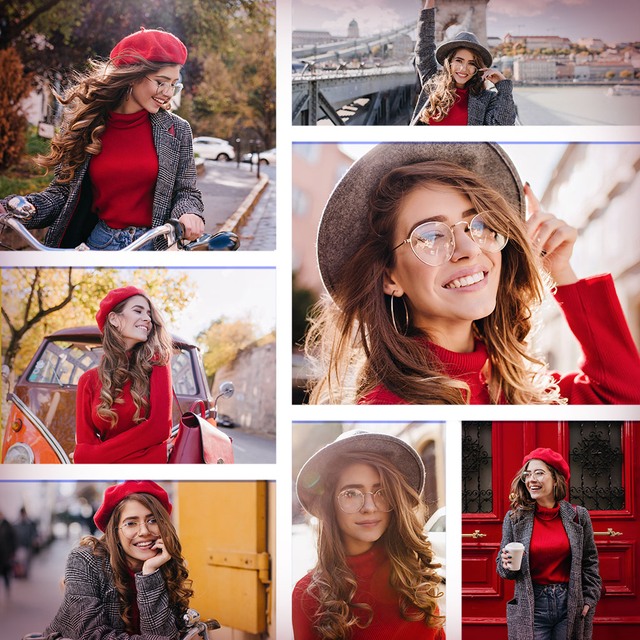

Collage Maker Photo Grid
Das All-in-One-Studio für Social Creators. Fügen Sie mehrere Clips zusammen, entwerfen Sie atemberaubende Poster und nutzen Sie professionelle Retusche-Werkzeuge, um Ihre Erinnerungen erstrahlen zu lassen.
Downloads
57K+Bewertung
Bewertungen gesamt
200Herausgeber
Kategorie
Photo & VideoSprachen
1Neueste Version
2.1Größe
49.4 MBErstveröffentlichung
10. Juni 2016Werten Sie Ihre soziale Präsenz auf
Das All-in-One-Kreativstudio, um Ihre Fotos und Videos in Sekundenschnelle in atemberaubende Collagen, professionelle Poster und viralen Content zu verwandeln.
Nahtlose Foto- & Video-Raster
Mischen Sie Ihre Lieblingsaufnahmen und Clips in dynamische Layouts. Fügen Sie Hintergrundmusik zu Ihren Sequenzen für Instagram Reels und TikToks mit großer Wirkung hinzu.
Ästhetische Poster-Vorlagen
Sparen Sie sich die Designarbeit mit von Designern erstellten Layouts. Fügen Sie Ihre Lieblingszitate und künstlerische Effekte hinzu, um digitale Scrapbooks zu erstellen, die auffallen.
Die folgenden Screenshots und die Beschreibung stammen direkt aus dem offiziellen Store-Eintrag der App und sind Eigentum des Entwicklers.
App Store
Screenshots
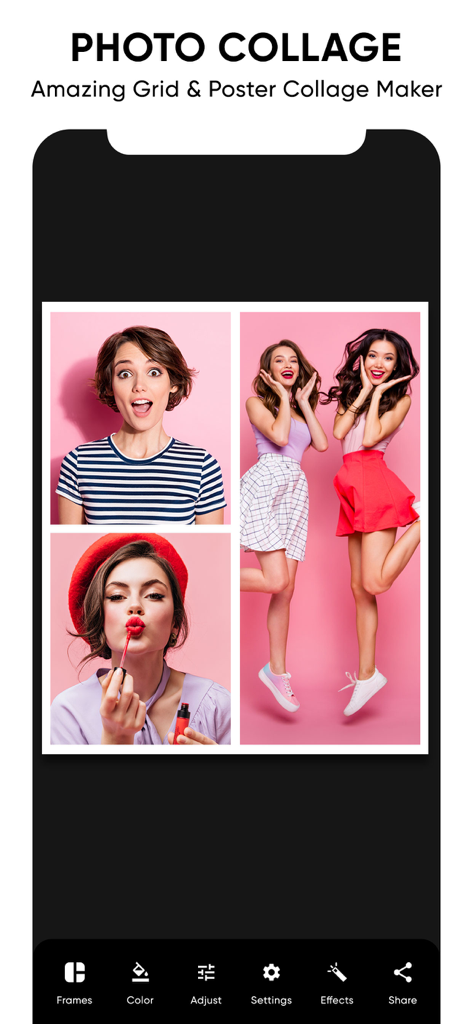
Foto-Collage-Editor zeigt ein Raster von Fotos und ein mobiles Bearbeitungsmenü
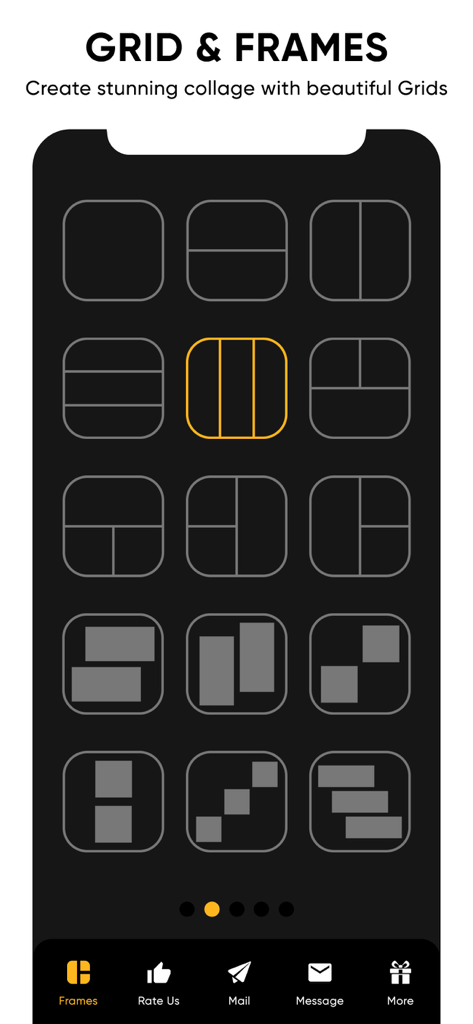
Eine Vielzahl von Raster- und Rahmen-Layouts zum Erstellen von Foto- und Videocollagen
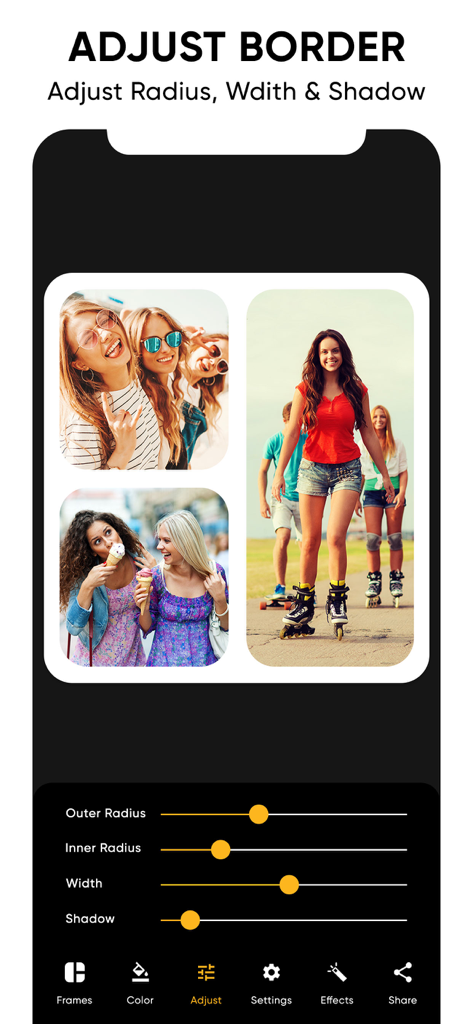
App-Oberfläche zeigt, wie man die Eckenradius-Breite und den Schatten bei einer Fotocollage anpasst
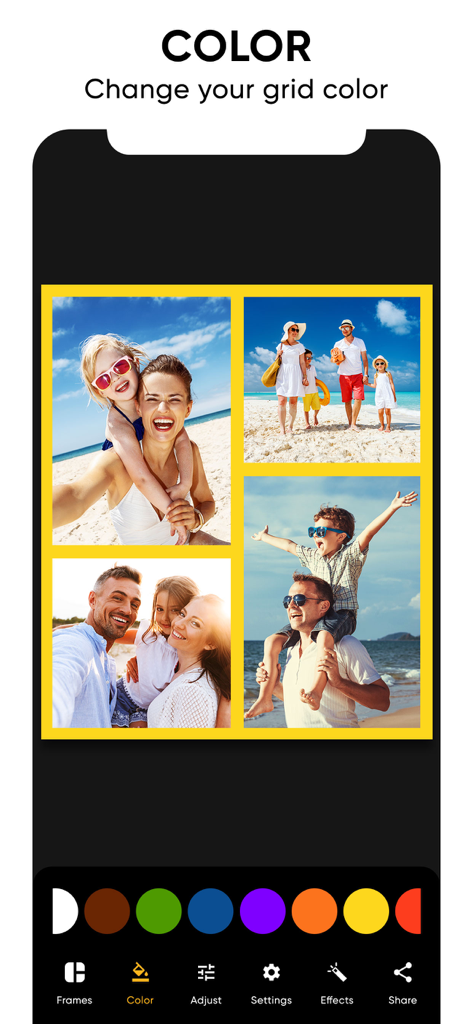
Ändern der Rasterrahmen-Farbe einer Familien-Fotocollage in der Collage Maker App
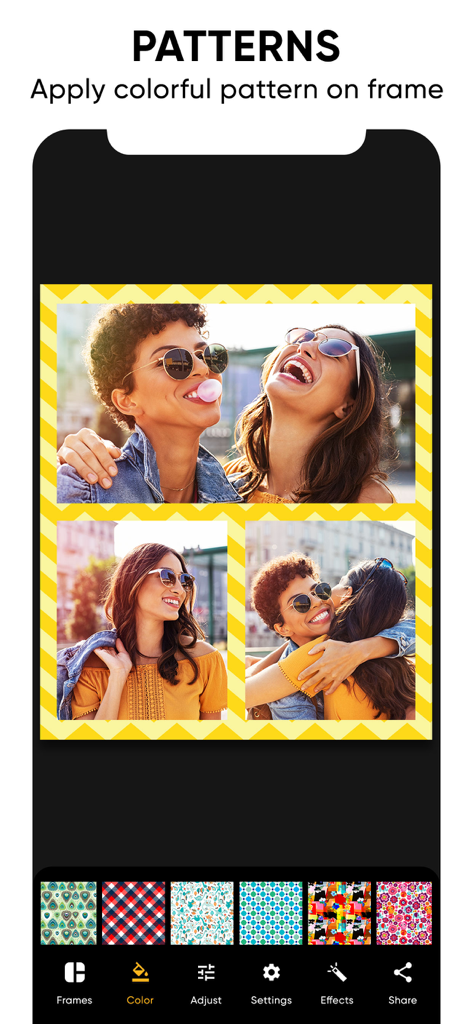
Fotocollage mit Freunden mit einem anpassbaren gelben Zickzack-Rand und Musterauswahl-Menü.
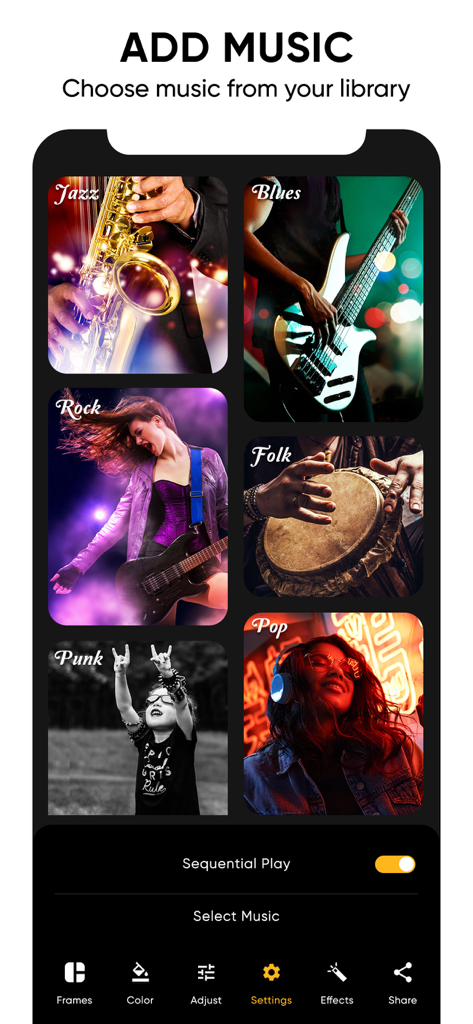
Musikauswahl-Bildschirm in der Collage Maker App mit verschiedenen Musikgenres für Videocollagen
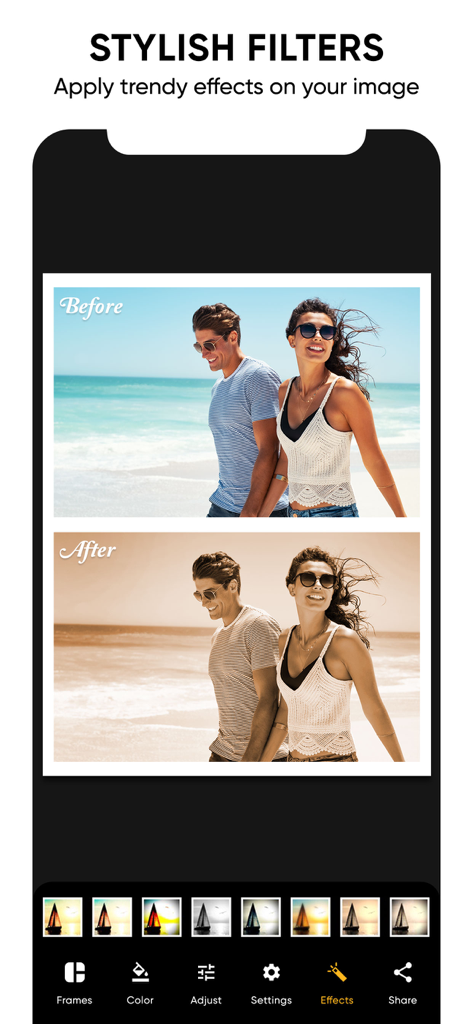
Stilvolle Fotofilter zeigen Vorher-Nachher-Effekt auf einem Strandfoto
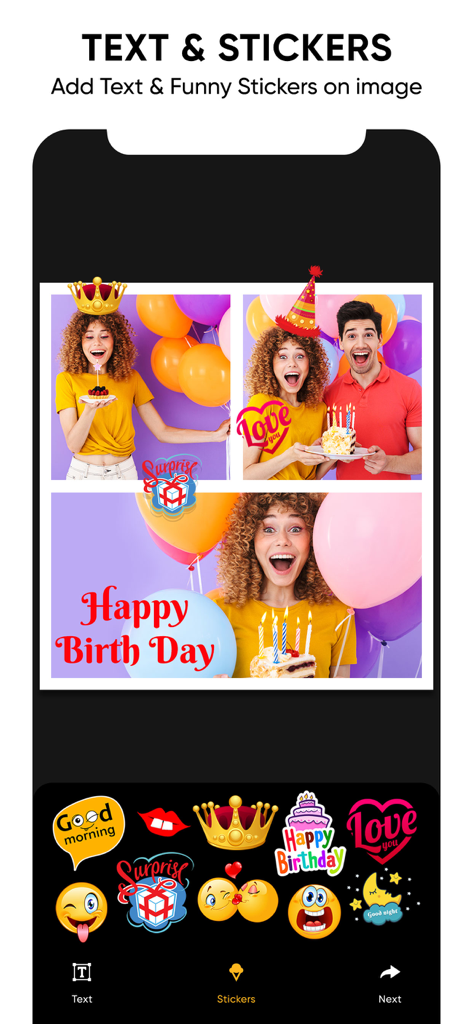
Hinzufügen von Text und Stickern zu einer Geburtstags-Fotocollage in der App
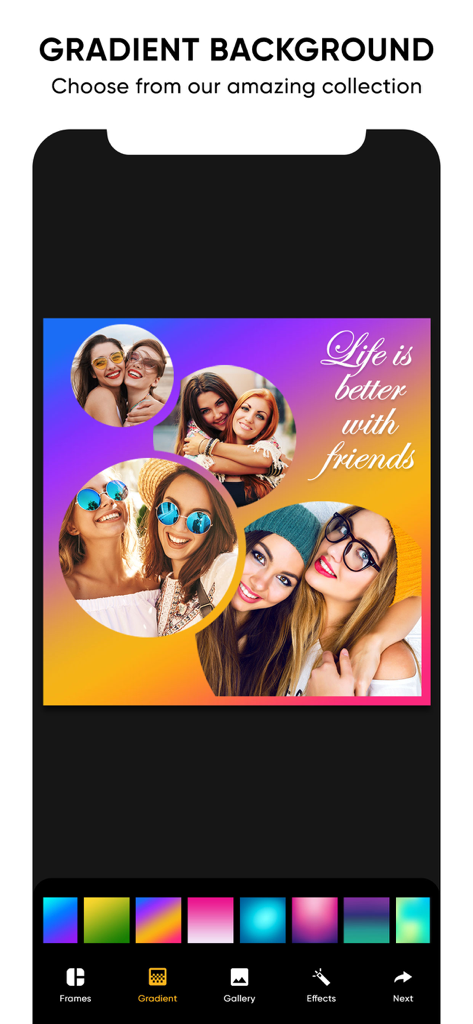
App-Oberfläche zeigt eine Fotocollage mit einem lebendigen Farbverlauf-Hintergrund und einem Zitat über Freunde
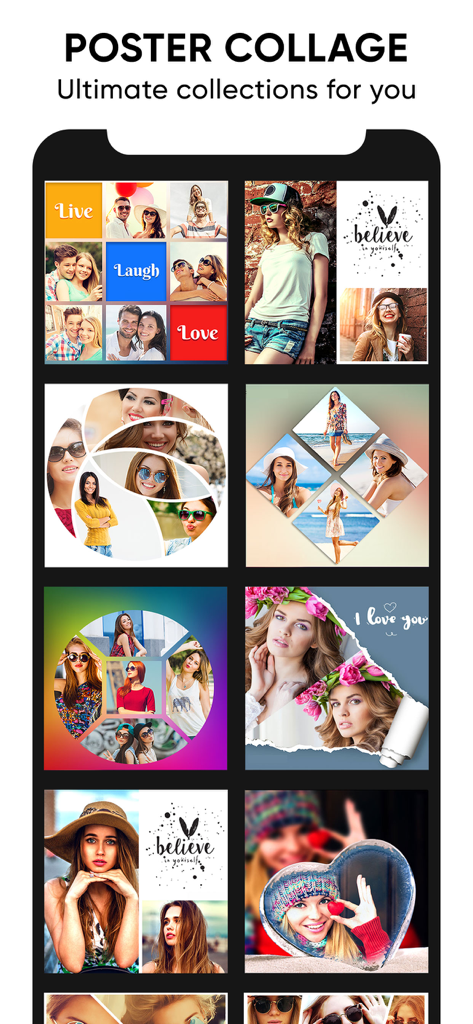
Eine Vielzahl kreativer Poster-Collage-Vorlagen und Foto-Raster-Layouts für Social-Media-Storytelling
Beschreibung
Download
Ähnliche Apps
Apps mit ähnlichen Funktionen und Nutzererfahrung

SCRL: Photo Collage Maker
Appostrophe AB

PhotoGrid: Video Collage Maker
JUPITER PALACE PTE. LTD.

Layout for Instagram: Collage
Shamble, Inc.

Photo Collage Maker: InCollage
SHANTANU PTE. LTD.

TicPic
Zhuhai Kuxiong Network Technology Co., Ltd.

Collage Maker: CollagePlus
Shamble, Inc.

Photo Collage Montage Maker
Honk Honk Punch Pty Ltd

Photo Collage Maker & Creator
Honk Honk Punch Pty Ltd

Photo Collage Montage & Layout
Honk Honk Punch Pty Ltd
Diese Seite ist keine offizielle Seite der App oder ihres Entwicklers, sondern eine unabhängige redaktionelle Veröffentlichung, die zu Informations- und Kommentarzwecken erstellt wurde. Sofern nicht ausdrücklich anders angegeben, sind weder die App noch ihr Entwickler mit MWM, Apple, Google Play, dem App-Herausgeber oder dem Entwickler der App verbunden, von ihnen unterstützt, gesponsert, autorisiert oder anderweitig offiziell verbunden, und nichts auf dieser Seite impliziert, dass die App unter Verwendung der Dienste von MWM entwickelt wurde. Alle Marken, Logos, Screenshots und andere Inhalte bleiben Eigentum ihrer jeweiligen Inhaber.