
Diese Seite ist keine offizielle Seite der App oder ihres Entwicklers, sondern eine unabhängige redaktionelle Veröffentlichung, die zu Informations- und Kommentarzwecken erstellt wurde. Sofern nicht ausdrücklich anders angegeben, sind weder die App noch ihr Entwickler mit MWM, Apple, Google Play, dem App-Herausgeber oder dem Entwickler der App verbunden, von ihnen unterstützt, gesponsert, autorisiert oder anderweitig offiziell verbunden, und nichts auf dieser Seite impliziert, dass die App unter Verwendung der Dienste von MWM entwickelt wurde. Alle Marken, Logos, Screenshots und andere Inhalte bleiben Eigentum ihrer jeweiligen Inhaber.

Doc Scan:OCR and PDF Scanner
Verwandeln Sie Ihr iPhone in ein Hochleistungsbüro. Scannen, übersetzen und konvertieren Sie Dokumente sofort in bearbeitbare Dateien mit professioneller Präzision für Studenten und Experten gleichermaßen.
Downloads
120K+Bewertung
Bewertungen gesamt
1K+Herausgeber
Kategorie
ProductivitySprachen
9Neueste Version
2.3.2Größe
143.2 MBErstveröffentlichung
12. Jan. 2021Entfesseln Sie Ihre Produktivität
Verwandeln Sie Ihr iPhone in ein professionelles mobiles Büro. Scannen, bearbeiten und organisieren Sie mit Präzisionswerkzeugen, die für leistungsstarke Fachleute und Studenten entwickelt wurden.
Sofortige OCR- und Textextraktion
Eliminieren Sie die manuelle Dateneingabe. Extrahieren Sie sofort Text aus jedem Bild oder Dokument und konvertieren Sie ihn mit professioneller Genauigkeit in bearbeitbare Word- oder PDF-Formate.
Intelligente Prüfungs- und Tintenentfernung
Das ultimative Werkzeug für Studenten. Löschen Sie handschriftliche Notizen digital von gebrauchten Testpapieren, um sie in ihren ursprünglichen Zustand zurückzuversetzen und unbegrenzte Übungssitzungen zu ermöglichen.
Die folgenden Screenshots und die Beschreibung stammen direkt aus dem offiziellen Store-Eintrag der App und sind Eigentum des Entwicklers.
App Store
Screenshots
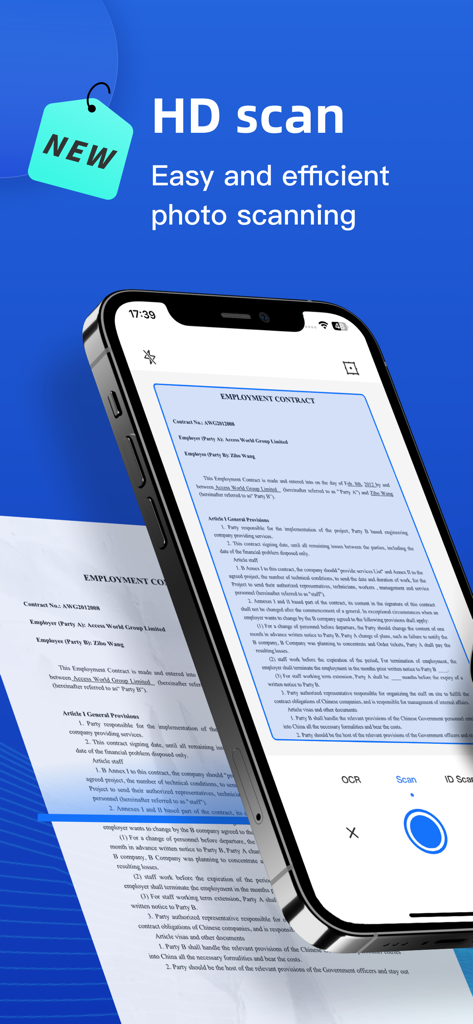
Smartphone mit der Doc Scan App zur Durchführung eines HD-Scans eines Arbeitsvertrags.
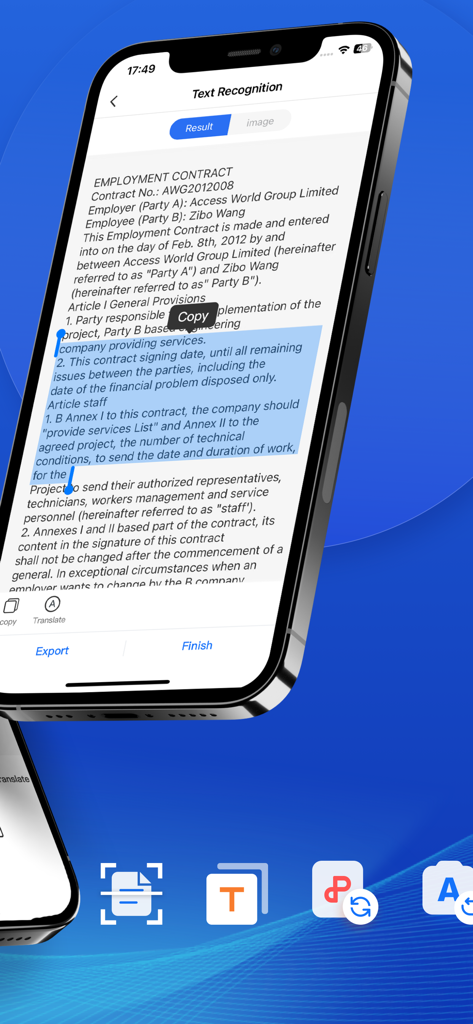
Mobile App-Oberfläche, die OCR-Texterkennung auf einem Arbeitsvertrag mit Kopierwerkzeug zeigt
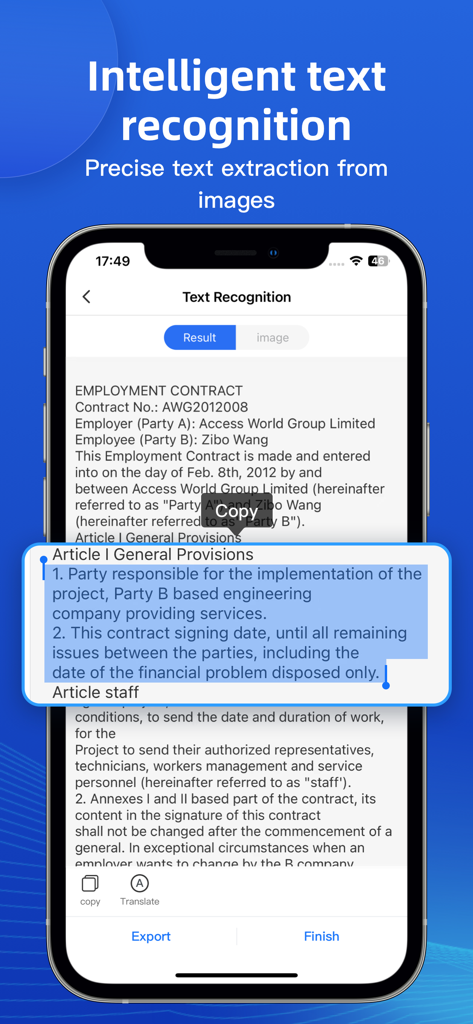
Smartphone-Bildschirm, der die intelligente Texterkennung und -extraktion aus einem gescannten Arbeitsvertrag zeigt.
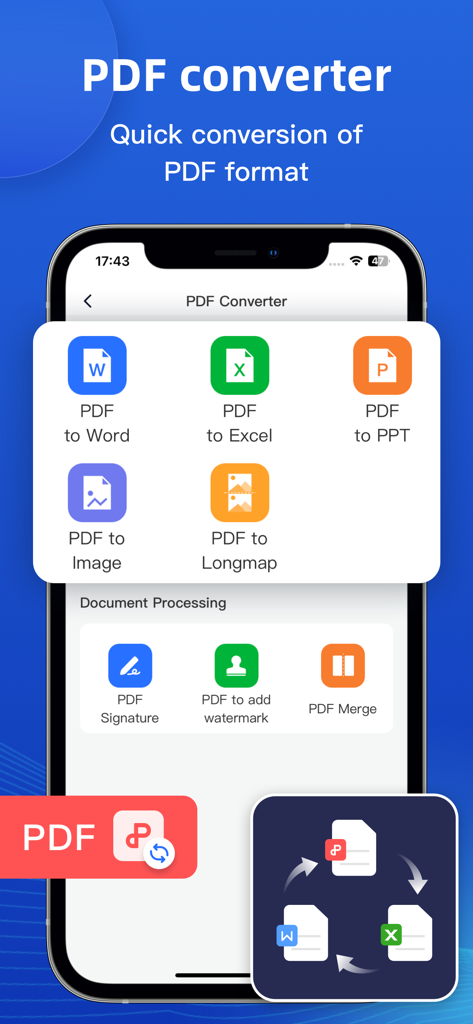
Mobile Ansicht, die PDF-Konvertierungsoptionen für Word, Excel, PPT und Bildformate in der Doc Scan App zeigt
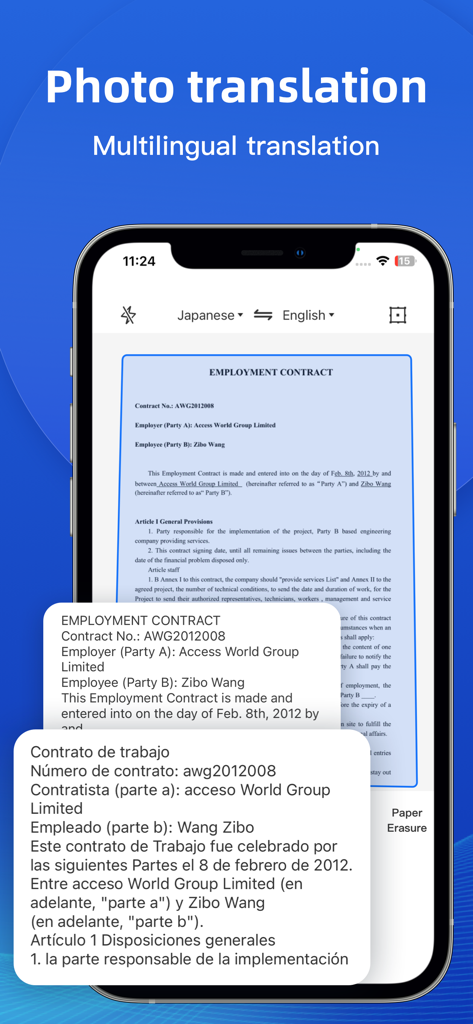
Smartphone-Bildschirm, der die Fotofunktion der Dokumentenscanner-App zeigt, die einen Vertrag ins Spanische übersetzt.
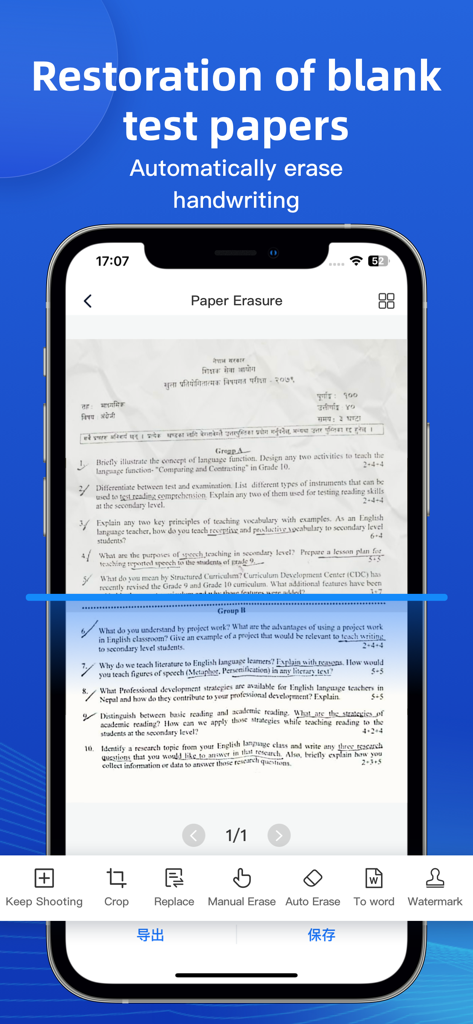
Eine Smartphone-App-Oberfläche, die die Wiederherstellung leerer Testbögen zeigt, indem handschriftliche Notizen automatisch aus einem gescannten Dokument gelöscht werden.
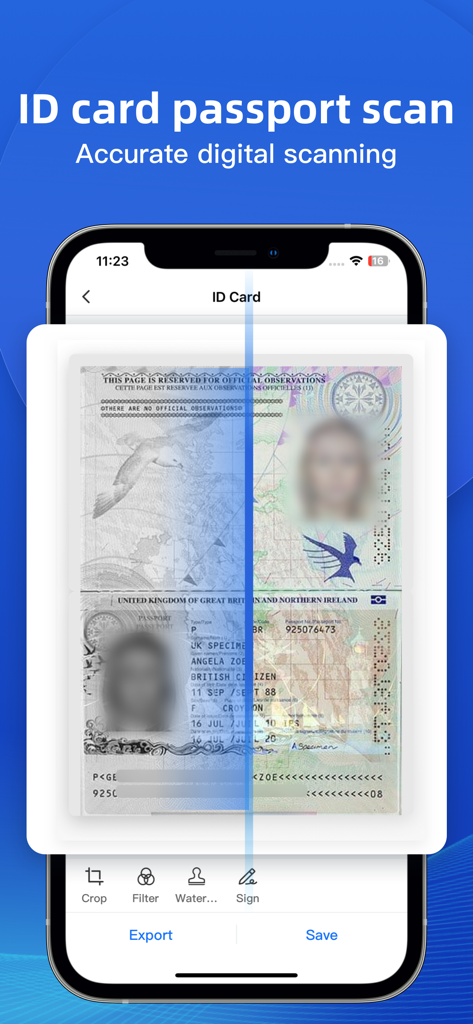
Doc Scan App-Bildschirm, der die Scanfunktion für Ausweise und Reisepässe mit Optionen zum Zuschneiden und Unterzeichnen anzeigt
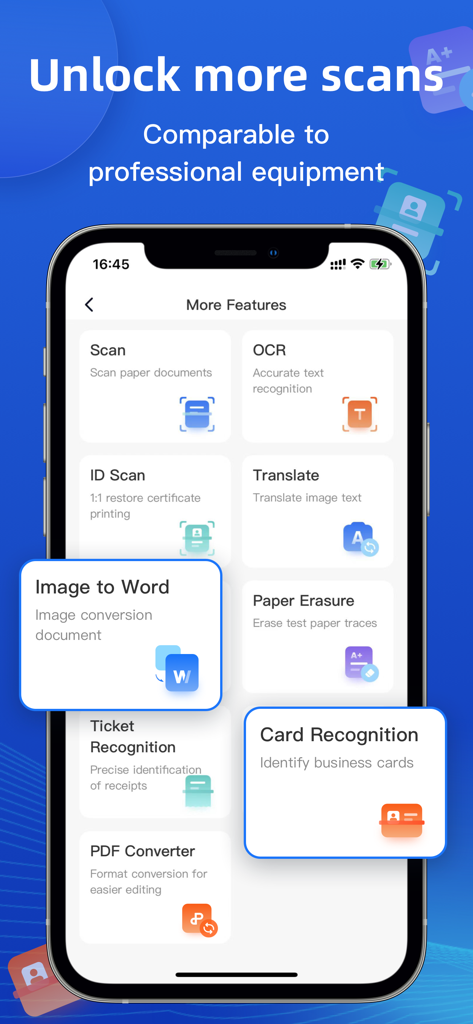
Oberfläche, die Funktionen der Doc Scan App wie OCR und Dokumentenscan zeigt
Beschreibung
Download
Ähnliche Apps
Apps mit ähnlichen Funktionen und Nutzererfahrung

PDF PRO Scan Image & Documents
Balzo srl

The PDF Scanner, PDF editor HQ
NEXT K.U.M. LTD

CamScanner - PDF Scanner App
INTSIG Information Co., Ltd

Adobe Scan: PDF & OCR Scanner
Adobe Inc.

WPS Office: PDF, Docs, Sheets
KINGSOFT OFFICE SOFTWARE CORPORATION LIMITED

iLovePDF - PDF Editor & Scan
ILOVEPDF S.L.

Scanner App: Genius Scan
The Grizzly Labs

Microsoft Lens: PDF Scanner
Microsoft Corporation

Clear Scan: Doc Scanner App
INDY MOBILE APP COMPANY LIMITED
Diese Seite ist keine offizielle Seite der App oder ihres Entwicklers, sondern eine unabhängige redaktionelle Veröffentlichung, die zu Informations- und Kommentarzwecken erstellt wurde. Sofern nicht ausdrücklich anders angegeben, sind weder die App noch ihr Entwickler mit MWM, Apple, Google Play, dem App-Herausgeber oder dem Entwickler der App verbunden, von ihnen unterstützt, gesponsert, autorisiert oder anderweitig offiziell verbunden, und nichts auf dieser Seite impliziert, dass die App unter Verwendung der Dienste von MWM entwickelt wurde. Alle Marken, Logos, Screenshots und andere Inhalte bleiben Eigentum ihrer jeweiligen Inhaber.