Grafio 4 - Diagram Maker
Herunterladen auf App Store

Diese Seite ist keine offizielle Seite der App oder ihres Entwicklers, sondern eine unabhängige redaktionelle Veröffentlichung, die zu Informations- und Kommentarzwecken erstellt wurde. Sofern nicht ausdrücklich anders angegeben, sind weder die App noch ihr Entwickler mit MWM, Apple, Google Play, dem App-Herausgeber oder dem Entwickler der App verbunden, von ihnen unterstützt, gesponsert, autorisiert oder anderweitig offiziell verbunden, und nichts auf dieser Seite impliziert, dass die App unter Verwendung der Dienste von MWM entwickelt wurde. Alle Marken, Logos, Screenshots und andere Inhalte bleiben Eigentum ihrer jeweiligen Inhaber.


Logo von Grafio 4 - Diagram Maker
Herunterladen auf App Store

Grafio 4 - Diagram Maker

Das ultimative Werkzeug für Flussdiagramme, Mindmaps und technische Schemata. Erleben Sie die Magie der Formerkennung mit einem einmaligen Kauf – keine Abonnements, niemals.

Kennzahlen

Downloads

403K+

Bewertung

4.3/5

Bewertungen gesamt

4K+

Herausgeber

Ten Touch Ltd.

Kategorie

Productivity

Sprachen

5

Neueste Version

4.3.28

Größe

224.9 MB

Erstveröffentlichung

30. Juli 2010
Funktionen

Visualisieren Sie Ihre Ideen mit professioneller Präzision

Grafio 4 kombiniert die Freiheit des Freihandzeichnens mit einem Jahrzehnt ausgereifter Produktivitätsfunktionen. Keine Abonnements, nur reine professionelle Leistung.

Sofortige Formerkenung

Skizzieren Sie natürlich mit Ihrem Apple Pencil und sehen Sie zu, wie Grafio Ihre handgezeichneten Linien automatisch in polierte, professionelle Diagramme verwandelt.

Massive Pro-Schablonenbibliothek

Greifen Sie sofort auf Tausende von branchenüblichen Symbolen für AWS, UML und UX-Design zu, um komplexe technische Blaupausen in Minuten zu erstellen.

Die folgenden Screenshots und die Beschreibung stammen direkt aus dem offiziellen Store-Eintrag der App und sind Eigentum des Entwicklers.

App Store

Screenshots
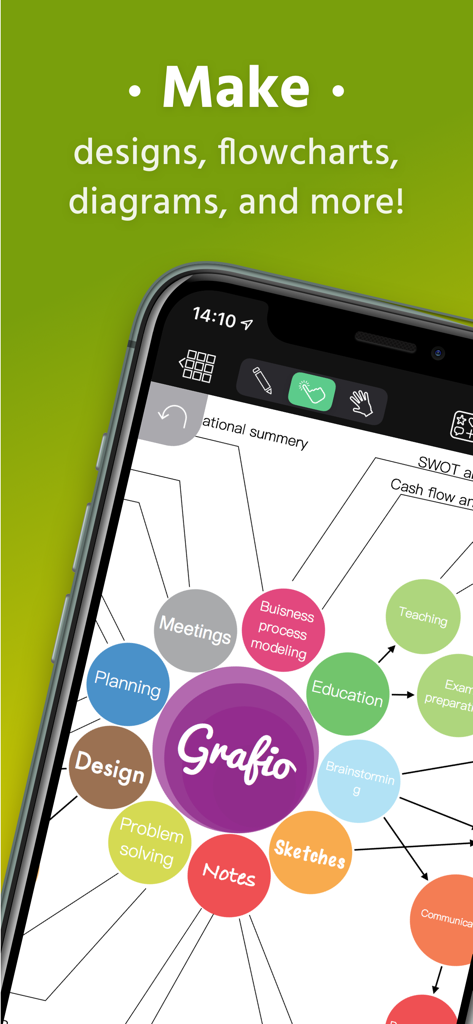
Grafio 4 - Diagram Maker - Ein Mobiltelefonbildschirm, der eine farbenfrohe Mindmap mit verschiedenen Kategorien anzeigt, die mit der Grafio 4 Diagramm-Maker-App erstellt wurden.
Ein Mobiltelefonbildschirm, der eine farbenfrohe Mindmap mit verschiedenen Kategorien anzeigt, die mit der Grafio 4 Diagramm-Maker-App erstellt wurden.

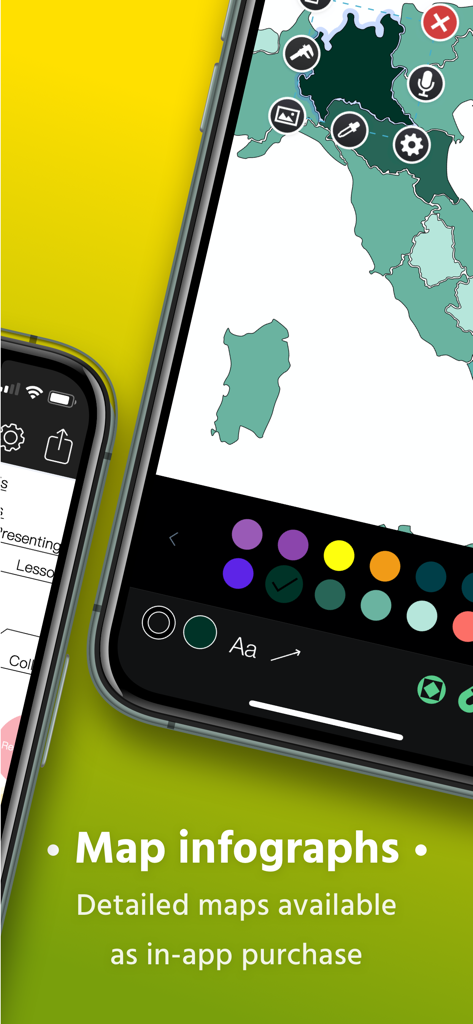
Grafio 4 - Diagram Maker - Erstellen einer Karteninfografik mit der Grafio 4 Mobile App-Oberfläche.
Erstellen einer Karteninfografik mit der Grafio 4 Mobile App-Oberfläche.

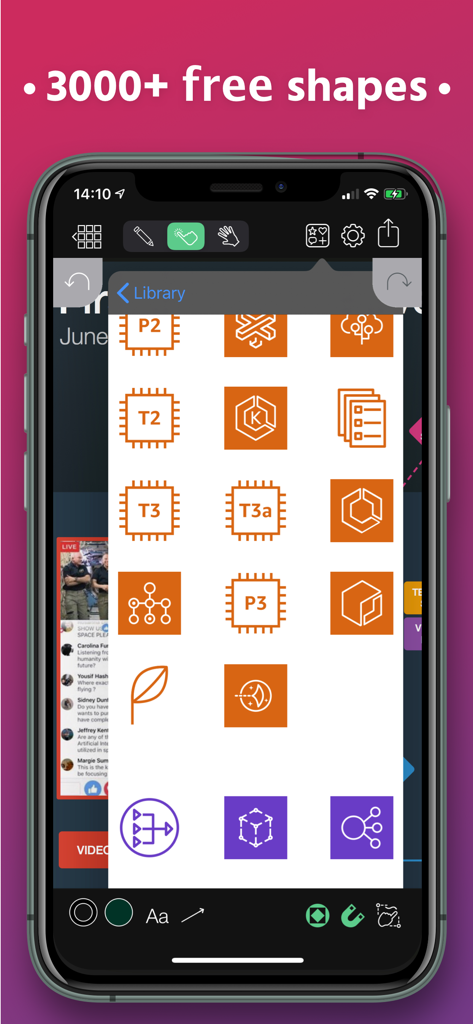
Grafio 4 - Diagram Maker - Grafio 4 App-Oberfläche, die eine Bibliothek von technischen Formen und Schablonen für professionelle Diagramme anzeigt.
Grafio 4 App-Oberfläche, die eine Bibliothek von technischen Formen und Schablonen für professionelle Diagramme anzeigt.

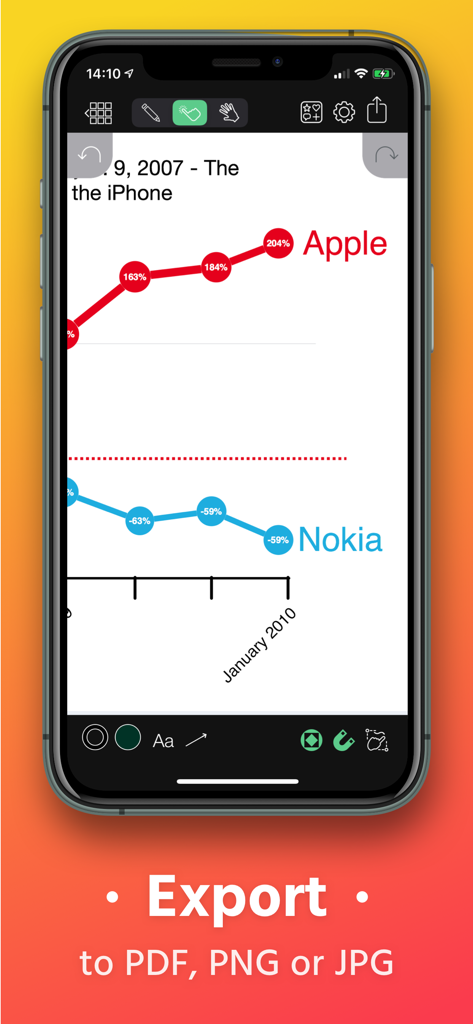
Grafio 4 - Diagram Maker - Liniendiagramm, das Apple und Nokia in Grafio 4 vergleicht, mit Exportoptionen nach PDF, PNG und JPG.
Liniendiagramm, das Apple und Nokia in Grafio 4 vergleicht, mit Exportoptionen nach PDF, PNG und JPG.

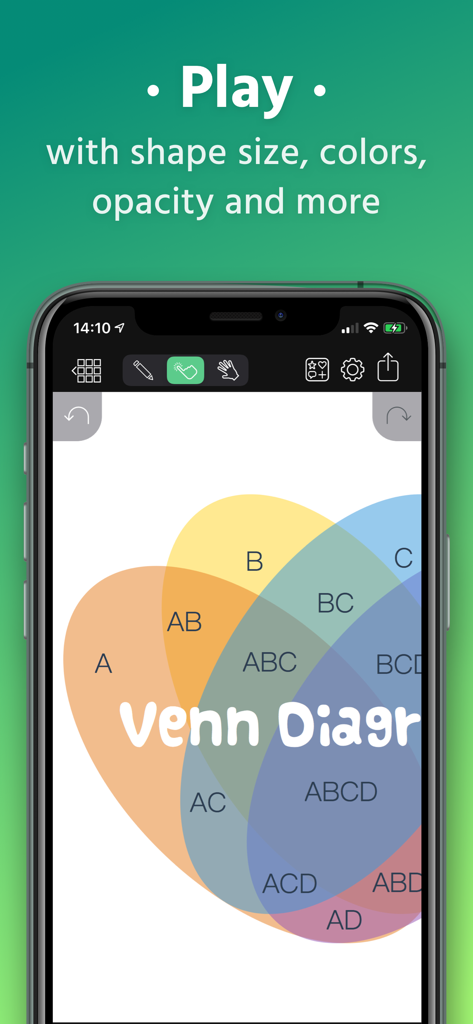
Grafio 4 - Diagram Maker - Ein farbenfrohes Venn-Diagramm mit überlappenden Kreisen und Textbeschriftungen, das in der Grafio 4 App bearbeitet wird.
Ein farbenfrohes Venn-Diagramm mit überlappenden Kreisen und Textbeschriftungen, das in der Grafio 4 App bearbeitet wird.

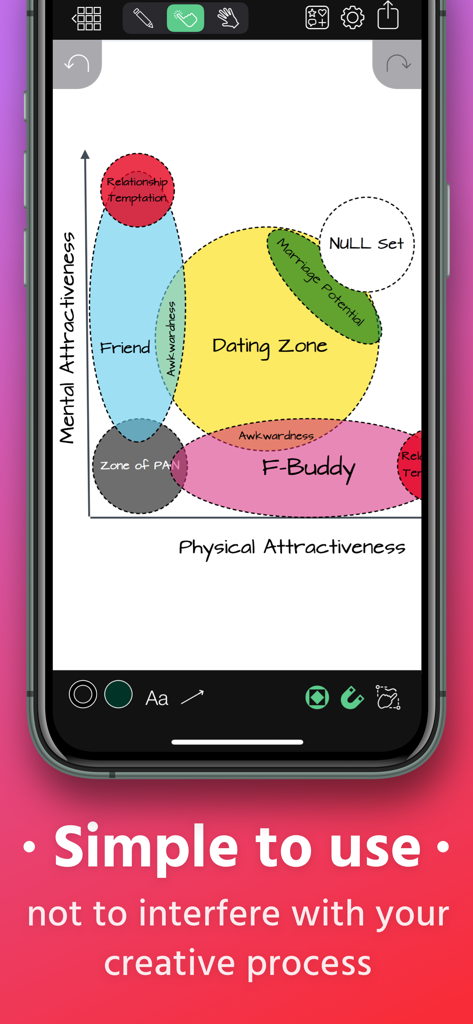
Grafio 4 - Diagram Maker - Grafio 4 Mobile App-Oberfläche, die ein handgezeichnetes Venn-Diagramm mit Formerkenung zeigt.
Grafio 4 Mobile App-Oberfläche, die ein handgezeichnetes Venn-Diagramm mit Formerkenung zeigt.

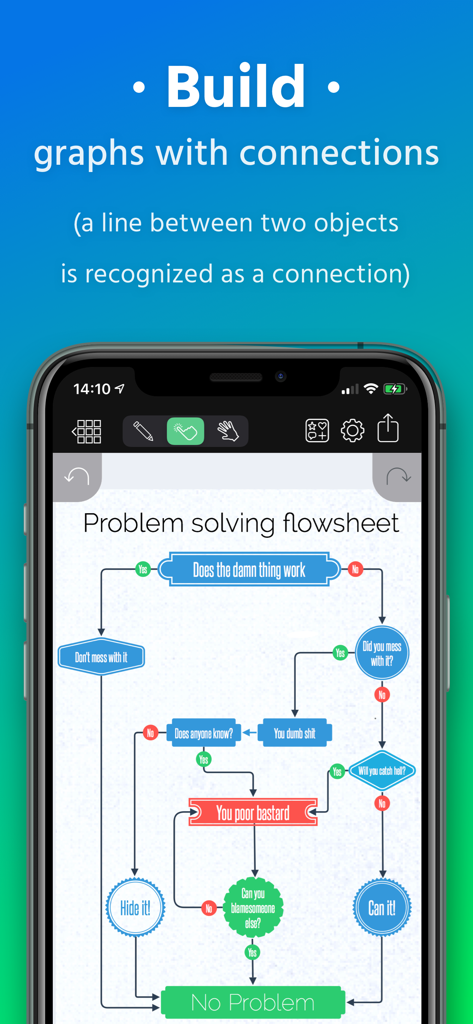
Grafio 4 - Diagram Maker - Smartphone-Bildschirm, der einen komplexen Problemlösungs-Flussplan zeigt, der mit automatisierten Formverbindungen in der Grafio 4 App erstellt wurde.
Smartphone-Bildschirm, der einen komplexen Problemlösungs-Flussplan zeigt, der mit automatisierten Formverbindungen in der Grafio 4 App erstellt wurde.

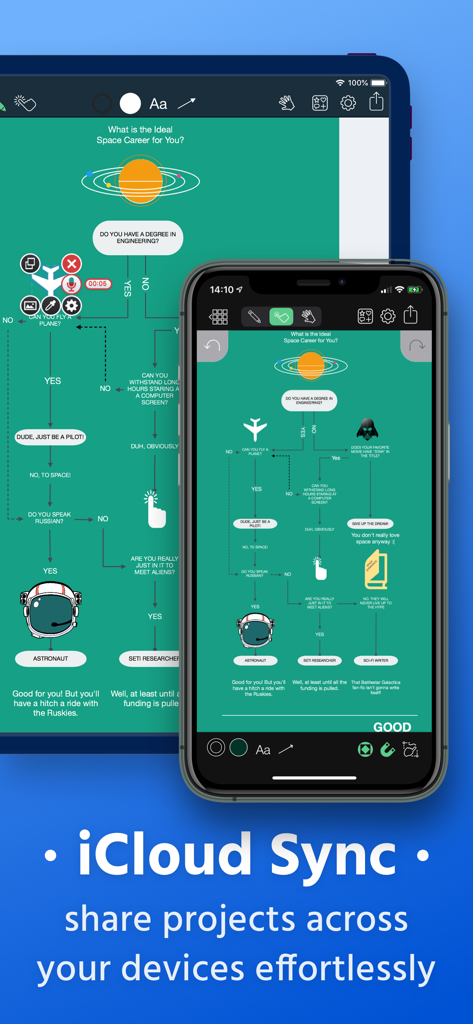
Grafio 4 - Diagram Maker - Grafio 4 Diagramm-Maker, der die iCloud-Synchronisierung über iPad- und iPhone-Geräte hinweg anzeigt.
Grafio 4 Diagramm-Maker, der die iCloud-Synchronisierung über iPad- und iPhone-Geräte hinweg anzeigt.

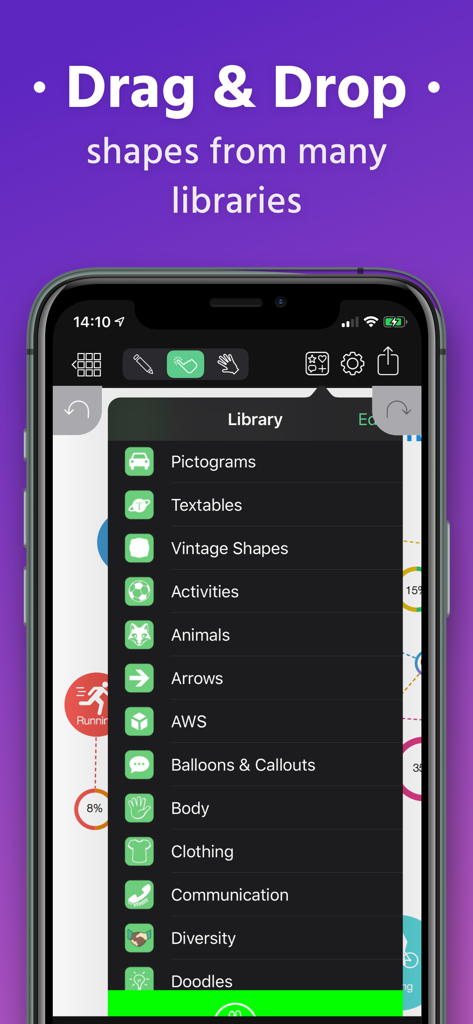
Grafio 4 - Diagram Maker - Smartphone-Bildschirm, der das umfangreiche Menü für Formen und Schablonen in der Grafio 4 App zeigt.
Smartphone-Bildschirm, der das umfangreiche Menü für Formen und Schablonen in der Grafio 4 App zeigt.

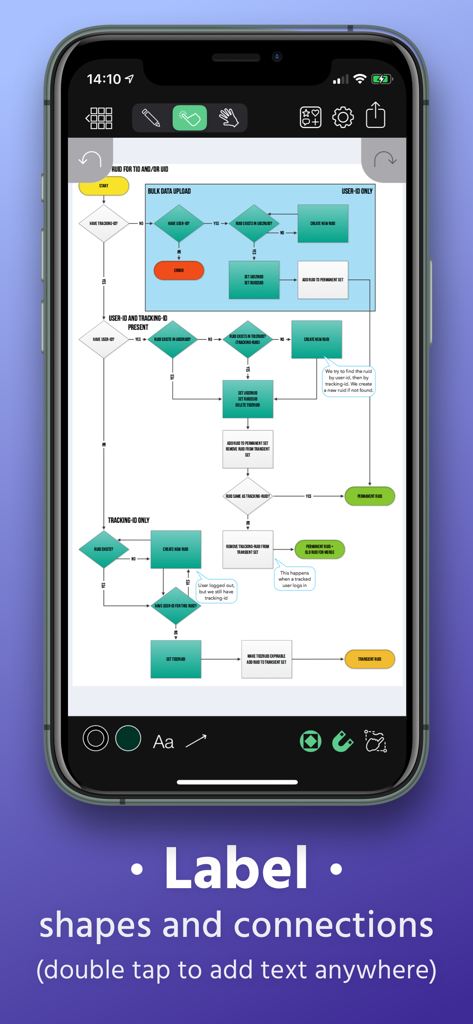
Grafio 4 - Diagram Maker - Grafio 4 App-Oberfläche, die einen komplexen Flussplan mit der Möglichkeit zur Beschriftung von Formen und Verbindungen zeigt.

Grafio 4 App-Oberfläche, die einen komplexen Flussplan mit der Möglichkeit zur Beschriftung von Formen und Verbindungen zeigt.

Beschreibung

Grafio turns 10. It's been around for a decade already - polished, efficient and with more features than ever before. Grafio is not a tool for professionals only. Its smooth learning curve allows everyone to convey their ideas visually and with ease. Hundreds of thousands use Grafio worldwide, due to its simplicity and affordability. There are no ongoing subscription costs or upgrade charges. Once you purchase it, you have access to an ongoing number of libraries (shapes and symbols) and a multitude of new features with every update. Since Grafio was released 10 years ago, there have been 3 major upgrades, including dozens of new object libraries and a fresh new look to the layout. To begin, simply draw a rectangle, circle or an ellipse and see what makes drawing with Grafio so easy and fun.  Grafio can recognize and replace any of the shapes mentioned with a perfectly looking one for your diagram or schematic, ready to be used over and over. Drag and drop objects on the canvas for more complex diagrams. Make connections, add text labels and images. SHAPE RECOGNITION The shapes you draw are automatically closed and straightened, all basic shapes are instantly recognized. The lines you draw between shapes are automatically turned into connections thanks to our shape recognition magic. STENCILS Some diagrams require more advanced objects. Grafio provides thousands of shapes that you can easily drag in from the library. In addition, you can embed images from your Camera Roll into shapes and connect them to your other shapes. AUDIO RECORDINGS Recording audio notes to your shapes can be a way for you to collect your thoughts and include them in the finishing product, or as a reference. - Video tutorials on Grafio can be found on YouTube: http://bit.ly/grafiovideo +++ FEATURE SET +++ • Shape recognition - recognizes hand drawn basic shapes • Drag & drop shapes from many libraries • Insert, embed, or paste images • Precise drawing with Apple Pencil • Build diagrams and graphs through connections • Label shapes and connections • Select, move, rotate and scale everything (even scribbles) • Change size, color, opacity and other properties of your shapes • Have a favorite font? Import your font from popular websites • 10 Different connection types with adjustable radius • Precision toolbar for nudging, rotation and resizing • Flip, align and distribute shapes with a single tap • AirPlay and video output for presentations • Export to PDF, PNG or JPG • Record audio notes with each object • Export videos with how your design reaches the final product • iCloud and Files integration +++ THE POSSIBILITIES +++ • Make Designs • Take Visual Notes • Vector Sketches • Flowcharts and network diagrams • Any diagram type that has a name: ArchiMate, Audit, Block, Cabling, Data Flow, Electrical, Gantt, P&ID, Sankey, SDL, TQM, UML, Use Case, Venn, Wireframe, Workflow, etc. • Industrial Processes • Organizational Charts • Basic Charts and Graphs • Mind Mapping (Brainstorming Diagram) • Web Site Maps • Road Plans • Military operational and tactical plans and many more... +++ STENCILS +++ FREE: • Amazon Web Services (AWS) • Arrows • AV Connectors • Azure Services • Balloons & callouts • Basic Flowchart • Basic 2D & 3D Shapes • Doodles • Electrical symbols • Gantt Chart • Google Cloud Platform (GCP) • Hazard & GHS symbols • JoyPixels (formerly EmojiOne) • Kubernetes • Memes • NATO Joint Military Symbology (APP-6) • Pictograms • Piping & Instrumentation • Pneumatic & Hydraulic • Sankey Diagrams • Textables • UML Diagram • US Road Signs • Vintage shapes PAID: • FULL ACCESS - Get all libraries at a discount • Audit Diagram • BPMN • Concept Map • Cross-Functional Flowchart • Data Flow Diagram • ESL "Energese" • Event-driven process chain (EPC) • iOS UI Kit • Marketing Diagrams • Maps & Flags • Network Diagram • SDL Diagram • TQM Diagram • UX Flowchart cards (sitemap) • Venn Diagrams • Wireframe • Workflow Diagram

Download

Herunterladen auf App Store

Diese Seite ist keine offizielle Seite der App oder ihres Entwicklers, sondern eine unabhängige redaktionelle Veröffentlichung, die zu Informations- und Kommentarzwecken erstellt wurde. Sofern nicht ausdrücklich anders angegeben, sind weder die App noch ihr Entwickler mit MWM, Apple, Google Play, dem App-Herausgeber oder dem Entwickler der App verbunden, von ihnen unterstützt, gesponsert, autorisiert oder anderweitig offiziell verbunden, und nichts auf dieser Seite impliziert, dass die App unter Verwendung der Dienste von MWM entwickelt wurde. Alle Marken, Logos, Screenshots und andere Inhalte bleiben Eigentum ihrer jeweiligen Inhaber.