iFax App Send Fax From iPhone
Herunterladen auf App Store

Diese Seite ist keine offizielle Seite der App oder ihres Entwicklers, sondern eine unabhängige redaktionelle Veröffentlichung, die zu Informations- und Kommentarzwecken erstellt wurde. Sofern nicht ausdrücklich anders angegeben, sind weder die App noch ihr Entwickler mit MWM, Apple, Google Play, dem App-Herausgeber oder dem Entwickler der App verbunden, von ihnen unterstützt, gesponsert, autorisiert oder anderweitig offiziell verbunden, und nichts auf dieser Seite impliziert, dass die App unter Verwendung der Dienste von MWM entwickelt wurde. Alle Marken, Logos, Screenshots und andere Inhalte bleiben Eigentum ihrer jeweiligen Inhaber.

Logo von iFax App Send Fax From iPhone
Herunterladen auf App Store

iFax App Send Fax From iPhone

Schließen Sie sich über 5 Millionen Fachleuten und Fortune-500-Unternehmen an, die iFax für die sichere Zustellung von Dokumenten in Unternehmensqualität vertrauen. Senden und empfangen Sie Faxe sofort unterwegs – keine physische Maschine oder Festnetzleitung erforderlich.

Kennzahlen

Downloads

1M+

Bewertung

4.4/5

Bewertungen gesamt

36K+

Herausgeber

Maplewoods Associates Ltd

Kategorie

Business

Sprachen

12

Neueste Version

9.97

Größe

151.5 MB

Erstveröffentlichung

13. Okt. 2009
Funktionen

Professionelles Faxen, vereinfacht für Mobilgeräte

Schließen Sie sich 5 Millionen Fachleuten an, die klobige Hardware durch die weltweit sicherste mobile Faxmaschine ersetzt haben. Senden, empfangen und verwalten Sie Dokumente unterwegs.

Sicherheit in Unternehmensqualität

Bleiben Sie mit 256-Bit-SSL-Verschlüsselung vollständig HIPAA- und GLBA-konform. Behandeln Sie medizinische Aufzeichnungen und Rechtsverträge sicher und mit absoluter Gelassenheit.

Integrierter Dokumentenscanner

Verwandeln Sie Ihr iPhone in ein hochauflösendes Faxgerät. Scannen Sie physische Dokumente, fügen Sie digitale Signaturen hinzu und senden Sie Faxe in Sekundenschnelle, ohne ein FedEx suchen zu müssen.

Die folgenden Screenshots und die Beschreibung stammen direkt aus dem offiziellen Store-Eintrag der App und sind Eigentum des Entwicklers.

App Store

Screenshots
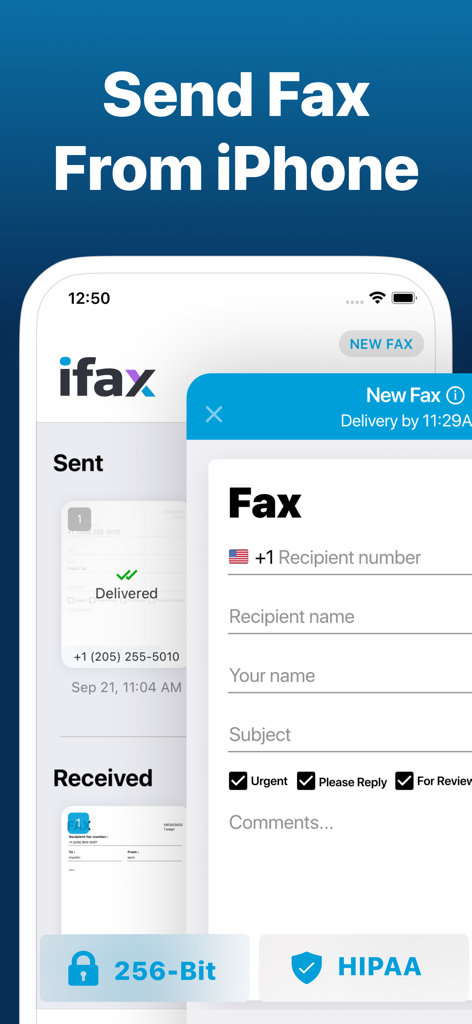
iFax App Send Fax From iPhone - iFax App-Oberfläche zum Senden sicherer und HIPAA-konformer Faxe von einem iPhone
iFax App-Oberfläche zum Senden sicherer und HIPAA-konformer Faxe von einem iPhone

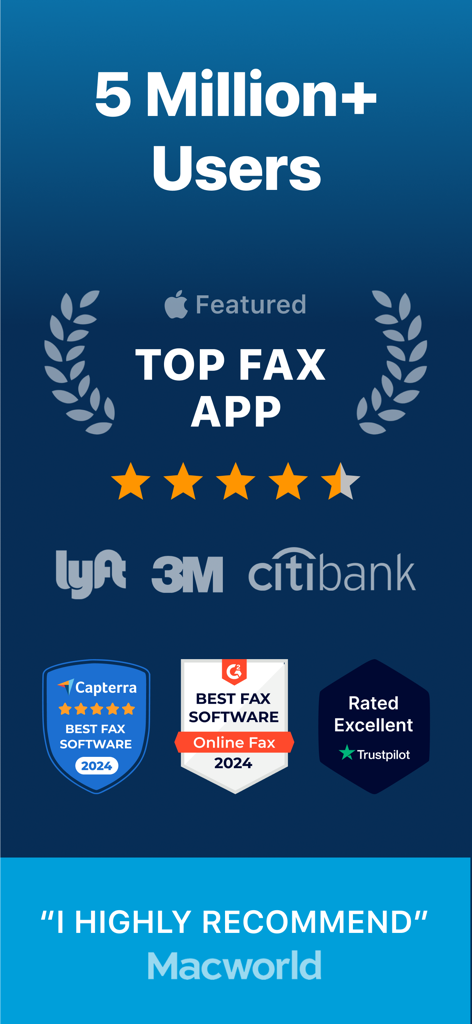
iFax App Send Fax From iPhone - iFax App-Vertrauenssiegel und Top-Bewertungen von Capterra G2 und Trustpilot, die 5 Millionen Nutzer und Unternehmenspartner zeigen
iFax App-Vertrauenssiegel und Top-Bewertungen von Capterra G2 und Trustpilot, die 5 Millionen Nutzer und Unternehmenspartner zeigen

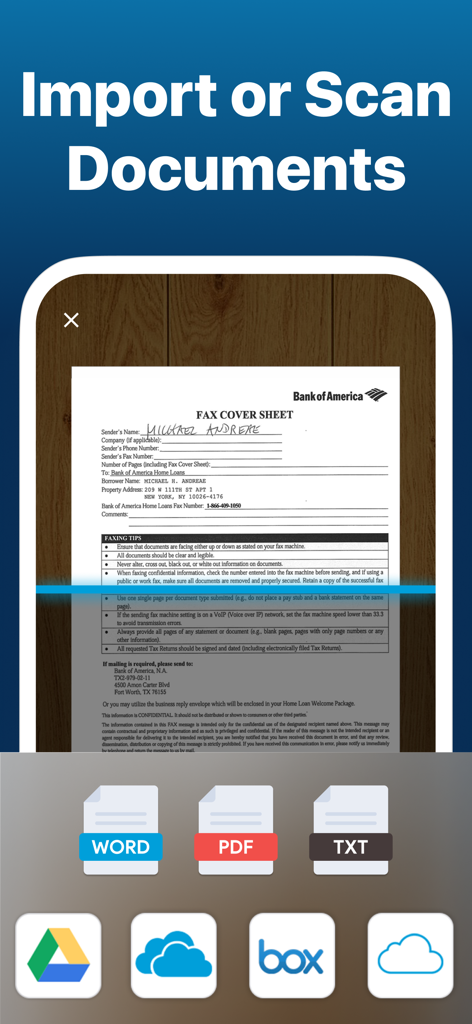
iFax App Send Fax From iPhone - Mobile Oberfläche der iFax App, die ein Fax-Deckblatt scannt mit Optionen zum Importieren aus Cloud-Speicher
Mobile Oberfläche der iFax App, die ein Fax-Deckblatt scannt mit Optionen zum Importieren aus Cloud-Speicher

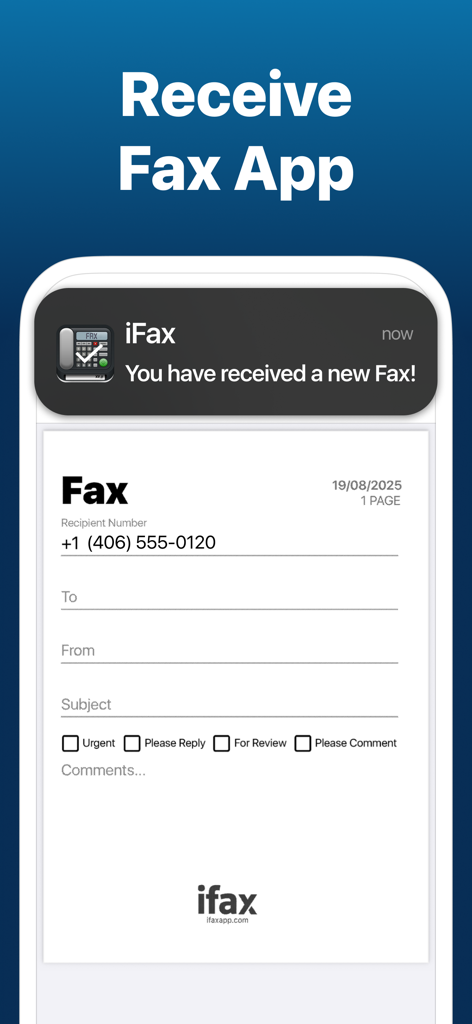
iFax App Send Fax From iPhone - Smartphone-Benachrichtigung für ein neu empfangenes Fax in der iFax App
Smartphone-Benachrichtigung für ein neu empfangenes Fax in der iFax App

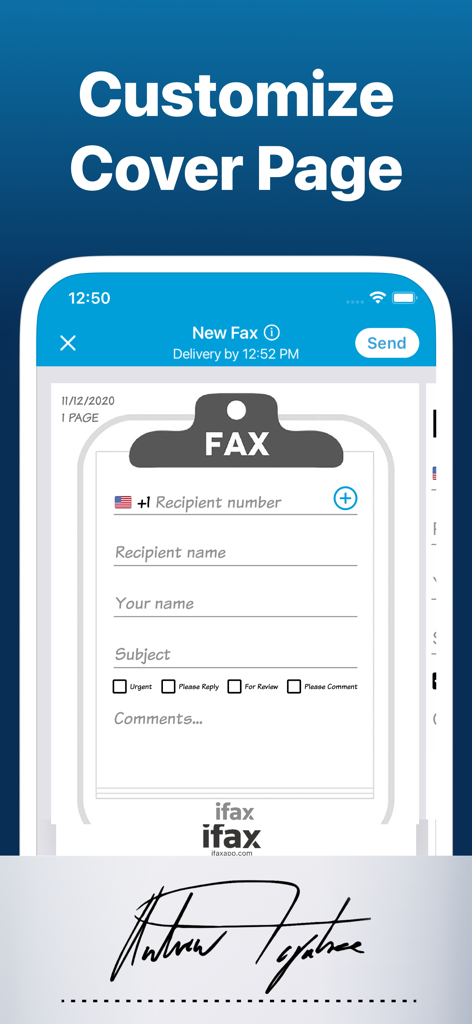
iFax App Send Fax From iPhone - iFax App-Oberfläche zum Anpassen eines Fax-Deckblatts mit Empfängerdetails und Prioritäts-Kontrollkästchen
iFax App-Oberfläche zum Anpassen eines Fax-Deckblatts mit Empfängerdetails und Prioritäts-Kontrollkästchen

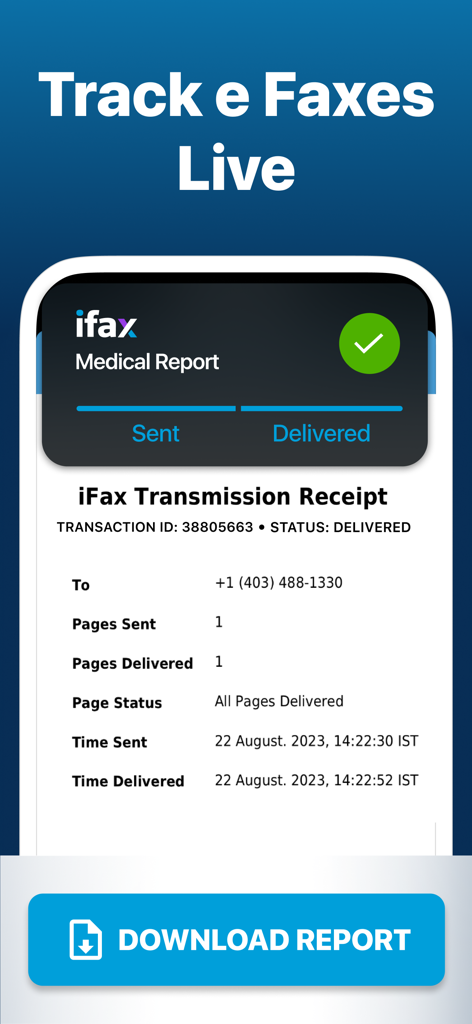
iFax App Send Fax From iPhone - Ein mobiler Bildschirm, der eine iFax-Übermittlungsquittung für einen medizinischen Bericht mit Lieferbestätigung und Tracking-Details anzeigt
Ein mobiler Bildschirm, der eine iFax-Übermittlungsquittung für einen medizinischen Bericht mit Lieferbestätigung und Tracking-Details anzeigt

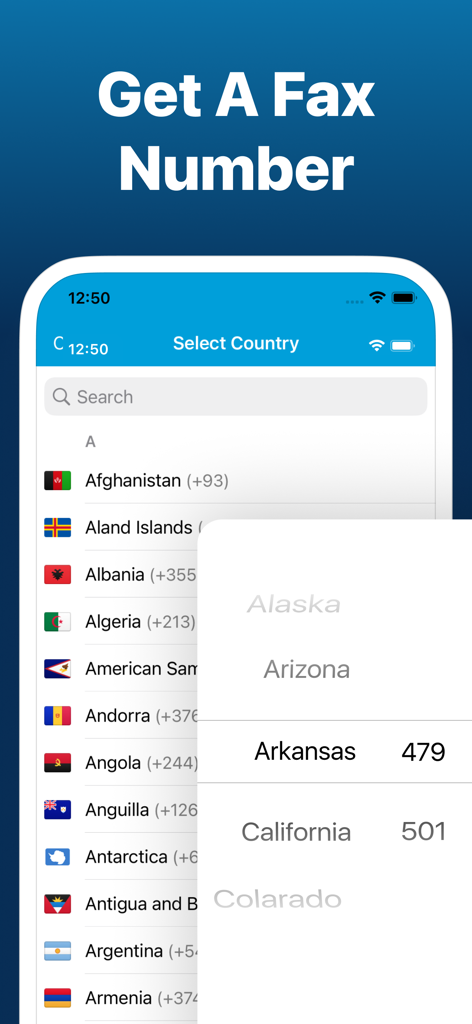
iFax App Send Fax From iPhone - Auswahl eines Landes und einer US-Bundesstaaten-Vorwahl innerhalb der iFax App, um eine persönliche Faxnummer zu erhalten

Auswahl eines Landes und einer US-Bundesstaaten-Vorwahl innerhalb der iFax App, um eine persönliche Faxnummer zu erhalten

Beschreibung

Are you in need of a hassle-free & cost-effective way to fax from your iPhone for free? Look no further than iFax, the original & best free e Fax app. With iFax, your iPhone or iPad instantly transforms into a portable free online fax machine. Say hello to your go to online fax services! With a user base of over 5 million individuals spanning 20,000 companies, including Fortune 500 powerhouses & esteemed nonprofit institutions like Citibank, the US Government, Harvard University, SAS, Lyft, PWC, 3M, Invitae, & many more, iFax has established itself as the go-to faxer service for all your internet faxing needs, including unlimited fax plus many other features. How iFax Works - Whether you need to send a single fax or a multitude of faxes, iFax has you covered, right from your iPhone. - Get started with faxing in minutes, all without the need to create an account or deal with cumbersome paperwork. - Seamlessly send & receive faxes on the go with iFax, the world's leading fax app, offering free fax from iphone free app features. -Send a free fax from iphone free with iFax Why Choose iFax App for Your Free e Fax++ Needs HIPAA & GLBA-Compliant, Enterprise-Grade Faxing: iFax offers faxing with enhanced security, bulk faxing, & multiple fax numbers – the ultimate fax plus solution. Go Paperless with Cloud Faxing: Leverage cloud integration for importing & faxing images, documents, & PDFs from iCloud, Google Drive, Dropbox, while enjoying efax free benefits. 100% Safe & Private: Securely fax business & personal documents worldwide with iFax's robust 256-bit SSL encryption & HIPAA-compliant faxing, your security is our priority. Powerful Document Scanner: iFax features an advanced e-fax scanner for swift & easy faxing of personal files, business documents, images, & more. Multi-Platform Support: Send & receive faxes effortlessly with iFax on your iPhone, iPad,computer & Apple Watch, making faxing a breeze for individuals & businesses. The iFax Success Story Launched in 2008, the same year as the Apple App Store's inception, iFax has faithfully served millions of users who have collectively sent & received over 20 million faxes. Over the past decade, iFax has risen to become the world's most popular fax app today, offering fax plus features that are hard to beat. SUBSCRIPTIONS - Prices vary based on selected region & duration, starting from $27.99/month (USD). - Subscription duration options include 1 month & 1 week. - A fax number will remain active as long as the subscription is active. Once deactivated, faxes received to your number may not be accessible. - The free trial period lasts for 7 days & monthly subscription charges are then made automatically to the given payment account unless canceled 24 hours prior to the end of the trial period. - iFax contains both free trial & paid subscriptions for fax+. Free trial offers are only available once per subscription per user. - Subscriptions will automatically renew unless auto-renew is turned off at least 24-hours prior to the end of the current period. - Initial payments are charged to a user's iTunes Account at confirmation of purchase. - Charges for renewal occur within 24-hours prior to the end of the current period. - Subscriptions can be managed by the user & auto-renewal can be turned off by going to the user's Account Settings after purchase. - Any unused portion of a free trial period, if offered, will be forfeited when the user purchases a subscription to that publication, where applicable. - Fair Use Policy - iFax reserves the right to limit any or all of the above services based on what it deems to be abusive practices, unusually high usage or what iFax deems as 'Fair Use'. - Privacy Policy - https://www.ifaxapp.com/privacy - Terms Of Use - https://www.ifaxapp.com/terms - Apple Terms of Use - https://www.apple.com/legal/internet-services/itunes/dev/stdeula/ *iPhone & iPad are trademarks of Apple Inc.

Download

Herunterladen auf App Store

Diese Seite ist keine offizielle Seite der App oder ihres Entwicklers, sondern eine unabhängige redaktionelle Veröffentlichung, die zu Informations- und Kommentarzwecken erstellt wurde. Sofern nicht ausdrücklich anders angegeben, sind weder die App noch ihr Entwickler mit MWM, Apple, Google Play, dem App-Herausgeber oder dem Entwickler der App verbunden, von ihnen unterstützt, gesponsert, autorisiert oder anderweitig offiziell verbunden, und nichts auf dieser Seite impliziert, dass die App unter Verwendung der Dienste von MWM entwickelt wurde. Alle Marken, Logos, Screenshots und andere Inhalte bleiben Eigentum ihrer jeweiligen Inhaber.








