
Diese Seite ist keine offizielle Seite der App oder ihres Entwicklers, sondern eine unabhängige redaktionelle Veröffentlichung, die zu Informations- und Kommentarzwecken erstellt wurde. Sofern nicht ausdrücklich anders angegeben, sind weder die App noch ihr Entwickler mit MWM, Apple, Google Play, dem App-Herausgeber oder dem Entwickler der App verbunden, von ihnen unterstützt, gesponsert, autorisiert oder anderweitig offiziell verbunden, und nichts auf dieser Seite impliziert, dass die App unter Verwendung der Dienste von MWM entwickelt wurde. Alle Marken, Logos, Screenshots und andere Inhalte bleiben Eigentum ihrer jeweiligen Inhaber.


Inkflow Plus Visual Notebook
Erfassen Sie Ihre Ideen so einfach wie mit Stift und Papier, dann ordnen Sie Ihre Gedanken mühelos neu und skalieren Sie sie, um das Gesamtbild zu meistern.
Downloads
352K+Bewertung
Bewertungen gesamt
2K+Herausgeber
Kategorie
BusinessSprachen
1Neueste Version
7.2Größe
35.4 MBErstveröffentlichung
13. Aug. 2012Meistern Sie Ihren kreativen Workflow
Inkflow Plus kombiniert die Freiheit eines physischen Notizbuchs mit der Leistung digitaler Manipulation, sodass Sie Ihre Ideen genauso schnell verschieben, skalieren und neu organisieren können, wie Sie sie denken.
Denken Sie über die Seite hinaus
Wählen, verschieben und skalieren Sie Ihre Skizzen wie in einem Textverarbeitungsprogramm. Ordnen Sie Konzepte mit den Fingern neu an, um das Gesamtbild zu erstellen, ohne jemals einen Radiergummi zu benötigen.
Revolutionäres Inkport-Werkzeug
Wandeln Sie physische Skizzen sofort in digitale Vektorintegriertung um. Machen Sie ein Foto von Ihren Notizen auf Papier und integrieren Sie sie nahtlos in Ihren digitalen Arbeitsbereich.
Die folgenden Screenshots und die Beschreibung stammen direkt aus dem offiziellen Store-Eintrag der App und sind Eigentum des Entwicklers.
App Store
Screenshots
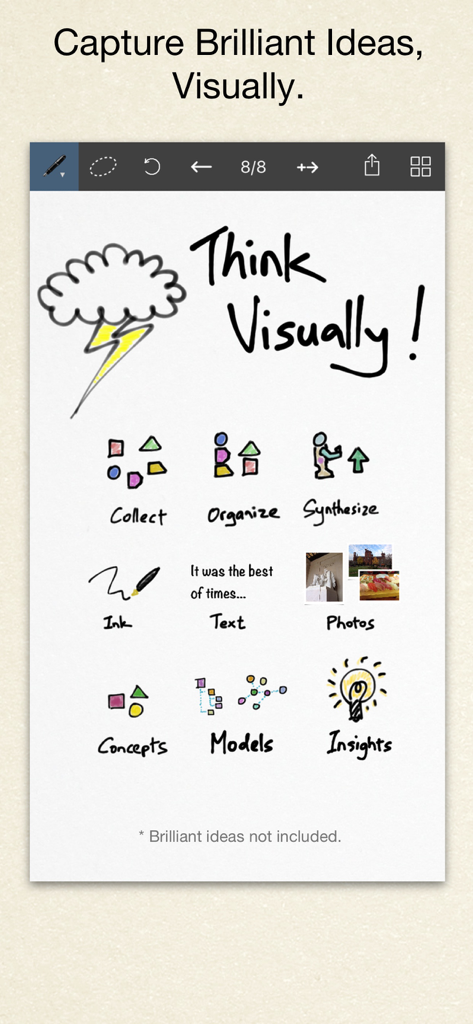
Eine digitale Leinwand in der Inkflow Plus App, die visuelle Denkwerkzeuge wie Skizzen, Text und Fotos zur Organisation von Ideen zeigt
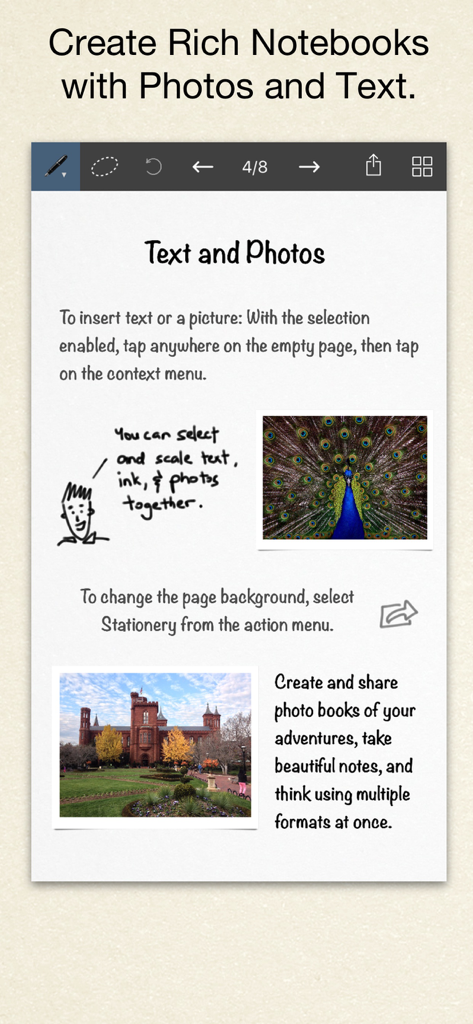
Eine digitale Notizbuchseite in Inkflow Plus mit einer Mischung aus Text, handgezeichneten Skizzen und Fotos.
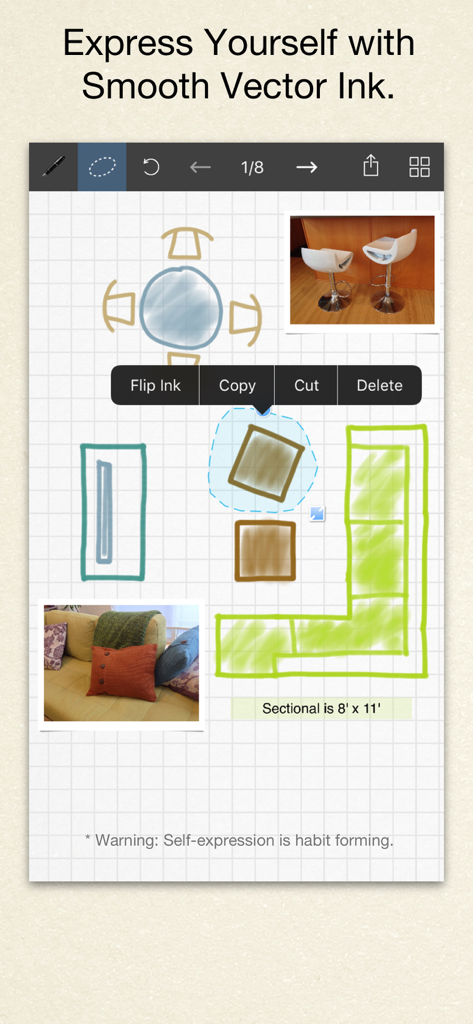
Handgezeichnetes Raumlayout-Design in Inkflow Plus, das Vektorintegriertung und Fotointegration zeigt
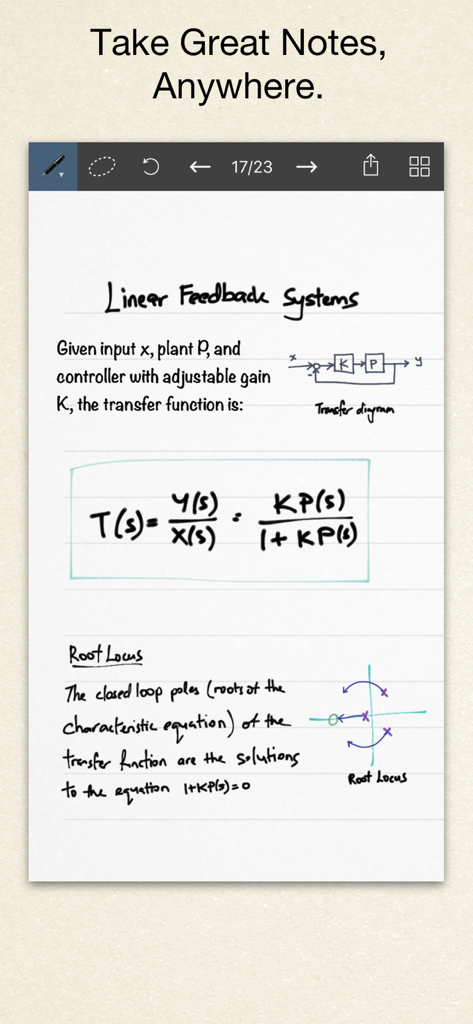
Handgeschriebene technische Notizen mit Diagrammen und mathematischen Formeln im Inkflow Plus Visuellen Notizbuch.
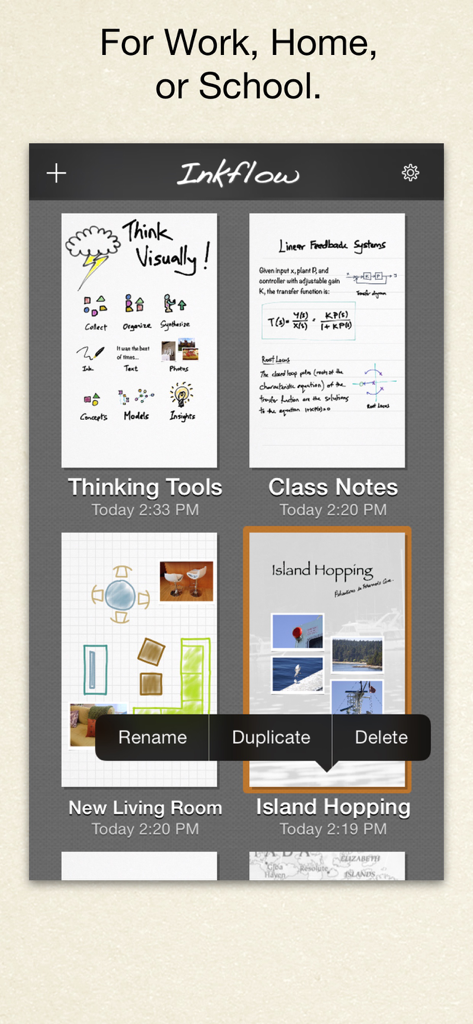
Die Benutzeroberfläche der Inkflow Plus App zeigt eine Galerie von visuellen Notizbüchern für Arbeit, Zuhause und Schule
Beschreibung
Download
Ähnliche Apps
Apps mit ähnlichen Funktionen und Nutzererfahrung

Penned: Private Notes
Edwing H Santos Mena

MindLine Mind Map
Shenzhen Brown Bear Technology Co., LTD

MindNode: Mind Map & Outline
IdeasOnCanvas GmbH

Post-it®
3M Company

MindSpace - Mind Map
佳文 潘

SimpleMind Pro - Mind Mapping
xpt Software & Consulting B.V.

Ayoa MindMaps for Kids
OpenGenius Limited

TouchMind-handwritten mind map
红霞 鲁

Mind Map Maker - Mindomo
Expert Software Applications Srl
Diese Seite ist keine offizielle Seite der App oder ihres Entwicklers, sondern eine unabhängige redaktionelle Veröffentlichung, die zu Informations- und Kommentarzwecken erstellt wurde. Sofern nicht ausdrücklich anders angegeben, sind weder die App noch ihr Entwickler mit MWM, Apple, Google Play, dem App-Herausgeber oder dem Entwickler der App verbunden, von ihnen unterstützt, gesponsert, autorisiert oder anderweitig offiziell verbunden, und nichts auf dieser Seite impliziert, dass die App unter Verwendung der Dienste von MWM entwickelt wurde. Alle Marken, Logos, Screenshots und andere Inhalte bleiben Eigentum ihrer jeweiligen Inhaber.