
Diese Seite ist keine offizielle Seite der App oder ihres Entwicklers, sondern eine unabhängige redaktionelle Veröffentlichung, die zu Informations- und Kommentarzwecken erstellt wurde. Sofern nicht ausdrücklich anders angegeben, sind weder die App noch ihr Entwickler mit MWM, Apple, Google Play, dem App-Herausgeber oder dem Entwickler der App verbunden, von ihnen unterstützt, gesponsert, autorisiert oder anderweitig offiziell verbunden, und nichts auf dieser Seite impliziert, dass die App unter Verwendung der Dienste von MWM entwickelt wurde. Alle Marken, Logos, Screenshots und andere Inhalte bleiben Eigentum ihrer jeweiligen Inhaber.


Juno – Python and Jupyter
Verwandeln Sie Ihr iPad und iPhone in eine leistungsstarke Workstation. Führen Sie Python-Code lokal aus, erkunden Sie Jupyter-Notebooks mit Rich-Outputs und nutzen Sie branchenübliche Bibliotheken wie NumPy und Pandas – alles ohne Einrichtung und mit vollständiger Offline-Unterstützung.
Downloads
198K+Bewertung
Bewertungen gesamt
400Herausgeber
Kategorie
Developer ToolsSprachen
7Neueste Version
3.8.2Größe
541.7 MBErstveröffentlichung
26. Sept. 2019Eine professionelle Python-Workstation in Ihrer Tasche
Verwandeln Sie Ihr iPad oder iPhone in eine Hochleistungs-Entwicklungsumgebung. Von der Datenforschung bis zu automatisierten Workflows bietet Juno eine Zero-Setup-Erfahrung der Desktop-Klasse, die überall funktioniert.
Lokale & Offline-Ausführung
Führen Sie Python 3.10 und Jupyter-Notebooks vollständig auf Ihrem Gerät aus. Keine Cloud-Abonnements oder Internetverbindung erforderlich – perfekt für sicheres Codieren und produktive Pendelfahrten.
Der vollständige Data-Science-Stack
Führen Sie reale Analysen mit branchenüblichen Bibliotheken durch, darunter NumPy, Pandas, Scikit-learn und Matplotlib. Rendern Sie Rich-Plots und LaTeX-Gleichungen direkt in Ihren Notebooks.
Die folgenden Screenshots und die Beschreibung stammen direkt aus dem offiziellen Store-Eintrag der App und sind Eigentum des Entwicklers.
App Store
Screenshots
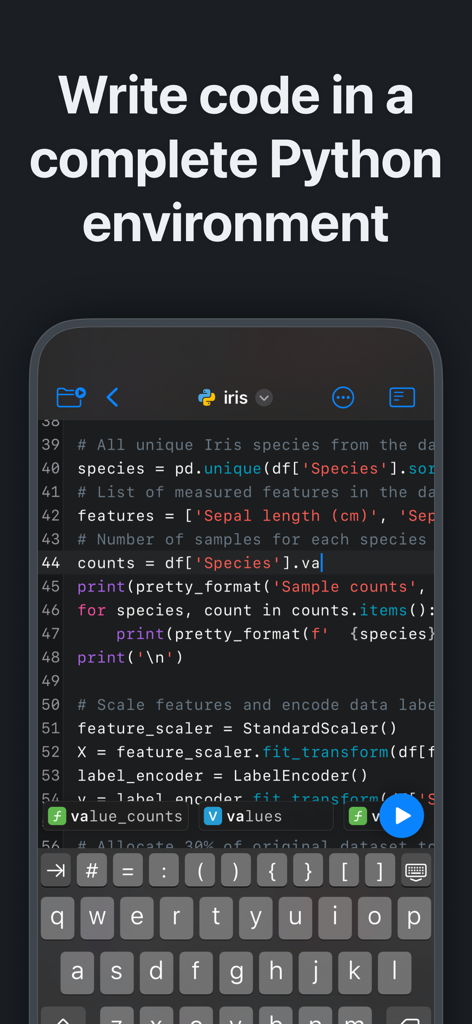
Juno-App zeigt einen Python-Code-Editor mit Syntaxhervorhebung und einer benutzerdefinierten Tastatur auf dem iPhone
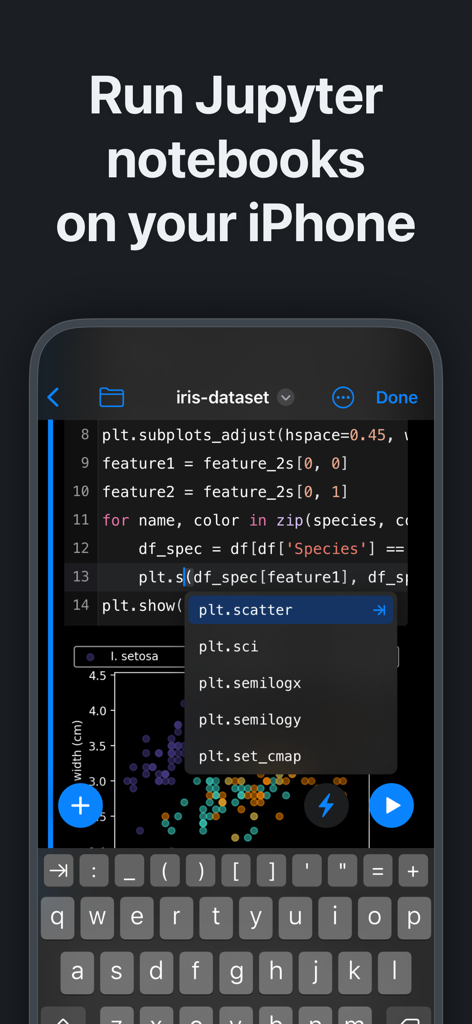
Juno-App-Oberfläche, auf der Jupyter-Notebooks und Python-Code auf dem iPhone mit Datenvisualisierung ausgeführt werden
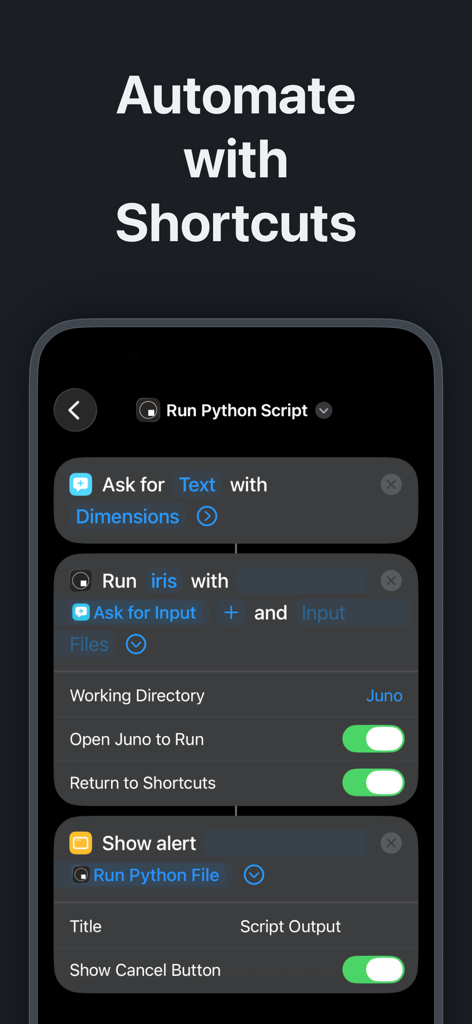
iPhone-Oberfläche, die Python-Skriptautomatisierung mit iOS Shortcuts in der Juno-App zeigt
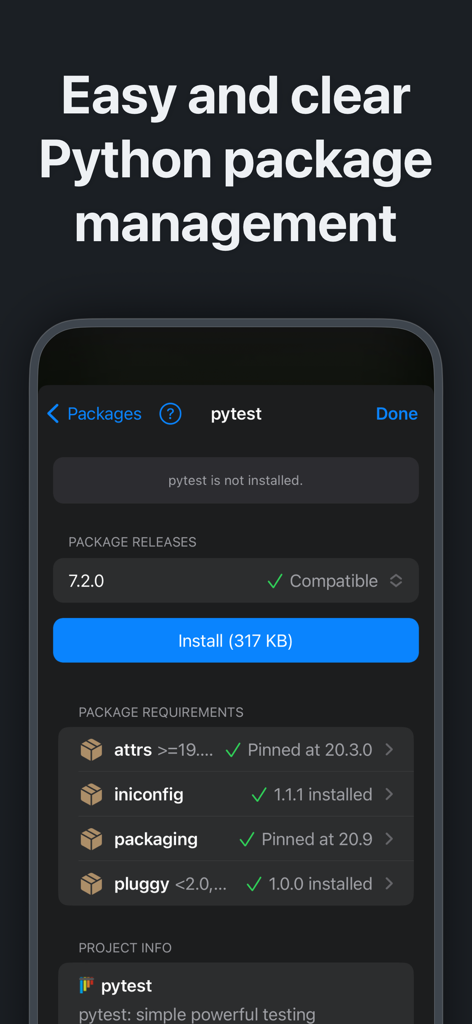
Oberfläche der Juno-App, die Python-Paketverwaltung und -installation für pytest auf einem mobilen Gerät zeigt
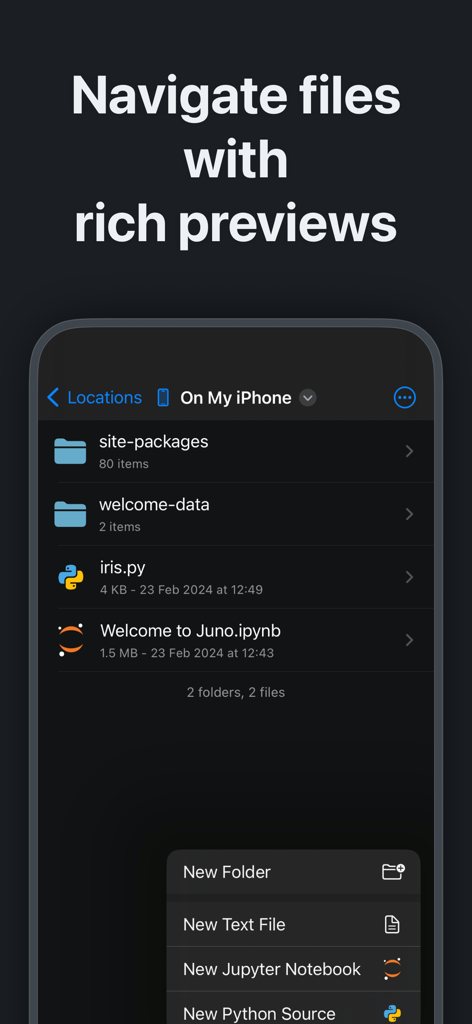
Juno-App-Dateimanager, der Python-Skripte und Jupyter-Notebooks auf dem iPhone anzeigt
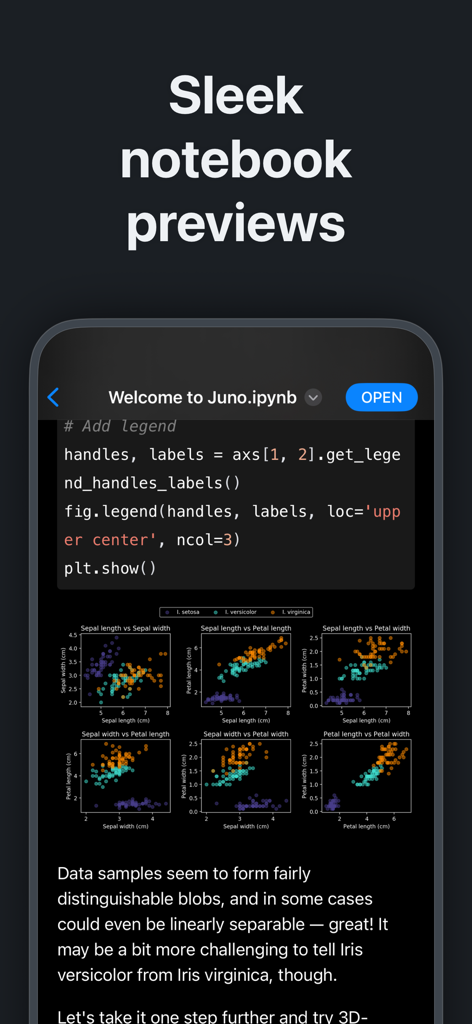
Vorschau eines Jupyter-Notebooks in der Juno-App mit Python-Code und Datenvisualisierungs-Plots
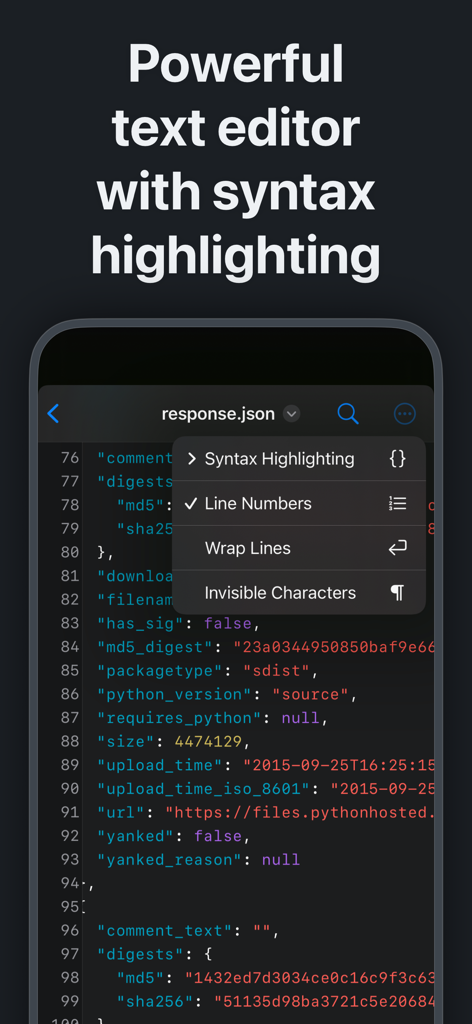
Juno-App-Texteditor mit Syntaxhervorhebung auf dem iPhone
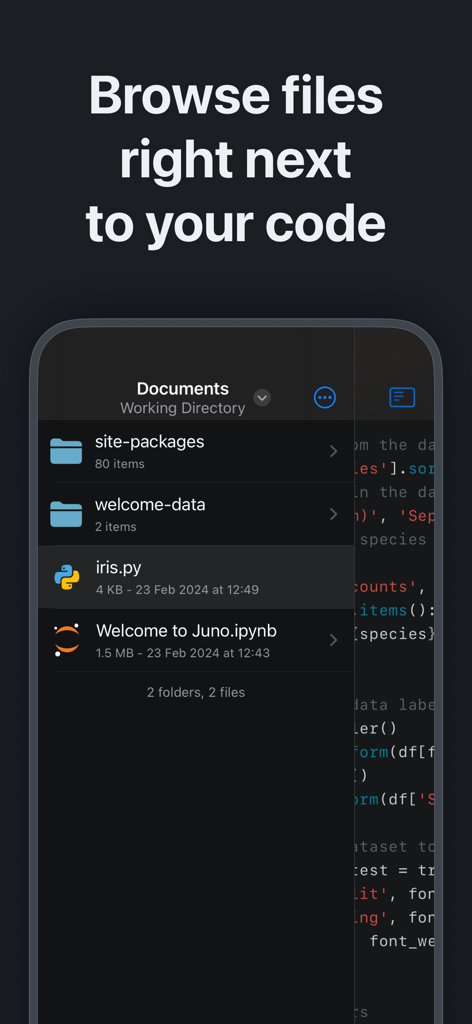
Juno-Mobile-App-Oberfläche, die einen Dateibrowser mit Python-Skripten und Jupyter-Notebooks neben dem Quellcode anzeigt
Beschreibung
Download
Ähnliche Apps
Apps mit ähnlichen Funktionen und Nutzererfahrung

Python Coding
婉媚 邵

Scriptable
Simon Stovring

Koder Code Editor
Reny Mustika

Textastic Code Editor
Alexander Blach

Carnets - Jupyter
Nicolas Holzschuch

C/C++-programming language
小文 黄

Love2D Studio
淑敏 孙

C Compiler IDE
Changsha Chunjue Information Technology Co., Ltd.

delta executor
Amina Sioui
Diese Seite ist keine offizielle Seite der App oder ihres Entwicklers, sondern eine unabhängige redaktionelle Veröffentlichung, die zu Informations- und Kommentarzwecken erstellt wurde. Sofern nicht ausdrücklich anders angegeben, sind weder die App noch ihr Entwickler mit MWM, Apple, Google Play, dem App-Herausgeber oder dem Entwickler der App verbunden, von ihnen unterstützt, gesponsert, autorisiert oder anderweitig offiziell verbunden, und nichts auf dieser Seite impliziert, dass die App unter Verwendung der Dienste von MWM entwickelt wurde. Alle Marken, Logos, Screenshots und andere Inhalte bleiben Eigentum ihrer jeweiligen Inhaber.