
Diese Seite ist keine offizielle Seite der App oder ihres Entwicklers, sondern eine unabhängige redaktionelle Veröffentlichung, die zu Informations- und Kommentarzwecken erstellt wurde. Sofern nicht ausdrücklich anders angegeben, sind weder die App noch ihr Entwickler mit MWM, Apple, Google Play, dem App-Herausgeber oder dem Entwickler der App verbunden, von ihnen unterstützt, gesponsert, autorisiert oder anderweitig offiziell verbunden, und nichts auf dieser Seite impliziert, dass die App unter Verwendung der Dienste von MWM entwickelt wurde. Alle Marken, Logos, Screenshots und andere Inhalte bleiben Eigentum ihrer jeweiligen Inhaber.


Scriptable
Übernehmen Sie die Kontrolle über Ihr Gerät und befreien Sie sich aus dem geschlossenen System. Schreiben Sie Skripte, um benutzerdefinierte Widgets zu erstellen, native iOS-Funktionen zu automatisieren und nahtlose Workflows mit einer professionellen JavaScript-Umgebung zu schaffen.
Downloads
3M+Bewertung
Bewertungen gesamt
21K+Herausgeber
Kategorie
Developer ToolsSprachen
19Neueste Version
1.7.19Größe
27.5 MBErstveröffentlichung
21. Sept. 2018Entfesseln Sie die volle Leistung von iOS
Scriptable überbrückt die Lücke zwischen JavaScript und nativen iOS-Funktionen, sodass Sie Workflows automatisieren und benutzerdefinierte Schnittstellen erstellen können, die Apple nicht von Haus aus anbietet.
Benutzerdefinierte dynamische Widgets
Skripten Sie Ihre eigenen Home Screen-Widgets mit JavaScript, um Echtzeitdaten von jeder API oder Ihren privaten iOS-Daten anzuzeigen.
Native iOS-Automatisierung
Greifen Sie auf native APIs für Dateien, Kalender, Erinnerungen und Kontakte zu, um maßgeschneiderte Werkzeuge zu erstellen, die genau zu Ihrem Workflow passen.
Die folgenden Screenshots und die Beschreibung stammen direkt aus dem offiziellen Store-Eintrag der App und sind Eigentum des Entwicklers.
App Store
Screenshots
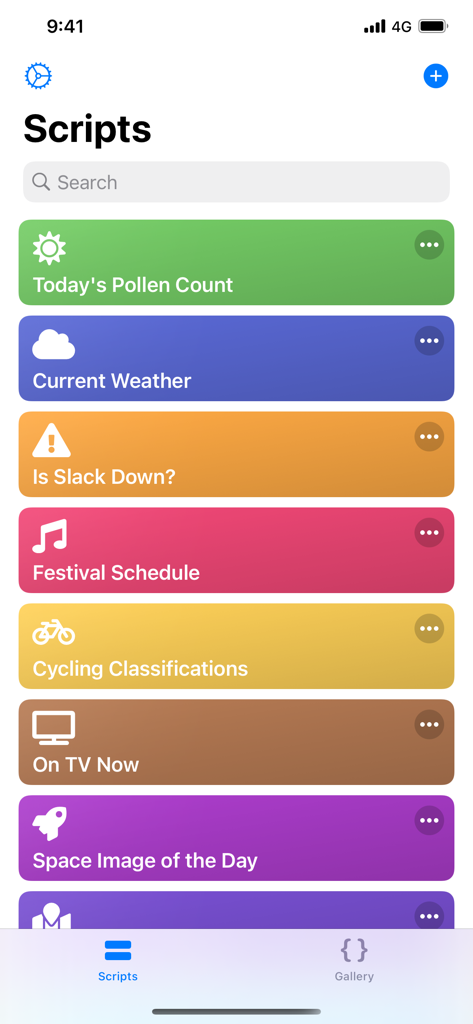
Eine Liste automatisierter Skripte in der Benutzeroberfläche der Scriptable-App
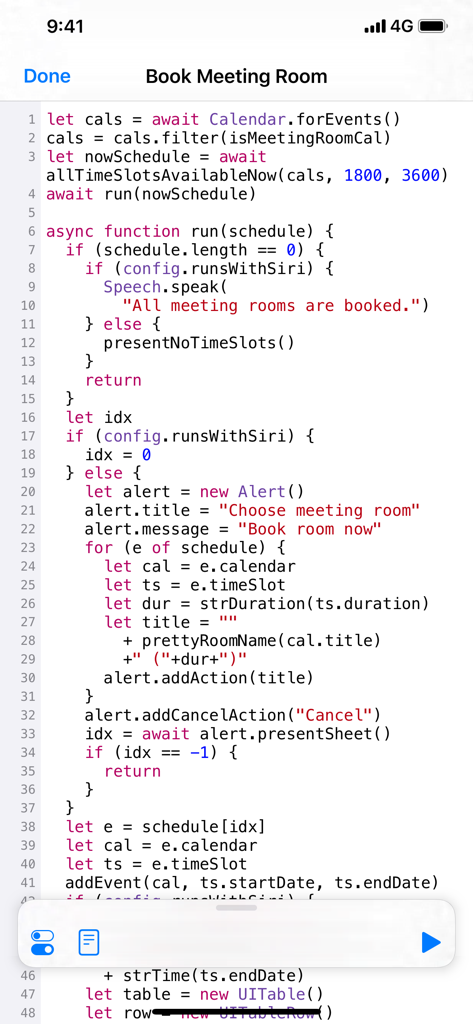
Der JavaScript-Code-Editor der Scriptable-App zeigt ein Skript zum Buchen von Besprechungsräumen an.
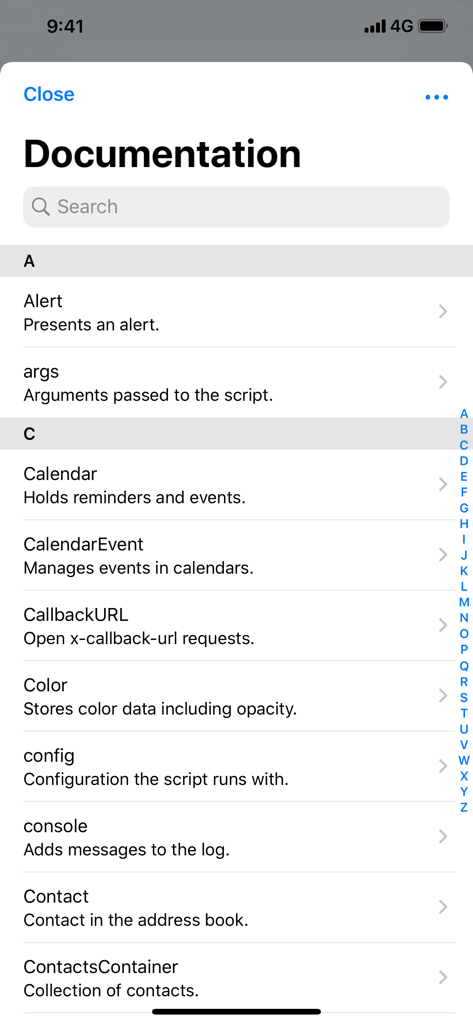
Bildschirm mit Dokumentation, der JavaScript-APIs für native iOS-Funktionen in der Scriptable-App auflistet.
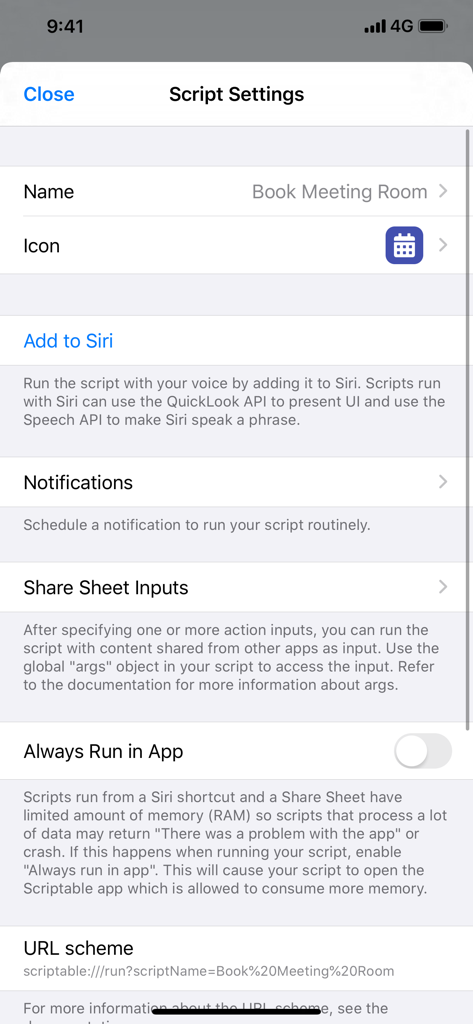
Die Benutzeroberfläche für die Einstellungen von Skripten zur iOS-Automatisierung in Scriptable zeigt Optionen für Siri-Kurzbefehle-Benachrichtigungen und URL-Schemata.
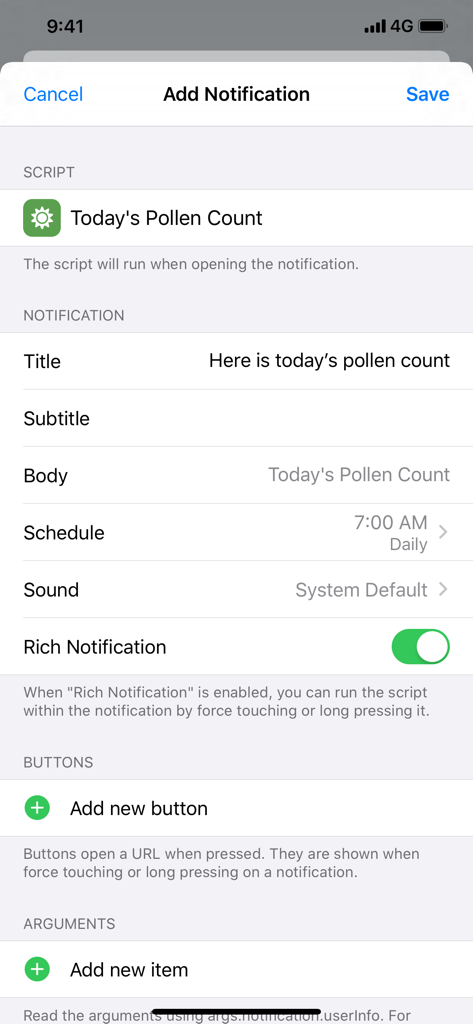
Konfiguration einer geplanten täglichen Benachrichtigung für ein Pollenflugindex-Skript in Scriptable
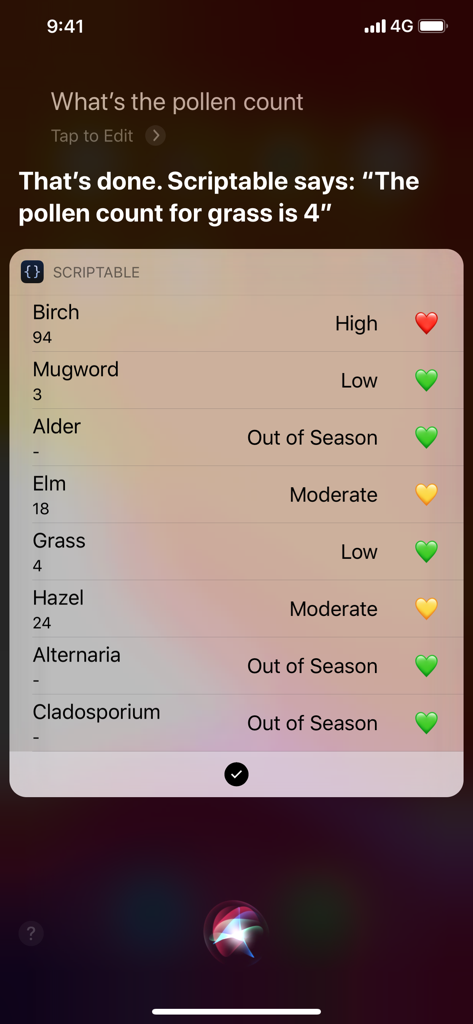
Siri-Kurzbefehl, der eine benutzerdefinierte Pollenflugindex-Liste aus der Scriptable-App anzeigt
Beschreibung
Download
Ähnliche Apps
Apps mit ähnlichen Funktionen und Nutzererfahrung

Python Coding
婉媚 邵

Koder Code Editor
Reny Mustika

Textastic Code Editor
Alexander Blach

Carnets - Jupyter
Nicolas Holzschuch

Juno – Python and Jupyter
Rational Matter Ltd

C/C++-programming language
小文 黄

Love2D Studio
淑敏 孙

C Compiler IDE
Changsha Chunjue Information Technology Co., Ltd.

delta executor
Amina Sioui
Diese Seite ist keine offizielle Seite der App oder ihres Entwicklers, sondern eine unabhängige redaktionelle Veröffentlichung, die zu Informations- und Kommentarzwecken erstellt wurde. Sofern nicht ausdrücklich anders angegeben, sind weder die App noch ihr Entwickler mit MWM, Apple, Google Play, dem App-Herausgeber oder dem Entwickler der App verbunden, von ihnen unterstützt, gesponsert, autorisiert oder anderweitig offiziell verbunden, und nichts auf dieser Seite impliziert, dass die App unter Verwendung der Dienste von MWM entwickelt wurde. Alle Marken, Logos, Screenshots und andere Inhalte bleiben Eigentum ihrer jeweiligen Inhaber.