
Diese Seite ist keine offizielle Seite der App oder ihres Entwicklers, sondern eine unabhängige redaktionelle Veröffentlichung, die zu Informations- und Kommentarzwecken erstellt wurde. Sofern nicht ausdrücklich anders angegeben, sind weder die App noch ihr Entwickler mit MWM, Apple, Google Play, dem App-Herausgeber oder dem Entwickler der App verbunden, von ihnen unterstützt, gesponsert, autorisiert oder anderweitig offiziell verbunden, und nichts auf dieser Seite impliziert, dass die App unter Verwendung der Dienste von MWM entwickelt wurde. Alle Marken, Logos, Screenshots und andere Inhalte bleiben Eigentum ihrer jeweiligen Inhaber.


Mermind
Verwandeln Sie Ihre Ideen mit dem ultimativen nativen Mermaid-Editor für iPad und Mac in beeindruckende Flussdiagramme, Mindmaps und Systemarchitekturen. Kein Login, keine Verzögerung – nur reine, offline-first Produktivität für das Apple-Ökosystem.
Downloads
0Bewertung
Bewertungen gesamt
0Herausgeber
Kategorie
Developer ToolsSprachen
5Neueste Version
1.2Größe
9.3 MBErstveröffentlichung
22. Dez. 2025Visualisieren Sie Ihre Logik sofort
Nutzen Sie die Leistung der Mermaid-Syntax mit einer nativen Apple-Erfahrung, die für Entwickler, Architekten und Produktivitäts-Power-User entwickelt wurde.
Diagramme als Code
Vergessen Sie manuelles Drag-and-Drop. Tippen Sie Ihre Ideen mit der Mermaid-Syntax ein und sehen Sie Echtzeit-Vorschauen von Flussdiagrammen, Mindmaps und Sequenzdiagrammen, während Sie schreiben.
Nahtlose Apple-Synchronisation
Wechseln Sie mühelos zwischen Ihrem iPad und Mac mit nativer iCloud-Integration, um sicherzustellen, dass Ihre technische Dokumentation immer synchronisiert und auf dem neuesten Stand ist.
Die folgenden Screenshots und die Beschreibung stammen direkt aus dem offiziellen Store-Eintrag der App und sind Eigentum des Entwicklers.
App Store
Screenshots
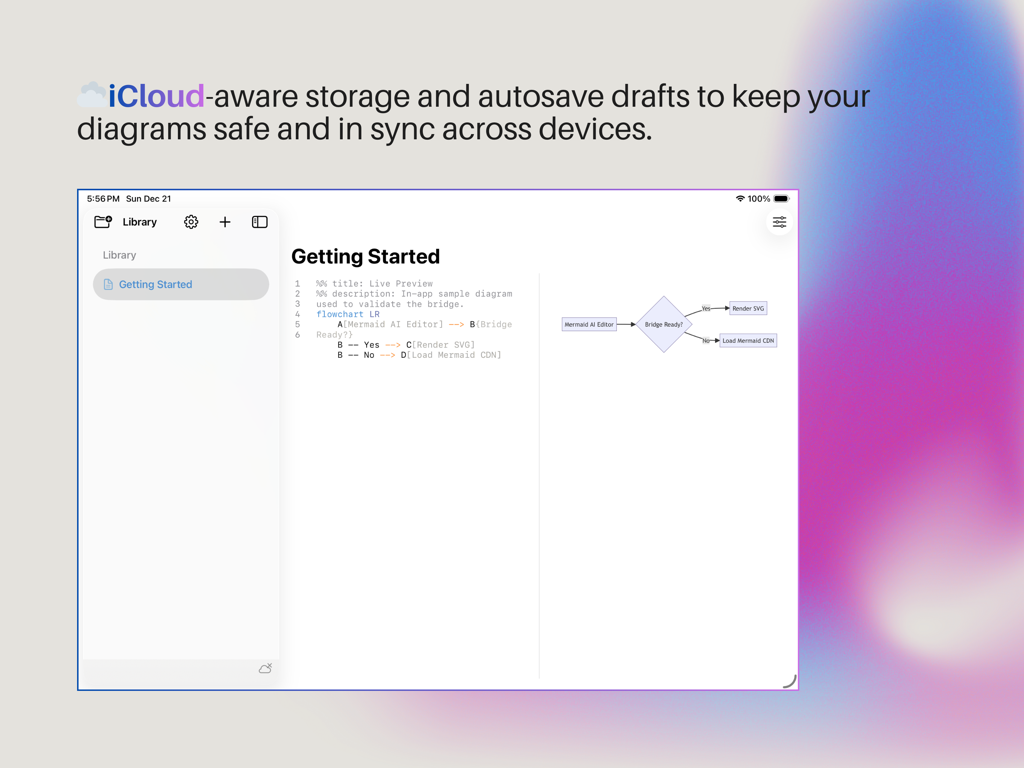
Mermind App-Oberfläche, die einen Split-View-Diagramm-Editor mit Mermaid-Syntax und einer Live-Flussdiagramm-Vorschau zeigt, die die iCloud-Synchronisation hervorhebt.
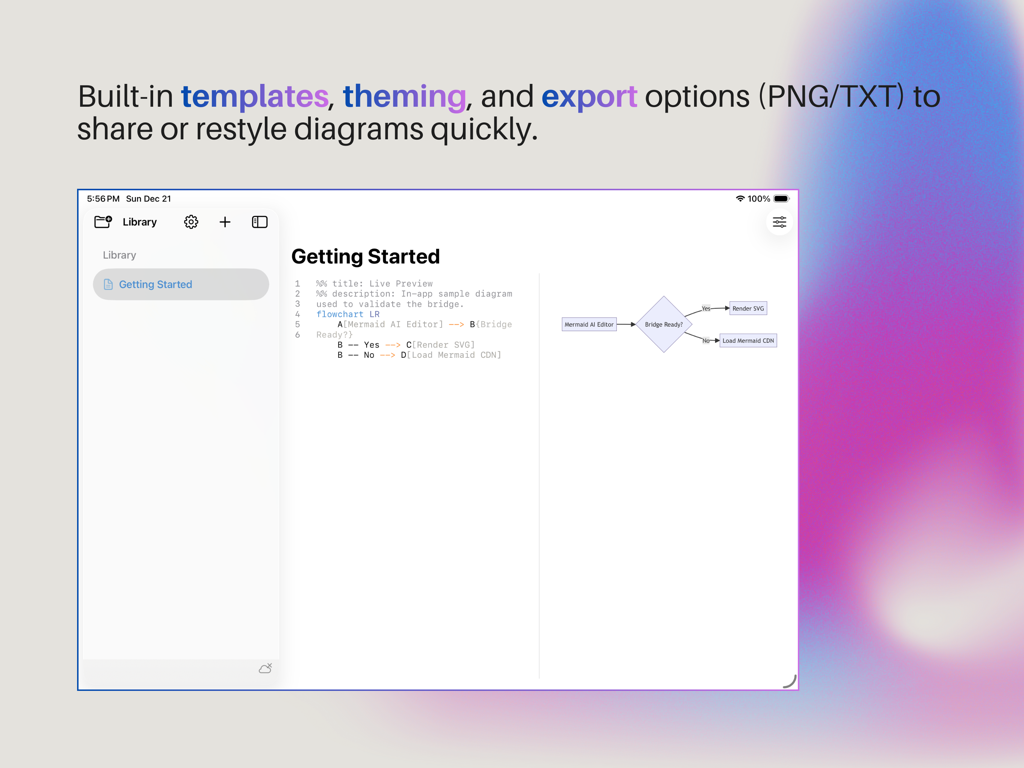
Die Mermind App-Oberfläche auf dem iPad mit einer geteilten Ansicht, die links einen Texteditor für Mermaid-Syntax und rechts eine Echtzeit-Flussdiagramm-Vorschau zeigt.
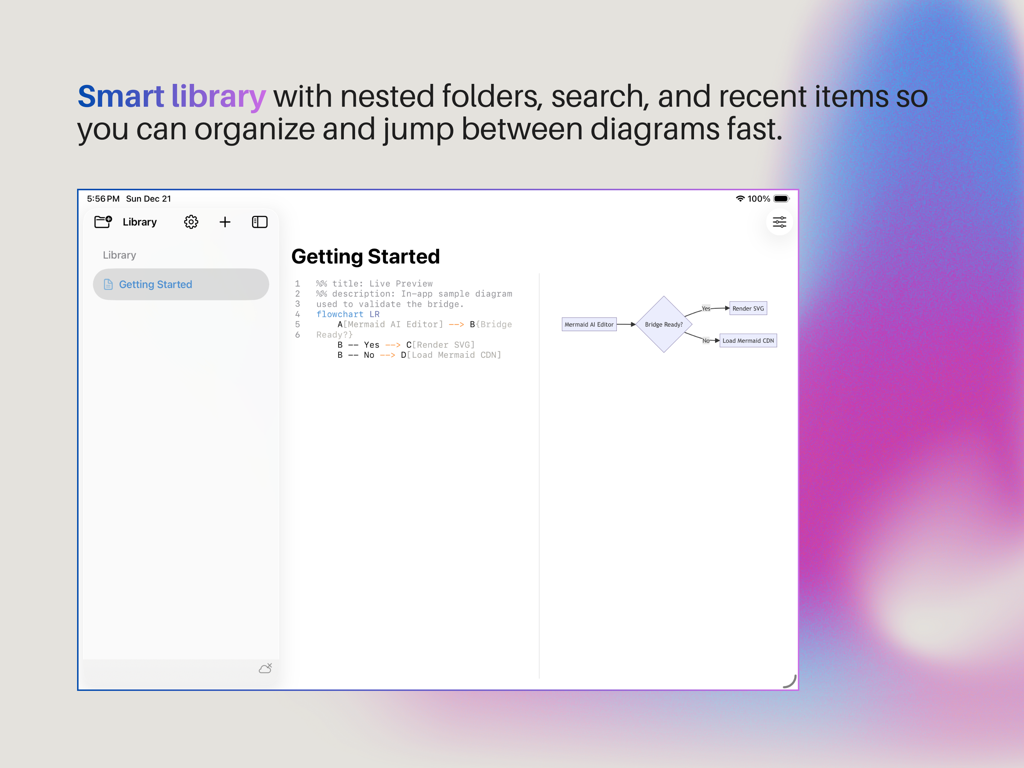
Mermind App-Oberfläche auf dem iPad, die die Smart Library und den Mermaid Diagramm-Editor mit Live-Vorschau zeigt
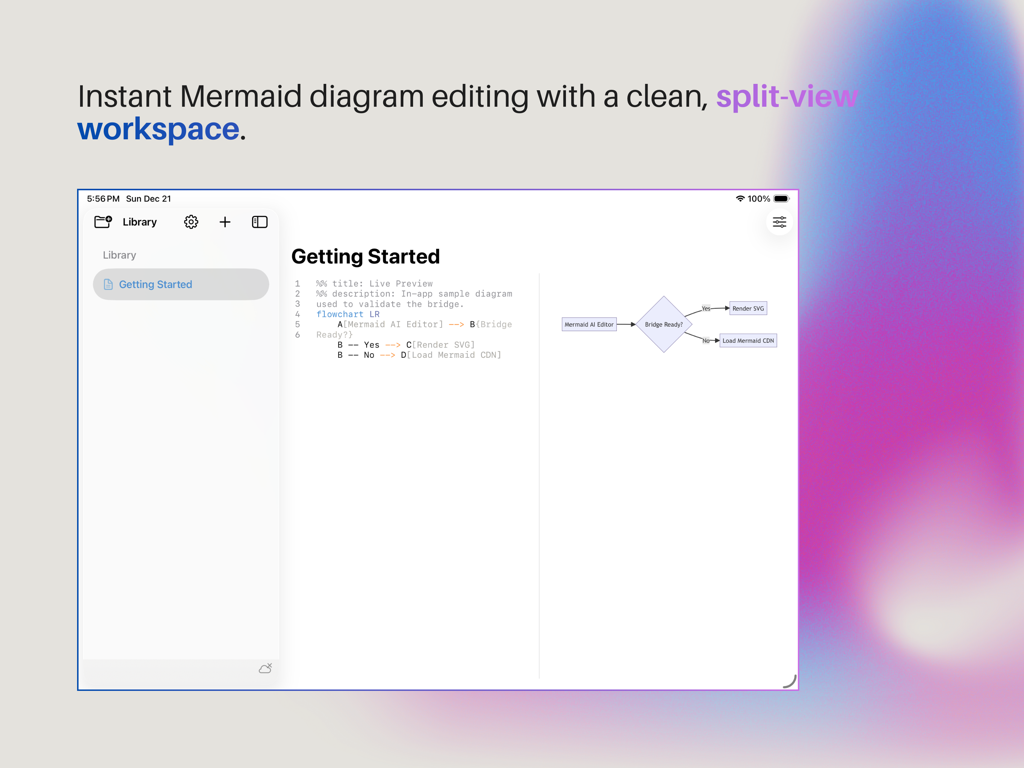
Mermind App-Oberfläche, die eine geteilte Ansicht mit Mermaid-Syntax-Code und einer Echtzeit-Flussdiagramm-Vorschau zeigt
Beschreibung
Download
Ähnliche Apps
Top-gerankte Apps in derselben Kategorie

TestFlight
Apple Inc.

Replit: Vibe Code Apps
Replit, Inc

GitHub
GitHub

O-KAM Pro
Shenzhen VeePai IoT Intelligent Technology LLC

Apple Developer
Apple Inc.

Expo Go
650 Industries, Inc.

Scriptable
Simon Stovring

App Store Connect
Apple Inc.

Sekai: Create · Remix · Play
Versa AI, Inc.
Diese Seite ist keine offizielle Seite der App oder ihres Entwicklers, sondern eine unabhängige redaktionelle Veröffentlichung, die zu Informations- und Kommentarzwecken erstellt wurde. Sofern nicht ausdrücklich anders angegeben, sind weder die App noch ihr Entwickler mit MWM, Apple, Google Play, dem App-Herausgeber oder dem Entwickler der App verbunden, von ihnen unterstützt, gesponsert, autorisiert oder anderweitig offiziell verbunden, und nichts auf dieser Seite impliziert, dass die App unter Verwendung der Dienste von MWM entwickelt wurde. Alle Marken, Logos, Screenshots und andere Inhalte bleiben Eigentum ihrer jeweiligen Inhaber.