
Diese Seite ist keine offizielle Seite der App oder ihres Entwicklers, sondern eine unabhängige redaktionelle Veröffentlichung, die zu Informations- und Kommentarzwecken erstellt wurde. Sofern nicht ausdrücklich anders angegeben, sind weder die App noch ihr Entwickler mit MWM, Apple, Google Play, dem App-Herausgeber oder dem Entwickler der App verbunden, von ihnen unterstützt, gesponsert, autorisiert oder anderweitig offiziell verbunden, und nichts auf dieser Seite impliziert, dass die App unter Verwendung der Dienste von MWM entwickelt wurde. Alle Marken, Logos, Screenshots und andere Inhalte bleiben Eigentum ihrer jeweiligen Inhaber.

MoonCatcher
Geben Sie sich nicht länger mit unscharfen weißen Klecksen zufrieden. Verwandeln Sie Ihr iPhone mit 40-fachem Zoom, automatischer Belichtungssteuerung und professioneller Fokusverschiebung, die speziell für den Nachthimmel entwickelt wurde, in eine Präzisions-Mondkamera.
Downloads
14K+Bewertung
Bewertungen gesamt
0Herausgeber
Kategorie
Photo & VideoSprachen
2Neueste Version
18.1Größe
22.7 MBErstveröffentlichung
17. Dez. 2014Erfassen Sie den Kosmos mit Präzision
Geben Sie sich nicht länger mit einem unscharfen weißen Glanz zufrieden. MoonCatcher verwandelt Ihr iPhone mit fortschrittlicher Fokusverschiebung und speziellen Belichtungssteuerungen in ein leistungsstarkes Mondteleskop, um die wahre Textur des Mondes aufzudecken.
Keine "weißen Kleckse" mehr
Unser spezieller Mondmodus gleicht die Belichtung automatisch aus, um komplizierte Krater und Mondmuster aufzudecken, die native Kamera-Apps normalerweise überbelichten.
Erweiterter 40-facher Mondzoom
Kommen Sie näher als je zuvor. Nutzen Sie unseren Präzisionszoom und unsere Fokusverschiebungs-Technologie, um die perfekte Schärfe zu finden, selbst bei maximaler Vergrößerung.
Die folgenden Screenshots und die Beschreibung stammen direkt aus dem offiziellen Store-Eintrag der App und sind Eigentum des Entwicklers.
App Store
Screenshots
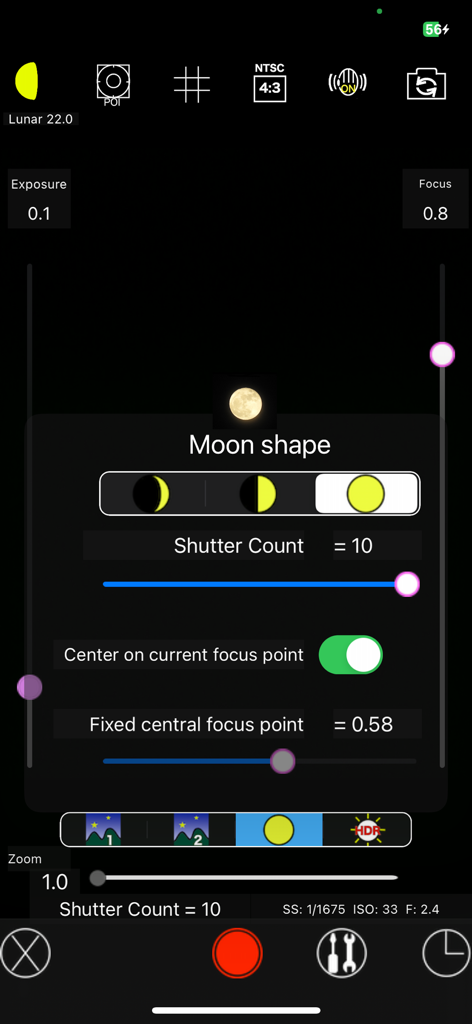
MoonCatcher App-Oberfläche mit manuellen Kameraeinstellungen und Mondformauswahl für Astrofotografie
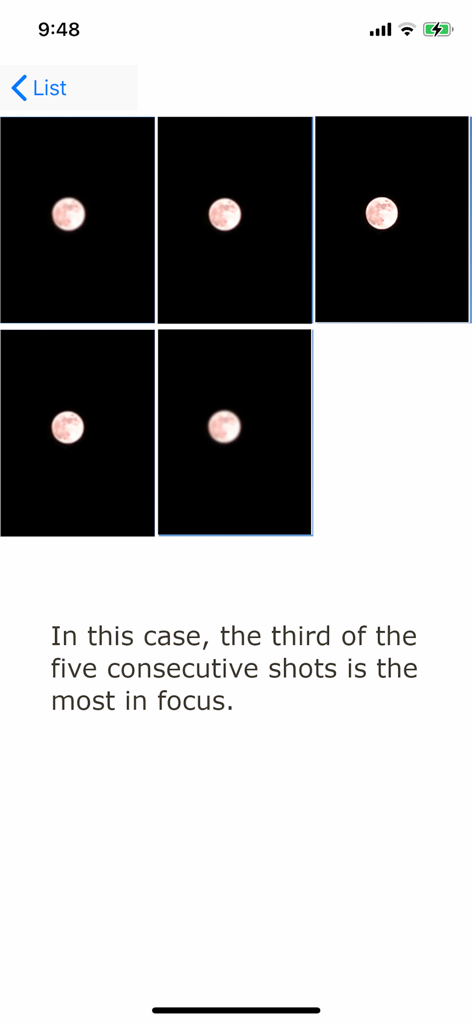
Eine Sequenz von fünf aufeinanderfolgenden Mondfotos in der MoonCatcher App, die die Fokusverschiebung zur Ermittlung des schärfsten Bildes demonstriert.
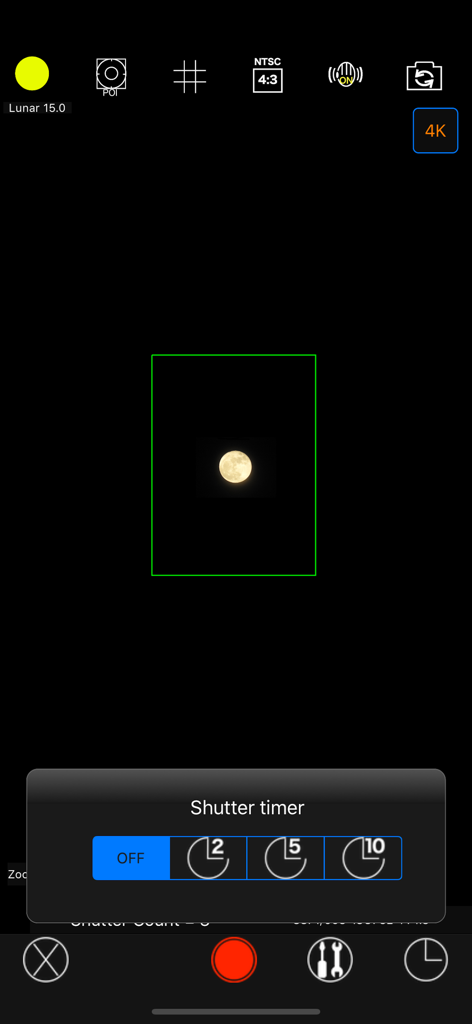
MoonCatcher App Kamera-Oberfläche mit einem Verschlusszeit-Timer-Menü und einem aufgenommenen Bild des Mondes
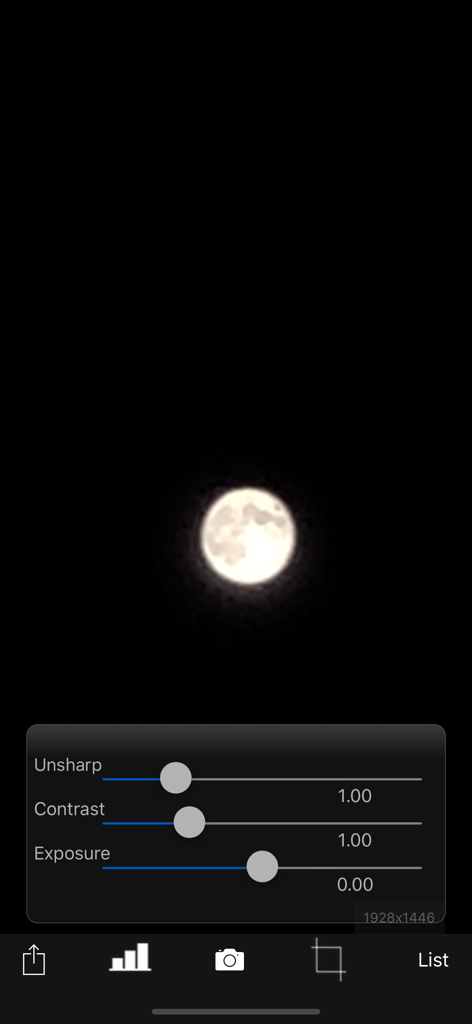
MoonCatcher App-Oberfläche mit einem Mondfoto und Bearbeitungsreglern für unscharfen Kontrast und Belichtung
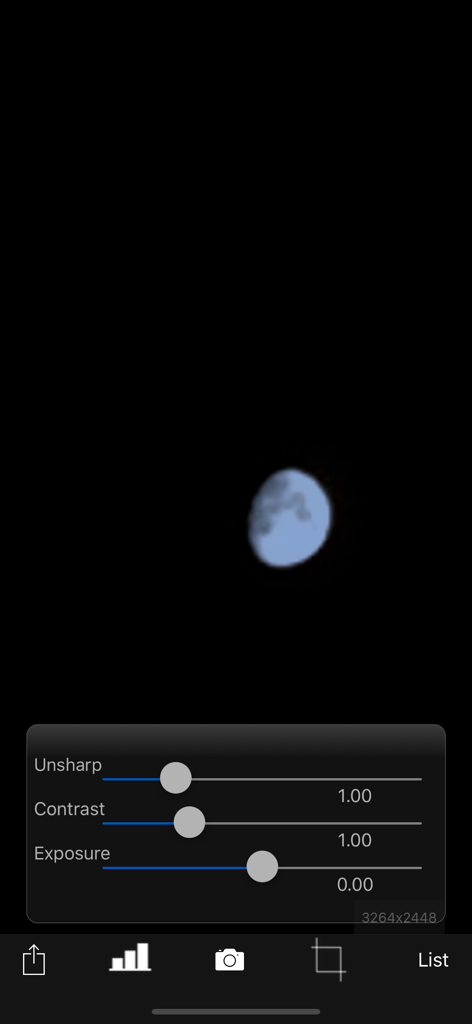
MoonCatcher App Foto-Bearbeitungsbildschirm mit Einstellungsschiebereglern für unscharfen Kontrast und Belichtung über einem Mondbild
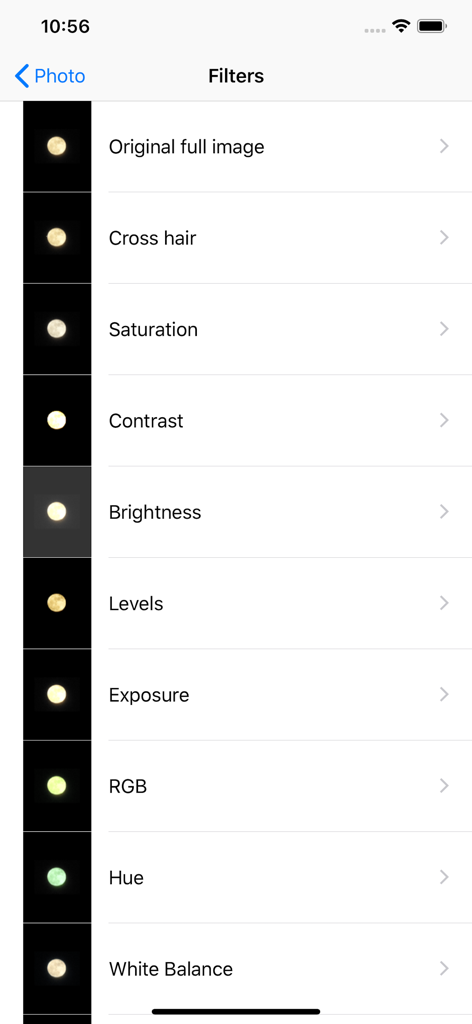
MoonCatcher App-Oberfläche mit einer Liste von Bildbearbeitungsfiltern für die Mondfotografie.
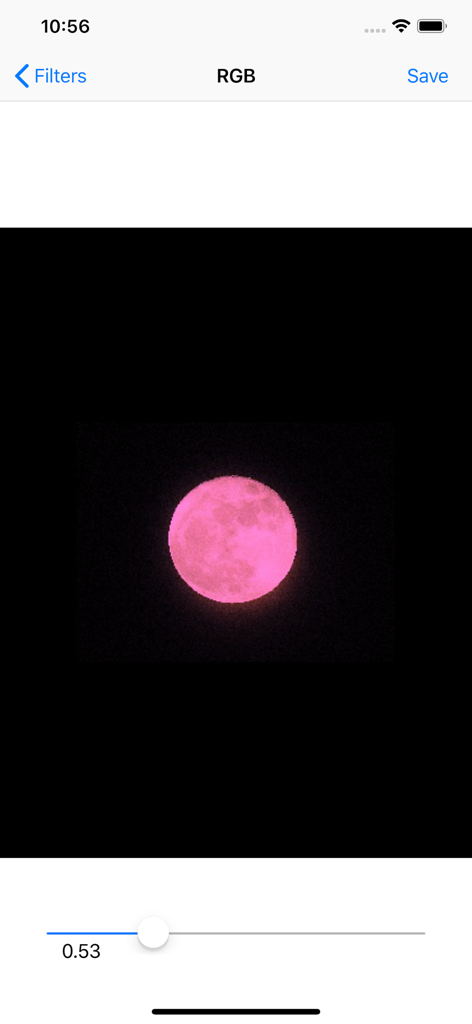
MoonCatcher App-Oberfläche mit einem rosa Mond, der mit einem RGB-Filterregler bearbeitet wird
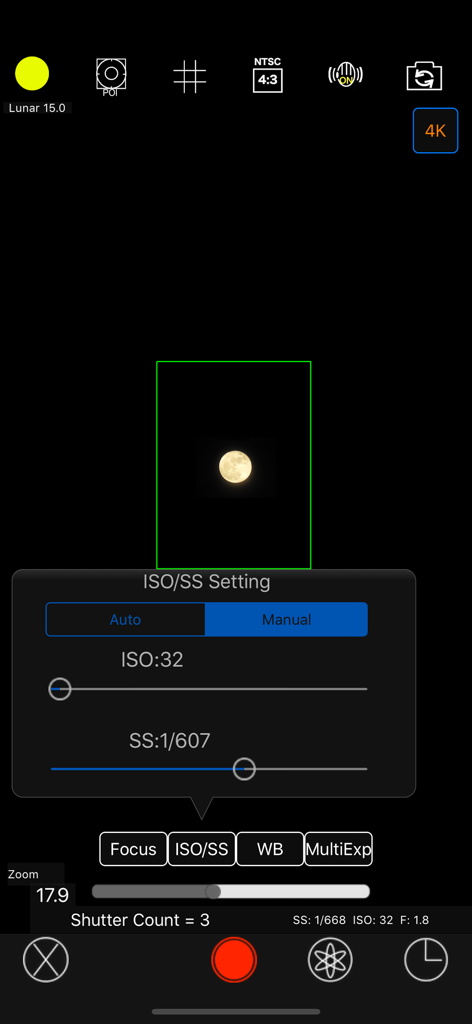
Manuelle ISO- und Verschlusszeit-Einstellungen in der MoonCatcher Fotografie-App
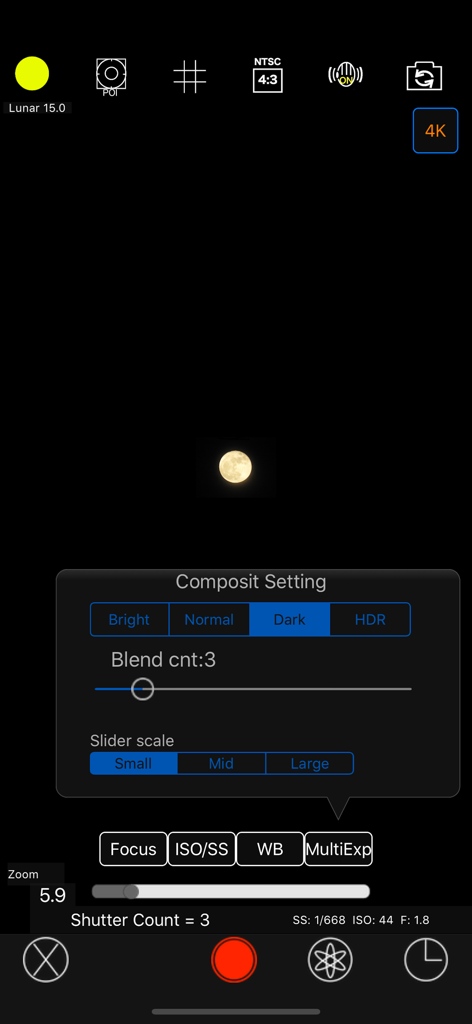
MoonCatcher Kamera-Oberfläche mit dem Menü für manuelle Composite-Einstellungen und einem aufgenommenen Mondbild
Beschreibung
Download
Ähnliche Apps
Top-gerankte Apps in derselben Kategorie

CapCut: Photo & Video Editor
BYTEDANCE PTE. LTD.

Instagram, Inc.

YouTube
Google LLC

Canva: AI Photo & Video Editor
Canva Pty Ltd

Snapchat
Snap, Inc.

快手
Beijing Kwai Technology Co., Ltd.

Edits: Video Editor
Instagram, Inc.

Meitu- AI Photo & Video Editor
Xiamen Meitu Technology Co., Ltd.

Google Photos: Backup & Edit
Google LLC
Diese Seite ist keine offizielle Seite der App oder ihres Entwicklers, sondern eine unabhängige redaktionelle Veröffentlichung, die zu Informations- und Kommentarzwecken erstellt wurde. Sofern nicht ausdrücklich anders angegeben, sind weder die App noch ihr Entwickler mit MWM, Apple, Google Play, dem App-Herausgeber oder dem Entwickler der App verbunden, von ihnen unterstützt, gesponsert, autorisiert oder anderweitig offiziell verbunden, und nichts auf dieser Seite impliziert, dass die App unter Verwendung der Dienste von MWM entwickelt wurde. Alle Marken, Logos, Screenshots und andere Inhalte bleiben Eigentum ihrer jeweiligen Inhaber.