
Diese Seite ist keine offizielle Seite der App oder ihres Entwicklers, sondern eine unabhängige redaktionelle Veröffentlichung, die zu Informations- und Kommentarzwecken erstellt wurde. Sofern nicht ausdrücklich anders angegeben, sind weder die App noch ihr Entwickler mit MWM, Apple, Google Play, dem App-Herausgeber oder dem Entwickler der App verbunden, von ihnen unterstützt, gesponsert, autorisiert oder anderweitig offiziell verbunden, und nichts auf dieser Seite impliziert, dass die App unter Verwendung der Dienste von MWM entwickelt wurde. Alle Marken, Logos, Screenshots und andere Inhalte bleiben Eigentum ihrer jeweiligen Inhaber.


MyFax App–Receive & Send Fax
Senden und empfangen Sie sicher bis zu 300 Faxseiten pro Monat direkt von Ihrem iPhone oder iPad. Scannen, unterschreiben und verwalten Sie Dokumente unterwegs – ohne Festnetzleitung oder Hardware.
Downloads
84K+Bewertung
Bewertungen gesamt
7K+Herausgeber
Kategorie
BusinessSprachen
7Neueste Version
6.3.0Größe
32.8 MBErstveröffentlichung
13. Juli 2010Professionelles Faxen in Ihrer Handfläche
Beseitigen Sie die Notwendigkeit von sperriger Hardware und teuren Festnetzleitungen. MyFax bietet eine sichere All-in-One-Mobilösung zur Bearbeitung Ihrer wichtigsten Dokumente unterwegs.
Faxen Sie überall und jederzeit
Senden und empfangen Sie Faxe direkt von Ihrem iPhone oder iPad. Perfekt für vielbeschäftigte Immobilienmakler, Bauunternehmer und Fachleute, die Geschäfte von überall abschließen müssen.
Sofortiges Scannen & Cloud-Synchronisierung
Verwandeln Sie Ihre Kamera in einen professionellen Scanner oder laden Sie Dateien von Dropbox, Google Drive oder Box hoch. Bereiten Sie Ihre Dokumente in nur wenigen Fingertipps vor und senden Sie sie ab.
Die folgenden Screenshots und die Beschreibung stammen direkt aus dem offiziellen Store-Eintrag der App und sind Eigentum des Entwicklers.
App Store
Screenshots
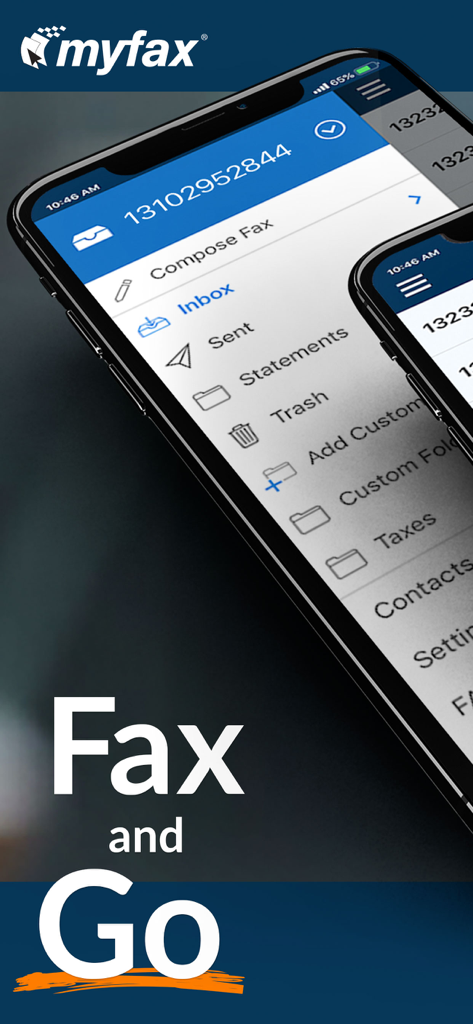
Smartphone-Bildschirm, der die MyFax-App-Oberfläche mit Faxverwaltungsoptionen und dem Slogan Fax and Go anzeigt
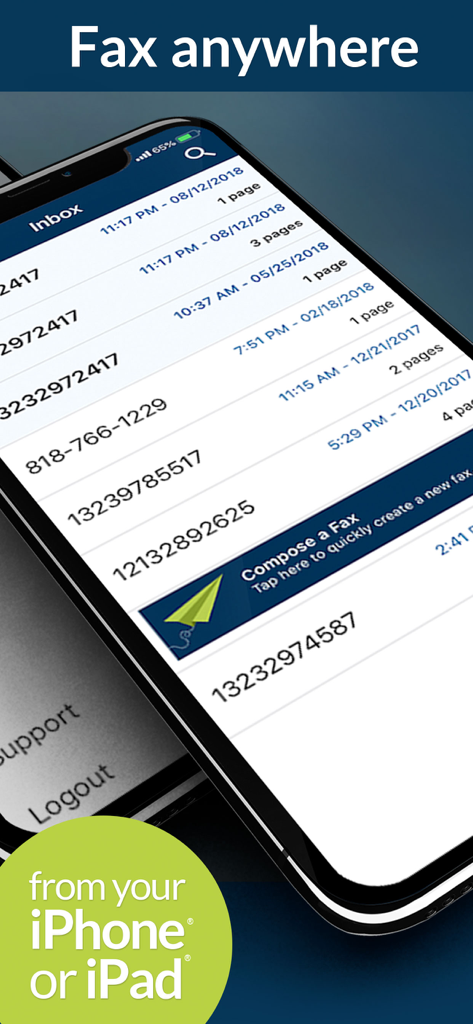
MyFax-App-Posteingangsbildschirm auf einem iPhone, der eine Liste empfangener Faxe und eine Schaltfläche zum Verfassen eines Faxes anzeigt
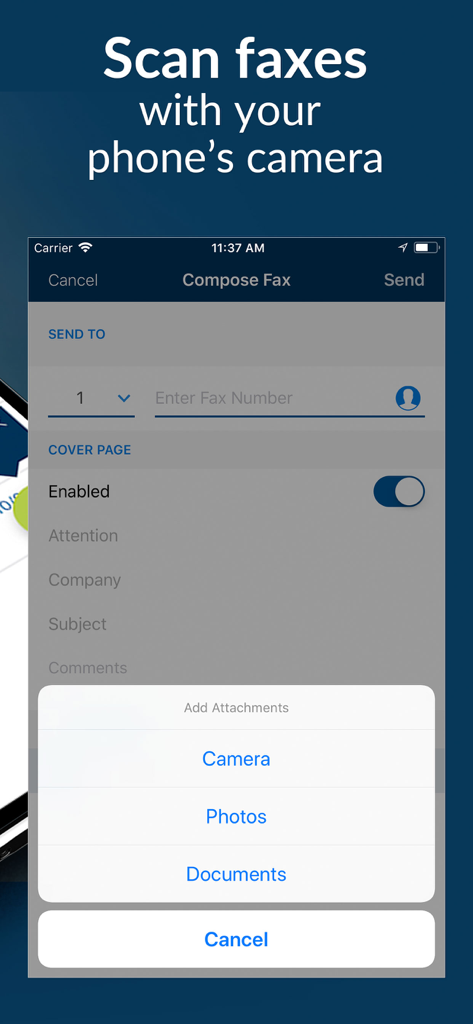
MyFax-App-Bildschirm, der die Option zum Scannen von Faxen mit einer Handykamera und zum Hinzufügen von Anhängen zeigt
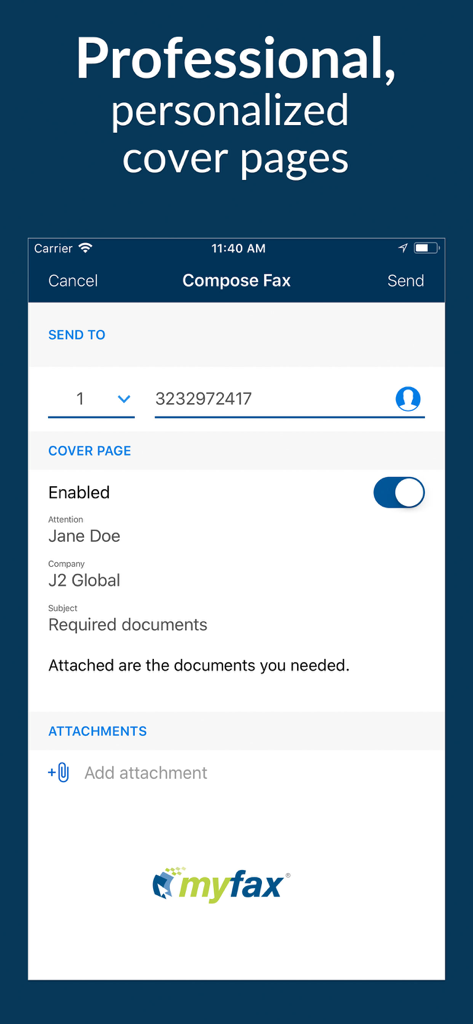
MyFax-App-Oberfläche zum Verfassen eines Faxes mit einem personalisierten Deckblatt
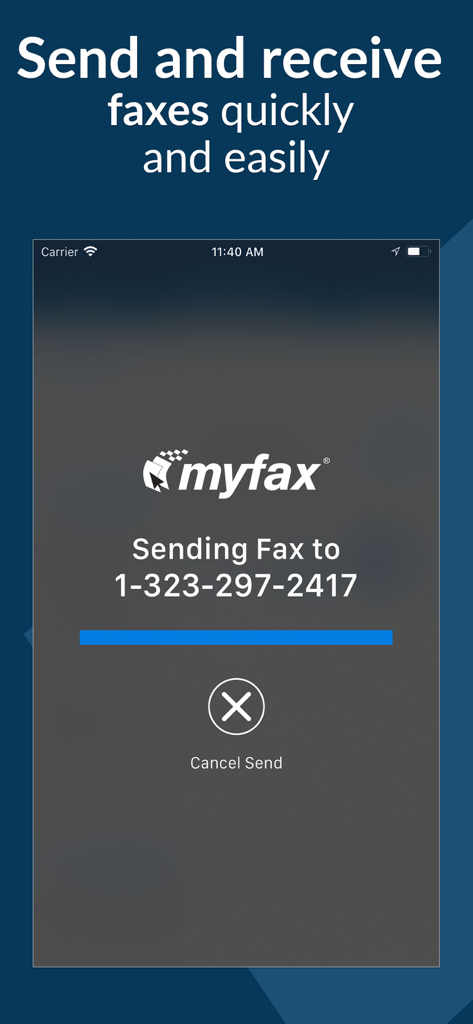
Smartphone-Bildschirm, der die MyFax-App beim Senden eines Dokuments an eine Faxnummer zeigt

MyFax-App-Werbebild mit dem Text Arbeiten Sie intelligenter und erledigen Sie mehr unterwegs
Beschreibung
Download
Ähnliche Apps
Apps mit ähnlichen Funktionen und Nutzererfahrung

FAX ®
Trendest Insight SRL

FAX from iPhone: Send Doc App
Municorn Limited

FaxFree: Send Fax From iPhone
BP Mobile LLC

Fax from iPhone - Send Docs
OCTAGON LAB - FZCO

Fax From iPhone - Receive Fax
Caprinix LLC

Snapfax: Pay-as-you-go Fax
Extracomm Inc

Fax Burner: iPhone Fax App
Paul Rydell

FAX for iPhone: Send & Receive
7270356 Canada Inc

#FAX from iPhone: free sending
Vahagn Gevorgyan
Diese Seite ist keine offizielle Seite der App oder ihres Entwicklers, sondern eine unabhängige redaktionelle Veröffentlichung, die zu Informations- und Kommentarzwecken erstellt wurde. Sofern nicht ausdrücklich anders angegeben, sind weder die App noch ihr Entwickler mit MWM, Apple, Google Play, dem App-Herausgeber oder dem Entwickler der App verbunden, von ihnen unterstützt, gesponsert, autorisiert oder anderweitig offiziell verbunden, und nichts auf dieser Seite impliziert, dass die App unter Verwendung der Dienste von MWM entwickelt wurde. Alle Marken, Logos, Screenshots und andere Inhalte bleiben Eigentum ihrer jeweiligen Inhaber.