
Diese Seite ist keine offizielle Seite der App oder ihres Entwicklers, sondern eine unabhängige redaktionelle Veröffentlichung, die zu Informations- und Kommentarzwecken erstellt wurde. Sofern nicht ausdrücklich anders angegeben, sind weder die App noch ihr Entwickler mit MWM, Apple, Google Play, dem App-Herausgeber oder dem Entwickler der App verbunden, von ihnen unterstützt, gesponsert, autorisiert oder anderweitig offiziell verbunden, und nichts auf dieser Seite impliziert, dass die App unter Verwendung der Dienste von MWM entwickelt wurde. Alle Marken, Logos, Screenshots und andere Inhalte bleiben Eigentum ihrer jeweiligen Inhaber.

Notepad+ Pro
Von Hörsälen bis zu Sitzungssälen – erfassen Sie Ihre Ideen und kommentieren Sie professionelle Dokumente mit der Präzision des Apple Pencil.
Downloads
317K+Bewertung
Bewertungen gesamt
45K+Herausgeber
Kategorie
ProductivitySprachen
12Neueste Version
3.11Größe
56.6 MBErstveröffentlichung
11. Dez. 2013Verbessern Sie Ihren digitalen Workflow
Verwandeln Sie Ihr iPad in eine Hochleistungs-Workstation, in der Handschrift auf digitale Präzision trifft, entwickelt für Profis und Studenten, die mehr von ihren Notizen erwarten.
Authentisches Schreiberlebnis
Meisterhaft optimiert für den Apple Pencil mit Handballenerkennung und Lupenwerkzeugen, die Ihnen das natürliche Gefühl von Stift auf Papier mit der Leistungsfähigkeit digitaler Bearbeitung vermitteln.
Professionelle Dokumentenmarkierung
Importieren und kommentieren Sie PDFs, Excel-Tabellen und Keynotes sofort. Fügen Sie Highlights, Kommentare und Skizzen direkt zu Ihren Geschäftsunterlagen oder Vorlesungsfolien hinzu.
Die folgenden Screenshots und die Beschreibung stammen direkt aus dem offiziellen Store-Eintrag der App und sind Eigentum des Entwicklers.
App Store
Screenshots
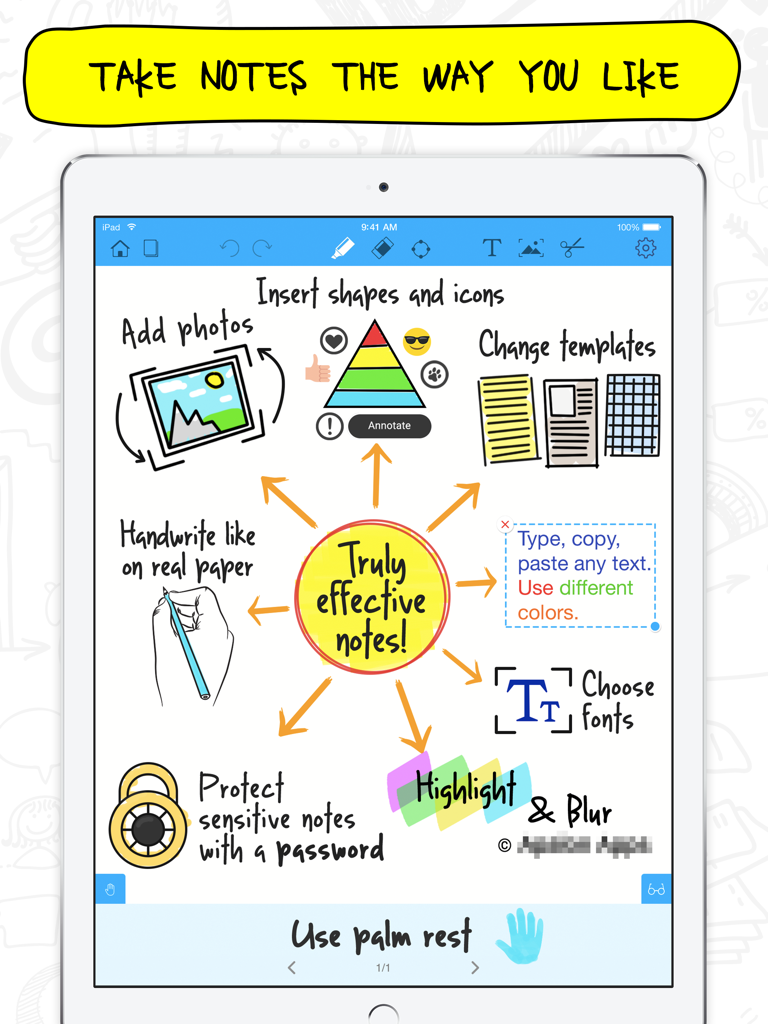
Notepad Pro App-Oberfläche auf dem iPad, die Notizfunktionen zeigt, einschließlich Handschrift, Formen, Fotos und Passwortschutz
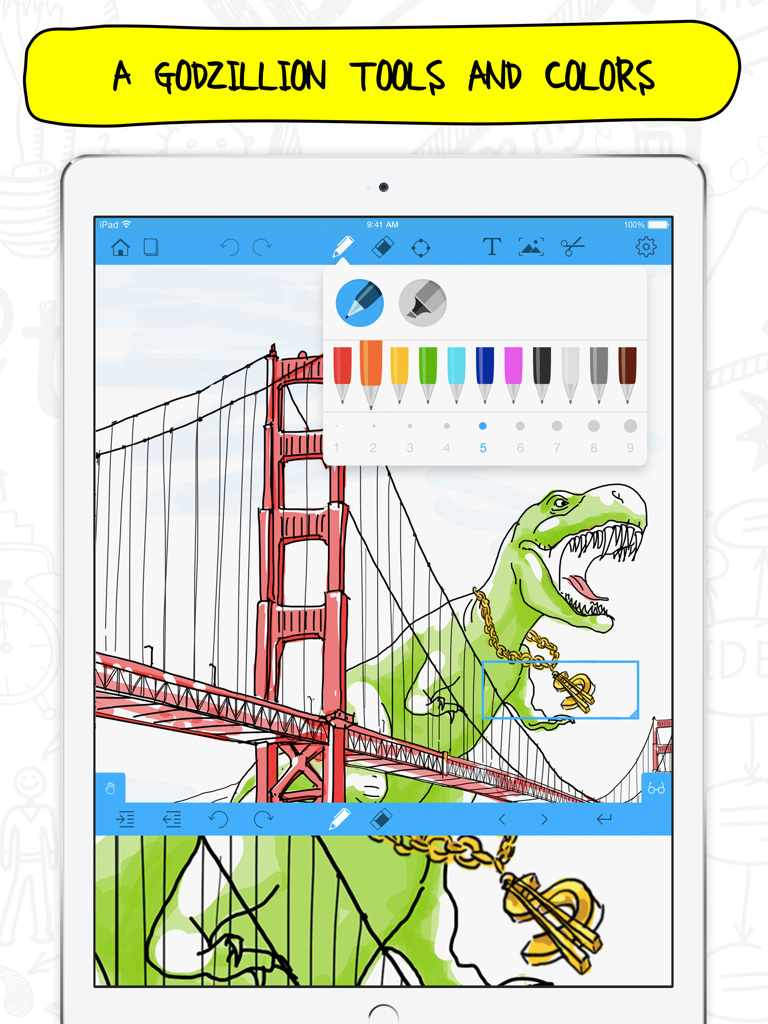
Ein iPad-Bildschirm zeigt die Notepad Pro App mit einer farbenfrohen Zeichnung und einer Auswahl an Stiftwerkzeugen
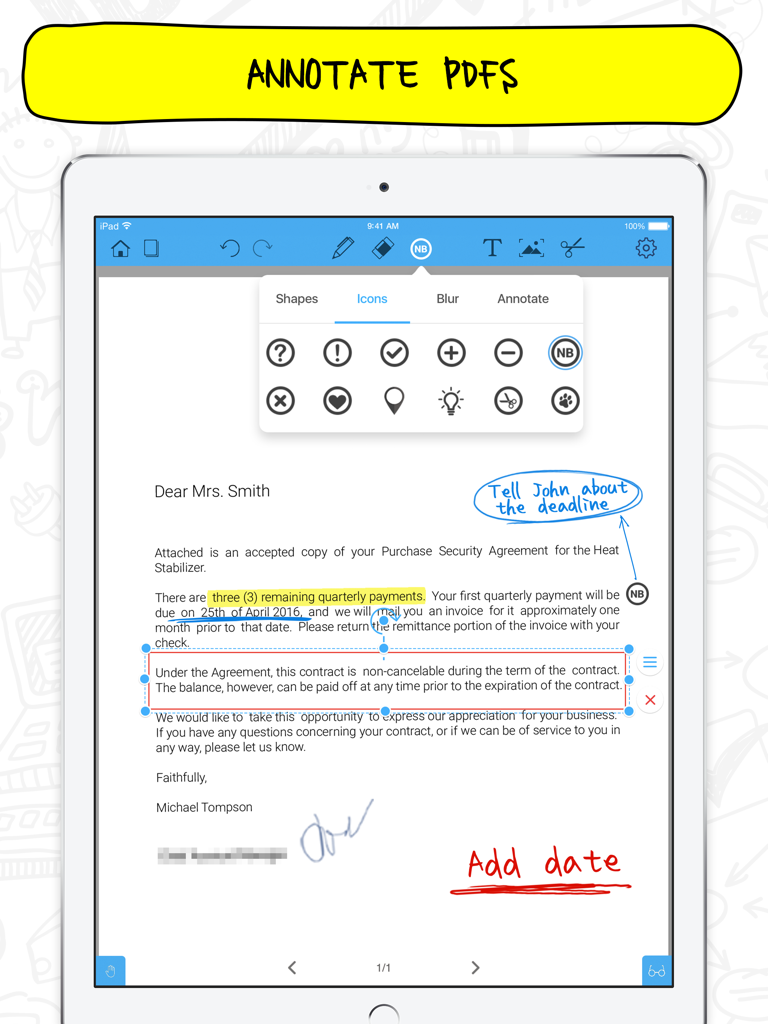
Notepad+ Pro App auf dem iPad zeigt PDF-Annotationen mit handschriftlichen Notizen und Symbolmenü
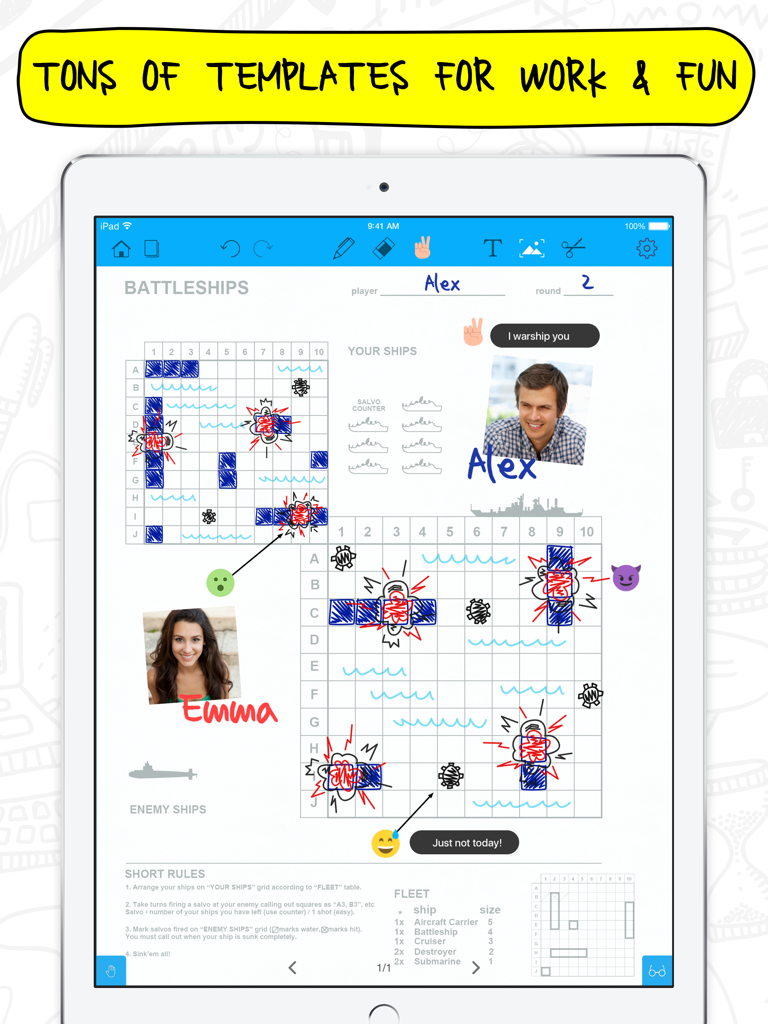
iPad zeigt die Notepad Plus Pro App mit einer Schiffe versenken-Spielvorlage und handschriftlichen Notizen
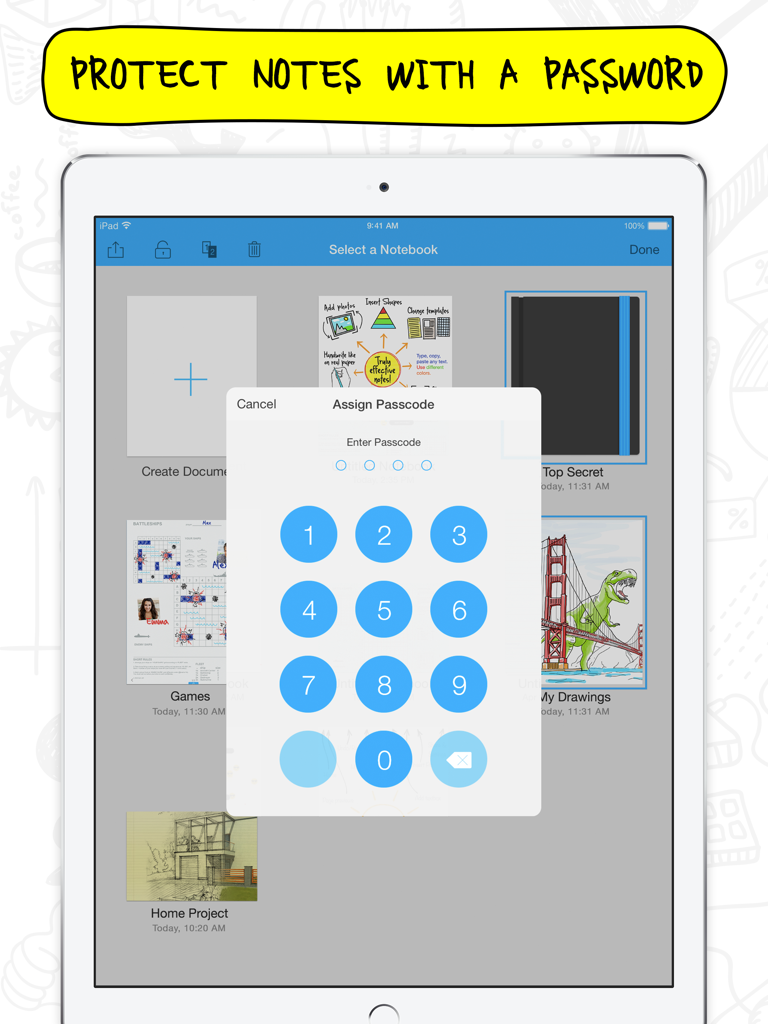
Notepad Pro App-Oberfläche auf dem iPad, die eine Zifferntastatur zum Festlegen eines Notizpassworts zeigt.
Beschreibung
Download
Ähnliche Apps
Apps mit ähnlichen Funktionen und Nutzererfahrung

Notepad: Easy Notes & Memos
1381802 Ontario Inc.

EasyNote: Note, Handwrite, PDF
Hangzhou Tensorart Technology Co., Ltd

Wellnote-Notes&PDF
MAXEYE US INC.

AJournal - Planner & Journal
WonderApps AB

Element Note
Soysauce Lab

Penbook
User Camp Inc.

Notes Writer - Note Taking
Kairoos Solutions S.L.

Notewise - AI Notes, PDF, Docs
ZIIKR Pte. Ltd.

Notes Writer Pro 2026
Kairoos Solutions S.L.
Diese Seite ist keine offizielle Seite der App oder ihres Entwicklers, sondern eine unabhängige redaktionelle Veröffentlichung, die zu Informations- und Kommentarzwecken erstellt wurde. Sofern nicht ausdrücklich anders angegeben, sind weder die App noch ihr Entwickler mit MWM, Apple, Google Play, dem App-Herausgeber oder dem Entwickler der App verbunden, von ihnen unterstützt, gesponsert, autorisiert oder anderweitig offiziell verbunden, und nichts auf dieser Seite impliziert, dass die App unter Verwendung der Dienste von MWM entwickelt wurde. Alle Marken, Logos, Screenshots und andere Inhalte bleiben Eigentum ihrer jeweiligen Inhaber.