
Diese Seite ist keine offizielle Seite der App oder ihres Entwicklers, sondern eine unabhängige redaktionelle Veröffentlichung, die zu Informations- und Kommentarzwecken erstellt wurde. Sofern nicht ausdrücklich anders angegeben, sind weder die App noch ihr Entwickler mit MWM, Apple, Google Play, dem App-Herausgeber oder dem Entwickler der App verbunden, von ihnen unterstützt, gesponsert, autorisiert oder anderweitig offiziell verbunden, und nichts auf dieser Seite impliziert, dass die App unter Verwendung der Dienste von MWM entwickelt wurde. Alle Marken, Logos, Screenshots und andere Inhalte bleiben Eigentum ihrer jeweiligen Inhaber.


Panasonic LUMIX Flow
Der ultimative Workflow-Begleiter für unabhängige Kreative. Verwandeln Sie Ihr Smartphone in einen Monitor der Profiklasse, storyboarden Sie Ihr Meisterwerk und halbieren Sie Ihre Schnittzeit durch intelligente Clip-Organisation.
Downloads
11K+Bewertung
Bewertungen gesamt
0Herausgeber
Kategorie
Photo & VideoSprachen
11Neueste Version
1.3.0Größe
46.3 MBErstveröffentlichung
25. Feb. 2025Meistern Sie Ihren filmischen Workflow
Das ultimative Werkzeug für unabhängige Kreative, um die Lücke zwischen Planung, Aufnahme und Schnitt mit professioneller Präzision und Geschwindigkeit zu schließen.
Sofortige Materialauswahl
Bewerten Sie Ihre Clips am Set als 'OK' oder 'BAD' und exportieren Sie XML-Dateien direkt nach DaVinci Resolve oder Premiere Pro, um stundenlanges manuelles Sortieren zu überspringen.
Integriertes Storyboarding
Entwerfen Sie Drehbücher und skizzieren Sie visuelle Storyboards in der App, um sicherzustellen, dass Ihre Hero Shots perfekt geplant sind und während der Produktion nie verpasst werden.
Die folgenden Screenshots und die Beschreibung stammen direkt aus dem offiziellen Store-Eintrag der App und sind Eigentum des Entwicklers.
App Store
Screenshots
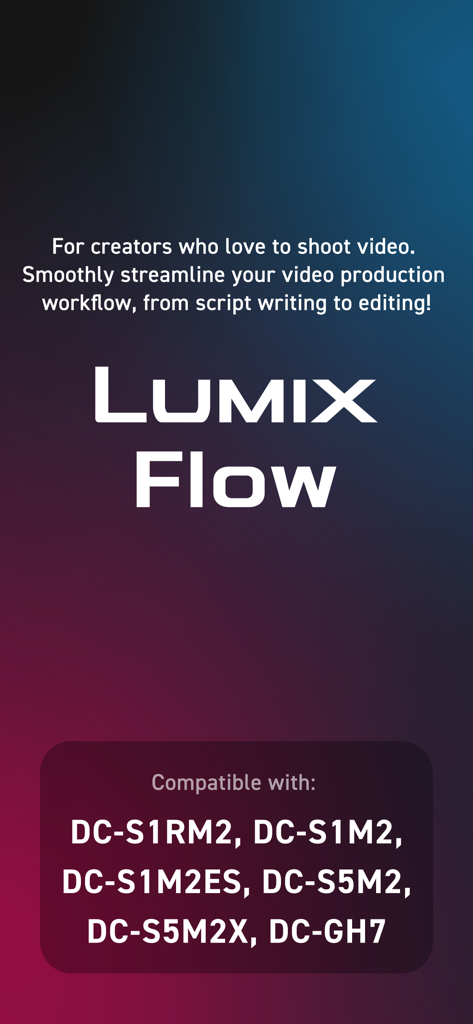
Panasonic LUMIX Flow App Einführungsbildschirm mit Hervorhebung des Videoproduktions-Workflows und kompatibler Kameramodelle
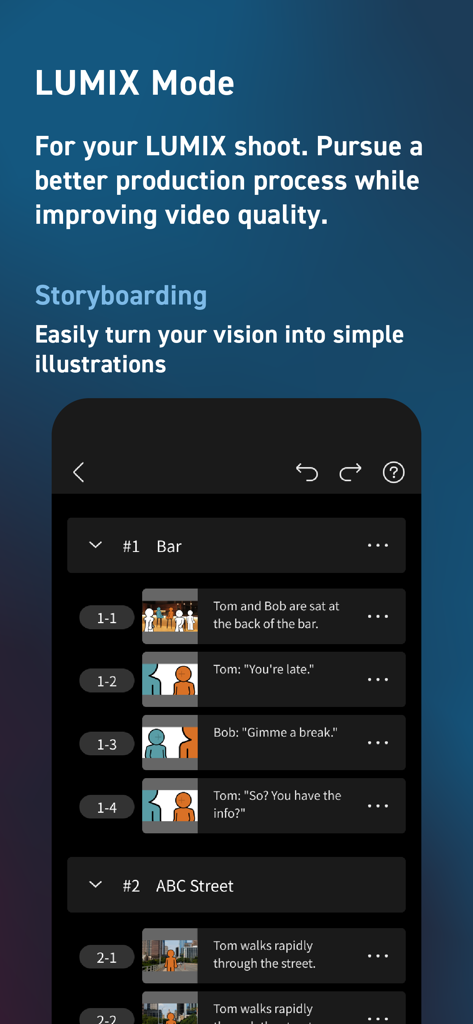
Panasonic LUMIX Flow App Storyboarding-Bildschirm mit einer Liste von Szenen mit Shot-Beschreibungen und einfachen Illustrationen.
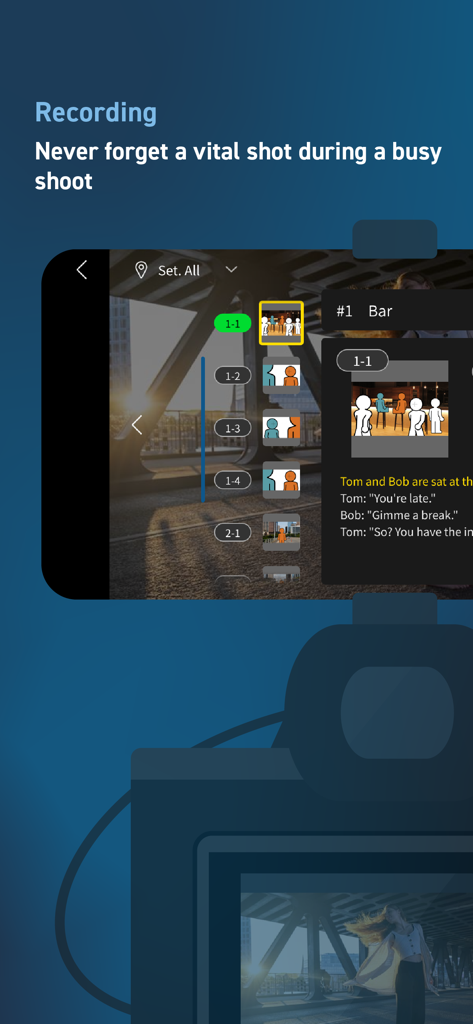
Panasonic LUMIX Flow Aufnahme-Oberfläche mit integriertem Storyboard und digitaler Shotlist.
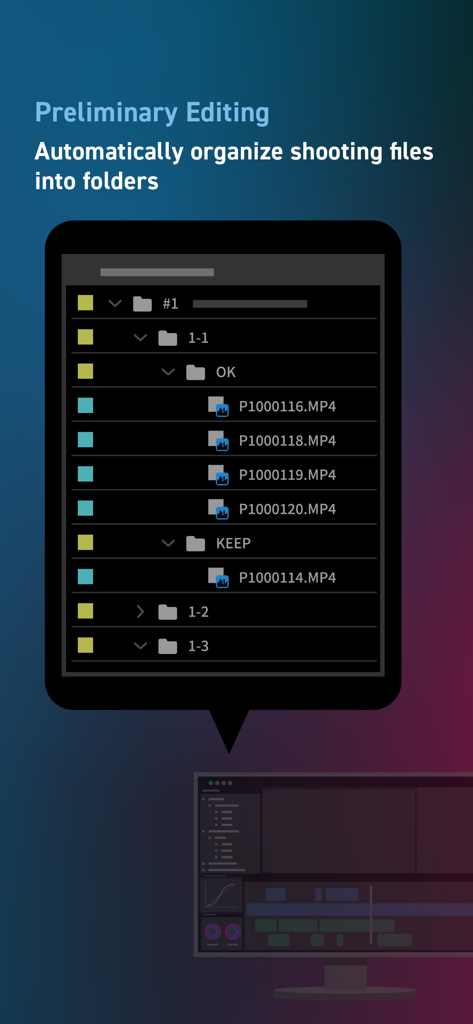
LUMIX Flow App-Oberfläche, die Video-Dateien zeigt, die automatisch in Ordner für die vorläufige Bearbeitung organisiert sind.
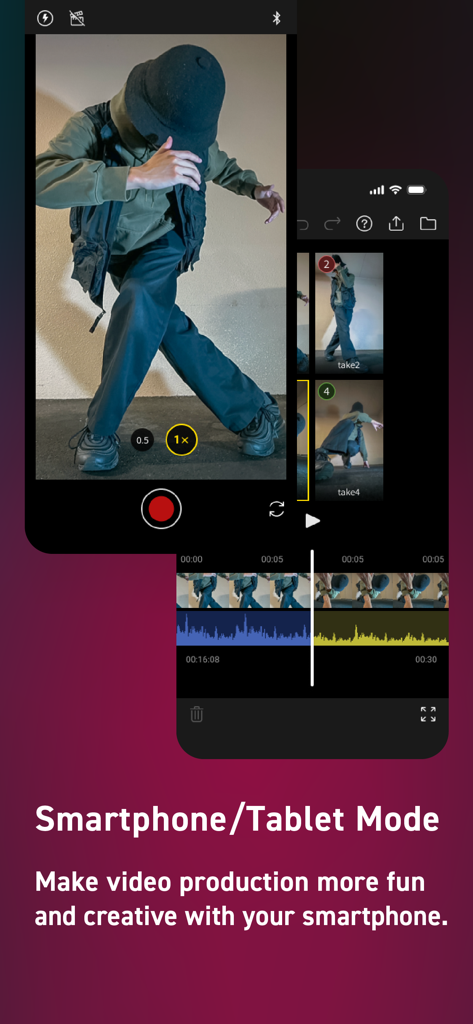
Panasonic LUMIX Flow App-Oberfläche, die den Smartphone-Modus für mobile Videoaufzeichnung und -bearbeitung zeigt
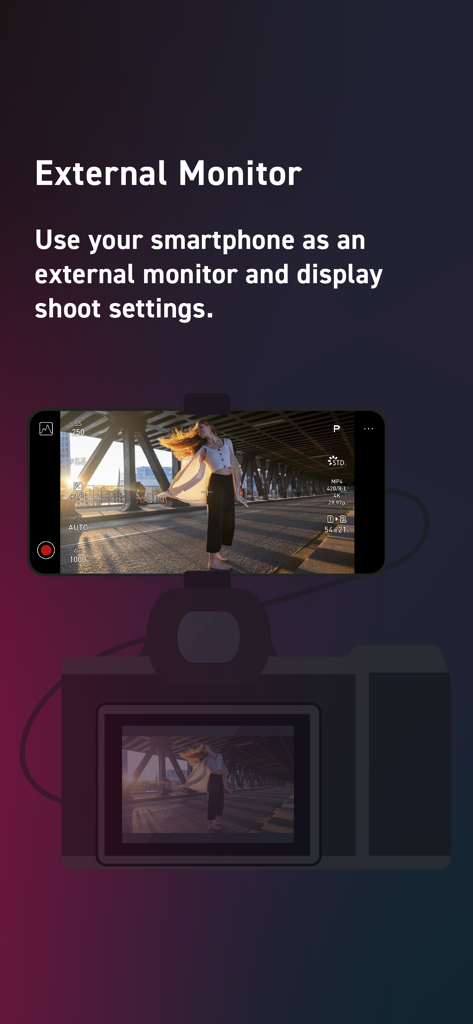
Ein Smartphone, das an einer Kamera montiert ist und als externer Monitor dient, der über die LUMIX Flow App Videoeinstellungen anzeigt
Beschreibung
Download
Ähnliche Apps
Apps mit ähnlichen Funktionen und Nutzererfahrung





Diese Seite ist keine offizielle Seite der App oder ihres Entwicklers, sondern eine unabhängige redaktionelle Veröffentlichung, die zu Informations- und Kommentarzwecken erstellt wurde. Sofern nicht ausdrücklich anders angegeben, sind weder die App noch ihr Entwickler mit MWM, Apple, Google Play, dem App-Herausgeber oder dem Entwickler der App verbunden, von ihnen unterstützt, gesponsert, autorisiert oder anderweitig offiziell verbunden, und nichts auf dieser Seite impliziert, dass die App unter Verwendung der Dienste von MWM entwickelt wurde. Alle Marken, Logos, Screenshots und andere Inhalte bleiben Eigentum ihrer jeweiligen Inhaber.