
Diese Seite ist keine offizielle Seite der App oder ihres Entwicklers, sondern eine unabhängige redaktionelle Veröffentlichung, die zu Informations- und Kommentarzwecken erstellt wurde. Sofern nicht ausdrücklich anders angegeben, sind weder die App noch ihr Entwickler mit MWM, Apple, Google Play, dem App-Herausgeber oder dem Entwickler der App verbunden, von ihnen unterstützt, gesponsert, autorisiert oder anderweitig offiziell verbunden, und nichts auf dieser Seite impliziert, dass die App unter Verwendung der Dienste von MWM entwickelt wurde. Alle Marken, Logos, Screenshots und andere Inhalte bleiben Eigentum ihrer jeweiligen Inhaber.

PDF Air - Editor and Converter
Stärken Sie Ihren papierlosen Workflow mit professionellen Werkzeugen zum Bearbeiten, E-Signieren und Scannen. Das ultimative mobile Büro für vielbeschäftigte Berufstätige und Studenten unterwegs.
Downloads
3K+Bewertung
Bewertungen gesamt
0Herausgeber
Kategorie
UtilitiesSprachen
33Neueste Version
2025.9.5Größe
131.0 MBErstveröffentlichung
8. Sept. 2022Die ultimative mobile PDF-Arbeitsumgebung
Suchen Sie nicht länger nach einem Drucker. Bearbeiten, signieren und verwalten Sie Ihre Dokumente sofort mit professionellen Tools, die für Ihren mobilen Lebensstil entwickelt wurden.
Nahtlose digitale Signaturen
Schließen Sie Geschäfte unterwegs ab. Signieren Sie Verträge, NDAs und Formulare sicher elektronisch, ohne Papier oder Scanner zu benötigen.
Sofort fotografieren & konvertieren
Verwandeln Sie physische Dokumente oder Fotos in professionelle PDFs. Perfekt für die Verwaltung von Ausgaben, Ausweisen und Lernmaterialien.
Die folgenden Screenshots und die Beschreibung stammen direkt aus dem offiziellen Store-Eintrag der App und sind Eigentum des Entwicklers.
App Store
Screenshots
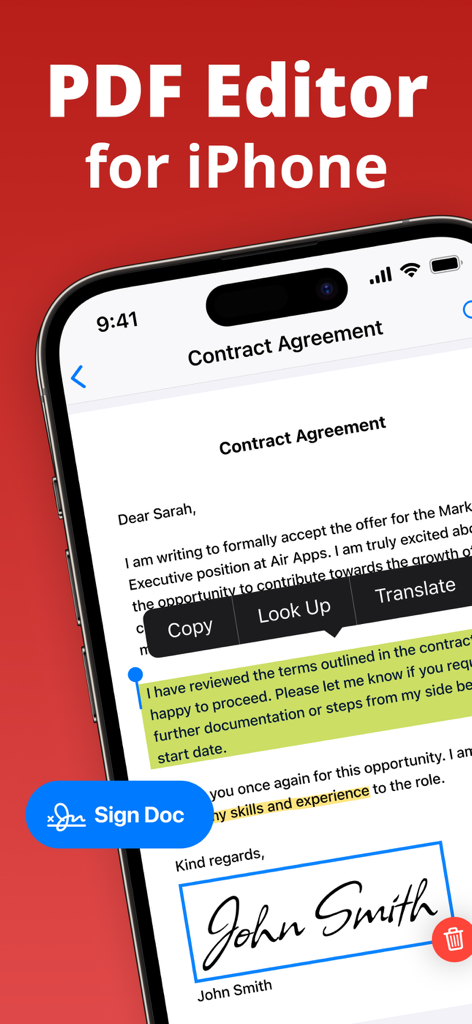
iPhone-Bildschirm, der die PDF Air-App mit einem signierten Vertrag und hervorgehobenem Text anzeigt
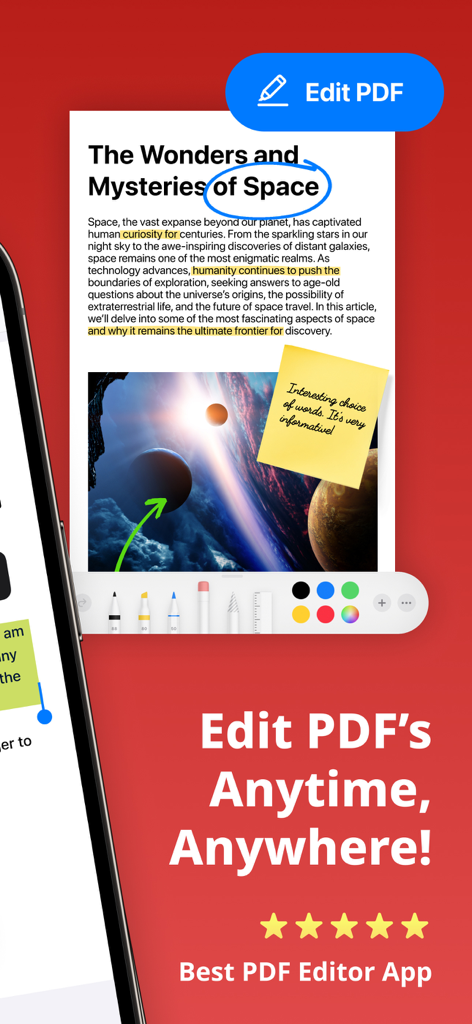
Mobile App-Oberfläche von PDF Air, die Dokumentbearbeitungswerkzeuge anzeigt, einschließlich Text-Hervorhebung und Haftnotizen
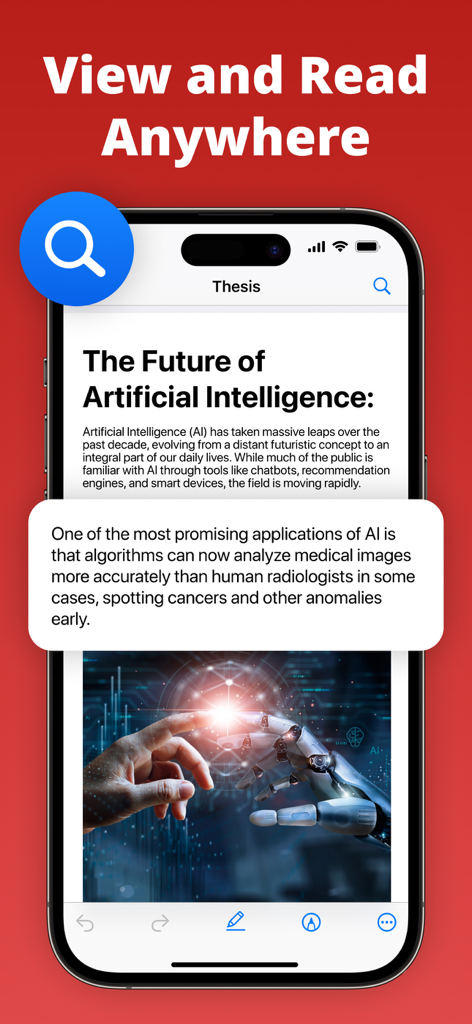
PDF Air-App-Oberfläche auf dem iPhone, die ein Dokument mit dem Titel The Future of Artificial Intelligence mit einem vergrößerten Textaufruf anzeigt
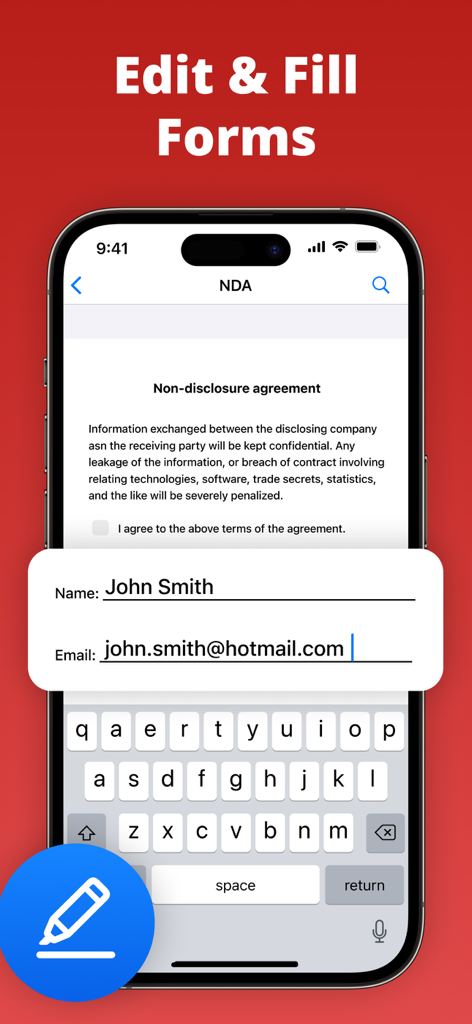
Smartphone, das ein NDA-Dokument mit Feldern für Name und E-Mail-Adresse anzeigt, die in der PDF Air-App ausgefüllt werden
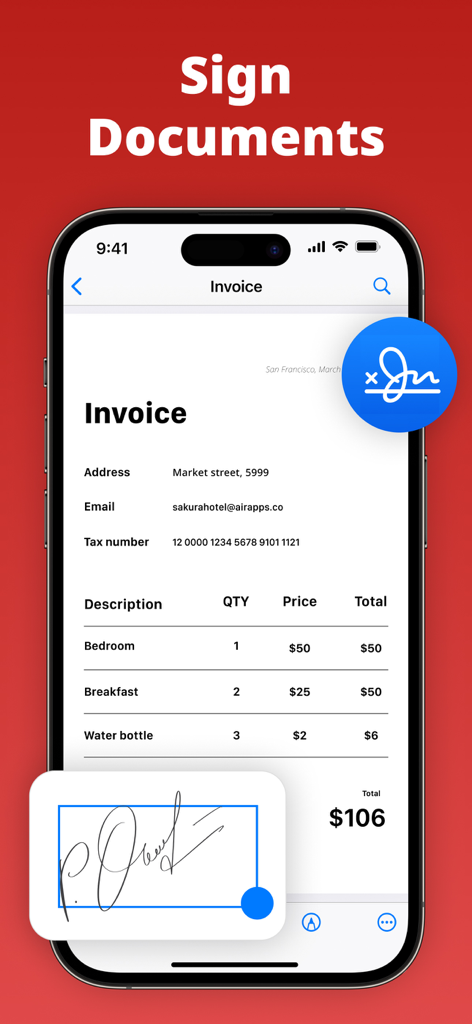
Ein Smartphone-Bildschirm, der die PDF Air-App zeigt, mit der eine Rechnung elektronisch signiert wird.
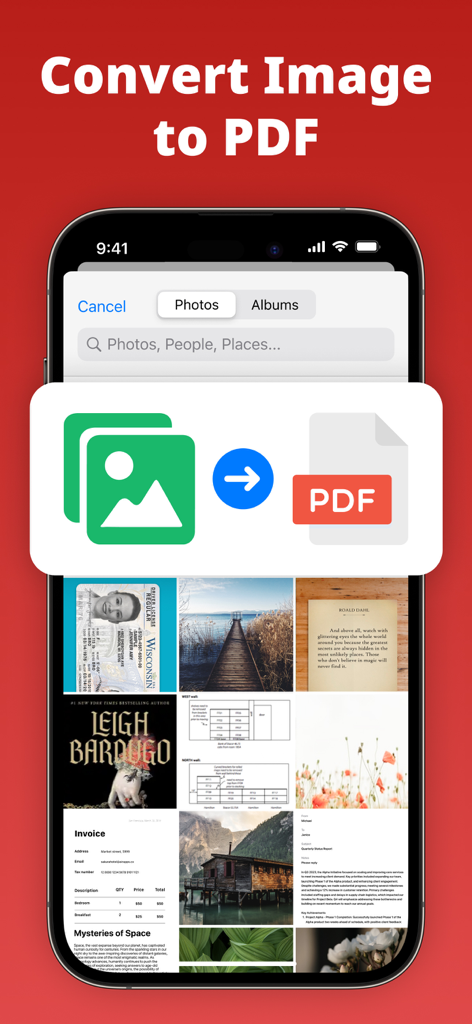
Oberfläche der PDF Air-App, die eine Fotogalerie und eine Grafik zur Konvertierung von Bilddateien in ein PDF-Dokument anzeigt
Beschreibung
Download
Ähnliche Apps
Apps mit ähnlichen Funktionen und Nutzererfahrung

PDF PRO Scan Image & Documents
Balzo srl

The PDF Scanner, PDF editor HQ
NEXT K.U.M. LTD

CamScanner - PDF Scanner App
INTSIG Information Co., Ltd

Adobe Scan: PDF & OCR Scanner
Adobe Inc.

WPS Office: PDF, Docs, Sheets
KINGSOFT OFFICE SOFTWARE CORPORATION LIMITED

iLovePDF - PDF Editor & Scan
ILOVEPDF S.L.

Scanner App: Genius Scan
The Grizzly Labs

Microsoft Lens: PDF Scanner
Microsoft Corporation

Clear Scan: Doc Scanner App
INDY MOBILE APP COMPANY LIMITED
Diese Seite ist keine offizielle Seite der App oder ihres Entwicklers, sondern eine unabhängige redaktionelle Veröffentlichung, die zu Informations- und Kommentarzwecken erstellt wurde. Sofern nicht ausdrücklich anders angegeben, sind weder die App noch ihr Entwickler mit MWM, Apple, Google Play, dem App-Herausgeber oder dem Entwickler der App verbunden, von ihnen unterstützt, gesponsert, autorisiert oder anderweitig offiziell verbunden, und nichts auf dieser Seite impliziert, dass die App unter Verwendung der Dienste von MWM entwickelt wurde. Alle Marken, Logos, Screenshots und andere Inhalte bleiben Eigentum ihrer jeweiligen Inhaber.