
Diese Seite ist keine offizielle Seite der App oder ihres Entwicklers, sondern eine unabhängige redaktionelle Veröffentlichung, die zu Informations- und Kommentarzwecken erstellt wurde. Sofern nicht ausdrücklich anders angegeben, sind weder die App noch ihr Entwickler mit MWM, Apple, Google Play, dem App-Herausgeber oder dem Entwickler der App verbunden, von ihnen unterstützt, gesponsert, autorisiert oder anderweitig offiziell verbunden, und nichts auf dieser Seite impliziert, dass die App unter Verwendung der Dienste von MWM entwickelt wurde. Alle Marken, Logos, Screenshots und andere Inhalte bleiben Eigentum ihrer jeweiligen Inhaber.

PDF Doc Scanner: Scan Cloud
Verwandeln Sie Ihr iPhone in ein leistungsstarkes mobiles Büro. Erfassen Sie hochwertige PDFs, fügen Sie digitale Signaturen hinzu und schützen Sie sensible Dokumente mit Face ID und verschlüsselter Cloud-Speicherung.
Downloads
669K+Bewertung
Bewertungen gesamt
400Herausgeber
Kategorie
UtilitiesSprachen
23Neueste Version
2.1Größe
62.0 MBErstveröffentlichung
27. Apr. 2020Ihr professionelles Büro, überall
Schließen Sie sich Tausenden von mobilen Profis an, die sperrige Hardware abgeschafft haben. Scannen, unterschreiben und sichern Sie Ihre Dokumente mit einem Werkzeug, das auf Geschwindigkeit und Datenschutz ausgelegt ist.
Intelligente automatische Erkennung
Erfassen Sie sofort hochauflösende Dokumente mit automatischer Randerkennung und KI-Optimierung für einen perfekten, professionellen Scan bei jeder Gelegenheit.
Integrierte E-Signaturen
Finalisieren Sie Verträge und Formulare unterwegs. Fügen Sie Ihre Unterschrift direkt zu jedem PDF hinzu und senden Sie es in Sekundenschnelle zurück, ohne jemals einen Drucker zu benötigen.
Die folgenden Screenshots und die Beschreibung stammen direkt aus dem offiziellen Store-Eintrag der App und sind Eigentum des Entwicklers.
App Store
Screenshots
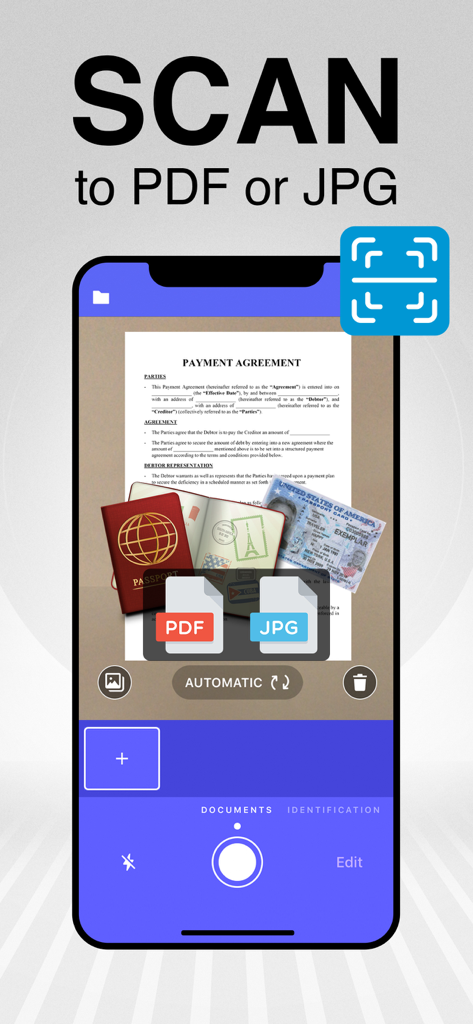
Ein Smartphone zeigt die Funktion zum Scannen zu PDF oder JPG der Scan Cloud App mit einem gescannten Dokument und Reisepass
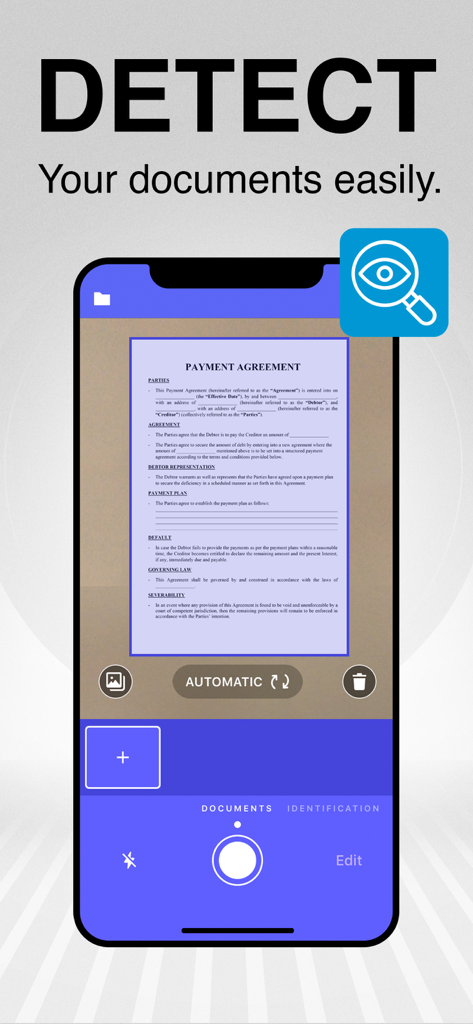
Smartphone-App-Oberfläche, die die automatische Randerkennung eines Dokuments zum Scannen zeigt
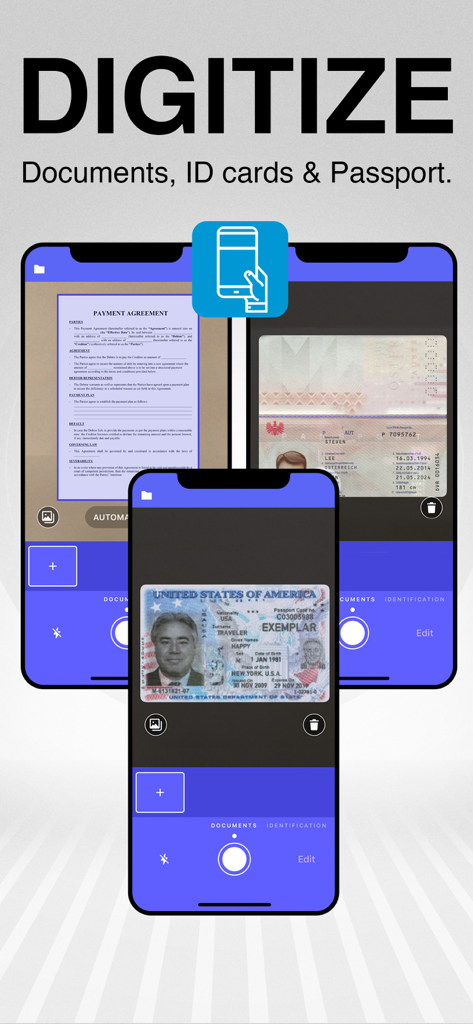
Eine mobile App-Oberfläche, die zeigt, wie physische Dokumente und Ausweise mithilfe einer Smartphone-Kamera digitalisiert werden
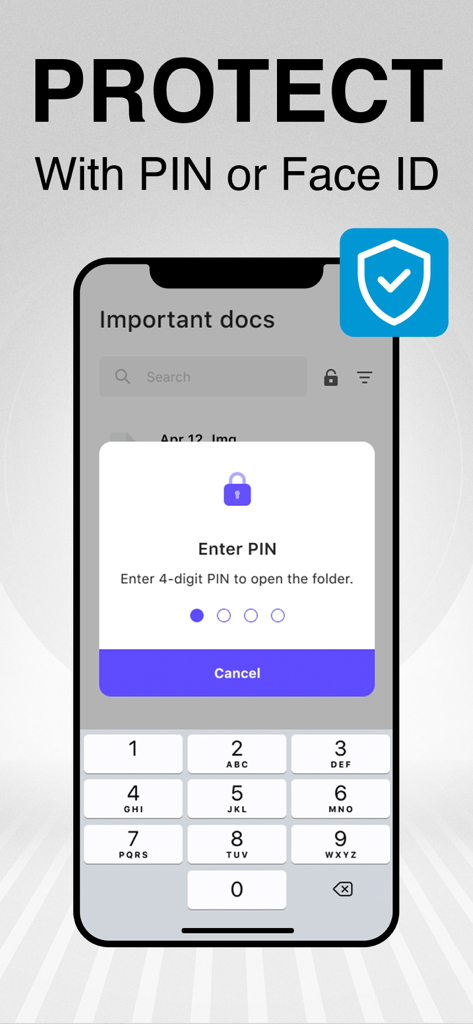
Sichern Sie Ihre gescannten Dokumente mit einer PIN oder Face ID in Scan Cloud
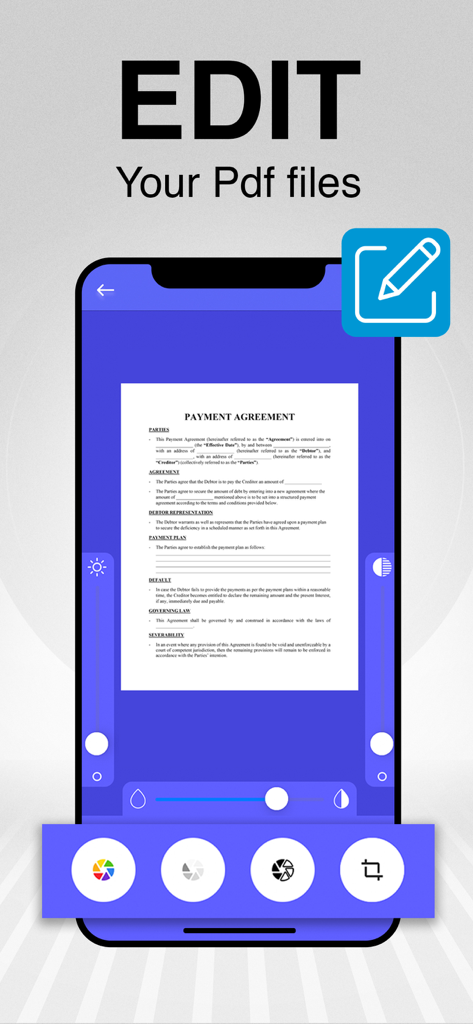
Eine mobile App-Oberfläche, die ein Zahlungsvereinbarungsdokument zeigt, das mit verschiedenen digitalen Werkzeugen bearbeitet wird
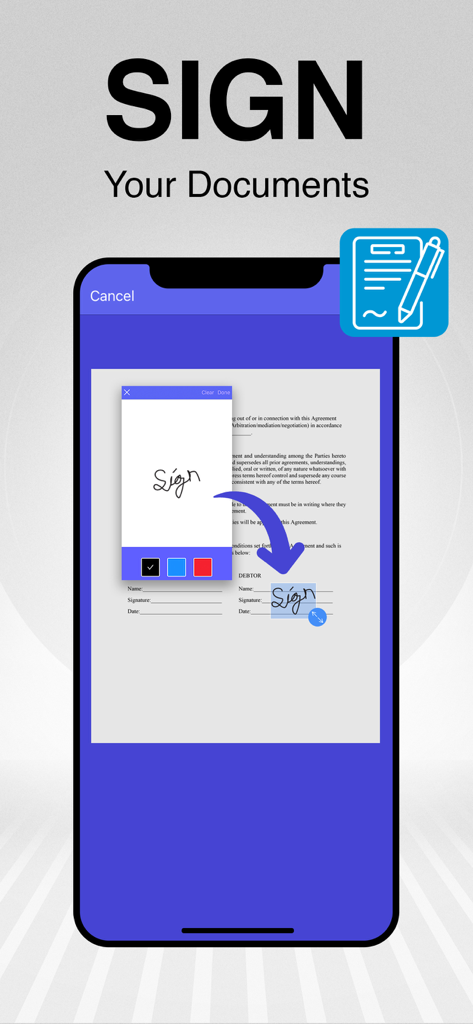
Mobile App-Oberfläche, die zeigt, wie eine digitale Signatur zu einem gescannten PDF-Dokument hinzugefügt wird
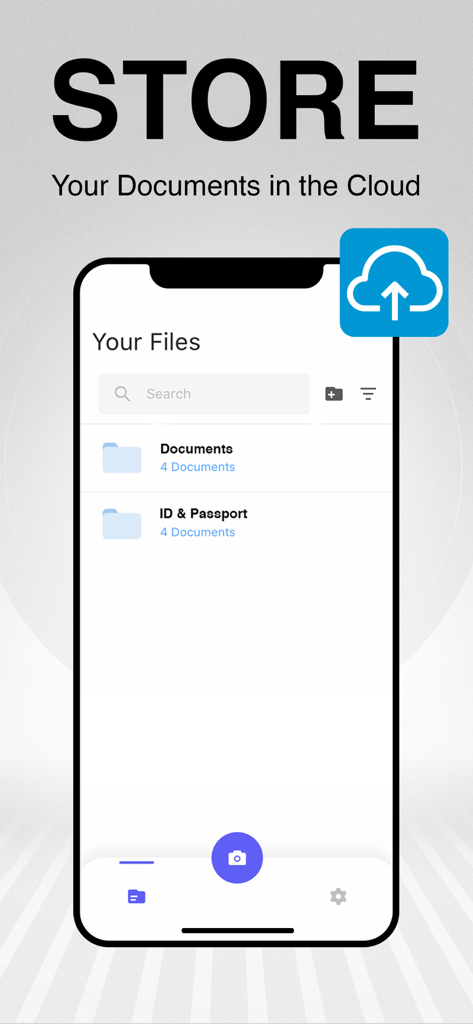
Mobile App-Oberfläche, die organisierte Ordner für gescannte Dokumente und Cloud-Backup-Optionen zeigt
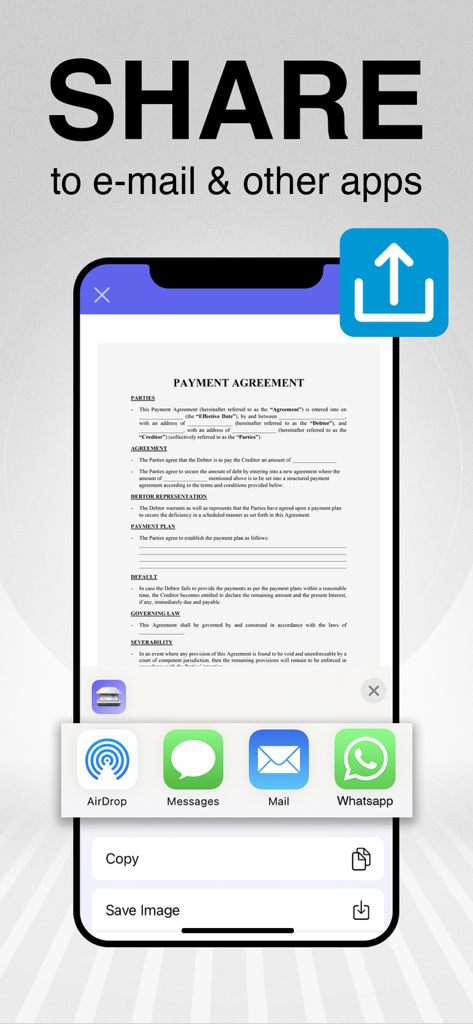
Smartphone-Bildschirm, der zeigt, wie eine Zahlungsvereinbarung per E-Mail und anderen Messaging-Apps geteilt wird
Beschreibung
Download
Ähnliche Apps
Apps mit ähnlichen Funktionen und Nutzererfahrung

PDF PRO Scan Image & Documents
Balzo srl

The PDF Scanner, PDF editor HQ
NEXT K.U.M. LTD

CamScanner - PDF Scanner App
INTSIG Information Co., Ltd

Adobe Scan: PDF & OCR Scanner
Adobe Inc.

WPS Office: PDF, Docs, Sheets
KINGSOFT OFFICE SOFTWARE CORPORATION LIMITED

iLovePDF - PDF Editor & Scan
ILOVEPDF S.L.

Scanner App: Genius Scan
The Grizzly Labs

Microsoft Lens: PDF Scanner
Microsoft Corporation

Clear Scan: Doc Scanner App
INDY MOBILE APP COMPANY LIMITED
Diese Seite ist keine offizielle Seite der App oder ihres Entwicklers, sondern eine unabhängige redaktionelle Veröffentlichung, die zu Informations- und Kommentarzwecken erstellt wurde. Sofern nicht ausdrücklich anders angegeben, sind weder die App noch ihr Entwickler mit MWM, Apple, Google Play, dem App-Herausgeber oder dem Entwickler der App verbunden, von ihnen unterstützt, gesponsert, autorisiert oder anderweitig offiziell verbunden, und nichts auf dieser Seite impliziert, dass die App unter Verwendung der Dienste von MWM entwickelt wurde. Alle Marken, Logos, Screenshots und andere Inhalte bleiben Eigentum ihrer jeweiligen Inhaber.