
Diese Seite ist keine offizielle Seite der App oder ihres Entwicklers, sondern eine unabhängige redaktionelle Veröffentlichung, die zu Informations- und Kommentarzwecken erstellt wurde. Sofern nicht ausdrücklich anders angegeben, sind weder die App noch ihr Entwickler mit MWM, Apple, Google Play, dem App-Herausgeber oder dem Entwickler der App verbunden, von ihnen unterstützt, gesponsert, autorisiert oder anderweitig offiziell verbunden, und nichts auf dieser Seite impliziert, dass die App unter Verwendung der Dienste von MWM entwickelt wurde. Alle Marken, Logos, Screenshots und andere Inhalte bleiben Eigentum ihrer jeweiligen Inhaber.

PDF Editor : Document Reader
Hören Sie auf, nach einem Drucker zu suchen. Scannen, signieren, bearbeiten und zusammenführen von Dokumenten direkt von Ihrem iPhone oder iPad. Der schnellste und zuverlässigste Weg, Papierkram für vielbeschäftigte Berufstätige und Studenten unterwegs zu erledigen.
Downloads
98K+Bewertung
Bewertungen gesamt
2K+Herausgeber
Kategorie
BusinessSprachen
9Neueste Version
2.9.6Größe
114.0 MBErstveröffentlichung
30. Jan. 2021Ihre komplette mobile Office-Suite
Hören Sie auf, nach Druckern und Scannern zu suchen. Erhalten Sie alle professionellen Werkzeuge, die Sie benötigen, um Ihre Dokumente von überall aus zu bearbeiten, zu signieren und zu verwalten.
Sofort unterschreiben & ausfüllen
Schließen Sie Geschäfte schneller ab, indem Sie Verträge direkt von Ihrem iPhone oder iPad unterschreiben und professionelle Formulare ausfüllen.
Professionelles mobiles Scannen
Verwandeln Sie physische Unterlagen sofort mit Ihrer Kamera in hochwertige PDFs mit integrierter Texterkennung in Echtzeit.
Die folgenden Screenshots und die Beschreibung stammen direkt aus dem offiziellen Store-Eintrag der App und sind Eigentum des Entwicklers.
App Store
Screenshots
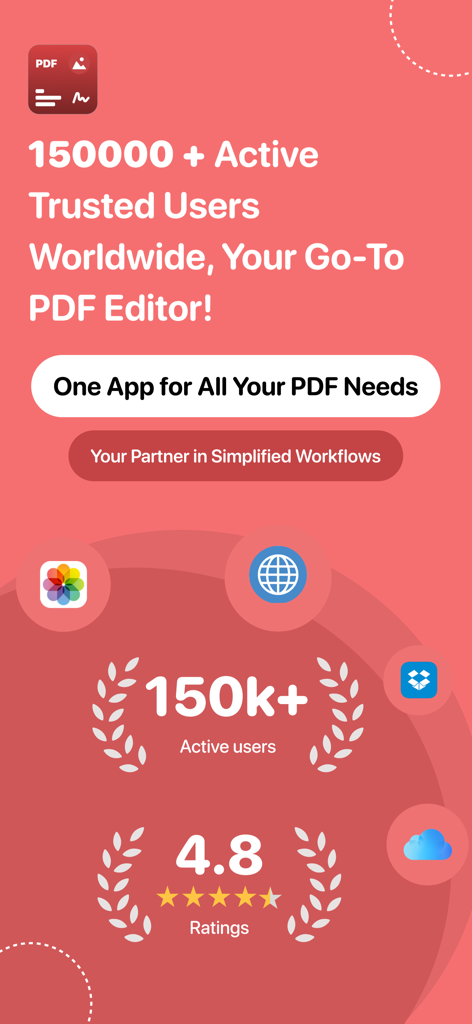
Werbebildschirm für die PDF Editor App mit 150.000 aktiven Nutzern und einer Bewertung von 4,8 Sternen
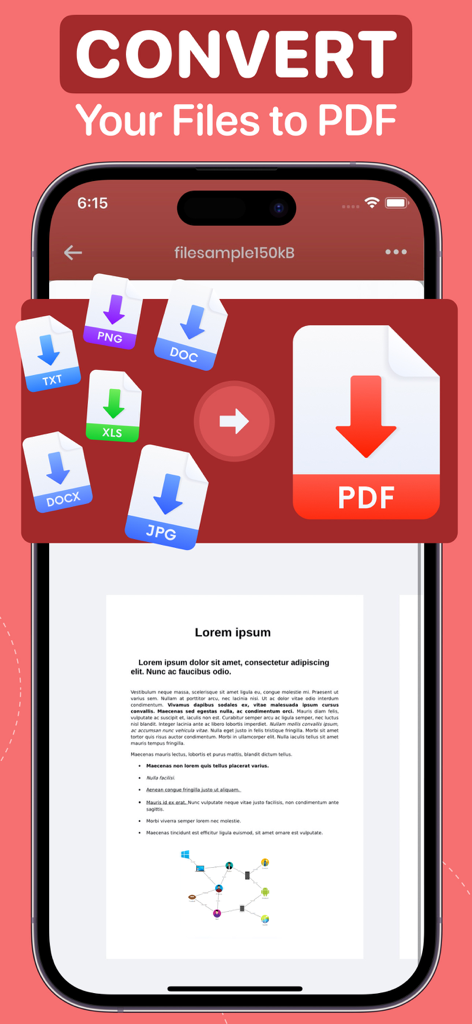
App-Bildschirm für Mobilgeräte, der die Konvertierung von PNG-, DOC-, TXT-, XLS- und JPG-Dateien in ein PDF-Dokument zeigt
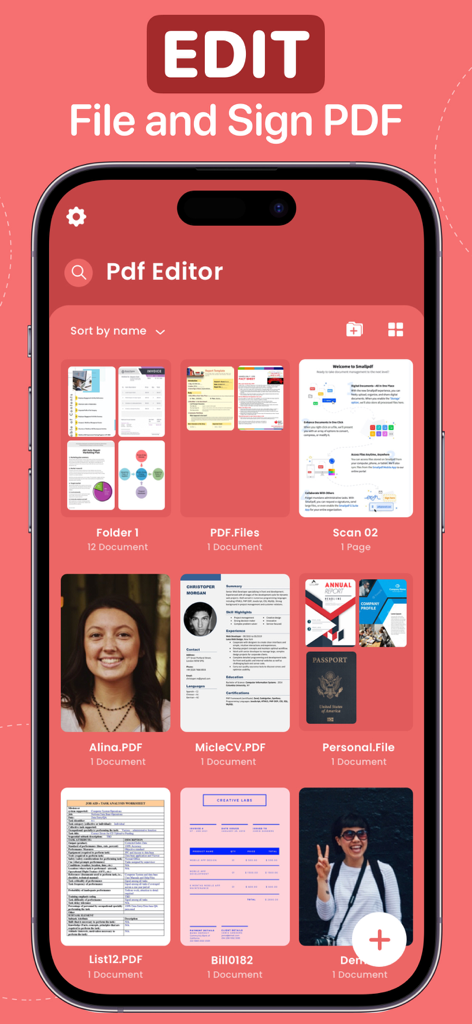
PDF Editor App-Oberfläche, die verschiedene Dateien und Ordner für die Dokumentenverwaltung anzeigt
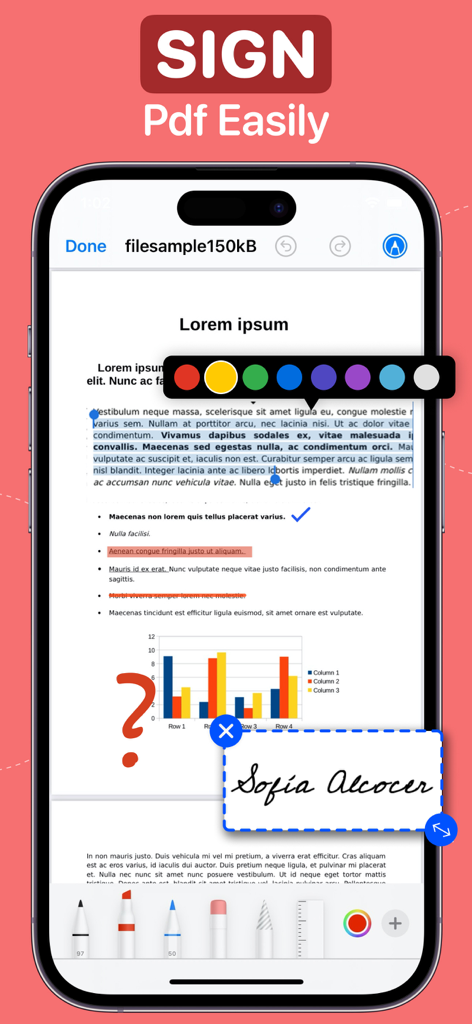
Eine iPhone-Oberfläche, die die PDF Editor App mit einer digitalen Signatur und Annotationstools auf einem Dokument zeigt
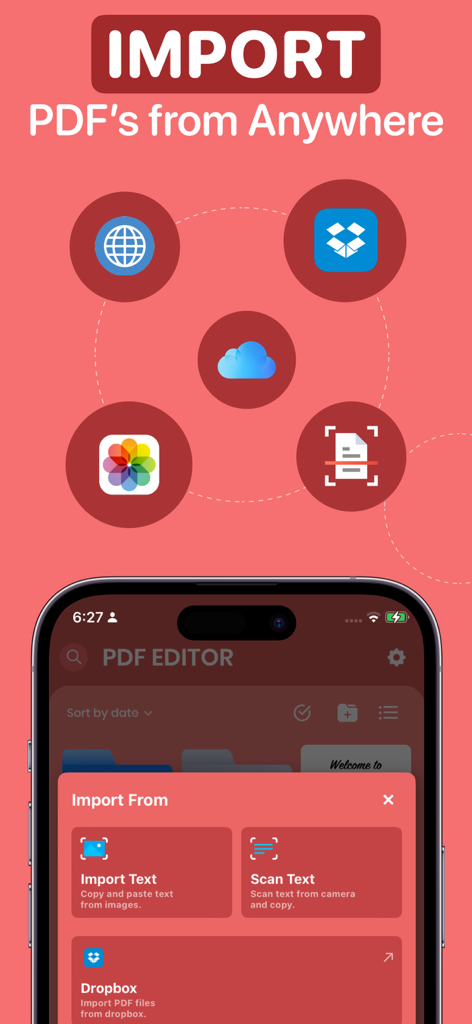
PDF Editor App-Oberfläche, die Optionen für den Import von Dokumenten aus Cloud-Speicher und Scans zeigt
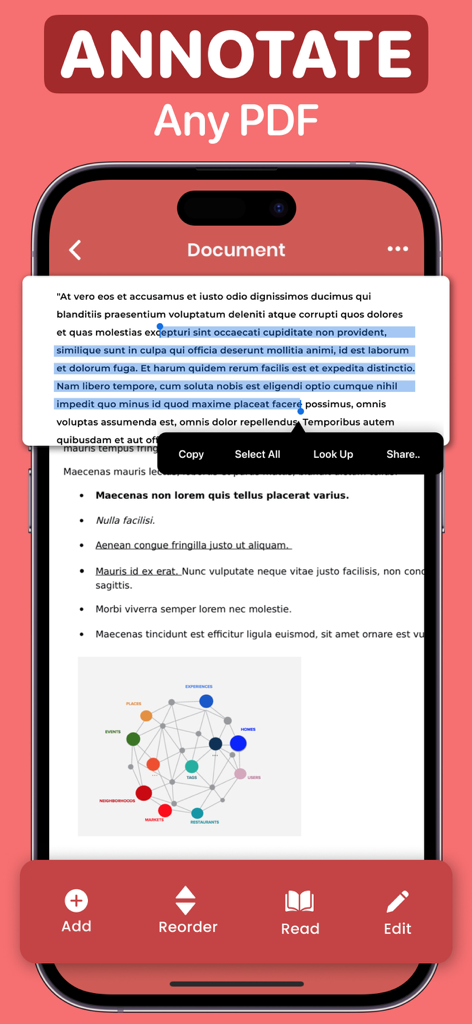
Mobile App-Oberfläche, die ein PDF-Dokument mit hervorgehobenem Text und einem Kontextmenü zum Kopieren und Teilen zeigt
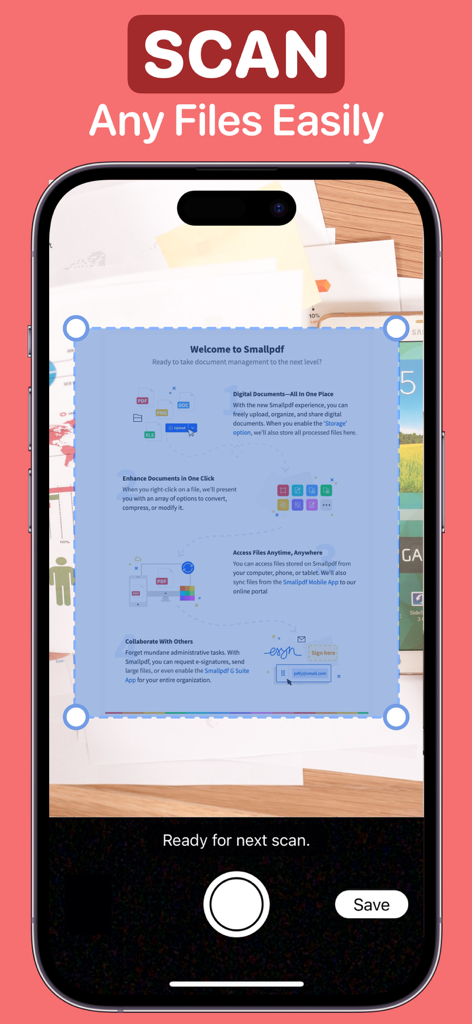
iPhone-Bildschirm, der die Dokumentenscan-Oberfläche der PDF Editor App anzeigt
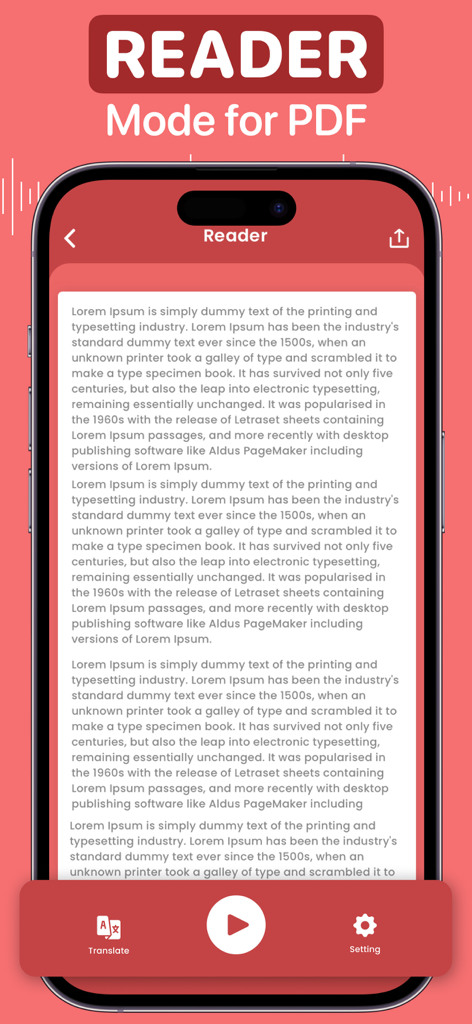
Mobile App-Oberfläche für den PDF-Reader-Modus mit Text-to-Speech- und Übersetzungstools
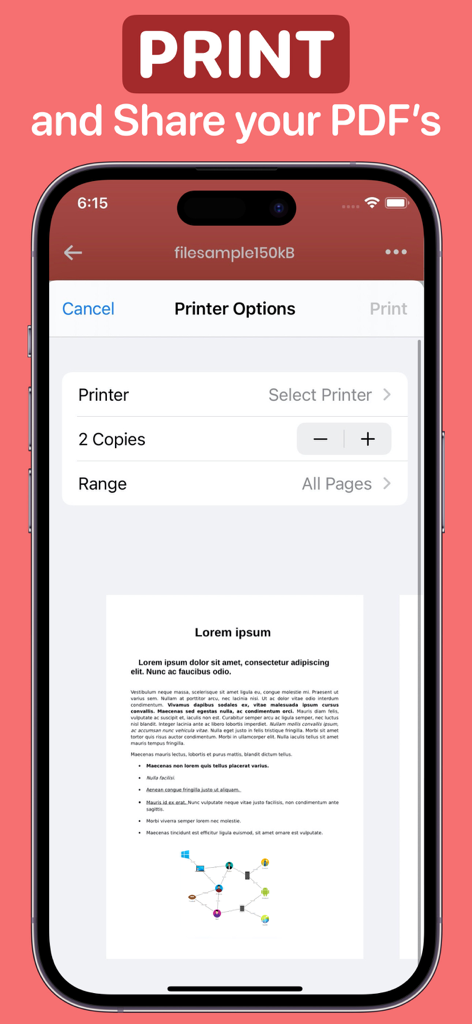
iPhone-Bildschirm mit Druckereinstellungen und einer Dokumentenvorschau in der PDF Editor App
Beschreibung
Download
Ähnliche Apps
Apps mit ähnlichen Funktionen und Nutzererfahrung

PDF PRO Scan Image & Documents
Balzo srl

The PDF Scanner, PDF editor HQ
NEXT K.U.M. LTD

CamScanner - PDF Scanner App
INTSIG Information Co., Ltd

Adobe Scan: PDF & OCR Scanner
Adobe Inc.

WPS Office: PDF, Docs, Sheets
KINGSOFT OFFICE SOFTWARE CORPORATION LIMITED

iLovePDF - PDF Editor & Scan
ILOVEPDF S.L.

Scanner App: Genius Scan
The Grizzly Labs

Microsoft Lens: PDF Scanner
Microsoft Corporation

Clear Scan: Doc Scanner App
INDY MOBILE APP COMPANY LIMITED
Diese Seite ist keine offizielle Seite der App oder ihres Entwicklers, sondern eine unabhängige redaktionelle Veröffentlichung, die zu Informations- und Kommentarzwecken erstellt wurde. Sofern nicht ausdrücklich anders angegeben, sind weder die App noch ihr Entwickler mit MWM, Apple, Google Play, dem App-Herausgeber oder dem Entwickler der App verbunden, von ihnen unterstützt, gesponsert, autorisiert oder anderweitig offiziell verbunden, und nichts auf dieser Seite impliziert, dass die App unter Verwendung der Dienste von MWM entwickelt wurde. Alle Marken, Logos, Screenshots und andere Inhalte bleiben Eigentum ihrer jeweiligen Inhaber.