
Diese Seite ist keine offizielle Seite der App oder ihres Entwicklers, sondern eine unabhängige redaktionelle Veröffentlichung, die zu Informations- und Kommentarzwecken erstellt wurde. Sofern nicht ausdrücklich anders angegeben, sind weder die App noch ihr Entwickler mit MWM, Apple, Google Play, dem App-Herausgeber oder dem Entwickler der App verbunden, von ihnen unterstützt, gesponsert, autorisiert oder anderweitig offiziell verbunden, und nichts auf dieser Seite impliziert, dass die App unter Verwendung der Dienste von MWM entwickelt wurde. Alle Marken, Logos, Screenshots und andere Inhalte bleiben Eigentum ihrer jeweiligen Inhaber.

PDF Editor : PDF Reader,Signer
Schließen Sie sich Tausenden von Fachleuten und Studenten an, die teure Abonnements gekündigt haben. Signieren, kommentieren und zusammenführen Sie Dateien mühelos oder nutzen Sie unseren fortschrittlichen PDF-Chat, um Text in Sekundenschnelle zusammenzufassen und zu optimieren – alles von Ihrem iPhone oder iPad aus.
Downloads
4K+Bewertung
Bewertungen gesamt
200Herausgeber
Kategorie
ProductivitySprachen
27Neueste Version
1.4.4Größe
22.2 MBErstveröffentlichung
5. Nov. 2023Meistern Sie Ihren Workflow mit professionellen PDF-Tools
Hören Sie auf, zu viel für Desktop-Software zu bezahlen. Erhalten Sie alle Funktionen, die Sie zum Bearbeiten, Signieren und Organisieren Ihrer Dokumente unterwegs benötigen, mit einer leistungsstarken, KI-gesteuerten Erfahrung.
KI-gestützter PDF-Chat
Optimieren Sie Ihre Recherche, indem Sie KI verwenden, um komplexe Dokumente zusammenzufassen, Ihre Texte zu polieren oder Text sofort in der App zu übersetzen.
In Sekunden signieren & abstempeln
Schließen Sie Geschäfte schneller ab mit professionellen digitalen Signaturen und benutzerdefinierten Stempeln wie „Vertraulich“ oder „Endgültig“ für Ihre Rechts- und Geschäftsverträge.
Die folgenden Screenshots und die Beschreibung stammen direkt aus dem offiziellen Store-Eintrag der App und sind Eigentum des Entwicklers.
App Store
Screenshots
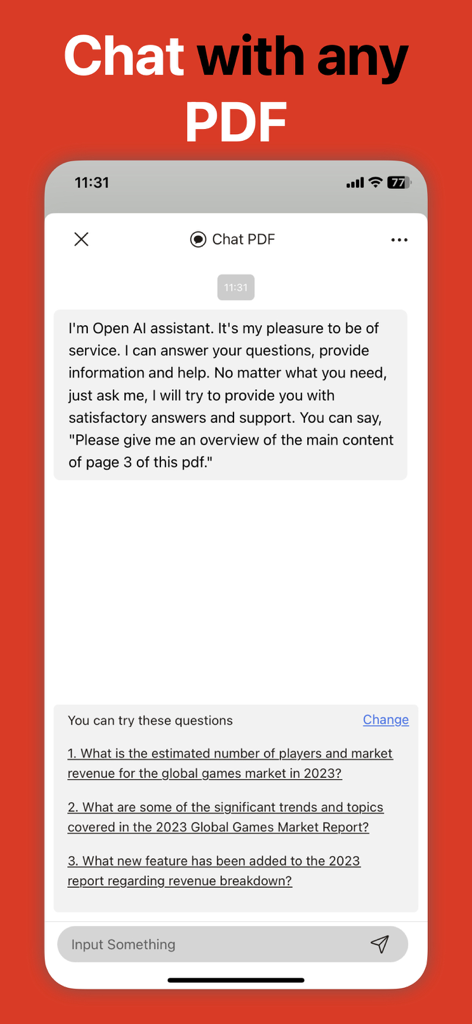
Oberfläche der KI-Chat-Funktion in der PDF Editor-App zur Zusammenfassung von Dokumenten
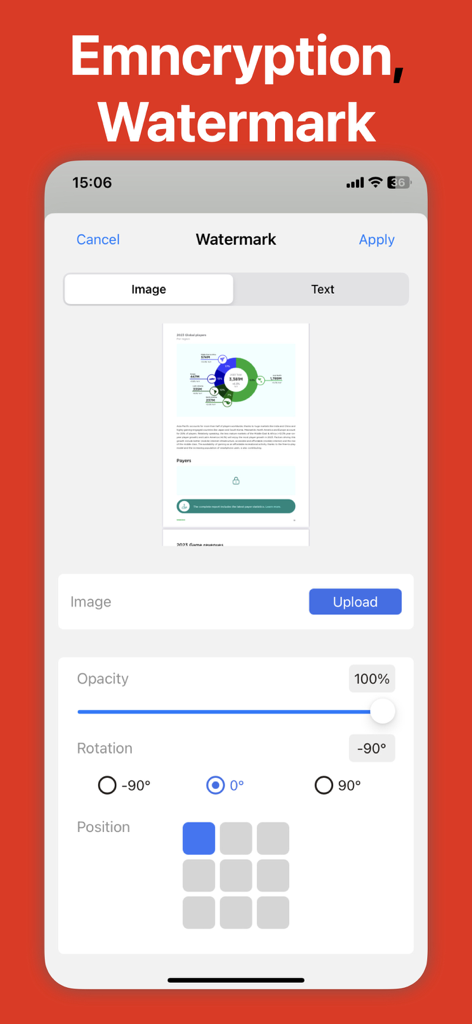
Smartphone-Bildschirm zeigt die Wasserzeichenfunktion einer PDF-Editor-App mit Optionen zum Hochladen eines Bildes und Anpassen der Deckkraft
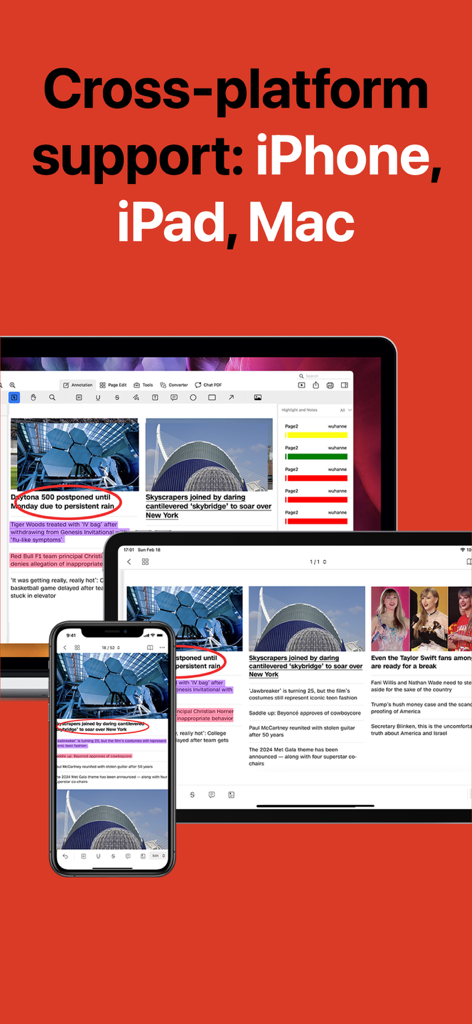
PDF Editor-App zeigt plattformübergreifende Kompatibilität auf iPhone, iPad und Mac
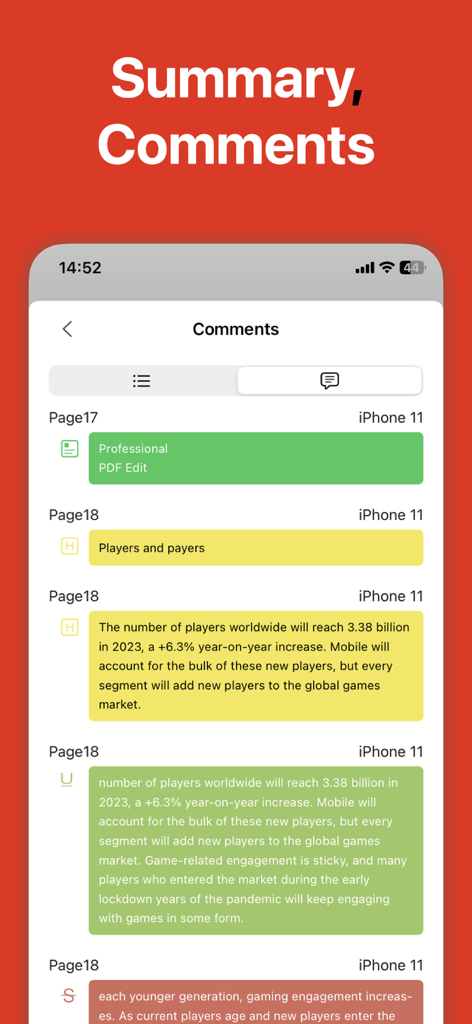
Ein mobiler Bildschirm, der eine Zusammenfassung von farbcodierten Kommentaren und Hervorhebungen in einem PDF-Dokument anzeigt.
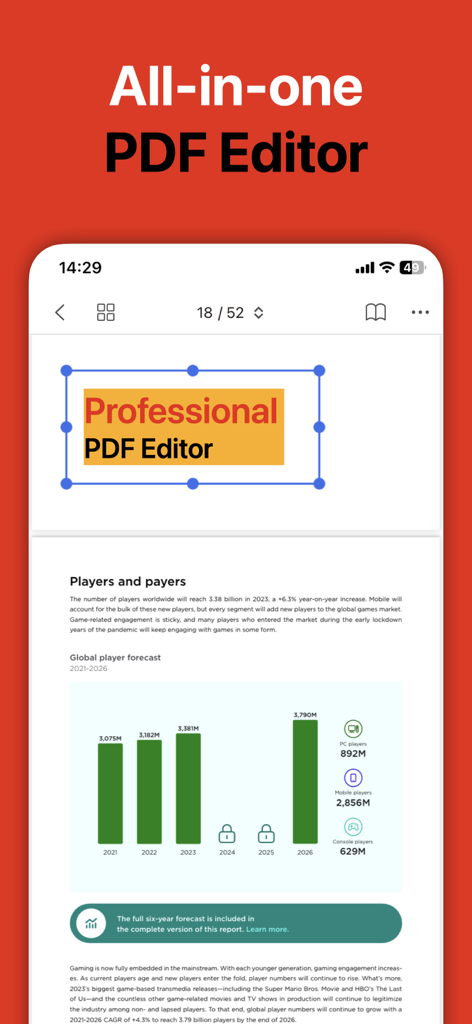
Mobile App-Oberfläche eines All-in-One-PDF-Editors, die Dokumentenbearbeitung und Berichte anzeigt
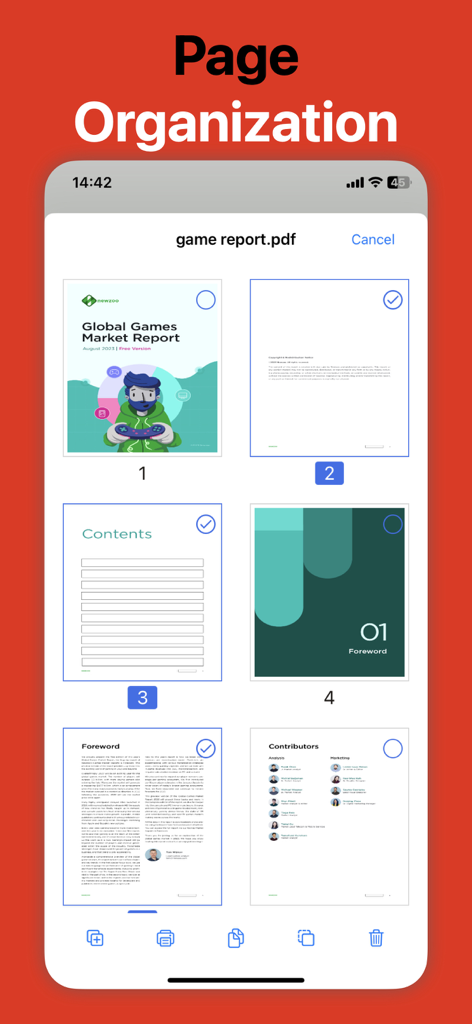
PDF Editor-App, die das Seitenorganisations-Tool zur Auswahl und Bearbeitung von Dokumentenseiten anzeigt
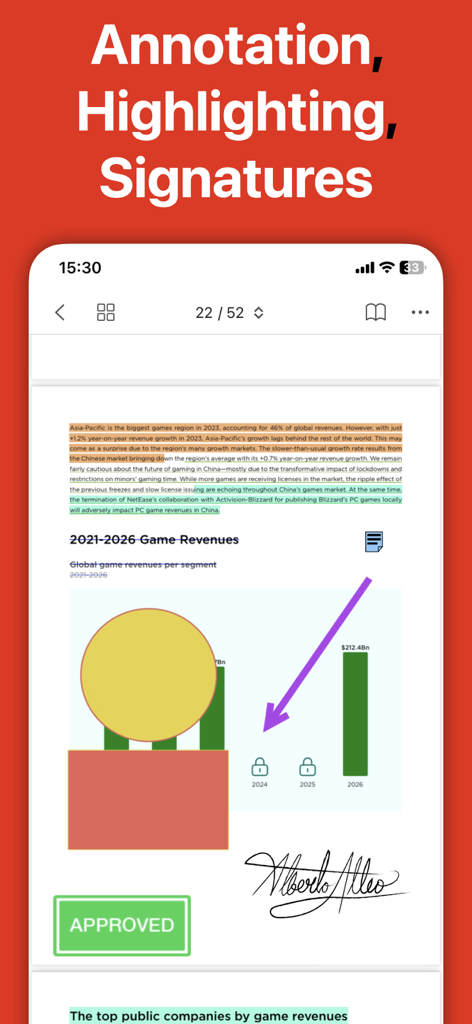
Eine mobile Oberfläche eines PDF-Editors, die ein Dokument mit Text-Hervorhebungen, einer handschriftlichen Unterschrift und einem genehmigten Stempel zeigt.
Beschreibung
Download
Ähnliche Apps
Apps mit ähnlichen Funktionen und Nutzererfahrung

PDF PRO Scan Image & Documents
Balzo srl

The PDF Scanner, PDF editor HQ
NEXT K.U.M. LTD

CamScanner - PDF Scanner App
INTSIG Information Co., Ltd

Adobe Scan: PDF & OCR Scanner
Adobe Inc.

WPS Office: PDF, Docs, Sheets
KINGSOFT OFFICE SOFTWARE CORPORATION LIMITED

iLovePDF - PDF Editor & Scan
ILOVEPDF S.L.

Scanner App: Genius Scan
The Grizzly Labs

Microsoft Lens: PDF Scanner
Microsoft Corporation

Clear Scan: Doc Scanner App
INDY MOBILE APP COMPANY LIMITED
Diese Seite ist keine offizielle Seite der App oder ihres Entwicklers, sondern eine unabhängige redaktionelle Veröffentlichung, die zu Informations- und Kommentarzwecken erstellt wurde. Sofern nicht ausdrücklich anders angegeben, sind weder die App noch ihr Entwickler mit MWM, Apple, Google Play, dem App-Herausgeber oder dem Entwickler der App verbunden, von ihnen unterstützt, gesponsert, autorisiert oder anderweitig offiziell verbunden, und nichts auf dieser Seite impliziert, dass die App unter Verwendung der Dienste von MWM entwickelt wurde. Alle Marken, Logos, Screenshots und andere Inhalte bleiben Eigentum ihrer jeweiligen Inhaber.