
Diese Seite ist keine offizielle Seite der App oder ihres Entwicklers, sondern eine unabhängige redaktionelle Veröffentlichung, die zu Informations- und Kommentarzwecken erstellt wurde. Sofern nicht ausdrücklich anders angegeben, sind weder die App noch ihr Entwickler mit MWM, Apple, Google Play, dem App-Herausgeber oder dem Entwickler der App verbunden, von ihnen unterstützt, gesponsert, autorisiert oder anderweitig offiziell verbunden, und nichts auf dieser Seite impliziert, dass die App unter Verwendung der Dienste von MWM entwickelt wurde. Alle Marken, Logos, Screenshots und andere Inhalte bleiben Eigentum ihrer jeweiligen Inhaber.

PDF Reader Pro – Lite Edition
Steigern Sie Ihre mobile Produktivität. Bearbeiten Sie Text, signieren Sie Verträge, führen Sie OCR-Scans durch und konvertieren Sie Dateien nahtlos auf Ihrem iPhone und iPad – wo immer Ihr Geschäft Sie hinführt.
Downloads
756K+Bewertung
Bewertungen gesamt
1K+Herausgeber
Kategorie
BusinessSprachen
13Neueste Version
3.0.2Größe
180.8 MBErstveröffentlichung
8. Okt. 2014Ihre komplette mobile Bürosuite
Optimieren Sie Ihren professionellen Workflow mit einer leistungsstarken Suite von Tools, die entwickelt wurden, um Ihre Dokumente von überall aus zu bearbeiten, zu signieren und zu sichern.
Professionelle Anmerkungen & Unterschriften
Schließen Sie Geschäfte unterwegs ab, indem Sie rechtsgültige Unterschriften, professionelle Stempel und klare Hervorhebungen zu Ihren Verträgen und Berichten hinzufügen.
Intelligente OCR & Textbearbeitung
Wandeln Sie gescannte Bilder in durchsuchbare Daten um und korrigieren Sie Tippfehler direkt in Ihren PDFs, ohne zu Ihrem Desktop zurückkehren zu müssen.
Die folgenden Screenshots und die Beschreibung stammen direkt aus dem offiziellen Store-Eintrag der App und sind Eigentum des Entwicklers.
App Store
Screenshots
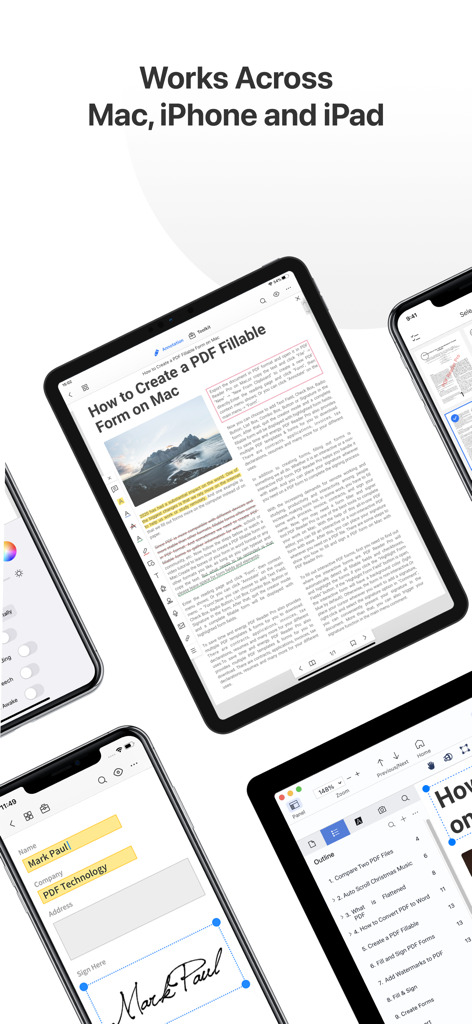
PDF Reader Pro Anwendungsoberfläche auf Mac, iPhone und iPad Geräten
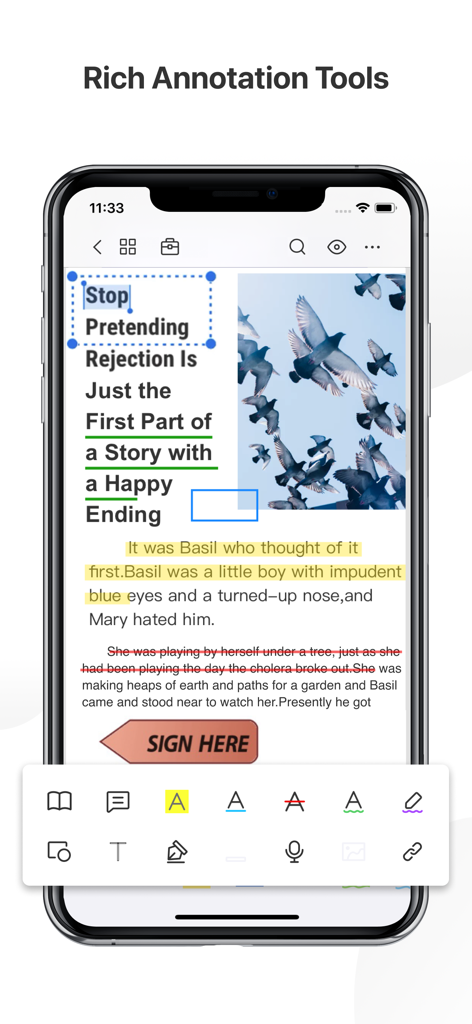
iPhone-Bildschirm, der die Anmerkungswerkzeuge von PDF Reader Pro anzeigt, einschließlich Hervorhebungen und digitaler Signaturen.
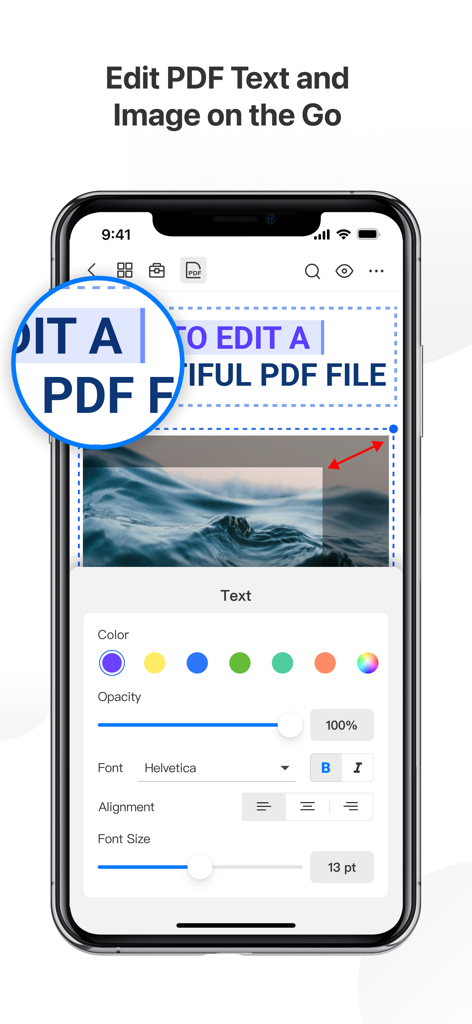
iPhone-Screenshot, der die Text- und Bildbearbeitungsfunktionen in der PDF Reader Pro Lite App zeigt
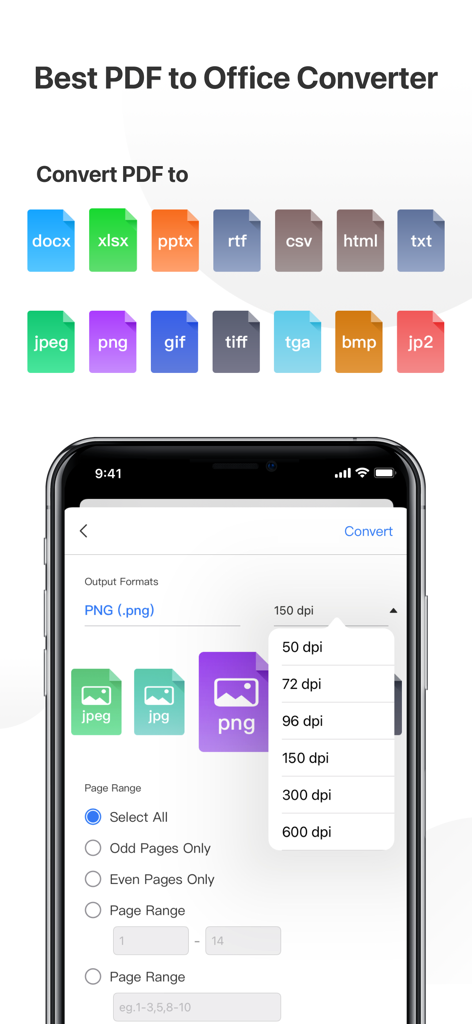
Oberfläche eines PDF-Konverters mit Optionen für Office-Formate und Bildeinstellungen
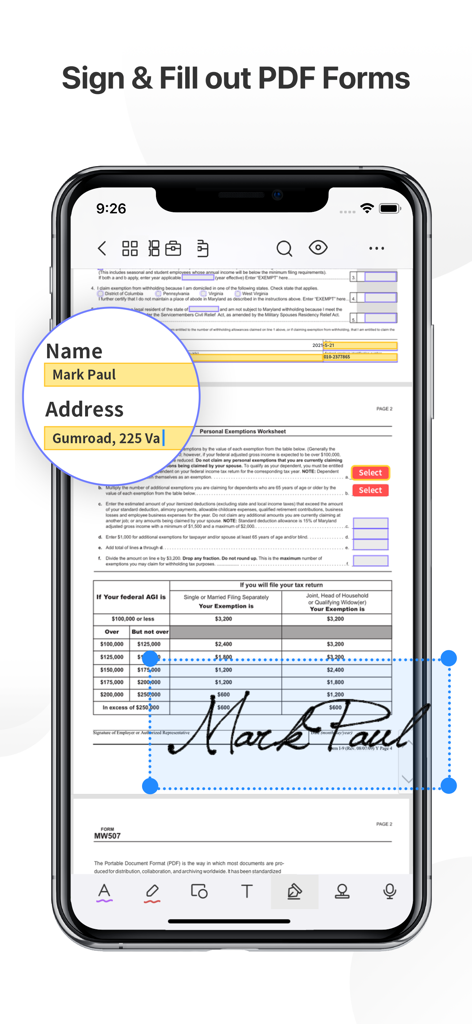
iPhone zeigt die PDF Reader Pro App mit einem unterschriebenen und ausgefüllten digitalen Steuerformular an
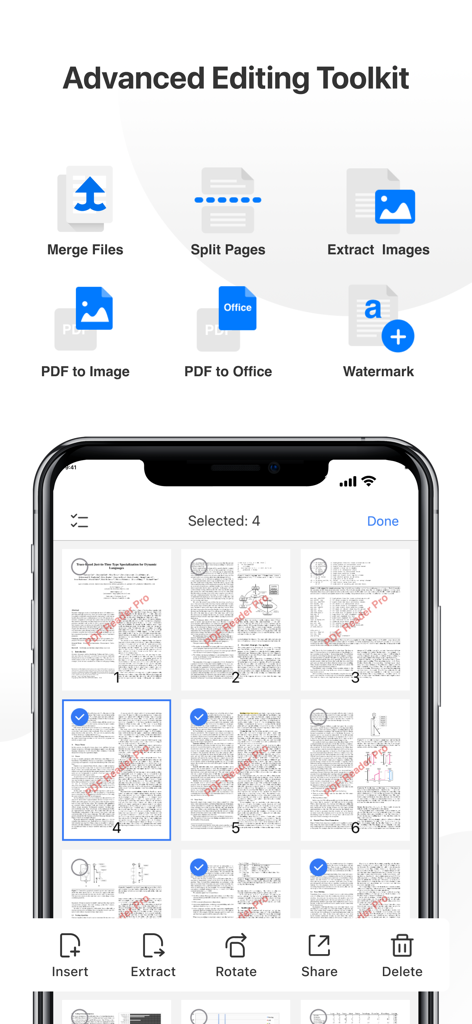
Erweiterter Bearbeitungs-Toolkit der PDF Reader Pro mit Funktionen zum Zusammenführen, Aufteilen und Verwalten von Seiten auf dem iPhone
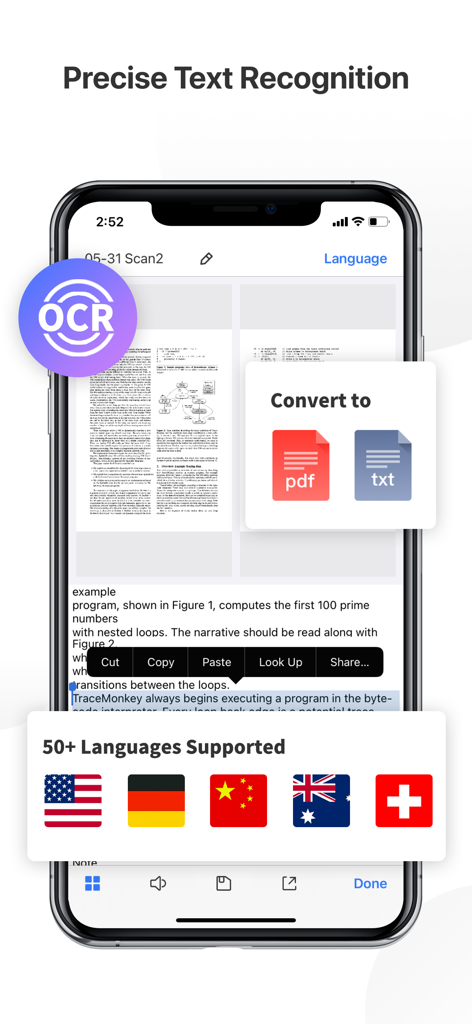
PDF Reader Pro Lite zeigt OCR-Texterkennung und über 50 unterstützte Sprachen auf einem iPhone-Bildschirm an
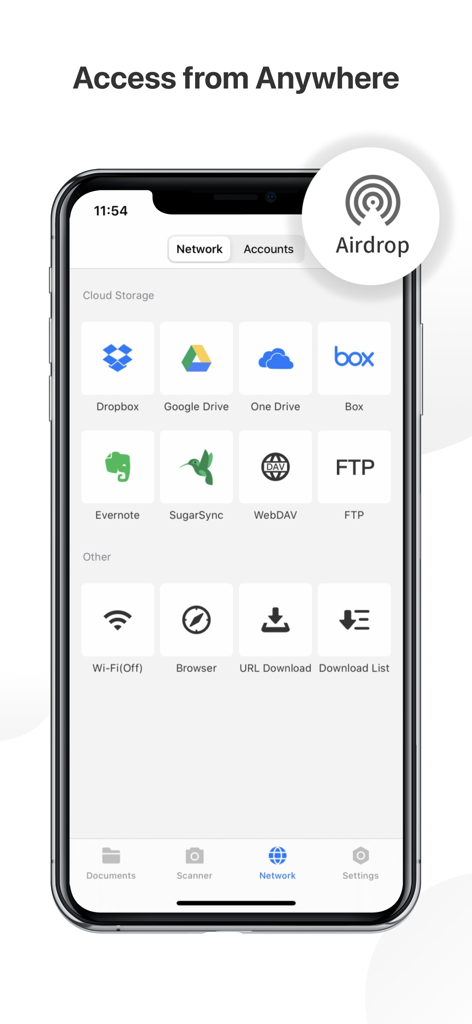
Smartphone-Bildschirm mit Cloud-Speicher- und Netzwerkverbindungsoptionen für PDF Reader Pro, einschließlich Dropbox, Google Drive und Airdrop
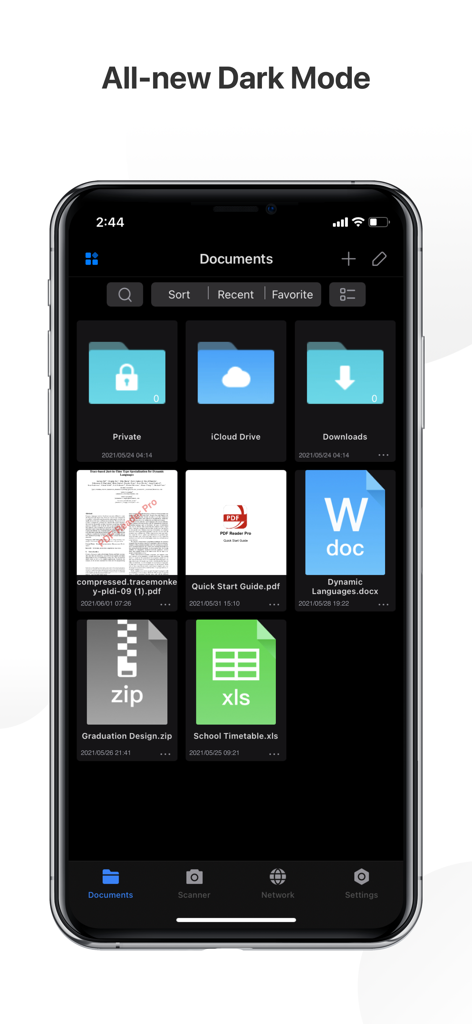
PDF Reader Pro mobile App-Oberfläche, die ihren brandneuen Dark Mode mit einem Raster von Dokumentenordnern und Dateien, einschließlich PDF, Word und Excel, zeigt
Beschreibung
Download
Ähnliche Apps
Apps mit ähnlichen Funktionen und Nutzererfahrung

PDF PRO Scan Image & Documents
Balzo srl

The PDF Scanner, PDF editor HQ
NEXT K.U.M. LTD

CamScanner - PDF Scanner App
INTSIG Information Co., Ltd

Adobe Scan: PDF & OCR Scanner
Adobe Inc.

WPS Office: PDF, Docs, Sheets
KINGSOFT OFFICE SOFTWARE CORPORATION LIMITED

iLovePDF - PDF Editor & Scan
ILOVEPDF S.L.

Scanner App: Genius Scan
The Grizzly Labs

Microsoft Lens: PDF Scanner
Microsoft Corporation

Clear Scan: Doc Scanner App
INDY MOBILE APP COMPANY LIMITED
Diese Seite ist keine offizielle Seite der App oder ihres Entwicklers, sondern eine unabhängige redaktionelle Veröffentlichung, die zu Informations- und Kommentarzwecken erstellt wurde. Sofern nicht ausdrücklich anders angegeben, sind weder die App noch ihr Entwickler mit MWM, Apple, Google Play, dem App-Herausgeber oder dem Entwickler der App verbunden, von ihnen unterstützt, gesponsert, autorisiert oder anderweitig offiziell verbunden, und nichts auf dieser Seite impliziert, dass die App unter Verwendung der Dienste von MWM entwickelt wurde. Alle Marken, Logos, Screenshots und andere Inhalte bleiben Eigentum ihrer jeweiligen Inhaber.