
Diese Seite ist keine offizielle Seite der App oder ihres Entwicklers, sondern eine unabhängige redaktionelle Veröffentlichung, die zu Informations- und Kommentarzwecken erstellt wurde. Sofern nicht ausdrücklich anders angegeben, sind weder die App noch ihr Entwickler mit MWM, Apple, Google Play, dem App-Herausgeber oder dem Entwickler der App verbunden, von ihnen unterstützt, gesponsert, autorisiert oder anderweitig offiziell verbunden, und nichts auf dieser Seite impliziert, dass die App unter Verwendung der Dienste von MWM entwickelt wurde. Alle Marken, Logos, Screenshots und andere Inhalte bleiben Eigentum ihrer jeweiligen Inhaber.

PDF Signer Express - Sign PDFs
Optimieren Sie Ihren papierlosen Workflow mit professionellen Werkzeugen zum Unterschreiben, Kommentieren und Ausfüllen von Formularen. Beginnen Sie auf Ihrem iPhone und beenden Sie es auf Ihrem Mac mit sofortiger iCloud-Synchronisierung – keine Abonnements erforderlich.
Downloads
6K+Bewertung
Bewertungen gesamt
0Herausgeber
Kategorie
BusinessSprachen
1Neueste Version
1.7.5Größe
17.8 MBErstveröffentlichung
8. Mai 2015Meistern Sie Ihren papierlosen Workflow
PDF Signer Express kombiniert leistungsstarke Anmerkungswerkzeuge mit nahtloser iCloud-Integration, speziell entwickelt für den Apple-gestützten Profi.
Arbeiten Sie geräteübergreifend
Mit iCloud Drive und Handoff-Unterstützung folgen Ihnen Ihre PDFs von Ihrem iPhone zu Ihrem Mac, ohne einen Takt zu verpassen.
Einfach unterschreiben und kommentieren
Füllen Sie Formulare aus, unterschreiben Sie Verträge und zeichnen Sie Diagramme mit natürlichen Touch-Gesten oder der Präzision des Apple Pencil.
Häufig gestellte Fragen
Alles, was Sie über wissen müssen PDF Signer Express - Sign PDFs
Was ist PDF Signer Express?
PDF Signer Express ist ein flexibler iCloud PDF Note Taker, Signer, Form Filler, Drawing/Diagram App und Annotator für iOS und OS X. Er verfügt über Freihandzeichnen im nativen PDF-Format.
Ist PDF Signer Express kostenlos nutzbar?
Ja, PDF Signer Express ist für iOS-Geräte kostenlos. Die OS X-Version ist für 5,99 USD erhältlich.
Welche Plattformen sind mit PDF Signer Express kompatibel?
PDF Signer Express unterstützt iOS und OS X. Es bietet auch iCloud Drive-Kompatibilität für Windows-PCs, sofern iCloud Drive auf diesen Geräten installiert ist.
Kann ich mit PDF Signer Express auf PDF-Dokumenten zeichnen?
Ja, PDF Signer Express ermöglicht Freihandzeichnungen auf PDFs mit "Vektor"-Notizwerkzeugen wie Stift, Radiergummi und Textmarker, was dazu beiträgt, die Dateigrößen von PDFs klein zu halten.
Bietet PDF Signer Express eine iCloud-Synchronisierung?
Ja, PDF Signer Express unterstützt iCloud Drive für die Synchronisierung von PDFs über iPhone, iPad, Mac und Windows-PCs. Es beinhaltet auch iCloud Continuity/HandOff für die sofortige Dokumentenübertragung zwischen Geräten.
Was sind die einzigartigen iOS-Funktionen von PDF Signer Express?
PDF Signer Express bietet einen innovativen grafischen Dateimanager mit natürlichen Touch-Gesten, fotorealistische Seitenwischanimationen und Zeichnen mit Handflächenauflage oder Lupe-Fenster-Technologie.
Unterstützt PDF Signer Express passwortgeschützte PDFs?
Ja, PDF Signer Express bietet Leseunterstützung für passwortgeschützte PDF-Dateien, sodass Benutzer auf sichere Dokumente zugreifen können.
Funktioniert PDF Signer Express ohne Internetverbindung?
Ja, PDF Signer Express funktioniert offline. Die iCloud-Unterstützung ist optional, sodass die Anwendung sowohl online als auch offline gleichermaßen gut funktioniert.
Wie füge ich mit PDF Signer Express Text zu einem PDF hinzu?
Das Textwerkzeug in PDF Signer Express ermöglicht es Benutzern, überall auf einem PDF auf iPad und Mac zu tippen. Benutzer können auch leere PDFs erstellen und Text hinzufügen.
Kann ich mit PDF Signer Express Bilder zu PDFs hinzufügen?
Ja, PDF Signer Express ermöglicht es Benutzern, Bilder, Text und Webseiten sofort zu einem PDF auf iPad- und Mac-Geräten hinzuzufügen.
Die folgenden Screenshots und die Beschreibung stammen direkt aus dem offiziellen Store-Eintrag der App und sind Eigentum des Entwicklers.
App Store
Screenshots
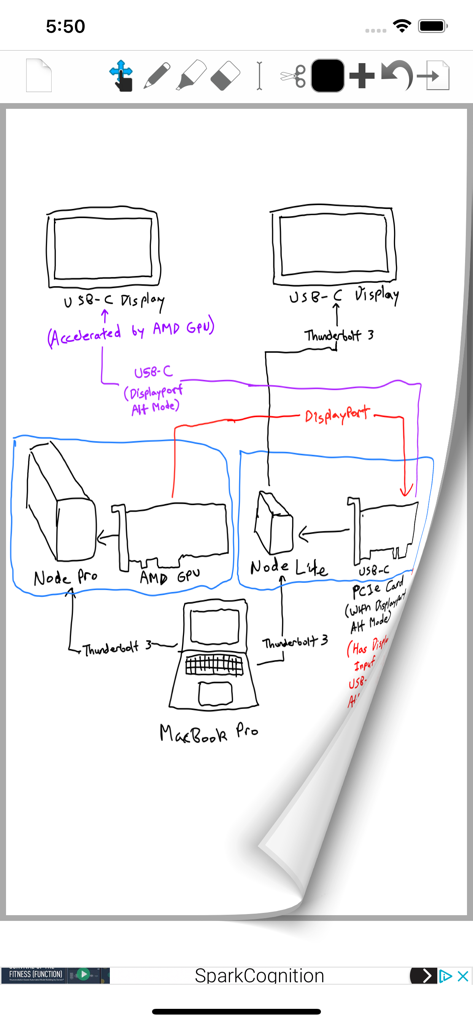
Handgezeichnetes technisches Diagramm auf einer digitalen Seite mit den Werkzeugen von PDF Signer Express
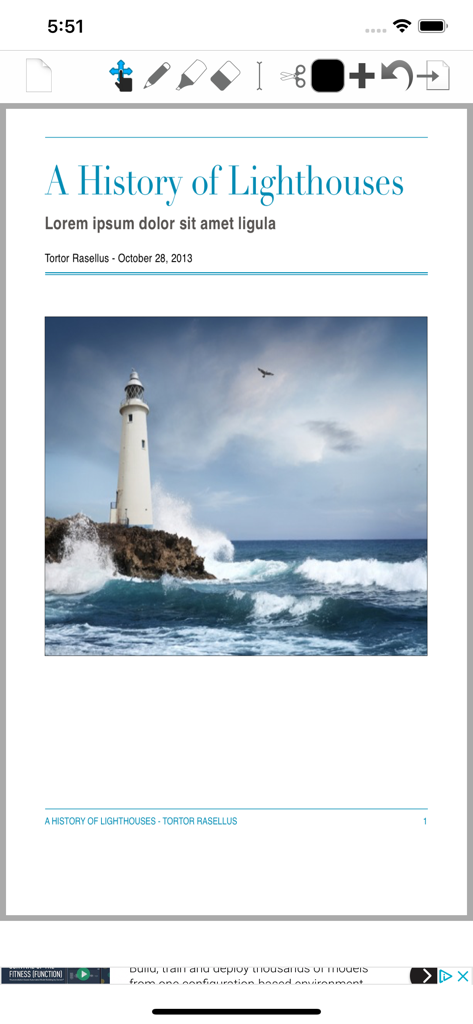
Ein Screenshot von PDF Signer Express, der ein geöffnetes PDF-Dokument mit Bearbeitungswerkzeugen anzeigt
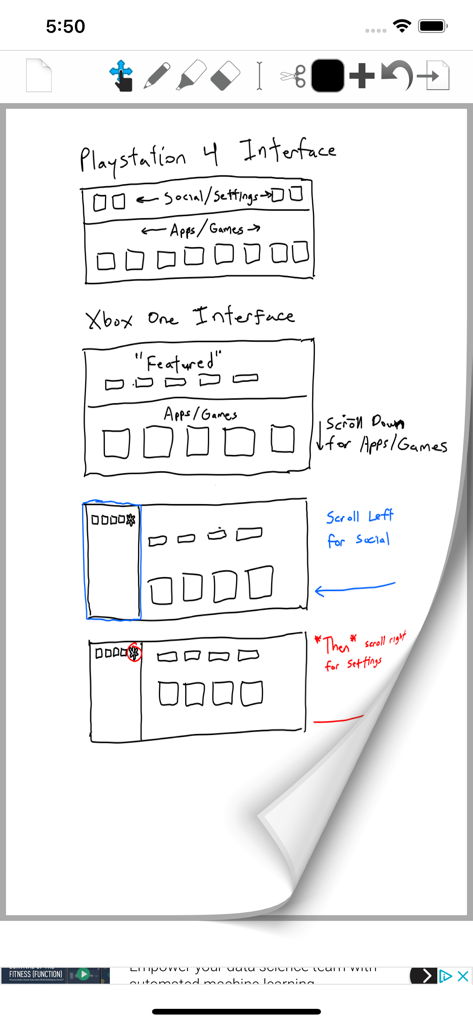
Handgezeichnetes UI-Mockup für Konsolenschnittstellen mit handschriftlichen Notizen in PDF Signer Express
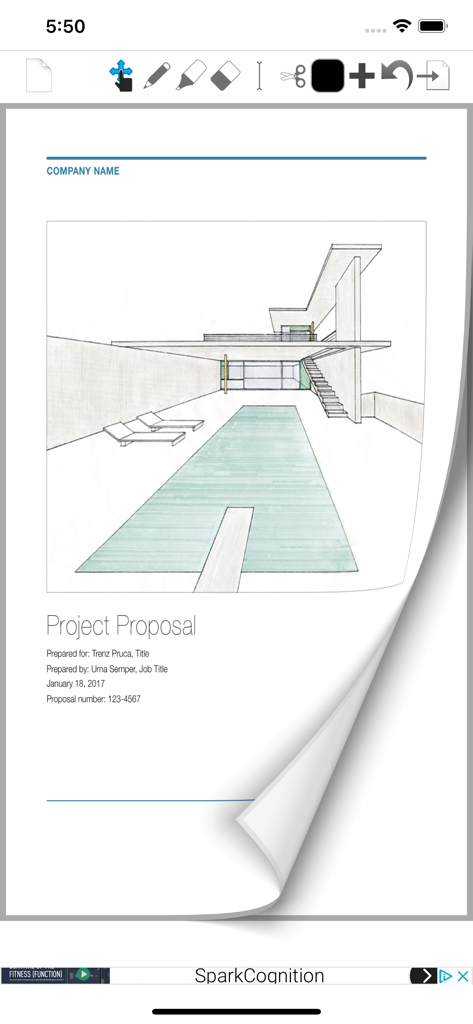
PDF Signer Express App zeigt einen Projektvorschlag mit einer architektonischen Skizze und Dokumentbearbeitungswerkzeugen
Beschreibung
Download
Ähnliche Apps
Apps mit ähnlichen Funktionen und Nutzererfahrung

PDF PRO Scan Image & Documents
Balzo srl

The PDF Scanner, PDF editor HQ
NEXT K.U.M. LTD

CamScanner - PDF Scanner App
INTSIG Information Co., Ltd

Adobe Scan: PDF & OCR Scanner
Adobe Inc.

WPS Office: PDF, Docs, Sheets
KINGSOFT OFFICE SOFTWARE CORPORATION LIMITED

iLovePDF - PDF Editor & Scan
ILOVEPDF S.L.

Scanner App: Genius Scan
The Grizzly Labs

Microsoft Lens: PDF Scanner
Microsoft Corporation

Clear Scan: Doc Scanner App
INDY MOBILE APP COMPANY LIMITED
Diese Seite ist keine offizielle Seite der App oder ihres Entwicklers, sondern eine unabhängige redaktionelle Veröffentlichung, die zu Informations- und Kommentarzwecken erstellt wurde. Sofern nicht ausdrücklich anders angegeben, sind weder die App noch ihr Entwickler mit MWM, Apple, Google Play, dem App-Herausgeber oder dem Entwickler der App verbunden, von ihnen unterstützt, gesponsert, autorisiert oder anderweitig offiziell verbunden, und nichts auf dieser Seite impliziert, dass die App unter Verwendung der Dienste von MWM entwickelt wurde. Alle Marken, Logos, Screenshots und andere Inhalte bleiben Eigentum ihrer jeweiligen Inhaber.