
Diese Seite ist keine offizielle Seite der App oder ihres Entwicklers, sondern eine unabhängige redaktionelle Veröffentlichung, die zu Informations- und Kommentarzwecken erstellt wurde. Sofern nicht ausdrücklich anders angegeben, sind weder die App noch ihr Entwickler mit MWM, Apple, Google Play, dem App-Herausgeber oder dem Entwickler der App verbunden, von ihnen unterstützt, gesponsert, autorisiert oder anderweitig offiziell verbunden, und nichts auf dieser Seite impliziert, dass die App unter Verwendung der Dienste von MWM entwickelt wurde. Alle Marken, Logos, Screenshots und andere Inhalte bleiben Eigentum ihrer jeweiligen Inhaber.

PDF to JPEG - Flyingbee
Die ultimative Brücke für Ihren mobilen Workflow. Konvertieren Sie PDFs sofort in hochauflösende Bilder oder extrahieren Sie Originalinhalte für soziale Medien, Präsentationen und professionelles Teilen.
Downloads
290K+Bewertung
Bewertungen gesamt
200Herausgeber
Kategorie
BusinessSprachen
12Neueste Version
8.8.7Größe
79.8 MBErstveröffentlichung
22. Okt. 2011Präzise konvertieren, extrahieren und teilen
Die wesentliche Brücke zwischen Ihren professionellen Dokumenten und Ihrem visuellen Arbeitsbereich. Verwandeln Sie jedes PDF in hochauflösende Bilder, die für soziale Medien, Präsentationen und professionelle Kommunikation bereit sind.
Bereit für soziale Medien
Umgehen Sie die Einschränkungen von iOS, indem Sie PDFs in JPEGs konvertieren, die Sie direkt auf Instagram, Facebook oder LinkedIn teilen können, ohne jemals einen Laptop öffnen zu müssen.
Profi-Auflösung
Erfassen Sie jedes Detail mit einstellbaren Auflösungseinstellungen. Extrahieren Sie hochwertige Originalfotoelemente aus Dokumenten für die Verwendung in Pitch-Decks und Marketingmaterialien.
Die folgenden Screenshots und die Beschreibung stammen direkt aus dem offiziellen Store-Eintrag der App und sind Eigentum des Entwicklers.
App Store
Screenshots
Benutzerstimme für die PDF-zu-JPEG-Konvertierungs-App für die Freigabe auf Facebook
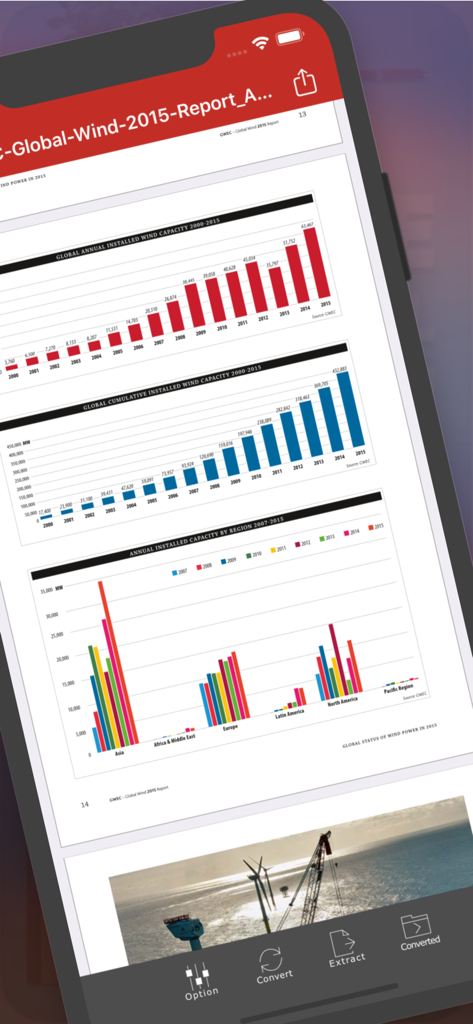
PDF zu JPEG Flyingbee App-Oberfläche, die einen PDF-Bericht mit Diagrammen auf einem iPhone-Bildschirm anzeigt
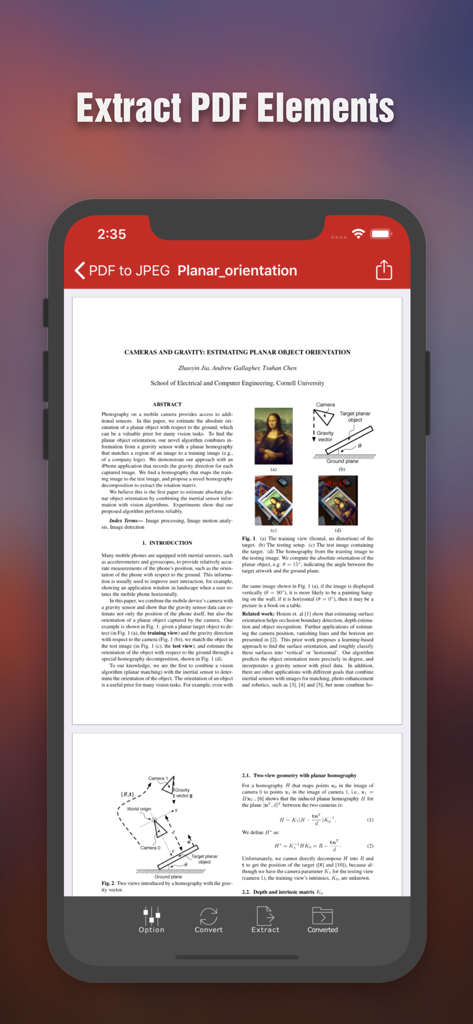
iPhone-Bildschirm mit der Flyingbee PDF zu JPEG App-Oberfläche, die ein wissenschaftliches Dokument mit Optionen zur Extraktion von PDF-Elementen anzeigt
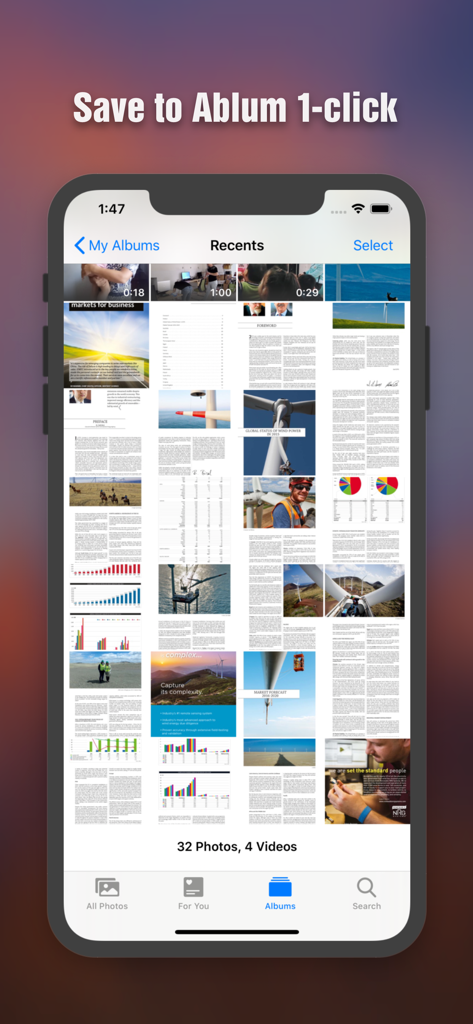
Konvertierte PDF-Seiten als Bilder in der iPhone-Fotogalerie gespeichert
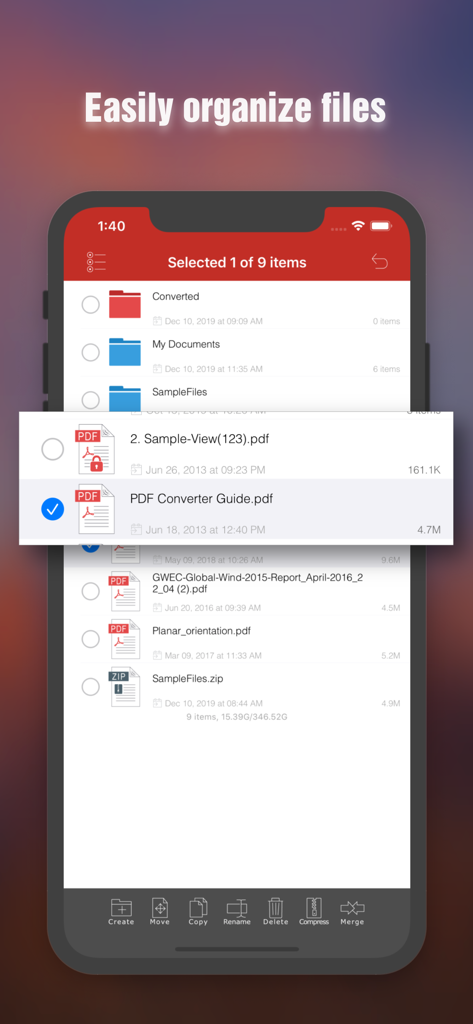
Dateiverwaltungsoberfläche in der Flyingbee PDF zu JPEG App, die Dokumentenorganisationsfunktionen auf einem iPhone anzeigt
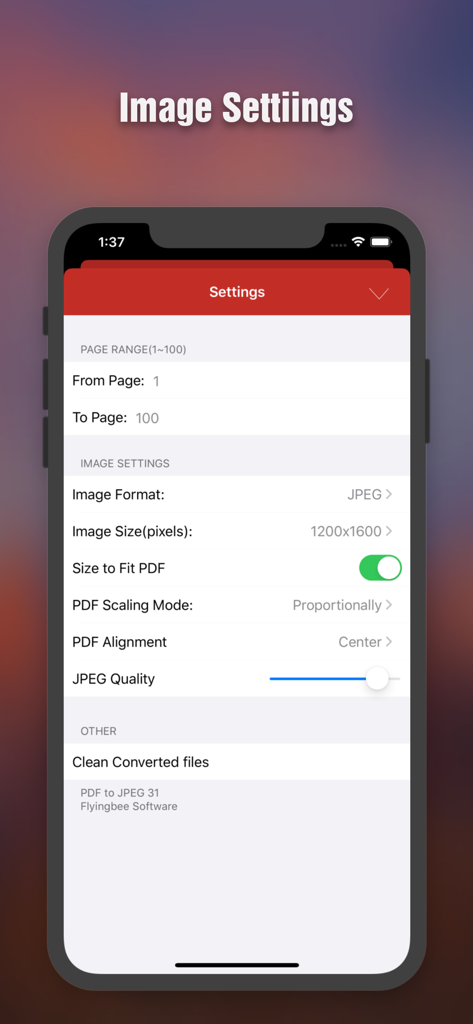
Bildschirm mit den Einstellungen für die PDF-zu-JPEG-Konvertierung, der Optionen für Seitenbereich, Bildauflösung und Qualitätsanpassung anzeigt
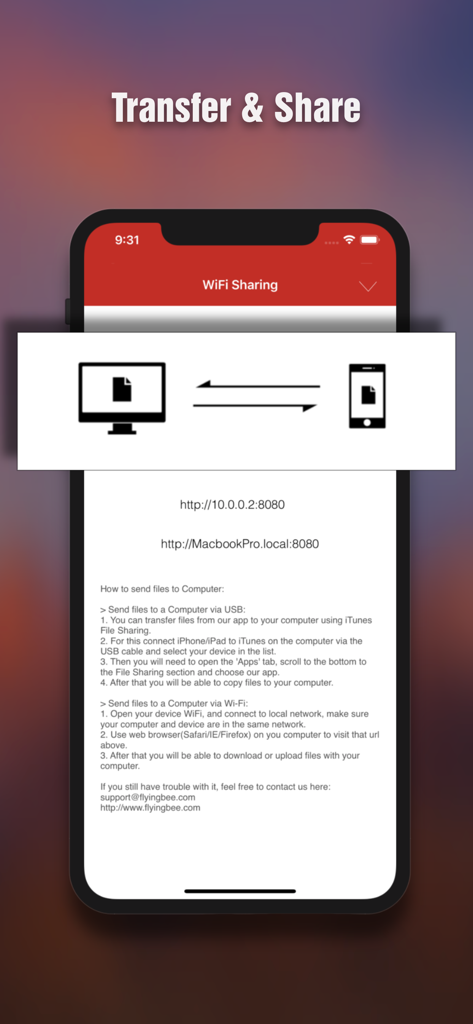
Oberfläche für die drahtlose Übertragung und Freigabe von Dateien zwischen iPhone und Computer
Beschreibung
Download
Ähnliche Apps
Apps mit ähnlichen Funktionen und Nutzererfahrung

iConv - Video & PDF Converter
琛 王

Convert PDF to Word OCR
Tu Phan

PDF Converter – Photos to PDF
SMDA GROUP SP. Z OO

Toolbox by Paperclip
WuHan Paperclip Technology Co., Ltd.

Video Converter and Compressor
Inverse.AI

Video Converter & Compressor
WEBDIA INC.

全能格式转换王-视频音频转换图片文件格式处理
大为 方

PDF Converter: Convert to PDFㅤ
Roberto Hayes

The Document Converter
Float Tech, LLC
Diese Seite ist keine offizielle Seite der App oder ihres Entwicklers, sondern eine unabhängige redaktionelle Veröffentlichung, die zu Informations- und Kommentarzwecken erstellt wurde. Sofern nicht ausdrücklich anders angegeben, sind weder die App noch ihr Entwickler mit MWM, Apple, Google Play, dem App-Herausgeber oder dem Entwickler der App verbunden, von ihnen unterstützt, gesponsert, autorisiert oder anderweitig offiziell verbunden, und nichts auf dieser Seite impliziert, dass die App unter Verwendung der Dienste von MWM entwickelt wurde. Alle Marken, Logos, Screenshots und andere Inhalte bleiben Eigentum ihrer jeweiligen Inhaber.