
Diese Seite ist keine offizielle Seite der App oder ihres Entwicklers, sondern eine unabhängige redaktionelle Veröffentlichung, die zu Informations- und Kommentarzwecken erstellt wurde. Sofern nicht ausdrücklich anders angegeben, sind weder die App noch ihr Entwickler mit MWM, Apple, Google Play, dem App-Herausgeber oder dem Entwickler der App verbunden, von ihnen unterstützt, gesponsert, autorisiert oder anderweitig offiziell verbunden, und nichts auf dieser Seite impliziert, dass die App unter Verwendung der Dienste von MWM entwickelt wurde. Alle Marken, Logos, Screenshots und andere Inhalte bleiben Eigentum ihrer jeweiligen Inhaber.

Photo Layers: Editor de fotos
Das ultimative Kreativ-Toolkit für Social-Media-Ersteller und mobile Designer. Mischen Sie Bilder, tauschen Sie Hintergründe und meistern Sie die Farbkorrektur mit Desktop-Präzision – ohne Lernkurve.
Downloads
654K+Bewertung
Bewertungen gesamt
6K+Herausgeber
Kategorie
Photo & VideoSprachen
14Neueste Version
1.1.3Größe
171.3 MBErstveröffentlichung
2. Sept. 2018Professionelle Leistung in Ihrer Tasche
PhotoLeaf bringt erweiterte ebenenbasierte Bearbeitung auf Ihr Mobilgerät und bietet Ihnen die professionellen Werkzeuge, die Sie benötigen, um im Handumdrehen beeindruckende soziale Inhalte und einzigartige Designs zu erstellen.
Erweiterte Ebenenmischung
Kombinieren Sie mehrere Bilder mit professionellen Mischmodi und Masken, um atemberaubende Doppelbelichtungen und künstlerische Kompositionen zu erstellen.
Nahtlose Ausschnitte & Hintergründe
Verwenden Sie unser intelligentes Lasso-Werkzeug, um Hintergründe sofort zu entfernen – perfekt für professionelle Produktaufnahmen, benutzerdefinierte Sticker und virale Grafiken.
Die folgenden Screenshots und die Beschreibung stammen direkt aus dem offiziellen Store-Eintrag der App und sind Eigentum des Entwicklers.
App Store
Screenshots
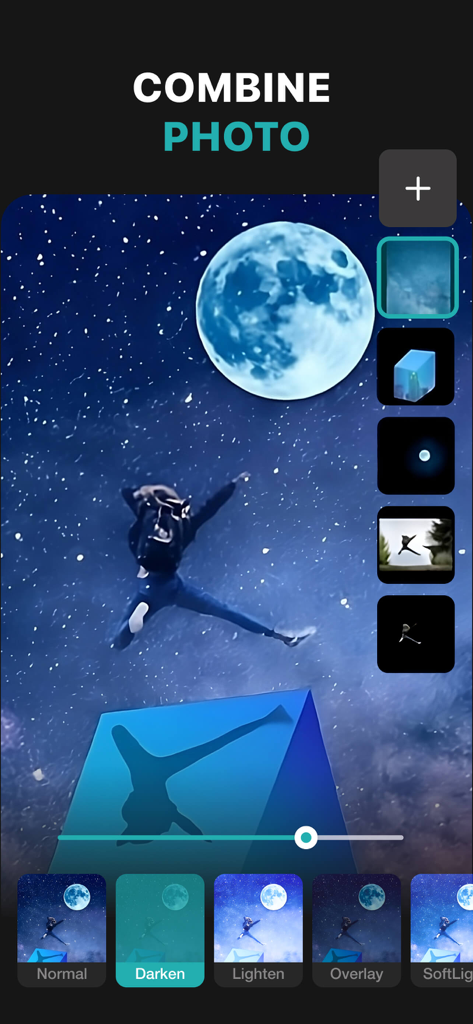
PhotoLeaf mobile App zeigt ebenenbasierte Fotobearbeitung und Mischmodi auf einem Sternenhimmelbild
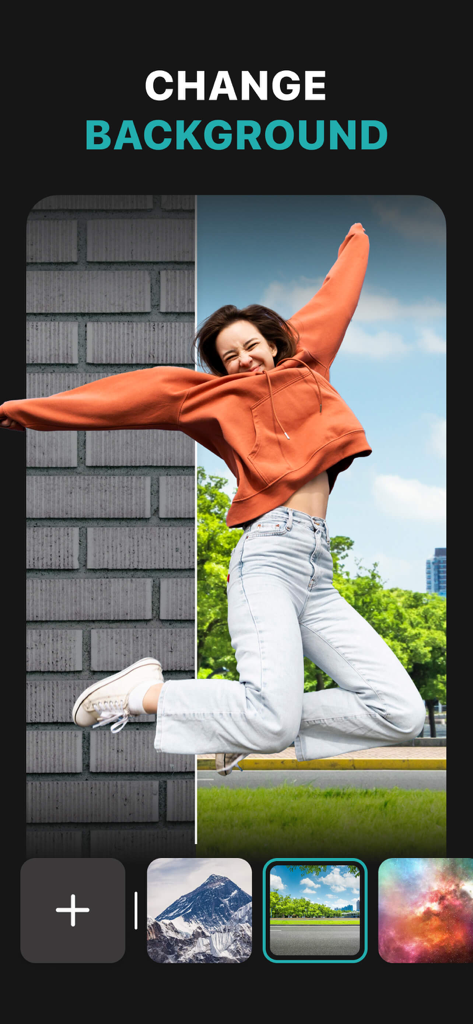
Screenshot der PhotoLeaf App, die die Hintergrundwechsel-Funktion mit einer Frau zeigt, die über verschiedene Landschaften springt
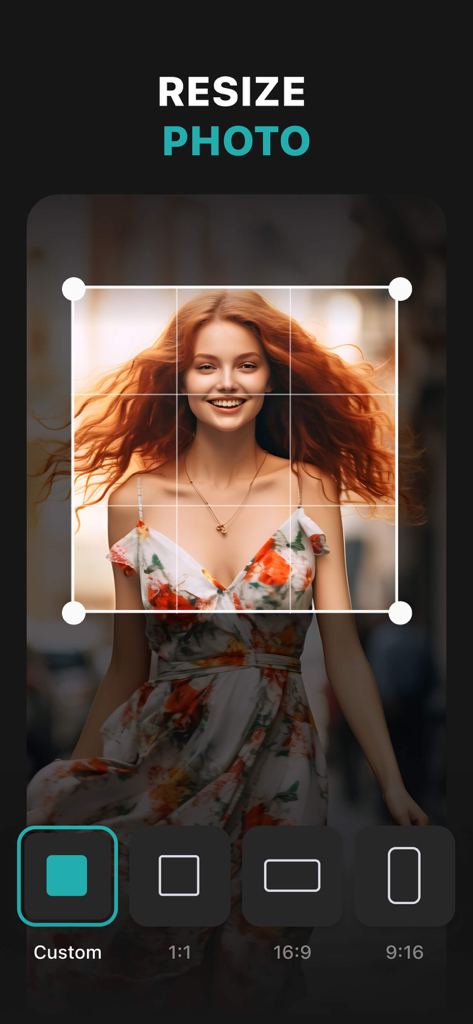
PhotoLeaf App-Oberfläche zum Ändern der Größe von Fotos mit verschiedenen Seitenverhältnisoptionen
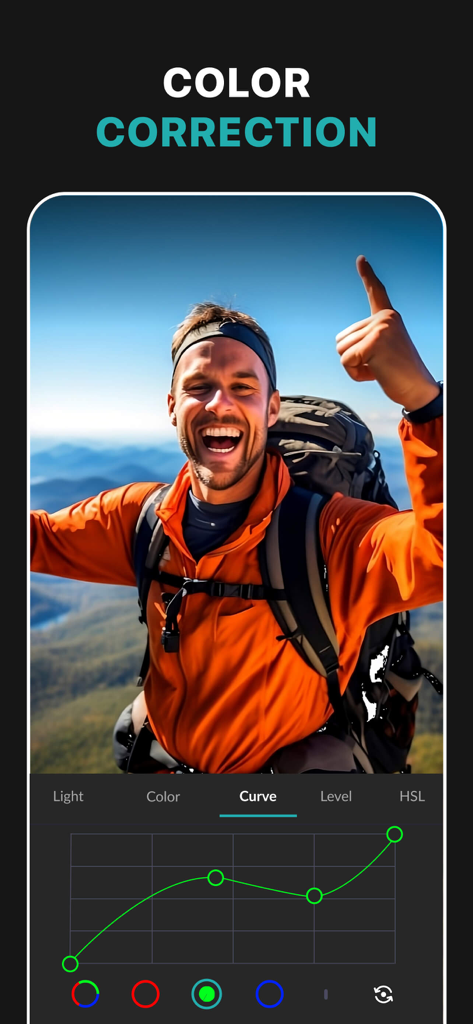
Screenshot der PhotoLeaf App, die das RGB-Kurven-Werkzeug für professionelle Farbkorrektur auf einem Wanderfoto zeigt
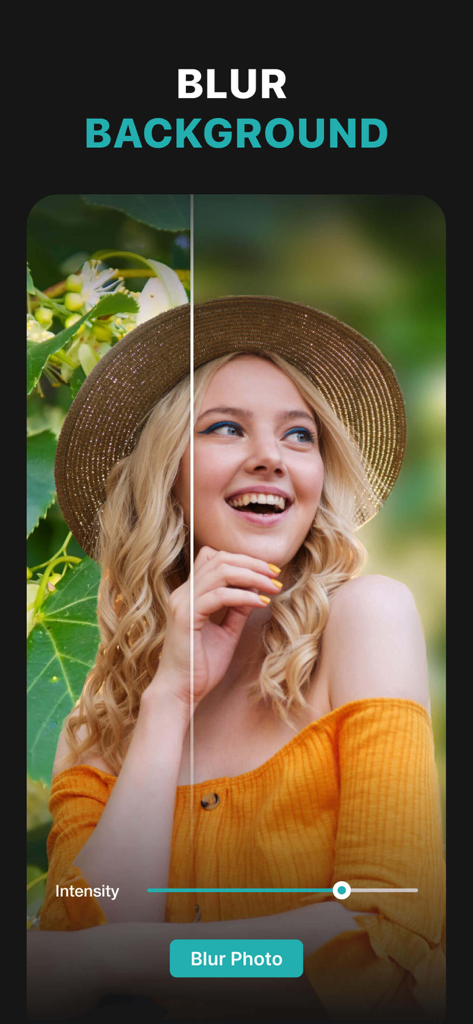
Ein Frauenporträt, das mit dem PhotoLeaf-Hintergrundunschärfe-Werkzeug bearbeitet wird, mit einem Vorher-Nachher-Vergleich
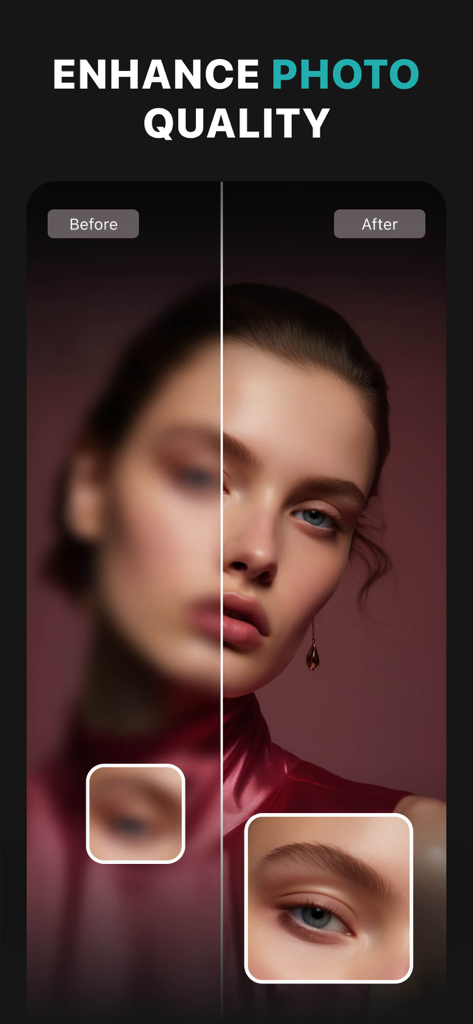
Vorher-Nachher-Vergleich eines Porträts, das eine Verbesserung der Fotoqualität und Schärfung in der PhotoLeaf-App zeigt
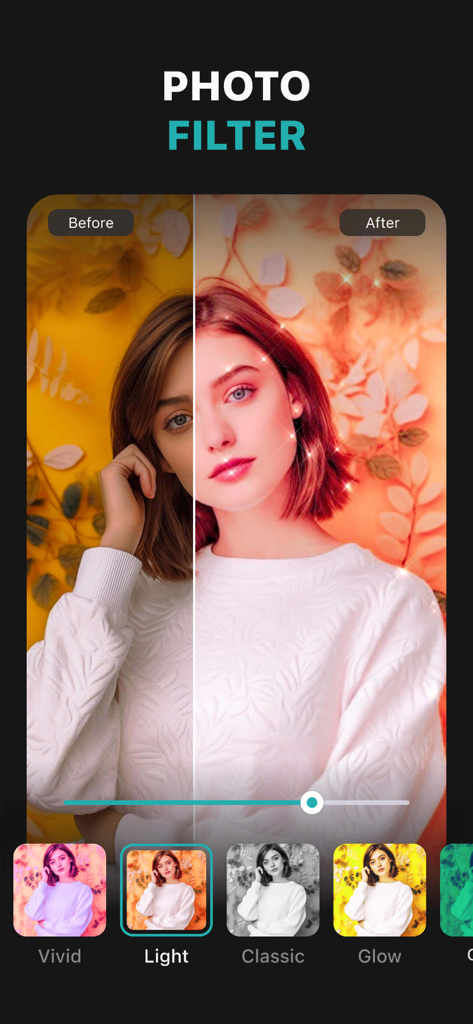
PhotoLeaf App-Bildschirm, der einen Vorher-Nachher-Vergleich von Fotofiltern zeigt
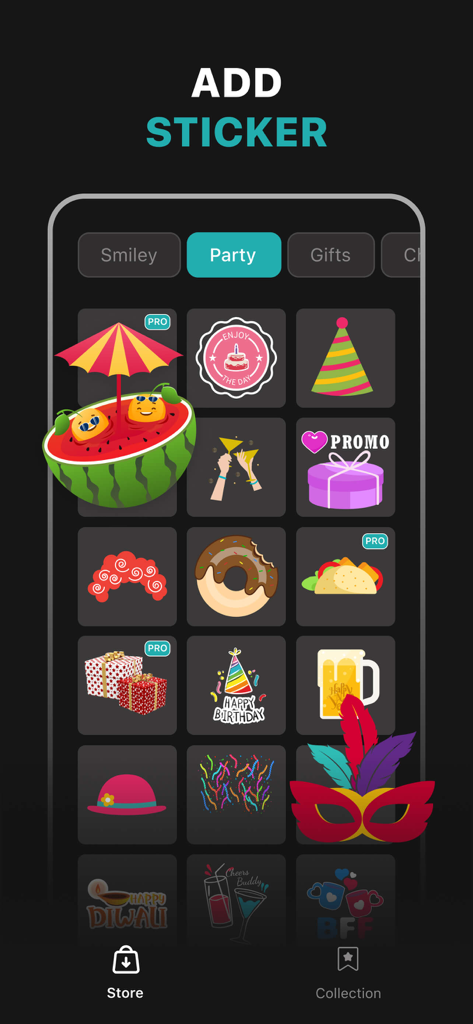
Screenshot des PhotoLeaf App Sticker-Shops mit Party-Grafiken wie Kuchen, Partyhüten und Geschenkboxen
Beschreibung
Download
Ähnliche Apps
Top-gerankte Apps in derselben Kategorie

CapCut: Photo & Video Editor
BYTEDANCE PTE. LTD.

Instagram, Inc.

YouTube
Google LLC

Canva: AI Photo & Video Editor
Canva Pty Ltd

Snapchat
Snap, Inc.

快手
Beijing Kwai Technology Co., Ltd.

Edits: Video Editor
Instagram, Inc.

Meitu- AI Photo & Video Editor
Xiamen Meitu Technology Co., Ltd.

Google Photos: Backup & Edit
Google LLC
Diese Seite ist keine offizielle Seite der App oder ihres Entwicklers, sondern eine unabhängige redaktionelle Veröffentlichung, die zu Informations- und Kommentarzwecken erstellt wurde. Sofern nicht ausdrücklich anders angegeben, sind weder die App noch ihr Entwickler mit MWM, Apple, Google Play, dem App-Herausgeber oder dem Entwickler der App verbunden, von ihnen unterstützt, gesponsert, autorisiert oder anderweitig offiziell verbunden, und nichts auf dieser Seite impliziert, dass die App unter Verwendung der Dienste von MWM entwickelt wurde. Alle Marken, Logos, Screenshots und andere Inhalte bleiben Eigentum ihrer jeweiligen Inhaber.