
Diese Seite ist keine offizielle Seite der App oder ihres Entwicklers, sondern eine unabhängige redaktionelle Veröffentlichung, die zu Informations- und Kommentarzwecken erstellt wurde. Sofern nicht ausdrücklich anders angegeben, sind weder die App noch ihr Entwickler mit MWM, Apple, Google Play, dem App-Herausgeber oder dem Entwickler der App verbunden, von ihnen unterstützt, gesponsert, autorisiert oder anderweitig offiziell verbunden, und nichts auf dieser Seite impliziert, dass die App unter Verwendung der Dienste von MWM entwickelt wurde. Alle Marken, Logos, Screenshots und andere Inhalte bleiben Eigentum ihrer jeweiligen Inhaber.

Photo to PDF Converter Doc
Verwandeln Sie Verträge, Quittungen und Fotos in hochwertige, durchsuchbare PDFs. Schützen Sie Ihre Dateien mit Passwortschutz und verwalten Sie Ihr digitales Leben unterwegs mit professioneller Klarheit.
Downloads
44K+Bewertung
Bewertungen gesamt
800Herausgeber
Kategorie
UtilitiesSprachen
1Neueste Version
1.60.0Größe
236.6 MBErstveröffentlichung
2. Okt. 2023Effizienz auf Knopfdruck
Verwandeln Sie Ihr iPhone in einen Hochleistungsscanner, um Ihre wichtigsten Dokumente in Sekundenschnelle zu digitalisieren, zu sichern und zu organisieren.
Professionelles Scannen
Fortschrittliche Kantenerkennung und automatische Verbesserung sorgen dafür, dass Ihre Scans scharf und professionell aussehen und sperrige Bürogeräte ersetzen.
Intelligente OCR-Textextraktion
Verwandeln Sie Bilder sofort in durchsuchbaren und bearbeitbaren Text. Perfekt zum Extrahieren von Daten aus Verträgen, Lehrbüchern oder Quittungen.
Die folgenden Screenshots und die Beschreibung stammen direkt aus dem offiziellen Store-Eintrag der App und sind Eigentum des Entwicklers.
App Store
Screenshots
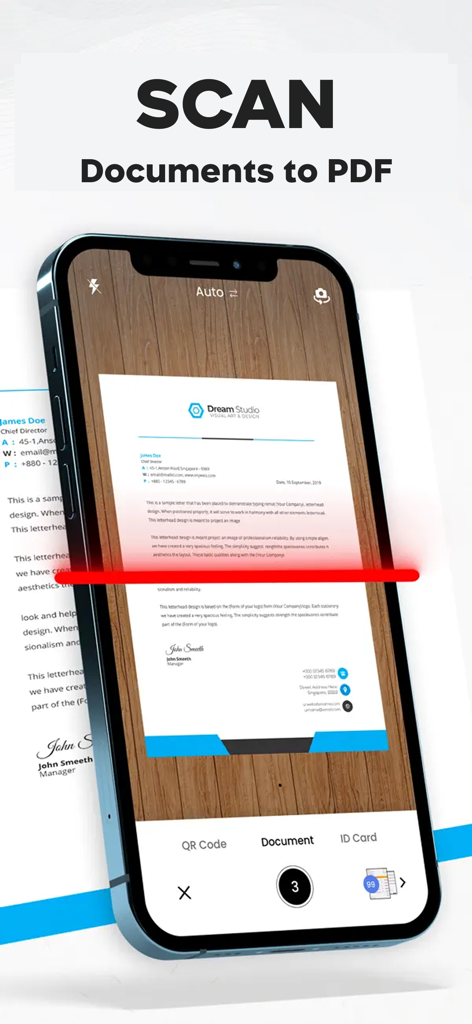
iPhone-Bildschirm, der das Scannen und Konvertieren eines Dokuments in PDF mit der Do Scan-App zeigt
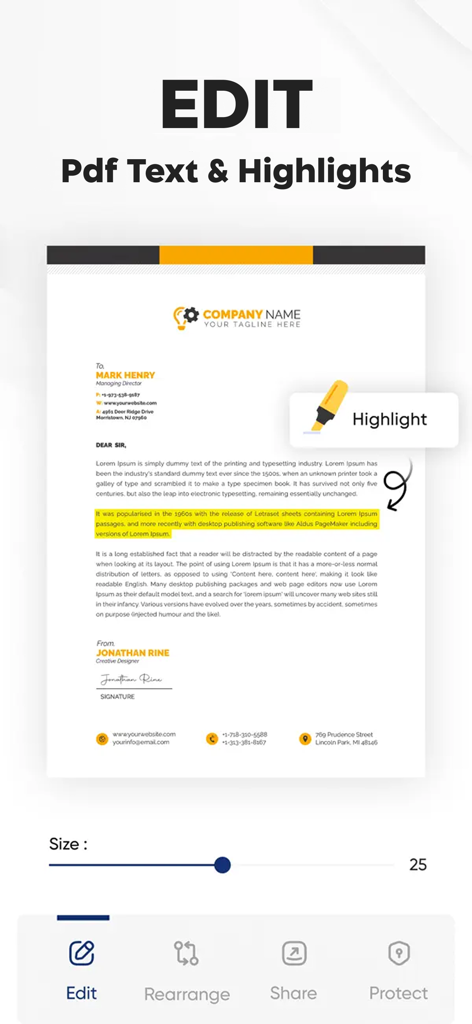
Eine mobile App-Oberfläche, die Textbearbeitungs- und Hervorhebungsfunktionen in einem PDF-Dokument anzeigt.
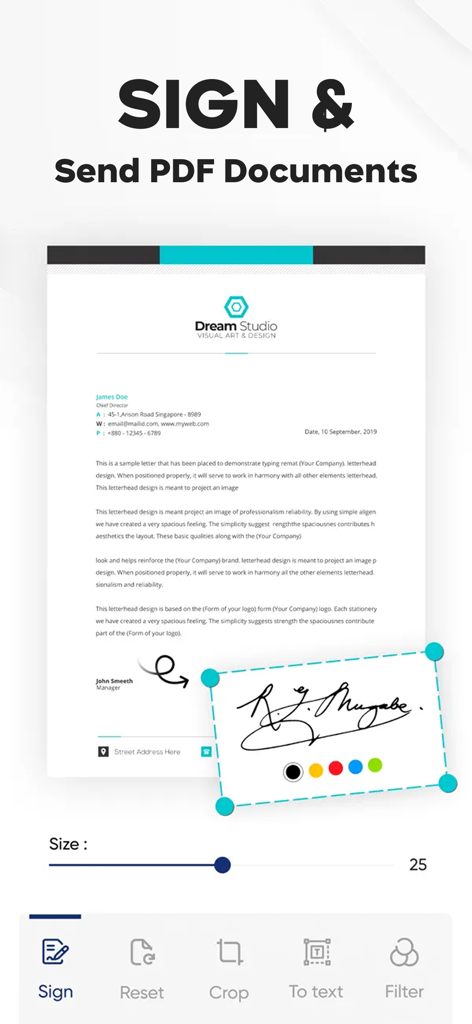
Mobile Benutzeroberfläche, die das Hinzufügen einer digitalen Signatur zu einem PDF-Dokument zeigt
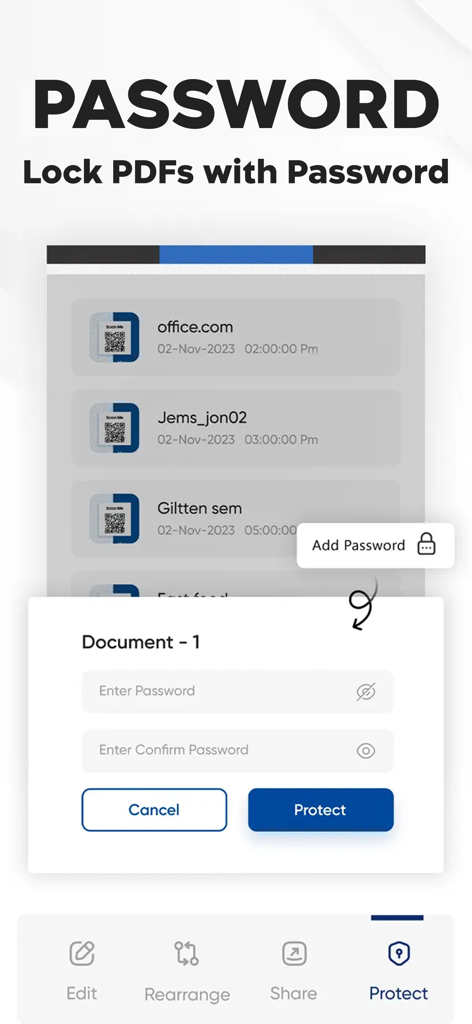
Mobile App-Oberfläche, die die Option zeigt, PDF-Dokumente mit einem sicheren Passwort zu sperren
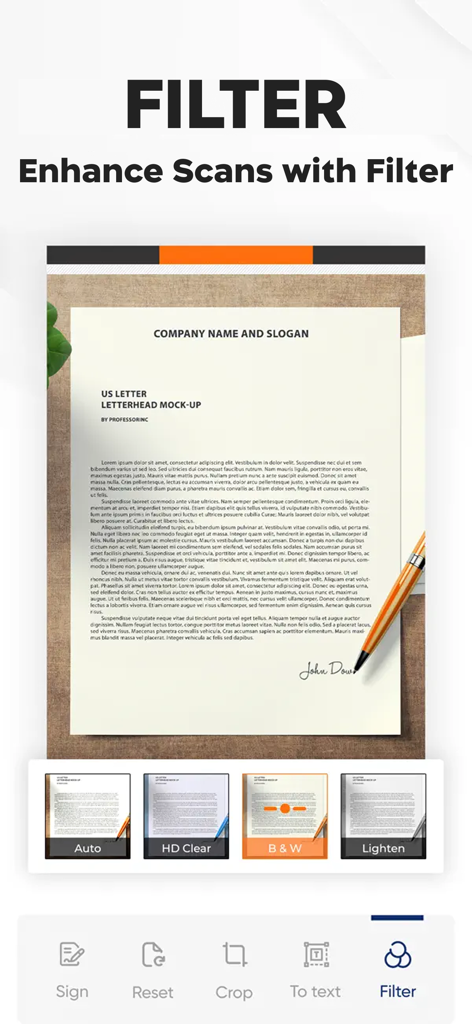
Mobile Scanner-App-Oberfläche mit verschiedenen Filteroptionen zur Verbesserung der Dokumentenklarheit
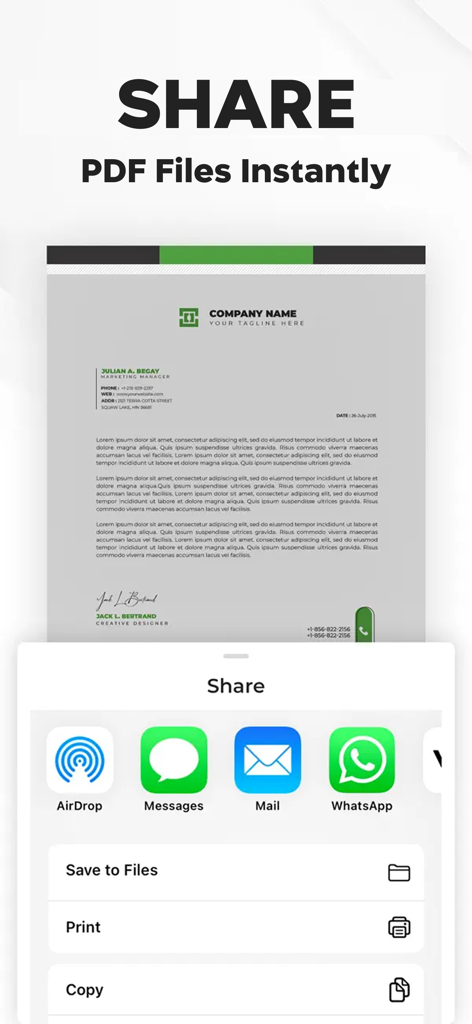
Oberfläche, die PDF-Freigabeoptionen anzeigt, einschließlich AirDrop, Nachrichten, E-Mail und WhatsApp für digitalisierte Dokumente.
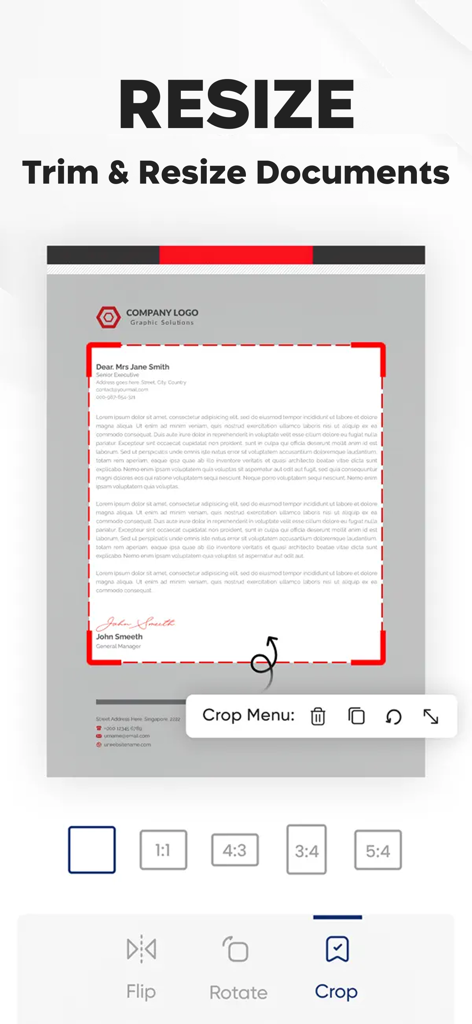
Oberfläche der Photo to PDF Converter App, die das Größen- und Zuschneidewerkzeug für Dokumente zeigt
Beschreibung
Download
Ähnliche Apps
Apps mit ähnlichen Funktionen und Nutzererfahrung

PDF PRO Scan Image & Documents
Balzo srl

The PDF Scanner, PDF editor HQ
NEXT K.U.M. LTD

CamScanner - PDF Scanner App
INTSIG Information Co., Ltd

Adobe Scan: PDF & OCR Scanner
Adobe Inc.

WPS Office: PDF, Docs, Sheets
KINGSOFT OFFICE SOFTWARE CORPORATION LIMITED

iLovePDF - PDF Editor & Scan
ILOVEPDF S.L.

Scanner App: Genius Scan
The Grizzly Labs

Microsoft Lens: PDF Scanner
Microsoft Corporation

Clear Scan: Doc Scanner App
INDY MOBILE APP COMPANY LIMITED
Diese Seite ist keine offizielle Seite der App oder ihres Entwicklers, sondern eine unabhängige redaktionelle Veröffentlichung, die zu Informations- und Kommentarzwecken erstellt wurde. Sofern nicht ausdrücklich anders angegeben, sind weder die App noch ihr Entwickler mit MWM, Apple, Google Play, dem App-Herausgeber oder dem Entwickler der App verbunden, von ihnen unterstützt, gesponsert, autorisiert oder anderweitig offiziell verbunden, und nichts auf dieser Seite impliziert, dass die App unter Verwendung der Dienste von MWM entwickelt wurde. Alle Marken, Logos, Screenshots und andere Inhalte bleiben Eigentum ihrer jeweiligen Inhaber.