
Diese Seite ist keine offizielle Seite der App oder ihres Entwicklers, sondern eine unabhängige redaktionelle Veröffentlichung, die zu Informations- und Kommentarzwecken erstellt wurde. Sofern nicht ausdrücklich anders angegeben, sind weder die App noch ihr Entwickler mit MWM, Apple, Google Play, dem App-Herausgeber oder dem Entwickler der App verbunden, von ihnen unterstützt, gesponsert, autorisiert oder anderweitig offiziell verbunden, und nichts auf dieser Seite impliziert, dass die App unter Verwendung der Dienste von MWM entwickelt wurde. Alle Marken, Logos, Screenshots und andere Inhalte bleiben Eigentum ihrer jeweiligen Inhaber.

PixelLab: AI Photo Editor
Verwandle Fotos in Meisterwerke mit KI-Gesichtsglanz, trendigen Drip-Effekten und intelligenter Hintergrundentfernung. Vom Karikieren deiner selbst bis zur Kuratierung eines viralen Instagram-Grids – erstelle im Handumdrehen professionelle Inhalte, die auffallen.
Downloads
24K+Bewertung
Bewertungen gesamt
200Herausgeber
Kategorie
Photo & VideoSprachen
1Neueste Version
16.1Größe
164.2 MBErstveröffentlichung
30. Juli 2021Entfessle deine kreative Kraft
Das All-in-One-KI-Toolkit für die nächste Generation von Kreativen. Von viralen Filtern bis zu professionellen Bearbeitungen – verwandle deine Fotos in Sekundenschnelle.
KI-Zauberlöscher
Entferne sofort störende Personen und unerwünschte Objekte aus deiner perfekten Aufnahme mit Ein-Tipp-Präzision.
Virale KI-Stile
Bleibe trendsicher, indem du deine Fotos sofort in Cartoons, Skizzen oder Drip-Art-Meisterwerke verwandelst.
Die folgenden Screenshots und die Beschreibung stammen direkt aus dem offiziellen Store-Eintrag der App und sind Eigentum des Entwicklers.
App Store
Screenshots
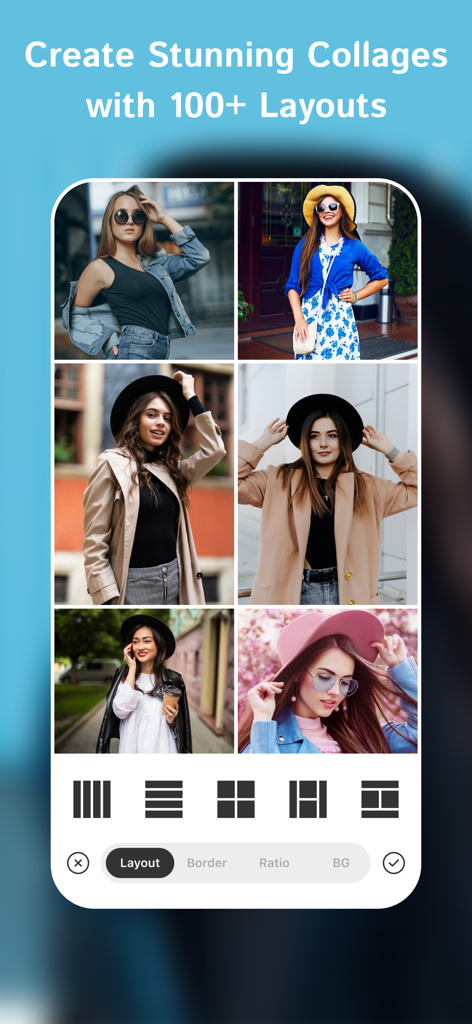
Eine mobile App-Oberfläche, die eine 6-teilige Collage von stilvollen Frauen mit verschiedenen Rasterlayout-Optionen am unteren Rand zeigt.
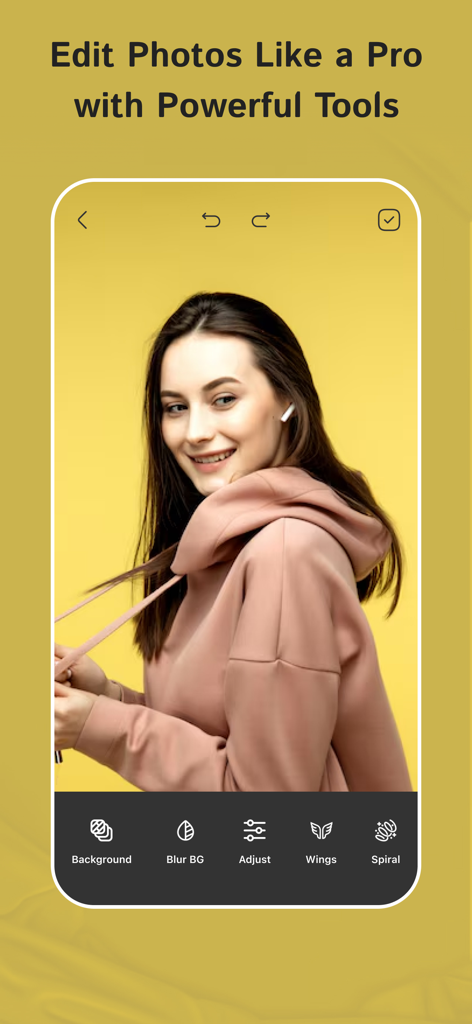
PixelLab App-Oberfläche, die eine junge Frau zeigt, die ein Porträt mit Werkzeugen wie Hintergrundunschärfe und Flügeln bearbeitet
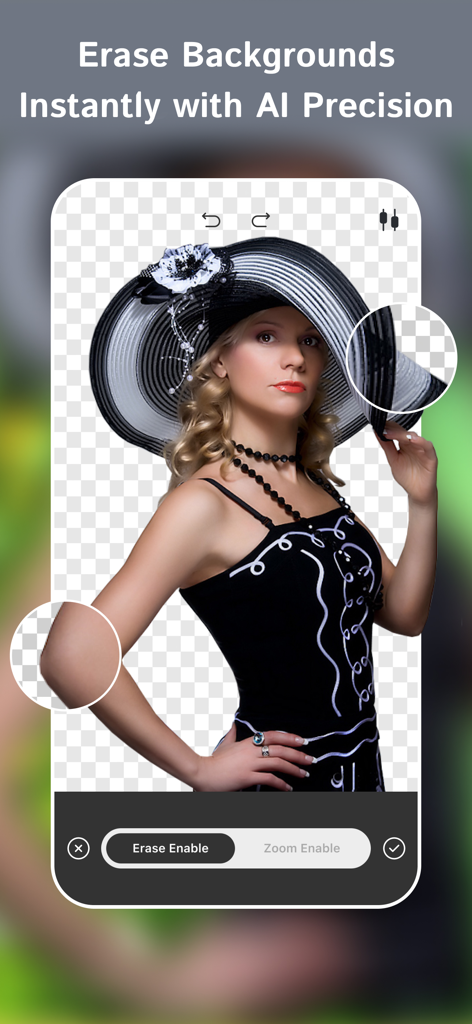
PixelLab App-Oberfläche, die die KI-Hintergrundentfernungsfunktion auf einem Porträtfoto zeigt
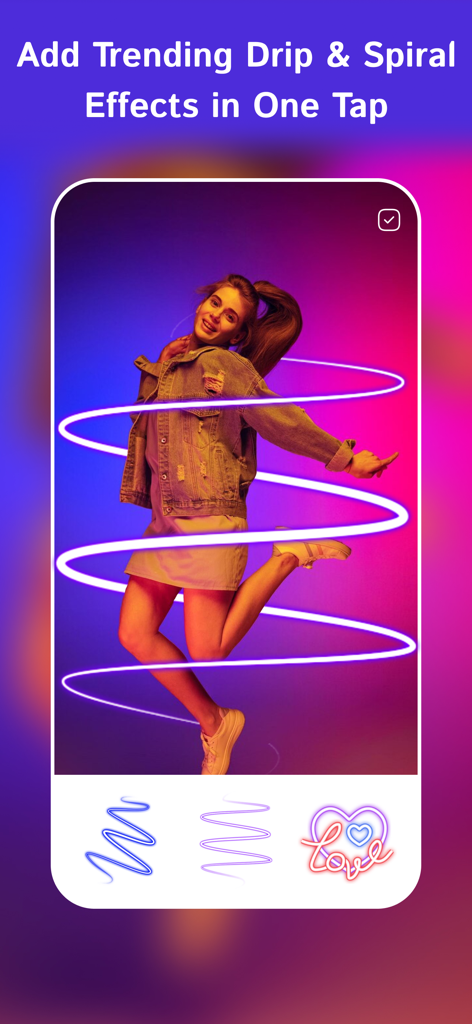
Neon-Spiraleffekt angewendet auf ein Foto einer Frau in der PixelLab-App
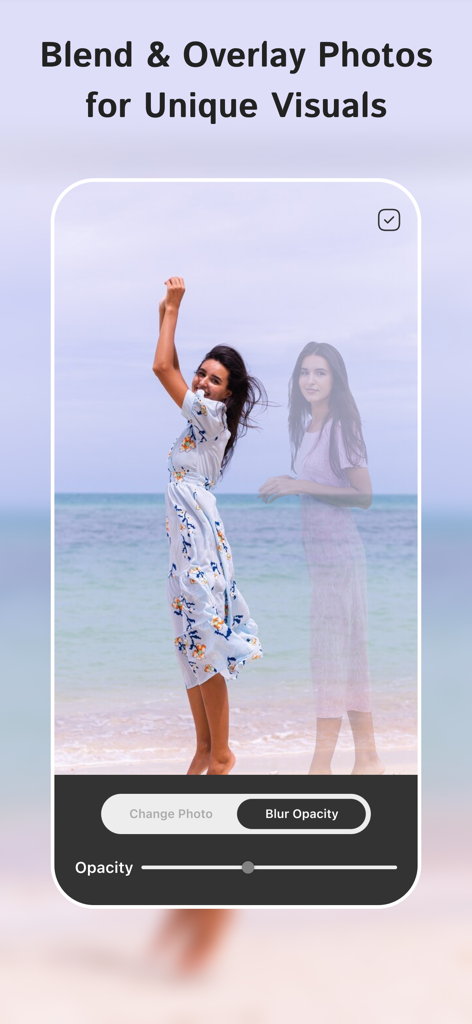
PixelLab App-Oberfläche, die zeigt, wie man zwei Fotos mit Opazitätskontrolle überblendet und überlagert
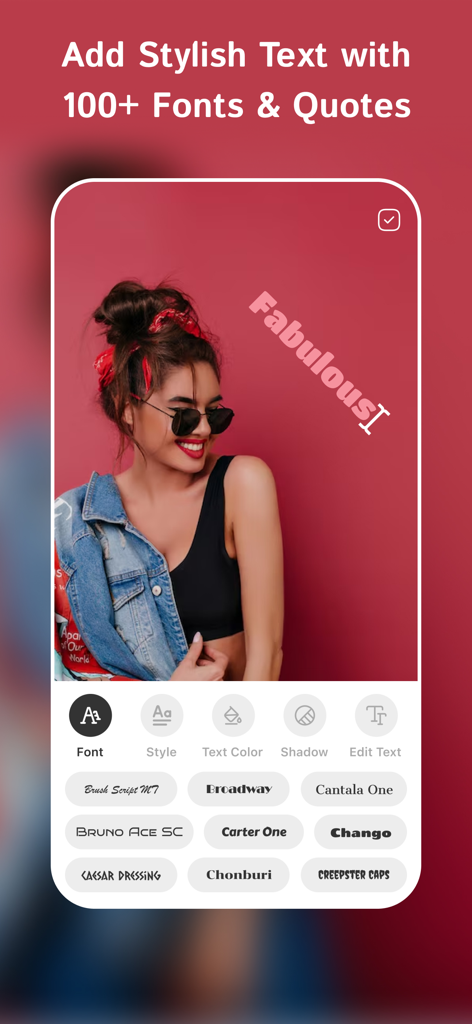
Screenshot der PixelLab-App, der eine stilvolle Textüberlagerung und verschiedene Schriftoptionen für die Fotobearbeitung zeigt
Beschreibung
Download
Ähnliche Apps
Top-gerankte Apps in derselben Kategorie

CapCut: Photo & Video Editor
BYTEDANCE PTE. LTD.

Instagram, Inc.

YouTube
Google LLC

Canva: AI Photo & Video Editor
Canva Pty Ltd

Snapchat
Snap, Inc.

快手
Beijing Kwai Technology Co., Ltd.

Edits: Video Editor
Instagram, Inc.

Meitu- AI Photo & Video Editor
Xiamen Meitu Technology Co., Ltd.

Google Photos: Backup & Edit
Google LLC
Diese Seite ist keine offizielle Seite der App oder ihres Entwicklers, sondern eine unabhängige redaktionelle Veröffentlichung, die zu Informations- und Kommentarzwecken erstellt wurde. Sofern nicht ausdrücklich anders angegeben, sind weder die App noch ihr Entwickler mit MWM, Apple, Google Play, dem App-Herausgeber oder dem Entwickler der App verbunden, von ihnen unterstützt, gesponsert, autorisiert oder anderweitig offiziell verbunden, und nichts auf dieser Seite impliziert, dass die App unter Verwendung der Dienste von MWM entwickelt wurde. Alle Marken, Logos, Screenshots und andere Inhalte bleiben Eigentum ihrer jeweiligen Inhaber.