
Diese Seite ist keine offizielle Seite der App oder ihres Entwicklers, sondern eine unabhängige redaktionelle Veröffentlichung, die zu Informations- und Kommentarzwecken erstellt wurde. Sofern nicht ausdrücklich anders angegeben, sind weder die App noch ihr Entwickler mit MWM, Apple, Google Play, dem App-Herausgeber oder dem Entwickler der App verbunden, von ihnen unterstützt, gesponsert, autorisiert oder anderweitig offiziell verbunden, und nichts auf dieser Seite impliziert, dass die App unter Verwendung der Dienste von MWM entwickelt wurde. Alle Marken, Logos, Screenshots und andere Inhalte bleiben Eigentum ihrer jeweiligen Inhaber.
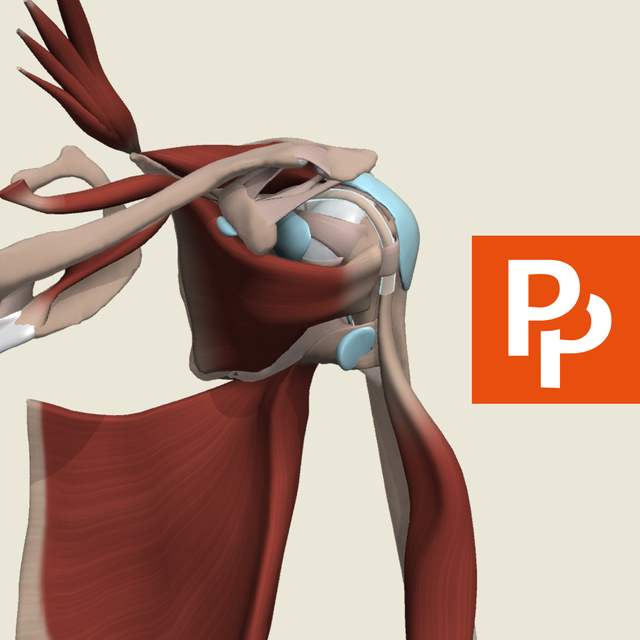

Primal's 3D Shoulder
Beherrschen Sie die Komplexität der Schulter mit der genauesten 3D-Rekonstruktion, die verfügbar ist. Akribisch erstellt aus echten kadaverischen Fotografien für medizinische Fachkräfte, Pädagogen und Studenten, die klinische Exzellenz fordern.
Downloads
6K+Bewertung
Bewertungen gesamt
0Herausgeber
Kategorie
MedicalSprachen
1Neueste Version
1.0.16Größe
127.1 MBErstveröffentlichung
5. Jan. 2023Meistern Sie die Schulteranatomie mit klinischer Präzision
Der ultimative interaktive 3D-Viewer, erstellt aus echten menschlichen Daten zur Unterstützung von medizinischen Pädagogen, Praktikern und Studenten.
Kadaver-basierte Genauigkeit
Erleben Sie anatomische Modelle, die akribisch aus hochauflösender Querschnittsfotografie für klinischen Realismus rekonstruiert wurden.
Schicht für Schicht erkunden
Navigieren Sie nahtlos durch 597 Strukturen in fünf verschiedenen Schichten, um komplexe Beziehungen von tief nach oberflächlich zu visualisieren.
Die folgenden Screenshots und die Beschreibung stammen direkt aus dem offiziellen Store-Eintrag der App und sind Eigentum des Entwicklers.
App Store
Screenshots
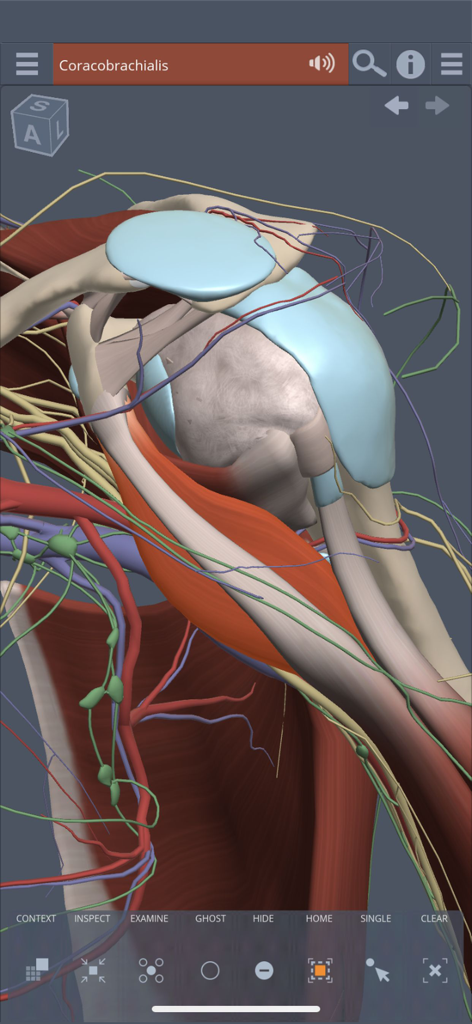
Interaktives 3D-Anatomiemodell einer menschlichen Schulter, das Muskel- und Nervenschichten zeigt
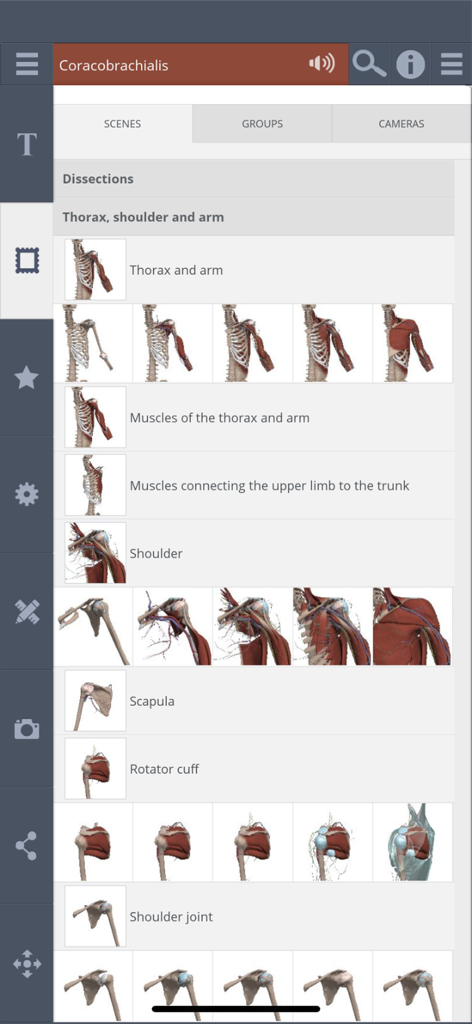
Primal 3D Shoulder App-Oberfläche, die anatomische Szenen und Dissektionskategorien zeigt
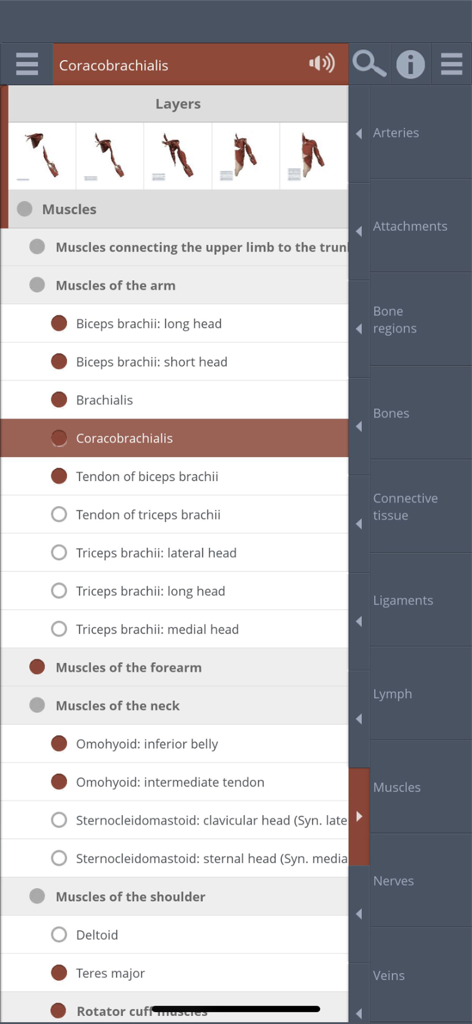
Oberfläche, die anatomische Schichten und eine detaillierte Liste von Schultermuskeln in der 3D-Anatomie-App anzeigt
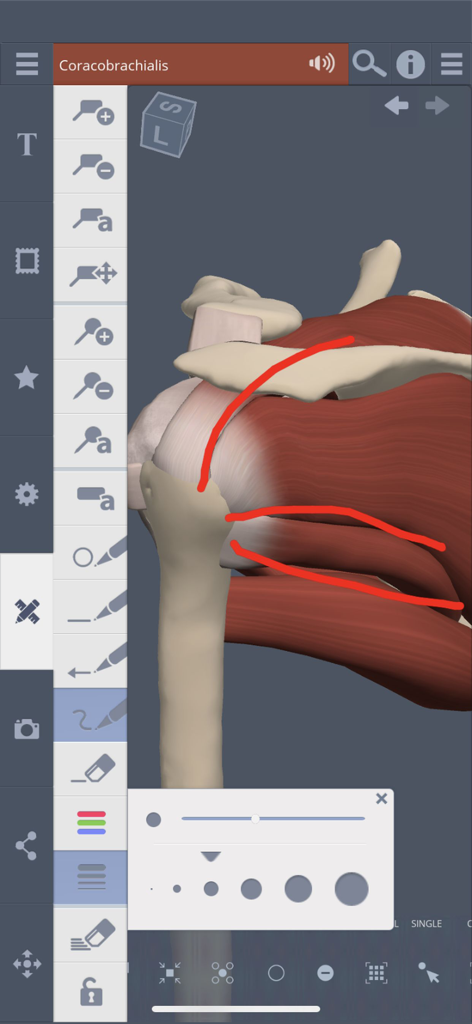
3D-Schulteranatomiemodell mit roten manuellen Anmerkungen und Zeichenwerkzeugmenü in der App-Oberfläche
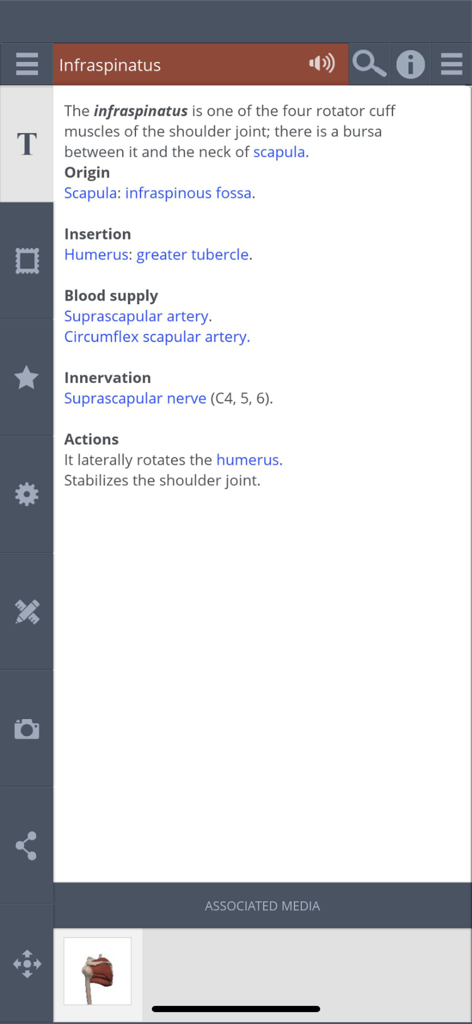
Detaillierte medizinische Informationen über den Musculus infraspinatus in der Primals 3D Shoulder App
Beschreibung
Download
Ähnliche Apps
Top-gerankte Apps in derselben Kategorie

国家医保服务平台
National Healthcare Security Administration

MyChart
Epic Systems Corporation

Doctolib - Your health partner
Doctolib

Pregnancy + | Tracker App
Philips Digital UK Limited

CVS Health
CVS Pharmacy

江苏医保云
Jiangsu Healthcare Security Bureau

UnitedHealthcare
UNITED HEALTHCARE SERVICES, INC.

京东健康
BEIJING JINGDONG 360 DU E-COMMERCE LTD.

Meu SUS Digital
Servicos e Informacoes do Brasil
Diese Seite ist keine offizielle Seite der App oder ihres Entwicklers, sondern eine unabhängige redaktionelle Veröffentlichung, die zu Informations- und Kommentarzwecken erstellt wurde. Sofern nicht ausdrücklich anders angegeben, sind weder die App noch ihr Entwickler mit MWM, Apple, Google Play, dem App-Herausgeber oder dem Entwickler der App verbunden, von ihnen unterstützt, gesponsert, autorisiert oder anderweitig offiziell verbunden, und nichts auf dieser Seite impliziert, dass die App unter Verwendung der Dienste von MWM entwickelt wurde. Alle Marken, Logos, Screenshots und andere Inhalte bleiben Eigentum ihrer jeweiligen Inhaber.