
Diese Seite ist keine offizielle Seite der App oder ihres Entwicklers, sondern eine unabhängige redaktionelle Veröffentlichung, die zu Informations- und Kommentarzwecken erstellt wurde. Sofern nicht ausdrücklich anders angegeben, sind weder die App noch ihr Entwickler mit MWM, Apple, Google Play, dem App-Herausgeber oder dem Entwickler der App verbunden, von ihnen unterstützt, gesponsert, autorisiert oder anderweitig offiziell verbunden, und nichts auf dieser Seite impliziert, dass die App unter Verwendung der Dienste von MWM entwickelt wurde. Alle Marken, Logos, Screenshots und andere Inhalte bleiben Eigentum ihrer jeweiligen Inhaber.

ProShot
Entfessle das volle Potenzial deines iPhones mit der manuellen Kamera-App für Puristen. Nimm beeindruckende ProRAW-Fotos und ProRes-Videos mit vollständiger Kontrolle über ISO, Verschlusszeit und Weißabgleich auf – keine KI-Filter, keine Datenernte, nur reine Fotografie.
Downloads
554K+Bewertung
Bewertungen gesamt
7K+Herausgeber
Kategorie
Photo & VideoSprachen
13Neueste Version
9.6.3Größe
19.0 MBErstveröffentlichung
7. Okt. 2014Professionelle Leistung, keine Kompromisse
Hör auf, die KI deine Aufnahme entscheiden zu lassen. ProShot erschließt das volle technische Potenzial deiner Hardware und legt dir Präzision im DSLR-Stil und Rohdaten direkt in die Hände.
Intuitive manuelle Steuerung
Beherrsche deine Einstellungen mit unserem Dual-Dial-System. Passe Belichtung, ISO und Verschlusszeit mühelos für die perfekte Aufnahme an.
ProRAW & Null Verarbeitung
Nimm Rohbilder ohne KI-Interferenz auf. Behalte die vollständige kreative Autonomie für professionelle Nachbearbeitung und Bearbeitung.
Die folgenden Screenshots und die Beschreibung stammen direkt aus dem offiziellen Store-Eintrag der App und sind Eigentum des Entwicklers.
App Store
Screenshots
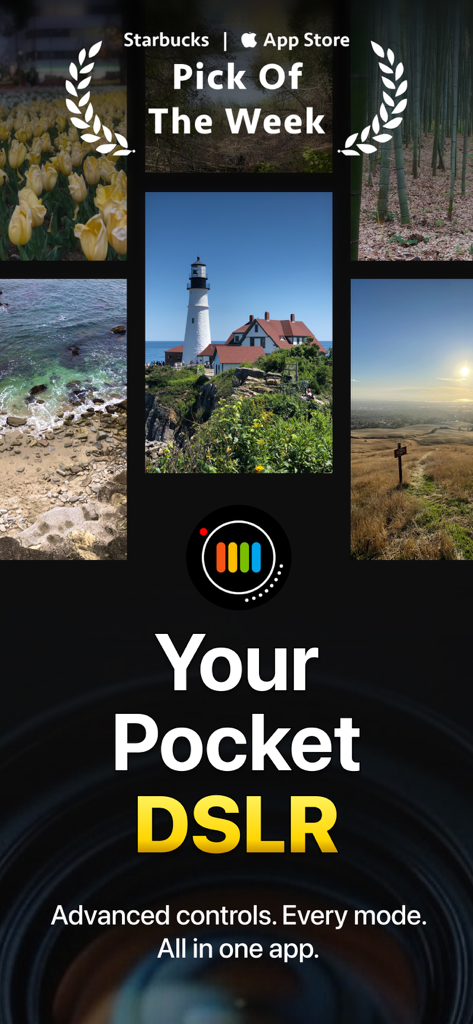
Werbebild für die ProShot-Kamera-App mit Landschaftsfotografie und der Schlagzeile Your Pocket DSLR
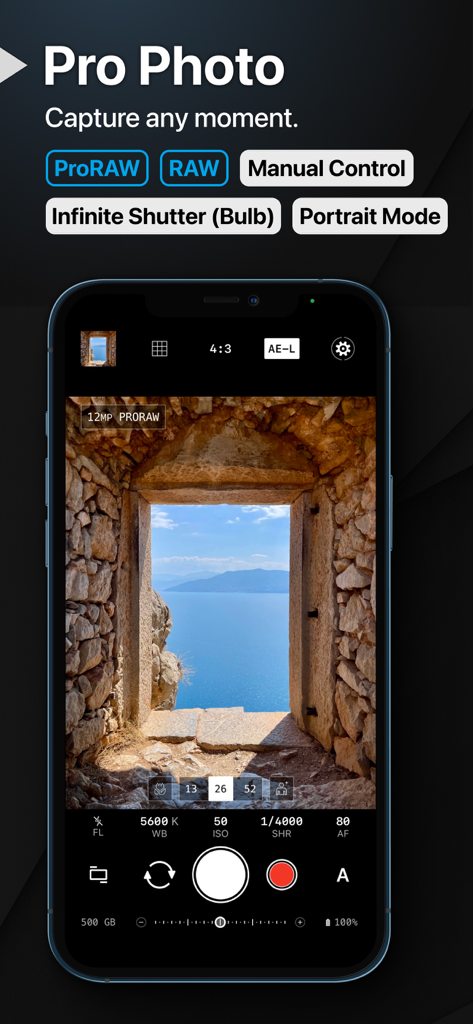
ProShot App-Oberfläche mit manuellen Kamera-Steuerungen und ProRAW-Unterstützung auf einem iPhone-Bildschirm.
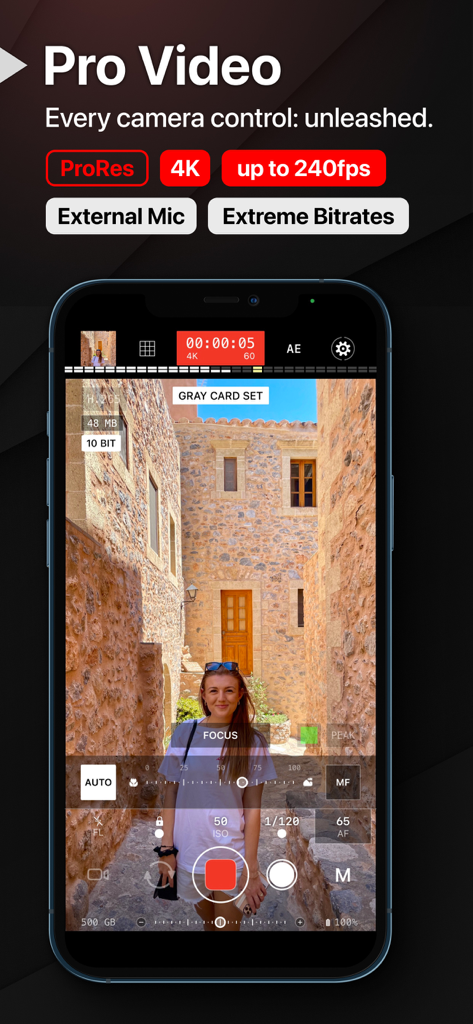
Professionelle Videoaufzeichnungs-Oberfläche der ProShot Mobile App mit manuellen Kameraeinstellungen
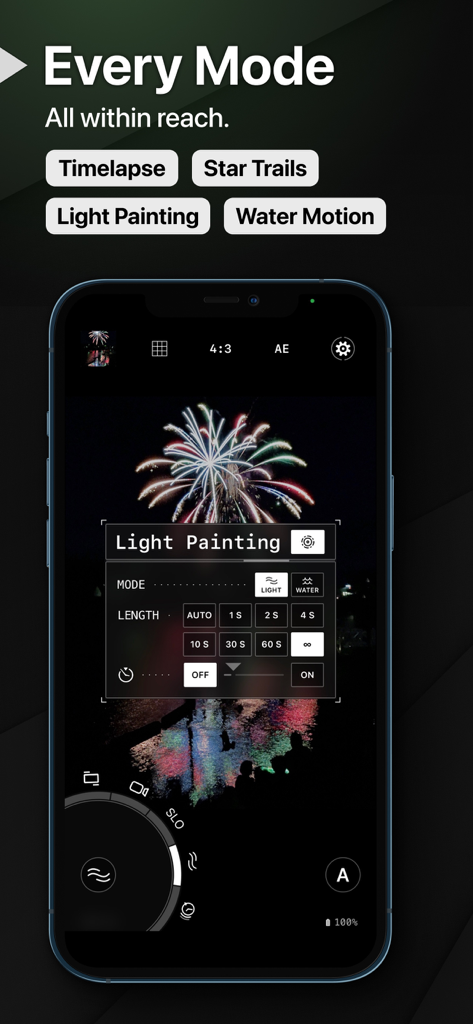
ProShot App-Oberfläche mit Einstellungen für Light Painting und Feuerwerksfotografie auf einem iPhone
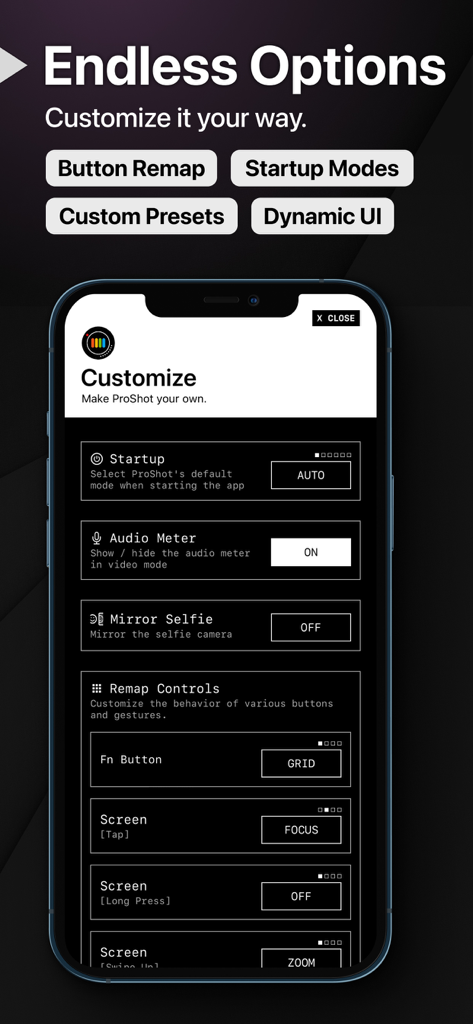
ProShot App-Einstellungen für die Neubelegung von Tasten und die Anpassung von Kamera-Startmodi
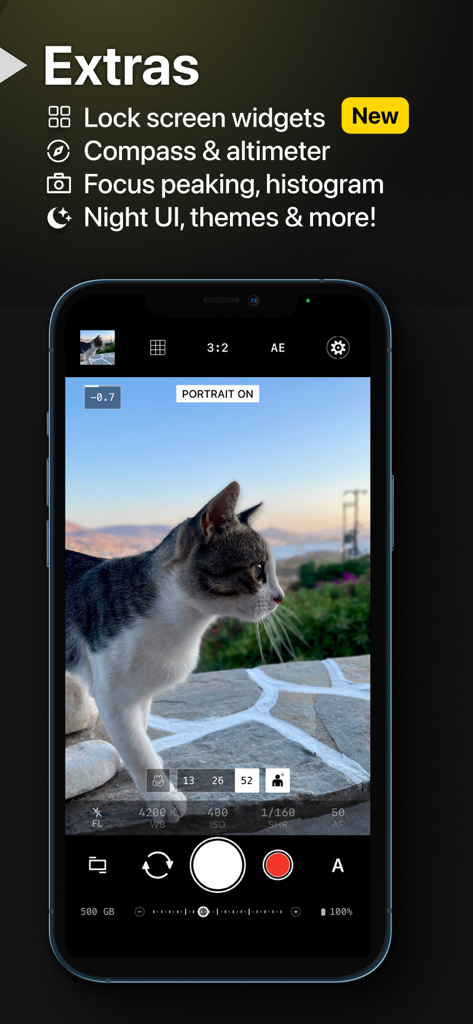
ProShot App-Oberfläche mit einer Katze im Porträtmodus mit manuellen Kamera-Steuerungen auf einem iPhone
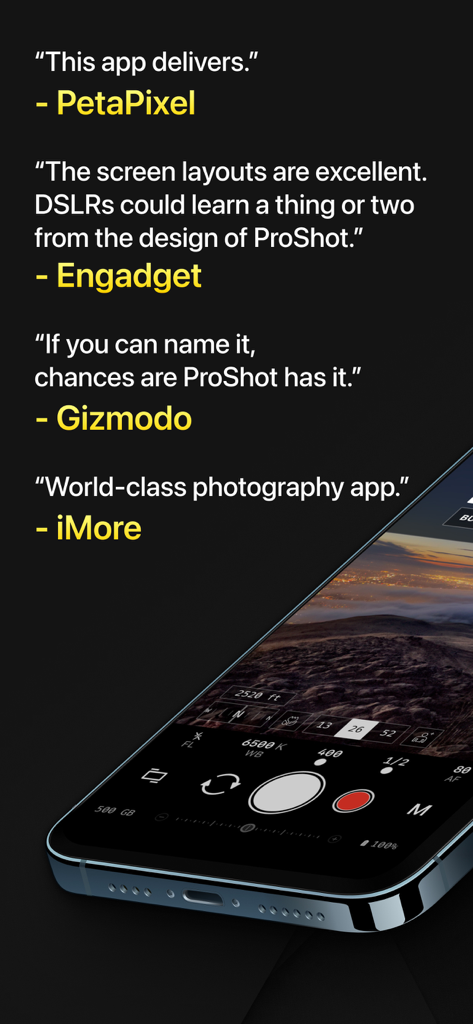
Professionelle Medienrezensionen der ProShot App neben einem Smartphone, das die manuelle Kamera-Oberfläche zeigt
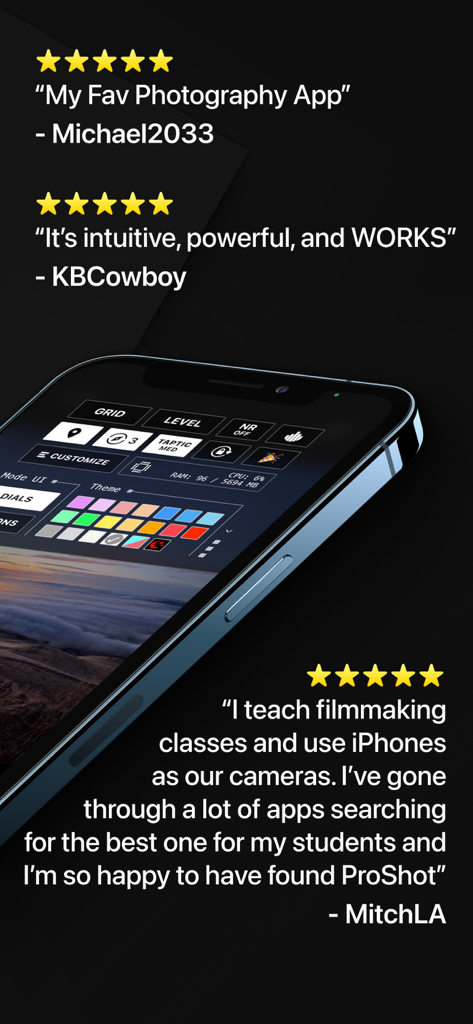
Smartphone-Bildschirm mit der ProShot App-Benutzerdefinierungs-Oberfläche neben Fünf-Sterne-Nutzer-Testimonials
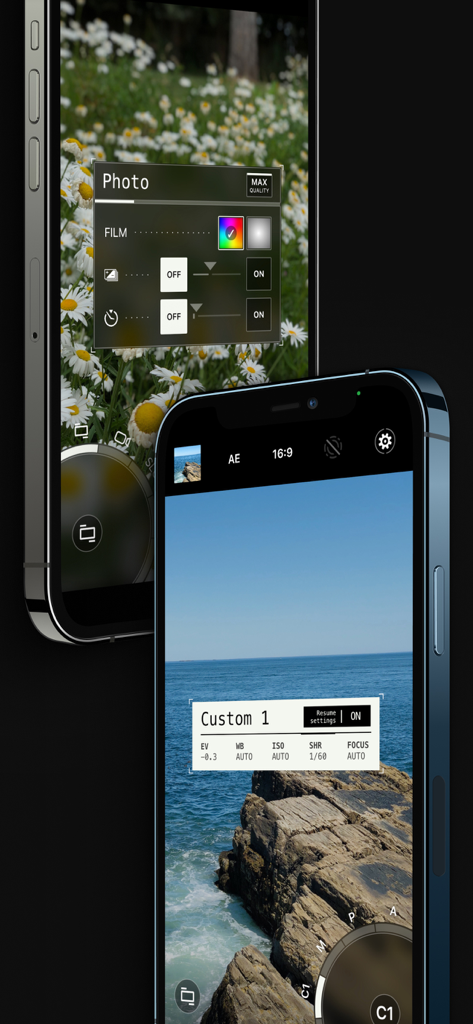
ProShot Mobile App-Oberfläche mit professionellen manuellen Kamera-Steuerungen und benutzerdefinierten Fotoeinstellungen.
Beschreibung
Download
Ähnliche Apps
Apps mit ähnlichen Funktionen und Nutzererfahrung

Blackmagic Camera
Blackmagic Design Inc

飓风相机
Hangzhou Ostar Media Co.,Ltd.

ProMovie Recorder
Panda Apps Limited

ReLens Camera-DSLR Portrait
Pixl Concerto Technology Limited

Leica LUX - Pro Manual Camera
Leica Camera AG

FotorGear - Camera in Pocket
Shenzhen Fotorgear Technology Co., Ltd.

Unsharp
北北 宋

ProCam:Professional RAW Camera
BRAND CELLAR HOLDINGS PTE LTD

Vibe Cam - Moments Never Fade
森 林
Diese Seite ist keine offizielle Seite der App oder ihres Entwicklers, sondern eine unabhängige redaktionelle Veröffentlichung, die zu Informations- und Kommentarzwecken erstellt wurde. Sofern nicht ausdrücklich anders angegeben, sind weder die App noch ihr Entwickler mit MWM, Apple, Google Play, dem App-Herausgeber oder dem Entwickler der App verbunden, von ihnen unterstützt, gesponsert, autorisiert oder anderweitig offiziell verbunden, und nichts auf dieser Seite impliziert, dass die App unter Verwendung der Dienste von MWM entwickelt wurde. Alle Marken, Logos, Screenshots und andere Inhalte bleiben Eigentum ihrer jeweiligen Inhaber.