
Diese Seite ist keine offizielle Seite der App oder ihres Entwicklers, sondern eine unabhängige redaktionelle Veröffentlichung, die zu Informations- und Kommentarzwecken erstellt wurde. Sofern nicht ausdrücklich anders angegeben, sind weder die App noch ihr Entwickler mit MWM, Apple, Google Play, dem App-Herausgeber oder dem Entwickler der App verbunden, von ihnen unterstützt, gesponsert, autorisiert oder anderweitig offiziell verbunden, und nichts auf dieser Seite impliziert, dass die App unter Verwendung der Dienste von MWM entwickelt wurde. Alle Marken, Logos, Screenshots und andere Inhalte bleiben Eigentum ihrer jeweiligen Inhaber.


Scanner - Edit PDF & documents
Papier ist tot. Diese App gibt Ihnen die Macht, es zu ignorieren.
Downloads
2.5M+Bewertung
Bewertungen gesamt
11.7KHerausgeber
Kategorie
BusinessSprachen
15Neueste Version
1.13.02Größe
23.8 MBErstveröffentlichung
27. Jan. 2019Eine detaillierte Bewertung der Kernfunktionen für eine produktive mobile Dokumentenverwaltung.
Analyse der App 'Scanner - Edit PDF & documents'
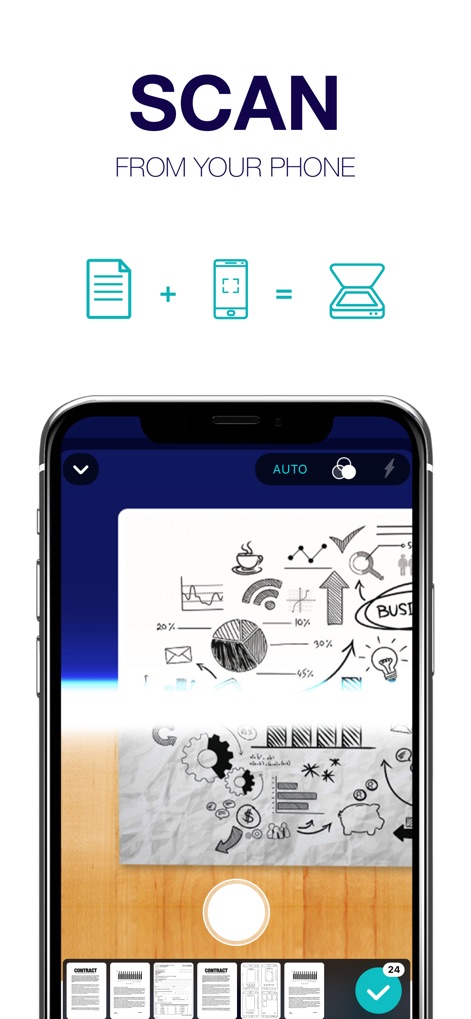
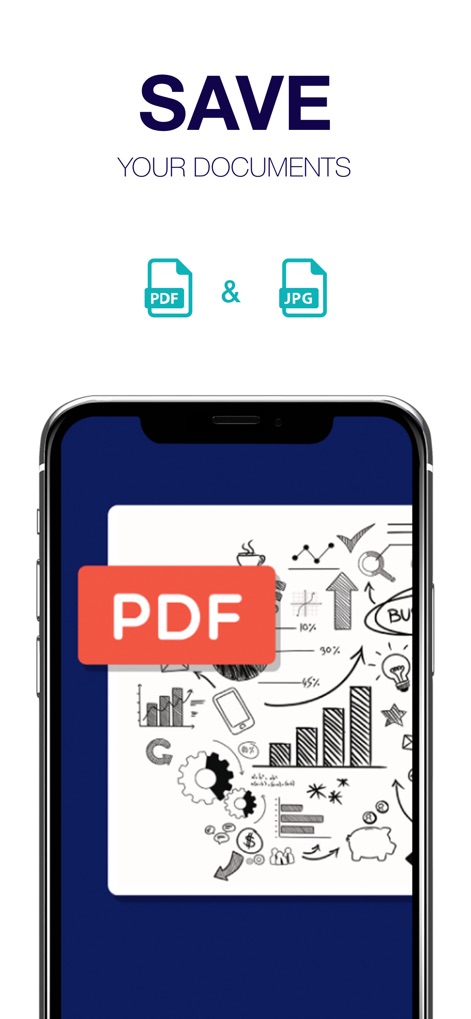
Schnelles Scannen & PDF-Konvertierung
Ermöglicht das schnelle und einfache Digitalisieren physischer Dokumente und deren sofortige Konvertierung in das PDF-Format, was die Weiterverarbeitung und Archivierung erheblich beschleunigt.
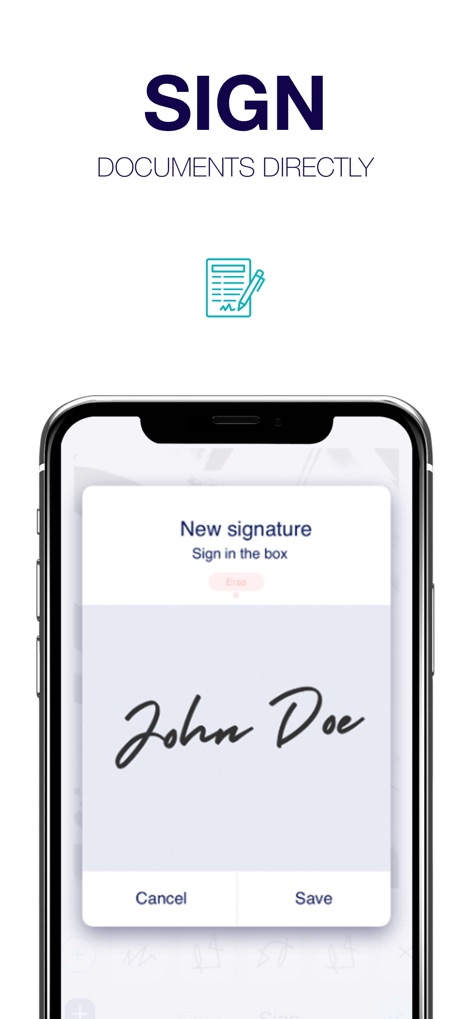
E-Signatur & Dokumentenannotation
Die App bietet eine Funktion für elektronische Signaturen und ermöglicht das Hinzufügen von Notizen direkt auf den gescannten Seiten, was für geschäftliche Verträge, Genehmigungen und Studiennotizen unerlässlich ist.
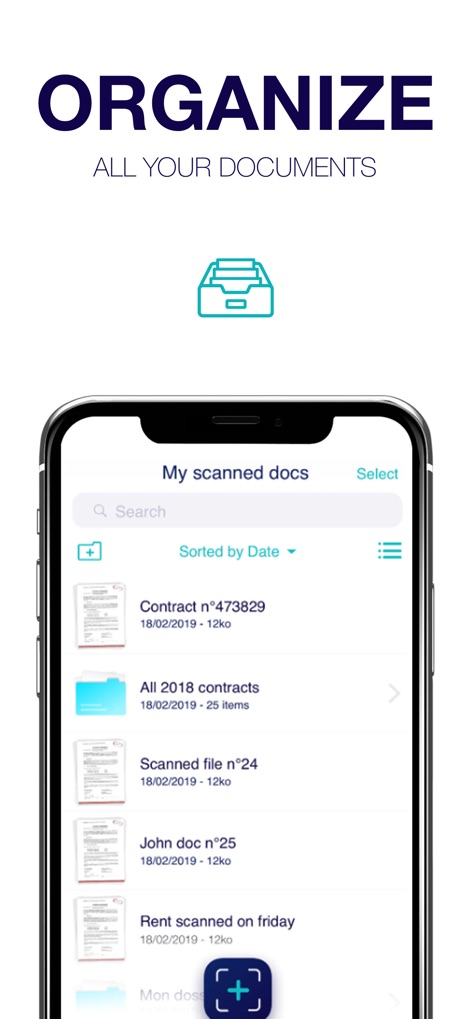
Flexible Dokumentenorganisation
Nutzer können gescannte und importierte Dateien mit Ordnern verwalten, Suchfunktionen nutzen und Dokumente effizient organisieren, was die Auffindbarkeit und den Überblick verbessert.
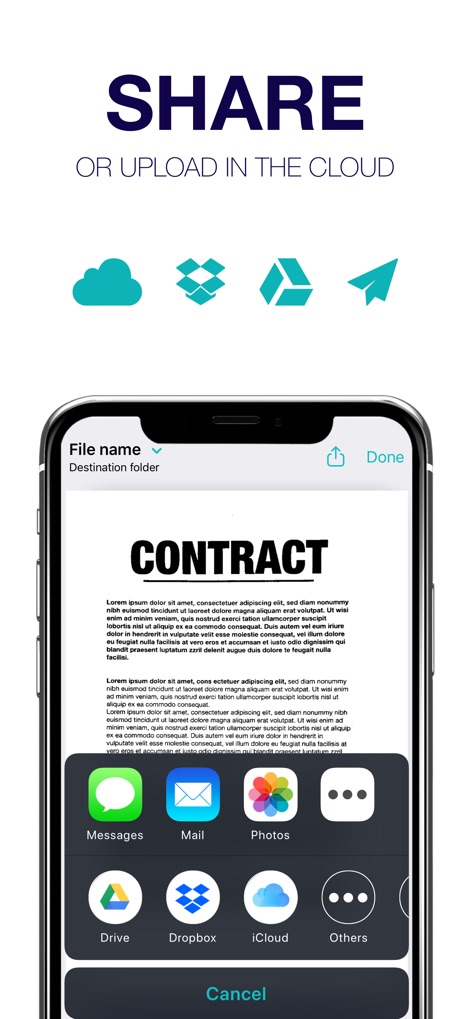
Cloud-Integration & Teilen
Ermöglicht das Speichern von Scans in der lokalen Bibliothek, iCloud, Dropbox und Google Drive sowie das einfache Teilen via Textnachricht oder E-Mail, was die Zusammenarbeit und Datensicherung fördert.
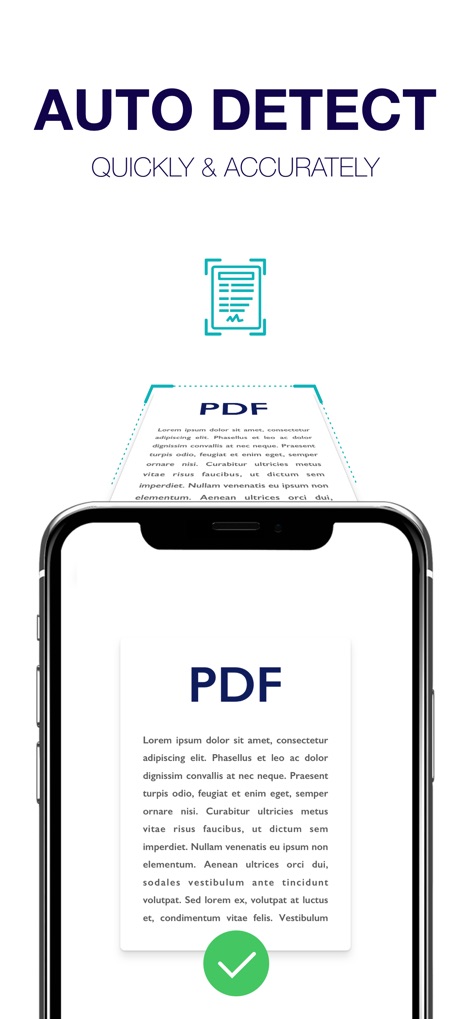
Intelligente Scan-Optimierung
Durch automatische Erkennung und integrierte Blitzfunktionen werden Scans optimiert, um klare und lesbare digitale Kopien zu gewährleisten, selbst unter weniger idealen Lichtverhältnissen.
PDF-Dateien zusammenführen
Die Möglichkeit, mehrere Dateien zu einem einzigen hochwertigen PDF-Dokument zusammenzuführen, ist besonders nützlich für die Erstellung von Berichten, Studienmaterialien oder der Zusammenfassung von Belegen.
Umfassende Seitenbearbeitung
Nutzer können einzelne Seiten ihrer Dokumente bearbeiten, einschließlich Zuschneiden, Drehen sowie Anpassen von Kontrast und Luminanz, um die Qualität und Lesbarkeit zu verbessern.
Breite Dokumentenkompatibilität
Die App kann eine breite Palette von Dokumenten scannen, darunter Verträge, Quittungen, Buchseiten, Notizen, Visitenkarten und Ausweisdokumente, was ihre Anwendbarkeit in verschiedenen Szenarien erhöht.
Import von Bildern und Dateien
Es ermöglicht den Import von Bildern aus der Gerätegalerie sowie von Dateien aus Cloud-Diensten, wodurch bereits vorhandenes Material in die App integriert und verwaltet werden kann.
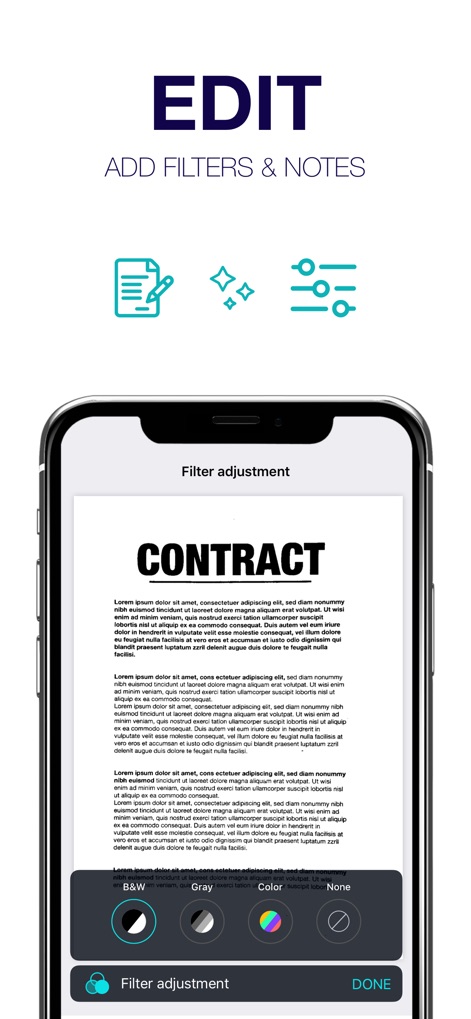
Filter zur Dokumentenoptimierung
Nutzer können Filter wie Schwarz-Weiß, Graustufen oder einen Magie-Filter anwenden, um die Lesbarkeit und das Erscheinungsbild ihrer gescannten Dokumente zu optimieren.
Die folgenden Screenshots und die Beschreibung stammen direkt aus dem offiziellen Store-Eintrag der App und sind Eigentum des Entwicklers.
App Store
Screenshots
Beschreibung
Download
Ähnliche Apps
Apps mit ähnlichen Funktionen und Nutzererfahrung

PDF PRO Scan Image & Documents
Balzo srl

The PDF Scanner, PDF editor HQ
NEXT K.U.M. LTD

CamScanner - PDF Scanner App
INTSIG Information Co., Ltd

Adobe Scan: PDF & OCR Scanner
Adobe Inc.

WPS Office: PDF, Docs, Sheets
KINGSOFT OFFICE SOFTWARE CORPORATION LIMITED

iLovePDF - PDF Editor & Scan
ILOVEPDF S.L.

Scanner App: Genius Scan
The Grizzly Labs

Microsoft Lens: PDF Scanner
Microsoft Corporation

Clear Scan: Doc Scanner App
INDY MOBILE APP COMPANY LIMITED
Diese Seite ist keine offizielle Seite der App oder ihres Entwicklers, sondern eine unabhängige redaktionelle Veröffentlichung, die zu Informations- und Kommentarzwecken erstellt wurde. Sofern nicht ausdrücklich anders angegeben, sind weder die App noch ihr Entwickler mit MWM, Apple, Google Play, dem App-Herausgeber oder dem Entwickler der App verbunden, von ihnen unterstützt, gesponsert, autorisiert oder anderweitig offiziell verbunden, und nichts auf dieser Seite impliziert, dass die App unter Verwendung der Dienste von MWM entwickelt wurde. Alle Marken, Logos, Screenshots und andere Inhalte bleiben Eigentum ihrer jeweiligen Inhaber.