
Diese Seite ist keine offizielle Seite der App oder ihres Entwicklers, sondern eine unabhängige redaktionelle Veröffentlichung, die zu Informations- und Kommentarzwecken erstellt wurde. Sofern nicht ausdrücklich anders angegeben, sind weder die App noch ihr Entwickler mit MWM, Apple, Google Play, dem App-Herausgeber oder dem Entwickler der App verbunden, von ihnen unterstützt, gesponsert, autorisiert oder anderweitig offiziell verbunden, und nichts auf dieser Seite impliziert, dass die App unter Verwendung der Dienste von MWM entwickelt wurde. Alle Marken, Logos, Screenshots und andere Inhalte bleiben Eigentum ihrer jeweiligen Inhaber.

Screen Recorder - StartRec
Nimm deinen Bildschirm in beeindruckendem 1080p auf, füge Face Cam-Reaktionen hinzu und nutze professionelle Bearbeitungswerkzeuge, um für TikTok, YouTube und Instagram virale Videos zu erstellen.
Downloads
415K+Bewertung
Bewertungen gesamt
700Herausgeber
Kategorie
ReferenceSprachen
33Neueste Version
3.1.6Größe
61.4 MBErstveröffentlichung
13. März 2020Erstelle Inhalte, die Aufmerksamkeit erregen
Das All-in-One-Studio, um deinen Bildschirm aufzunehmen, deine Reaktion hinzuzufügen und virale Videos in wenigen Minuten zu bearbeiten.
Face Cam-Overlay
Drücke dich aus, indem du deiner Aufnahme eine Live-Reaktionsblase hinzufügst, perfekt für Tutorials und Gaming-Streams.
Professionelle Aufnahmequalität
Nimm jedes Detail in 1080p-Auflösung und 60fps auf, damit deine Highlights gestochen scharf und professionell aussehen.
Die folgenden Screenshots und die Beschreibung stammen direkt aus dem offiziellen Store-Eintrag der App und sind Eigentum des Entwicklers.
App Store
Screenshots
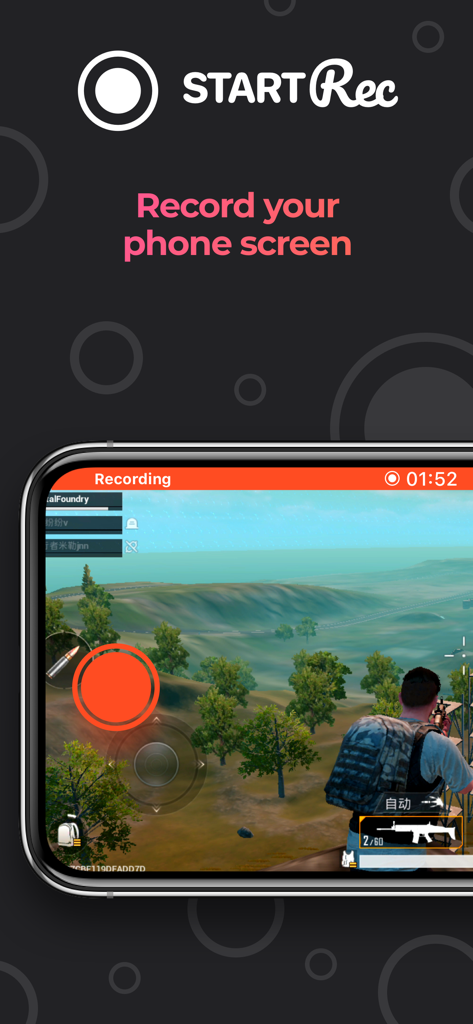
StartRec App-Bildschirm zeigt ein mobiles Actionspiel, das auf einem Smartphone aufgenommen wird
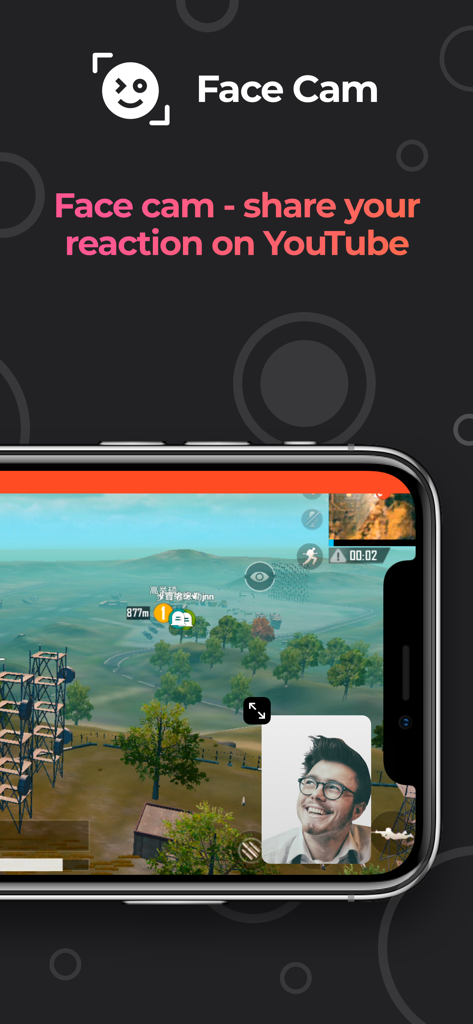
Bildschirmrekorder-App-Oberfläche zeigt ein Face Cam-Reaktions-Overlay über dem mobilen Gameplay
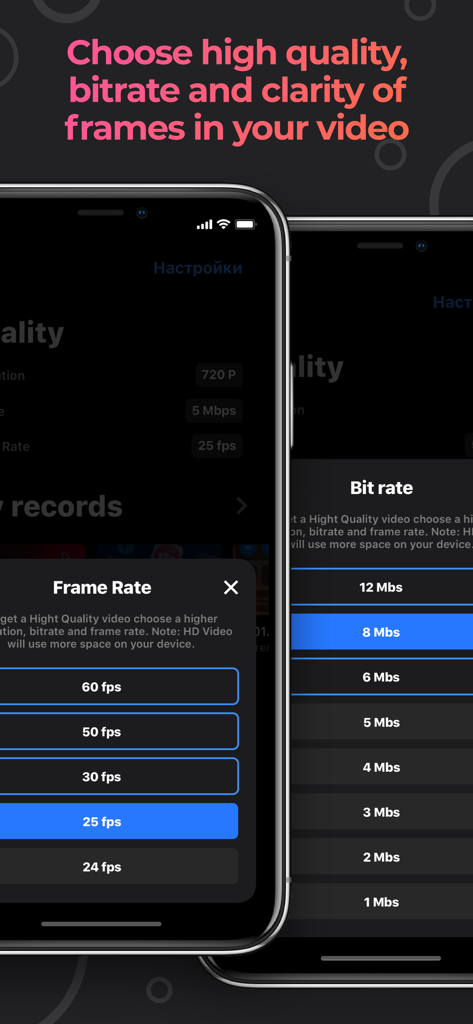
Mobile App-Oberfläche mit Menüoptionen zur Auswahl der Video-Framerate und Bitrate in der StartRec-App
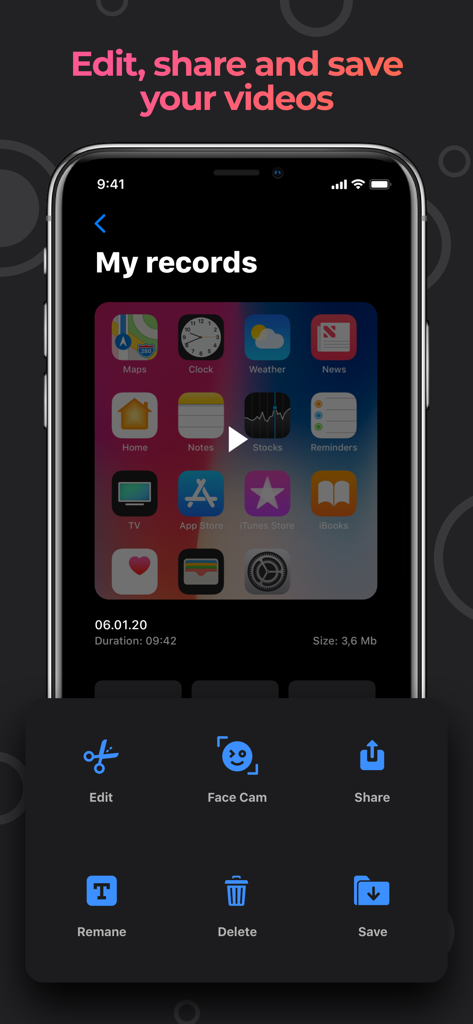
Oberfläche der StartRec-App mit Optionen zum Bearbeiten, Teilen und Speichern von Bildschirmaufnahmen mit Face Cam
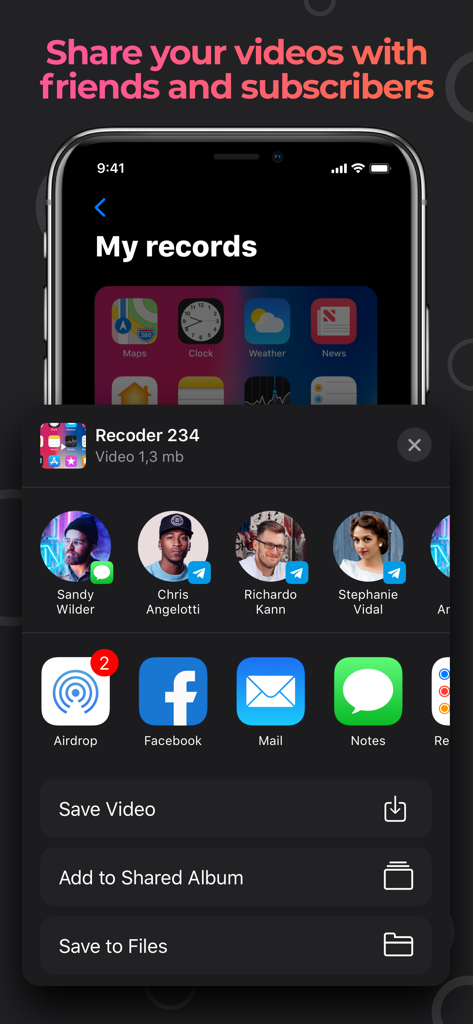
Bildschirmaufnahme-Sharing-Oberfläche in der StartRec-App auf einem iPhone
Beschreibung
Download
Ähnliche Apps
Apps mit ähnlichen Funktionen und Nutzererfahrung

Medal - Game Clipping
Medal B.V.

Screen Recorder,Video Recorder
VIDEOSHOW PTE. LTD.

Screen Recorder
App of the Year LLC

Record it! :: Screen Recorder
DIGISET LLC

Screen Recorder Voice & Video
Arthur Eduardo Skaetta Alvarez Desenvolvimento de Software LTDA.

Screen Recorder ®
Poster App LLP

Super Screen Recorder: Full HD
Dream United, Ltd.

Screen Recorder: Go Record
Torqued Studios LLC

Screen Recorder-Video & Voice
Danila Ianushev
Diese Seite ist keine offizielle Seite der App oder ihres Entwicklers, sondern eine unabhängige redaktionelle Veröffentlichung, die zu Informations- und Kommentarzwecken erstellt wurde. Sofern nicht ausdrücklich anders angegeben, sind weder die App noch ihr Entwickler mit MWM, Apple, Google Play, dem App-Herausgeber oder dem Entwickler der App verbunden, von ihnen unterstützt, gesponsert, autorisiert oder anderweitig offiziell verbunden, und nichts auf dieser Seite impliziert, dass die App unter Verwendung der Dienste von MWM entwickelt wurde. Alle Marken, Logos, Screenshots und andere Inhalte bleiben Eigentum ihrer jeweiligen Inhaber.