
Diese Seite ist keine offizielle Seite der App oder ihres Entwicklers, sondern eine unabhängige redaktionelle Veröffentlichung, die zu Informations- und Kommentarzwecken erstellt wurde. Sofern nicht ausdrücklich anders angegeben, sind weder die App noch ihr Entwickler mit MWM, Apple, Google Play, dem App-Herausgeber oder dem Entwickler der App verbunden, von ihnen unterstützt, gesponsert, autorisiert oder anderweitig offiziell verbunden, und nichts auf dieser Seite impliziert, dass die App unter Verwendung der Dienste von MWM entwickelt wurde. Alle Marken, Logos, Screenshots und andere Inhalte bleiben Eigentum ihrer jeweiligen Inhaber.


Screenshot PRO Screenshots App
Verschwenden Sie keine Zeit mehr mit dem Scrollen nach Notizen und Quittungen. Nutzen Sie KI-gestützte OCR, um Text in Bildern zu durchsuchen, mit Tags zu organisieren und Ihre privaten Daten mit Face-ID zu sichern.
Downloads
204K+Bewertung
Bewertungen gesamt
1K+Herausgeber
Kategorie
UtilitiesSprachen
3Neueste Version
3.8.1Größe
24.3 MBErstveröffentlichung
24. Okt. 2019Verwandeln Sie Ihre Screenshots in eine durchsuchbare Bibliothek
Hören Sie auf, Tausende von Bildern zu durchsuchen. Screenshot PRO verwendet KI-gestützte Suche, intelligente Tagging und biometrische Sicherheit, um Ihr digitales Leben sofort zu organisieren.
KI-gestützte Textsuche
Finden Sie jeden Screenshot in Sekundenschnelle, indem Sie nach Wörtern suchen, die im Bild vorkommen. Perfekt, um verlorene Quittungen, Zitate oder Besprechungsnotizen zu finden.
Entrümpeln Sie Ihre Kamerarolle
Halten Sie Ihre persönlichen Erinnerungen von der Arbeit getrennt. Importieren Sie Screenshots automatisch in die App und löschen Sie sie aus Ihrer Hauptgalerie, um Speicherplatz zu sparen.
Die folgenden Screenshots und die Beschreibung stammen direkt aus dem offiziellen Store-Eintrag der App und sind Eigentum des Entwicklers.
App Store
Screenshots
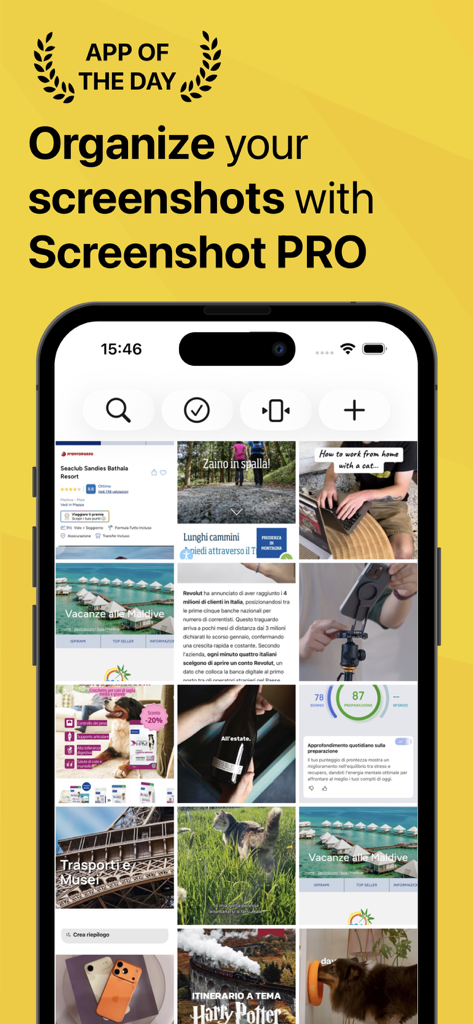
Screenshot PRO App zeigt ein Raster organisierter Screenshots auf einem iPhone-Bildschirm.
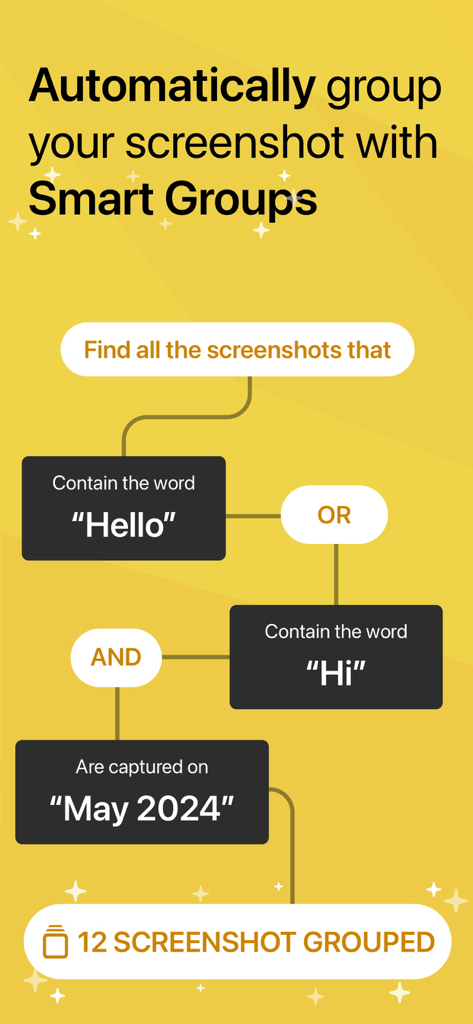
Ein Flussdiagramm, das die Smart Groups-Funktion von Screenshot PRO zeigt, die Bilder automatisch nach Schlüsselwörtern und Datum organisiert.
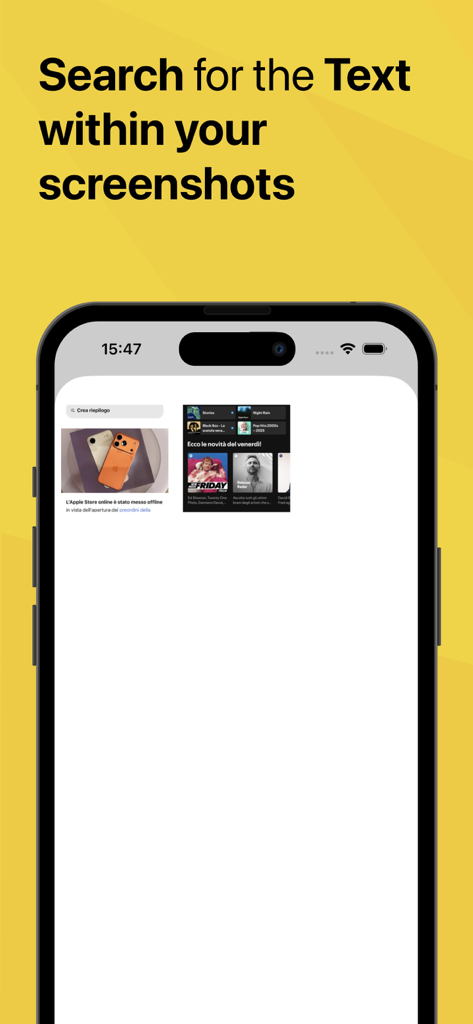
Screenshot PRO App-Oberfläche, die die durchsuchbare Textfunktion zeigt
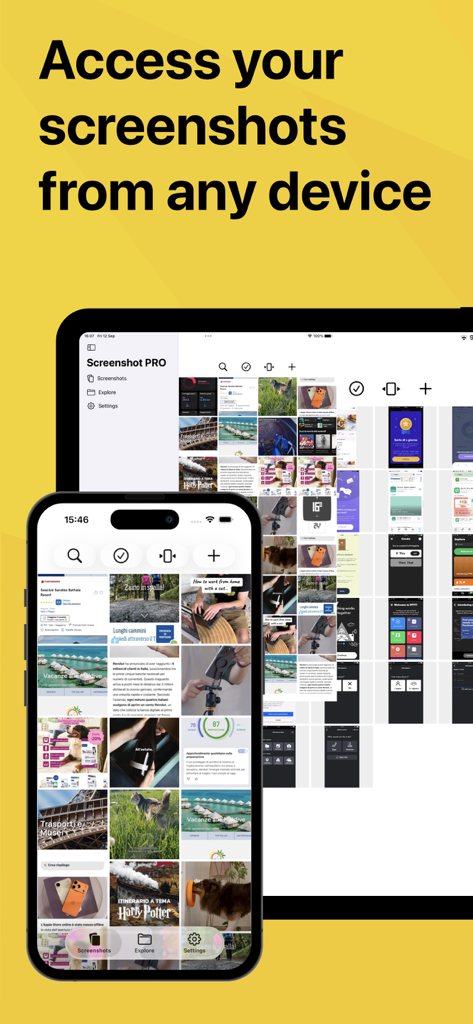
Screenshot PRO App-Oberfläche, angezeigt auf einem iPhone und iPad, die die geräteübergreifende Synchronisierung hervorhebt
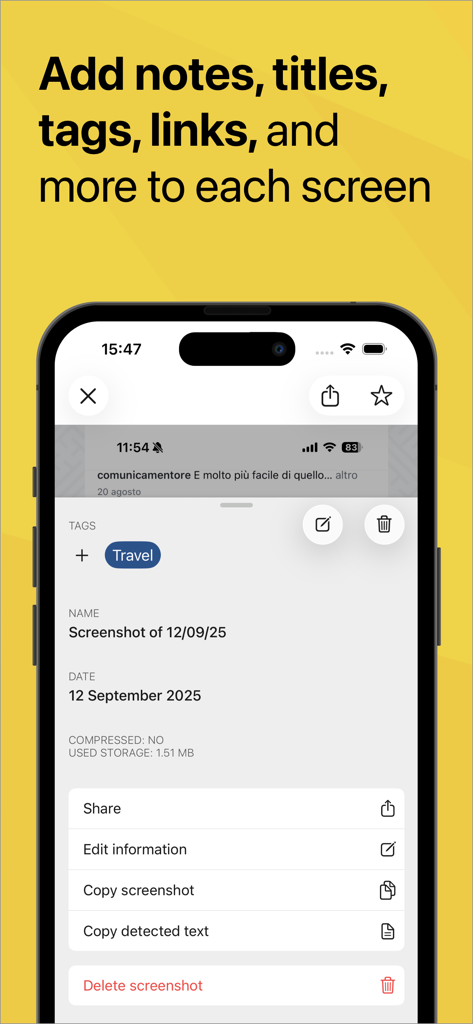
Oberfläche der Screenshot PRO App, die Optionen zum Hinzufügen von Tags, Notizen und Titeln zu einem Screenshot zeigt
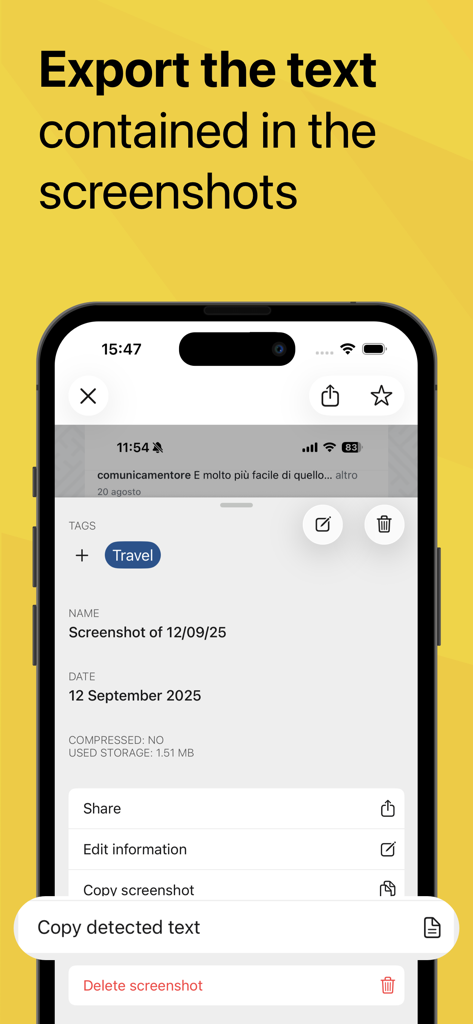
Oberfläche der Screenshot PRO App, die die Funktion 'Erkannten Text kopieren' zum Extrahieren von Informationen aus Bildern hervorhebt
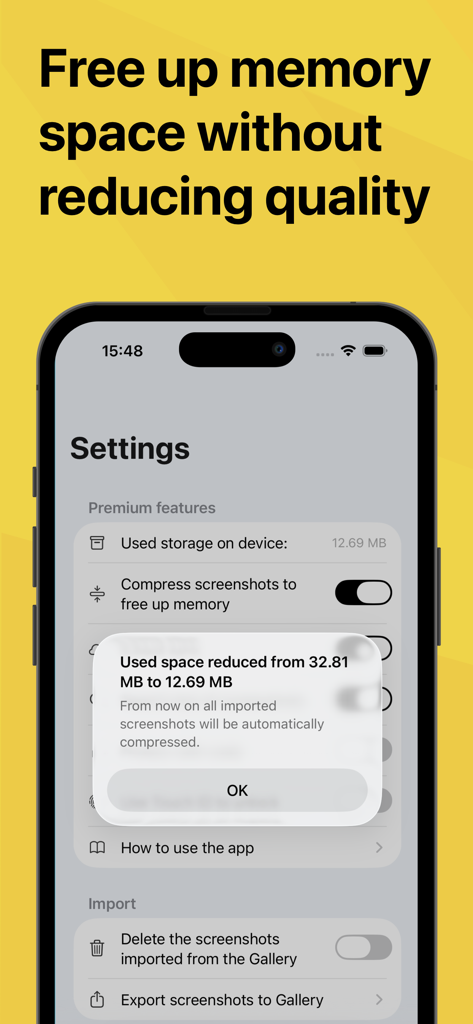
Bildschirm einer mobilen App, der die Reduzierung des Speicherplatzes durch Komprimierung von Screenshots zeigt
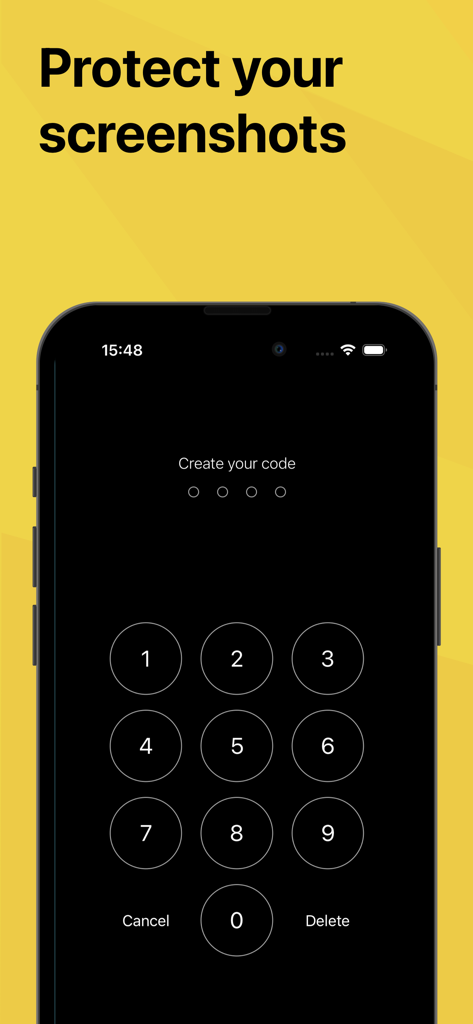
iPhone-Bildschirm mit einem numerischen Tastenfeld zum Festlegen eines Sicherheitscodes zum Schutz privater Screenshots
Beschreibung
Download
Ähnliche Apps
Apps mit ähnlichen Funktionen und Nutzererfahrung

ScanScan(白描)-OCR Text Scanner
新乐 陶

Text Scanner AI - OCR Scan
EVOLLY HK LIMITED

Text Scan : Image to Text OCR
Appzys Technologies Private Limited

Copy Text On Screen
Appzys Technologies Private Limited

PDF AI Scanner
HONGKONG ADHEROS LIMITED

元ּ发生器
沛鑫 李

OCR Image AI - Photo to Text
RapidNova Private Limited

Klikk - Events
Levin Fritz
Diese Seite ist keine offizielle Seite der App oder ihres Entwicklers, sondern eine unabhängige redaktionelle Veröffentlichung, die zu Informations- und Kommentarzwecken erstellt wurde. Sofern nicht ausdrücklich anders angegeben, sind weder die App noch ihr Entwickler mit MWM, Apple, Google Play, dem App-Herausgeber oder dem Entwickler der App verbunden, von ihnen unterstützt, gesponsert, autorisiert oder anderweitig offiziell verbunden, und nichts auf dieser Seite impliziert, dass die App unter Verwendung der Dienste von MWM entwickelt wurde. Alle Marken, Logos, Screenshots und andere Inhalte bleiben Eigentum ihrer jeweiligen Inhaber.