
Diese Seite ist keine offizielle Seite der App oder ihres Entwicklers, sondern eine unabhängige redaktionelle Veröffentlichung, die zu Informations- und Kommentarzwecken erstellt wurde. Sofern nicht ausdrücklich anders angegeben, sind weder die App noch ihr Entwickler mit MWM, Apple, Google Play, dem App-Herausgeber oder dem Entwickler der App verbunden, von ihnen unterstützt, gesponsert, autorisiert oder anderweitig offiziell verbunden, und nichts auf dieser Seite impliziert, dass die App unter Verwendung der Dienste von MWM entwickelt wurde. Alle Marken, Logos, Screenshots und andere Inhalte bleiben Eigentum ihrer jeweiligen Inhaber.

Secret Key Lock Album
Schützen Sie Ihre persönlichsten Erinnerungen mit rein lokaler Speicherung und Face ID. Erleben Sie die sichere, abonnementfreie Methode, um Ihre privaten Inhalte sicher aufzubewahren, ohne sie jemals in die Cloud hochzuladen.
Downloads
2M+Bewertung
Bewertungen gesamt
236K+Herausgeber
Kategorie
Photo & VideoSprachen
2Neueste Version
2.9.1Größe
87.5 MBErstveröffentlichung
31. März 2015Ihr privater digitaler Tresor
Der sicherste Weg, Ihre Fotos und Videos zu schützen. Entwickelt für alle, die absolute Privatsphäre schätzen und monatliche Abonnements hassen.
100% lokale Sicherheit
Ihre Medien verbleiben nur auf Ihrem Gerät und werden niemals in die Cloud hochgeladen. Genießen Sie absoluten Schutz vor Hacks und unbefugtem Zugriff.
Keine Abonnementgebühren
Hören Sie auf, jeden Monat zu bezahlen. Greifen Sie kostenlos auf alle Kernfunktionen zu oder rüsten Sie mit einem einfachen Einmalkauf auf, der ein Leben lang gilt.
Häufig gestellte Fragen
Alles, was Sie über wissen müssen Secret Key Lock Album
Ist das Secret Key Lock Album sicher für private Fotos?
Ja, das Secret Key Lock Album speichert Ihre privaten Fotos und Videos ausschließlich auf Ihrem iPhone. Es lädt sie nirgendwo hoch, sodass Ihre Privatsphäre sicher geschützt ist.
Wie kann ich die Secret Key Lock Album App entsperren?
Sie können das Secret Key Lock Album mit Ihrer festgelegten Passphrase oder mit Face ID entsperren. Diese Optionen bieten einen sicheren und bequemen Zugriff auf Ihre versteckten Medien.
Welche Medientypdateien unterstützt das Secret Key Lock Album?
Das Secret Key Lock Album unterstützt verschiedene Medientypen, darunter Videos, GIFs, Live Photos, Slo-mo und Time-lapse. Es verfügt auch über einen integrierten Videoplayer für diese Formate.
Gibt es kostenlose Funktionen im Secret Key Lock Album?
Ja, das Secret Key Lock Album bietet alle seine Kernfunktionen völlig kostenlos an. Benutzer zahlen nur eine einmalige Gebühr für zusätzlichen Speicherplatz über einen In-App-Kauf.
Benötigt das Secret Key Lock Album ein Abonnement?
Nein, das Secret Key Lock Album erfordert keine monatlichen Gebühren oder Abonnements. Alle In-App-Käufe, wie z. B. für zusätzlichen Speicherplatz, sind ausschließlich einmalige Zahlungen.
Kann ich Fotos aus dem Secret Key Lock Album auf mein iPhone exportieren?
Ja, das Secret Key Lock Album ermöglicht es Ihnen, Fotos und Videos direkt zurück in Ihre iPhone Fotos App wiederherzustellen. Dies gewährleistet eine einfache Verwaltung Ihrer Medien.
Löscht das Secret Key Lock Album automatisch Originalfotos?
Ja, das Secret Key Lock Album verfügt über eine automatische Löschfunktion. Nach dem Verschieben von Daten in die App können Sie die Originalelemente aus der Foto-App Ihres Geräts löschen.
Wie überträgt das Secret Key Lock Album Daten drahtlos?
Das Secret Key Lock Album unterstützt die drahtlose Datenübertragung über Dropbox. Diese Funktion ermöglicht es Benutzern, ihre geschützten Fotos und Videos bequem zu verschieben.
Speichert das Secret Key Lock Album hochauflösende Fotos?
Ja, das Secret Key Lock Album speichert alle Fotos in hoher Auflösung. Dies bewahrt die Schärfe und Qualität Ihrer aufgenommenen Erinnerungen innerhalb der App.
Bietet das Secret Key Lock Album eine Diashow-Funktion?
Ja, das Secret Key Lock Album verfügt über eine integrierte Diashow-Funktion. Dies ermöglicht es Ihnen, Ihre versteckten Erinnerungen mühelos innerhalb der Anwendung anzuzeigen und zu genießen.
Die folgenden Screenshots und die Beschreibung stammen direkt aus dem offiziellen Store-Eintrag der App und sind Eigentum des Entwicklers.
App Store
Screenshots
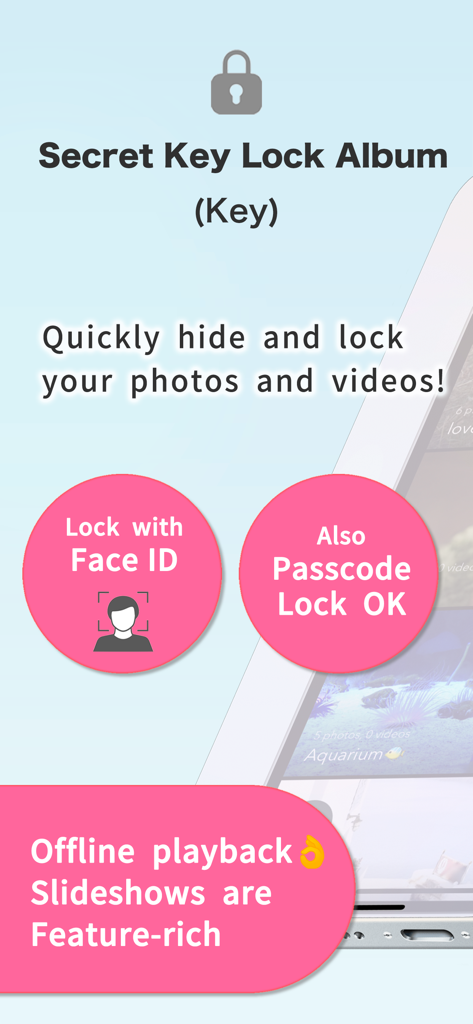
Secret Key Lock Album App-Oberfläche, die Face ID und Passcode-Sicherheit für private Fotos und Videos hervorhebt
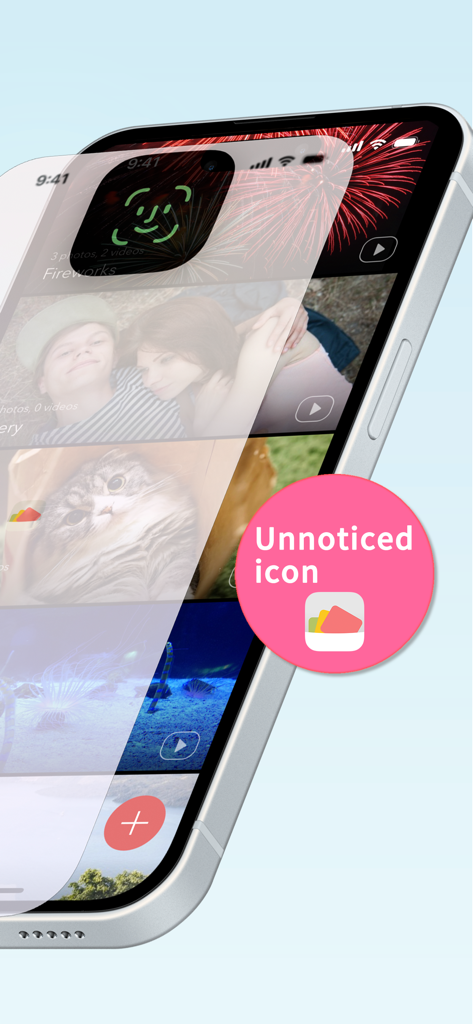
iPhone-Bildschirm, der einen sicheren Fototresor mit Face ID-Sperre und einem dezenten App-Symbol anzeigt
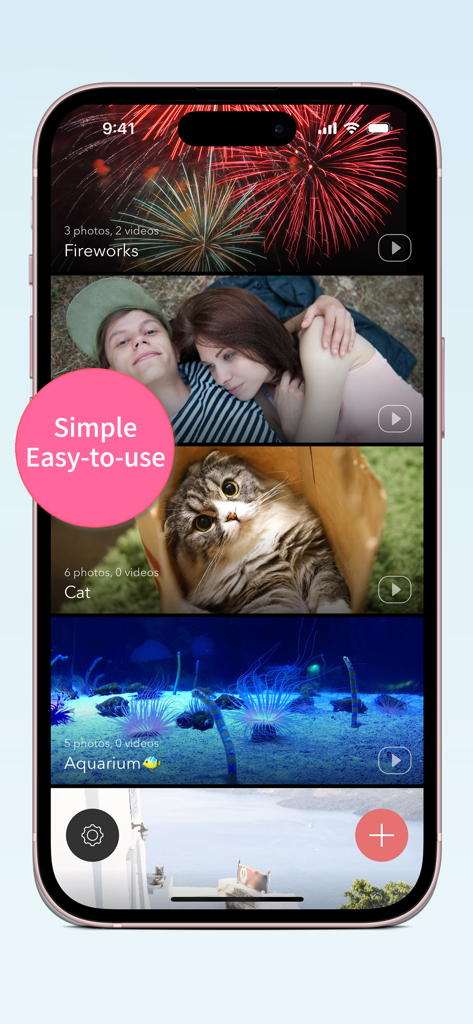
Secret Key Lock Album App-Oberfläche auf dem iPhone, die mehrere private Foto- und Videoverzeichnisse anzeigt
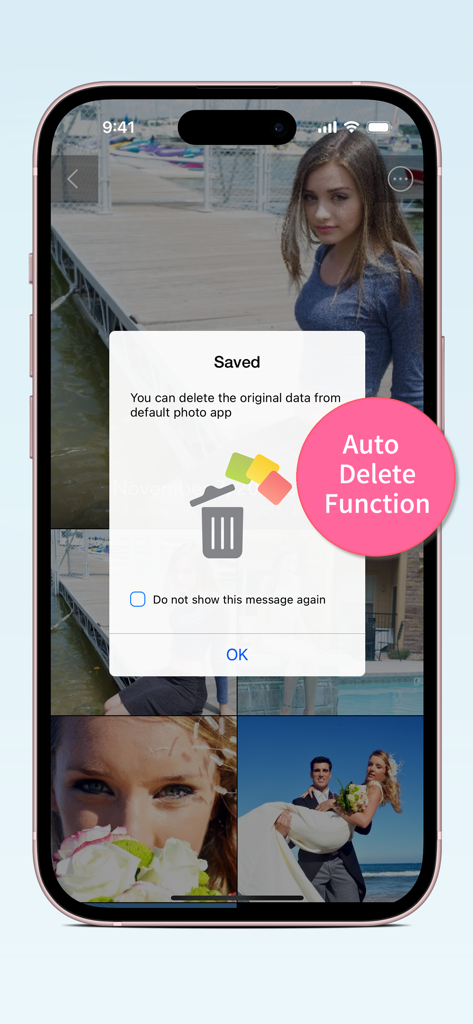
Secret Key Lock Album App-Oberfläche, die ein Popup für die automatische Löschfunktion anzeigt, um Originalfotos aus der Gerätesammlung zu entfernen
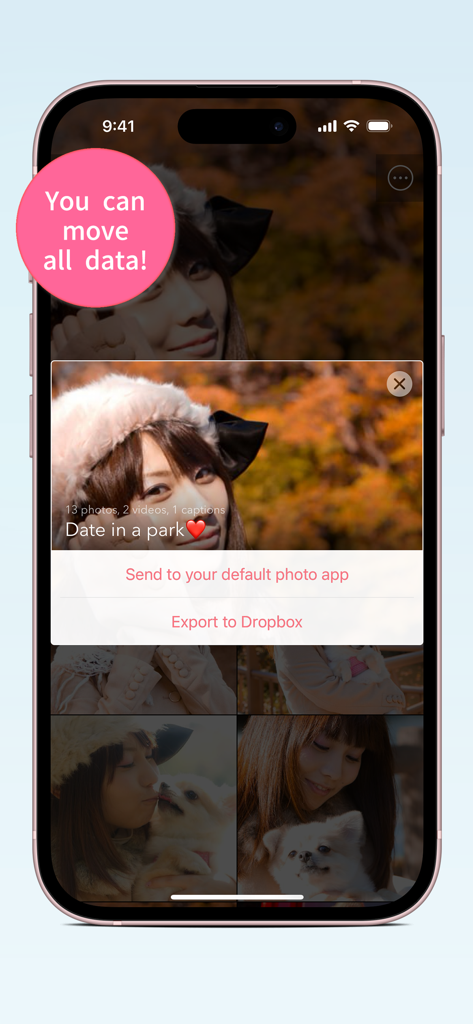
Secret Key Lock Album App-Oberfläche, die Optionen zum Senden von Fotos an die Standard-App oder zum Exportieren nach Dropbox anzeigt
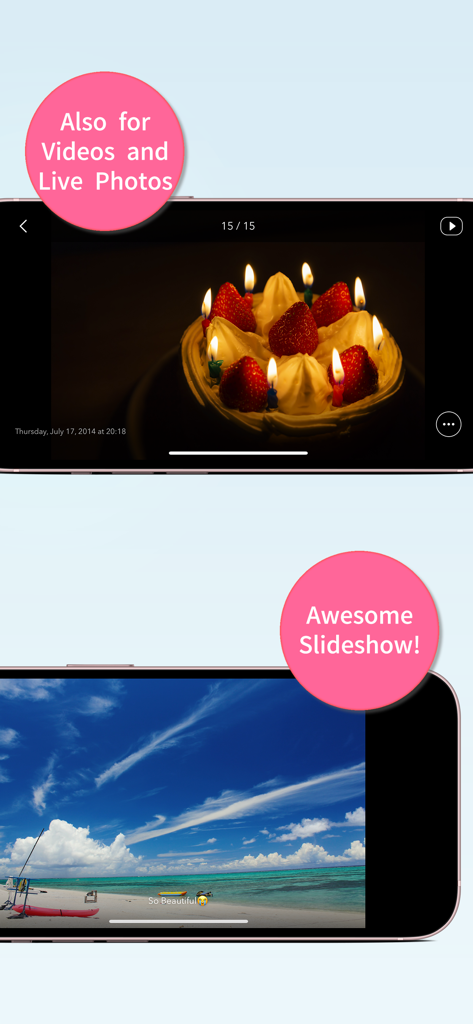
Secret Key Lock Album App-Oberfläche, die Videounterstützung und Diashow-Funktionen auf dem iPhone präsentiert
Beschreibung
Download
Ähnliche Apps
Apps mit ähnlichen Funktionen und Nutzererfahrung

Private Photo Vault - Pic Safe
Legendary Software Labs LLC

PBox-Private Photo Vault
宇 刘

PV - Secret Photo Album
Haibin Jiao

Safe Lock - Hidden Photo Vault
Katerina Akhlebinina

SV - Private Photo Vault PRO
Legendary Software Labs LLC

Converter: Hidden Photo Vault
Dmitry Petrov

Calculator Lock - Secure Vault
MacyMind

Secret Photo Vault: Keepsafe
KeepSafe Software, Inc

Digiposte: secure storage
la poste
Diese Seite ist keine offizielle Seite der App oder ihres Entwicklers, sondern eine unabhängige redaktionelle Veröffentlichung, die zu Informations- und Kommentarzwecken erstellt wurde. Sofern nicht ausdrücklich anders angegeben, sind weder die App noch ihr Entwickler mit MWM, Apple, Google Play, dem App-Herausgeber oder dem Entwickler der App verbunden, von ihnen unterstützt, gesponsert, autorisiert oder anderweitig offiziell verbunden, und nichts auf dieser Seite impliziert, dass die App unter Verwendung der Dienste von MWM entwickelt wurde. Alle Marken, Logos, Screenshots und andere Inhalte bleiben Eigentum ihrer jeweiligen Inhaber.