
Diese Seite ist keine offizielle Seite der App oder ihres Entwicklers, sondern eine unabhängige redaktionelle Veröffentlichung, die zu Informations- und Kommentarzwecken erstellt wurde. Sofern nicht ausdrücklich anders angegeben, sind weder die App noch ihr Entwickler mit MWM, Apple, Google Play, dem App-Herausgeber oder dem Entwickler der App verbunden, von ihnen unterstützt, gesponsert, autorisiert oder anderweitig offiziell verbunden, und nichts auf dieser Seite impliziert, dass die App unter Verwendung der Dienste von MWM entwickelt wurde. Alle Marken, Logos, Screenshots und andere Inhalte bleiben Eigentum ihrer jeweiligen Inhaber.


SharePlus for Office 365
Schließen Sie sich über 1,5 Millionen Fachleuten an, die unterwegs sicher auf SharePoint- und Office 365-Inhalte zugreifen, diese bearbeiten und synchronisieren. Konsolidieren Sie Ihre Unternehmensdaten und bleiben Sie überall produktiv – auch ohne Verbindung.
Downloads
248K+Bewertung
Bewertungen gesamt
1K+Herausgeber
Kategorie
ProductivitySprachen
11Neueste Version
4.28.2Größe
108.5 MBErstveröffentlichung
1. Apr. 2010Optimieren Sie Ihren mobilen Workflow
Zentralisieren Sie Ihre Dokumente, Aufgaben und Unternehmensdaten in einem sicheren Hub. Arbeiten Sie nahtlos mit SharePoint, Office 365 und Cloud-Speicher zusammen – jederzeit und überall.
Ein einheitlicher Hub
Hören Sie auf, Apps zu wechseln. Greifen Sie über eine einzige, optimierte Benutzeroberfläche auf SharePoint, OneDrive, Google Drive und Dropbox zu und durchsuchen Sie diese.
Offline arbeiten, später synchronisieren
Bleiben Sie in Funklöchern produktiv. Bearbeiten Sie SharePoint-Inhalte und Dokumente offline; Ihre Änderungen werden automatisch synchronisiert, sobald Sie die Verbindung wiederherstellen.
Die folgenden Screenshots und die Beschreibung stammen direkt aus dem offiziellen Store-Eintrag der App und sind Eigentum des Entwicklers.
App Store
Screenshots
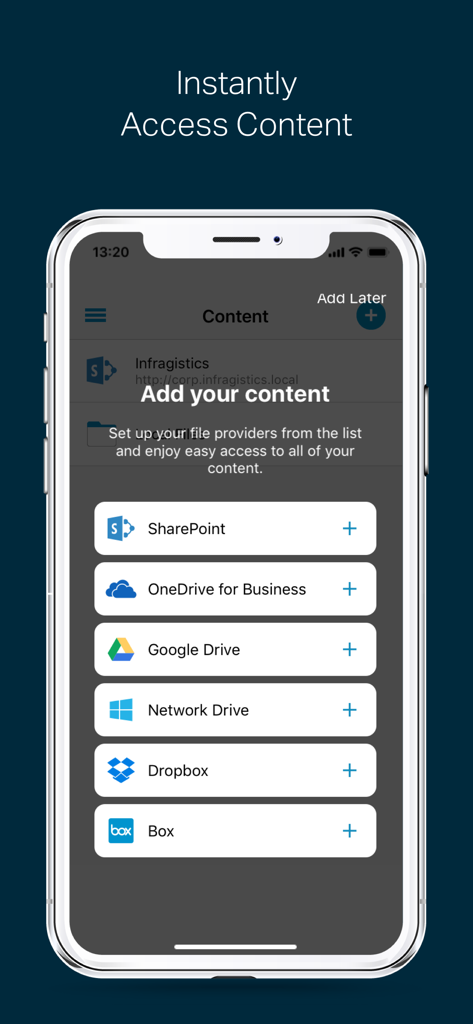
Mobile App-Oberfläche mit Optionen zum Hinzufügen von Inhalten von SharePoint OneDrive Google Drive und Dropbox
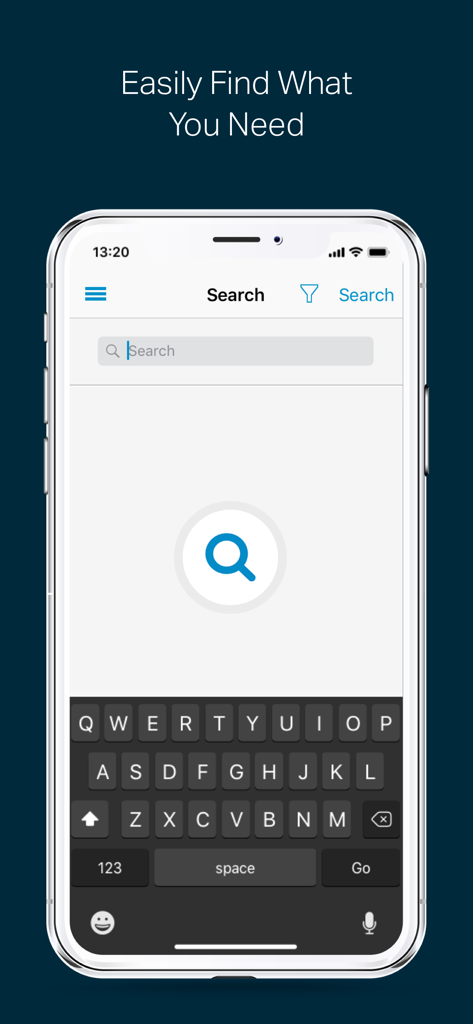
Eine mobile Benutzeroberfläche der SharePlus-App mit einer globalen Suchleiste und einer Bildschirmtastatur zum Auffinden von Unternehmensdokumenten.
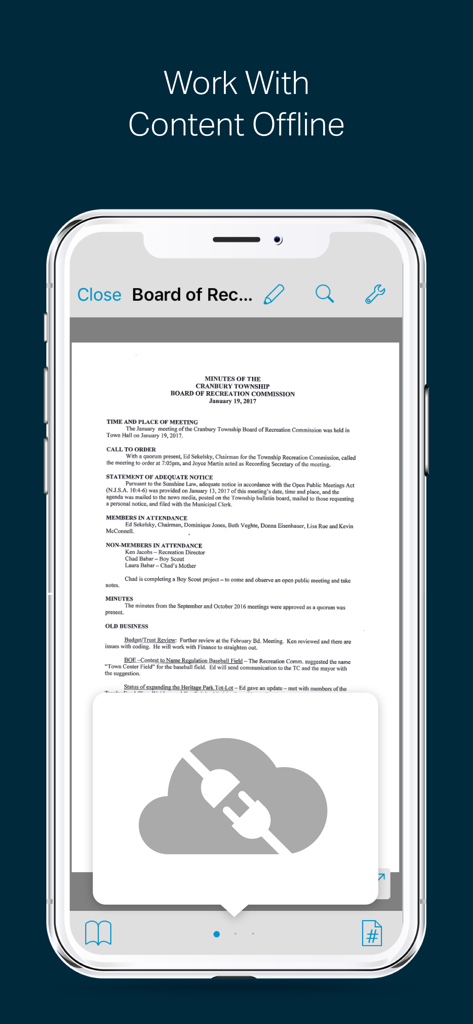
SharePlus App-Oberfläche, die ein Dokument für die Offline-Arbeit auf einem iPhone anzeigt
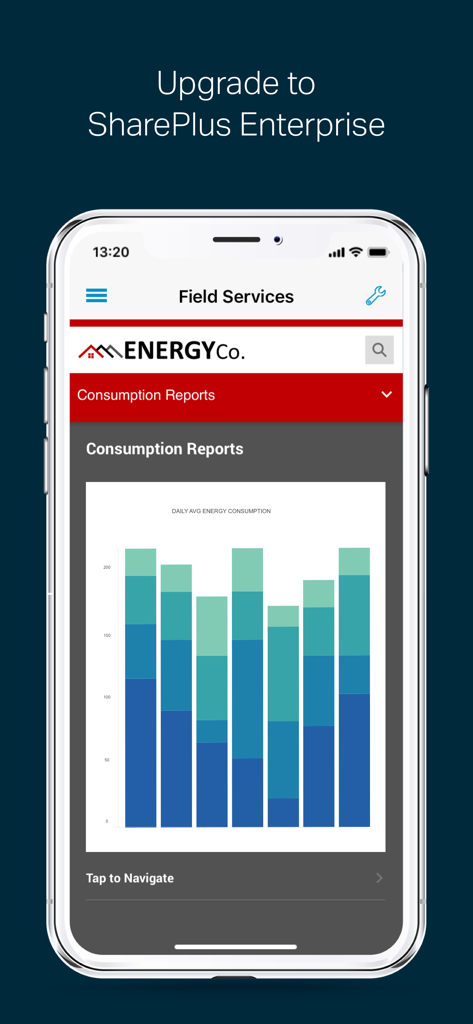
SharePlus Enterprise mobile App-Oberfläche, die Balkendiagramme des Energieverbrauchs und Field-Service-Berichte anzeigt.
Beschreibung
Download
Ähnliche Apps
Apps mit ähnlichen Funktionen und Nutzererfahrung

Content - Workspace ONE
Wandering WiFi LLC

智建存档
QuShuo Network Technology Co.Ltd

ADDISON OneClick Lohnordner
Wolters Kluwer Tax & Accounting Deutschland GmbH

Secure Reader for BlackBerry
Good.iWare, Inc.

Azure Information Protection
Microsoft Corporation

ONP Solicitors
Lavatech Limited

PaperCut Hive - Secure Print
PaperCut Software International Pty Ltd

Access Evo
Access UK Ltd
Diese Seite ist keine offizielle Seite der App oder ihres Entwicklers, sondern eine unabhängige redaktionelle Veröffentlichung, die zu Informations- und Kommentarzwecken erstellt wurde. Sofern nicht ausdrücklich anders angegeben, sind weder die App noch ihr Entwickler mit MWM, Apple, Google Play, dem App-Herausgeber oder dem Entwickler der App verbunden, von ihnen unterstützt, gesponsert, autorisiert oder anderweitig offiziell verbunden, und nichts auf dieser Seite impliziert, dass die App unter Verwendung der Dienste von MWM entwickelt wurde. Alle Marken, Logos, Screenshots und andere Inhalte bleiben Eigentum ihrer jeweiligen Inhaber.