
Diese Seite ist keine offizielle Seite der App oder ihres Entwicklers, sondern eine unabhängige redaktionelle Veröffentlichung, die zu Informations- und Kommentarzwecken erstellt wurde. Sofern nicht ausdrücklich anders angegeben, sind weder die App noch ihr Entwickler mit MWM, Apple, Google Play, dem App-Herausgeber oder dem Entwickler der App verbunden, von ihnen unterstützt, gesponsert, autorisiert oder anderweitig offiziell verbunden, und nichts auf dieser Seite impliziert, dass die App unter Verwendung der Dienste von MWM entwickelt wurde. Alle Marken, Logos, Screenshots und andere Inhalte bleiben Eigentum ihrer jeweiligen Inhaber.


Slow Motion' Video Editor
Verwandle deine 240-FPS-Aufnahmen in atemberaubende kinematografische Momente. Das ultimative Werkzeug für Sportler, GoPro-Ersteller und Vlogger, um jedes Detail präzise zur Geltung zu bringen.
Downloads
2M+Bewertung
Bewertungen gesamt
47K+Herausgeber
Kategorie
Photo & VideoSprachen
1Neueste Version
12.0.6Größe
115.2 MBErstveröffentlichung
1. Apr. 2015Mache aus jedem Spielzug ein Meisterwerk
Ob du eine Rekrutierungsrolle erstellst oder einen epischen Stunt teilst, unser Editor gibt dir professionelle Präzision über jedes Bild deiner 240-FPS-Aufnahmen.
Professionelle Geschwindigkeitskontrolle
Meistere deine Aufnahmen mit Unterstützung für 60 bis 240 FPS. Wechsle nahtlos zwischen Zeitlupe und normaler Geschwindigkeit, um genau den Moment des Aufpralls hervorzuheben.
Erstellt für Highlight-Reels
Das ultimative Werkzeug für Sportler. Verbessere deine Hudl-Highlights, indem du komplexe Techniken verlangsamst, um deinem Rekrutierungsprofil einen Wettbewerbsvorteil zu verschaffen.
Häufig gestellte Fragen
Alles, was Sie über wissen müssen Slow Motion' Video Editor
Kann ich Musik zu meinen Videos im Slow Motion' Video Editor hinzufügen?
Ja, der Slow Motion' Video Editor ermöglicht es Ihnen, Ihre Videos durch das Hinzufügen von Musik, perfekt synchronisiert mit Zeitlupensequenzen, aufzuwerten, um ein fesselndes audiovisuelles Erlebnis zu schaffen.
Was ist die maximale Bildrate, die für die Videogeschwindigkeitskontrolle im Slow Motion' Video Editor unterstützt wird?
Der Slow Motion' Video Editor unterstützt die Videogeschwindigkeitskontrolle bis zu 240 Bildern pro Sekunde (FPS), sodass Benutzer verschiedene Geschwindigkeiten für Klarheit und Bewegungsaufnahme experimentieren können.
Wie funktionieren Abonnements für den Slow Motion' Video Editor?
Der Slow Motion' Video Editor bietet flexible wöchentliche, monatliche oder jährliche Abonnementoptionen. Diese Abonnements schalten alle Premium-Funktionen und regelmäßige Updates frei, wobei die Gebühren über Ihr iTunes-Konto abgerechnet werden.
Kann ich mein Abonnement für den Slow Motion' Video Editor kündigen?
Ja, Sie können Ihr Abonnement für den Slow Motion' Video Editor jederzeit verwalten und kündigen. Um eine automatische Verlängerung zu vermeiden, kündigen Sie bitte mindestens 24 Stunden vor Ablauf Ihres aktuellen Abonnementzeitraums.
Unterstützt der Slow Motion' Video Editor GoPro-Aufnahmen?
Ja, der Slow Motion' Video Editor unterstützt eine Vielzahl von Videoformaten, einschließlich GoPro-Aufnahmen. Dies stellt sicher, dass Ihre aufregenden Abenteuer in fesselnde Zeitlupen-Meisterwerke verwandelt werden.
Kann ich Videos direkt aus der Slow Motion' Video Editor App teilen?
Ja, der Slow Motion' Video Editor bietet eine 'One Click Share'-Funktion, mit der Benutzer ihre bearbeiteten Videos direkt aus der Anwendungsoberfläche speichern oder teilen können.
Kann ich die Videogeschwindigkeit im Slow Motion' Video Editor in Echtzeit anpassen?
Ja, der Slow Motion' Video Editor ermöglicht es Benutzern, die Geschwindigkeit des Videos in Echtzeit anzupassen und bietet so die vollständige Kontrolle über das Filmmaterial, um Zeitlupen- oder Zeitraffer-Effekte anzuwenden.
Integriert sich der Slow Motion' Video Editor mit HUDL?
Ja, der Slow Motion' Video Editor verfügt über eine integrierte HUDL-Integration. Dies ermöglicht Sportbegeisterten, ihre Hudl-Highlights mit atemberaubenden Zeitlupenmomenten zu verbessern und ihrer Leistung einen zusätzlichen Vorteil zu verleihen.
Die folgenden Screenshots und die Beschreibung stammen direkt aus dem offiziellen Store-Eintrag der App und sind Eigentum des Entwicklers.
App Store
Screenshots
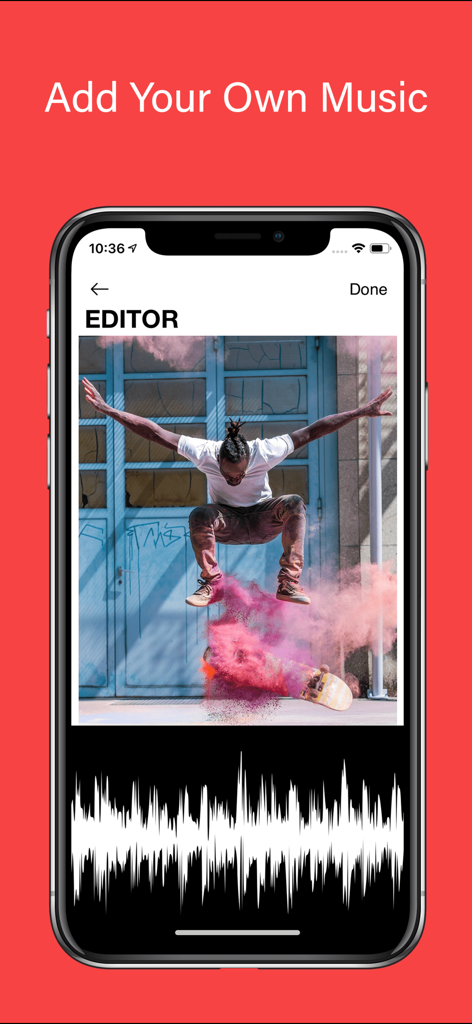
Oberfläche, die zeigt, wie man einem Skateboarding-Video in der Slow Motion Video Editor App Musik hinzufügt
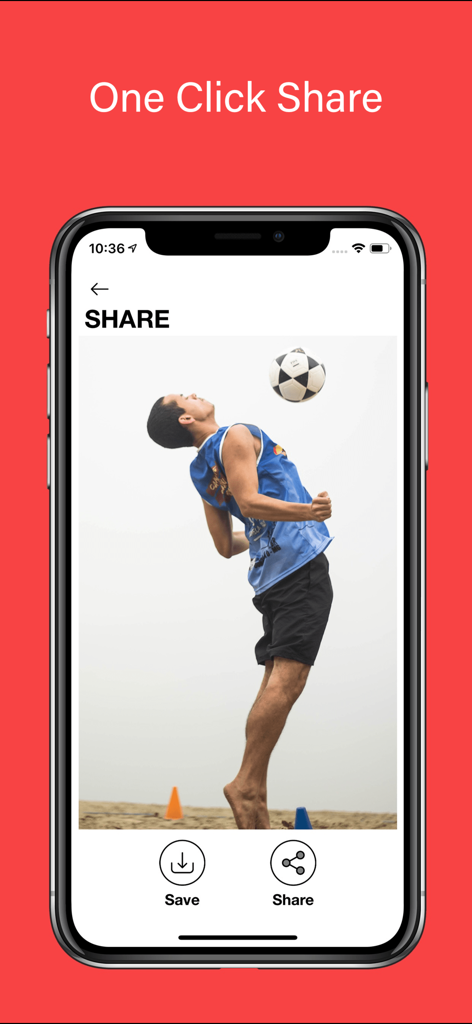
Slow Motion Video Editor-Oberfläche, die die Ein-Klick-Teilen-Funktion mit einem Fußballer-Highlight zeigt
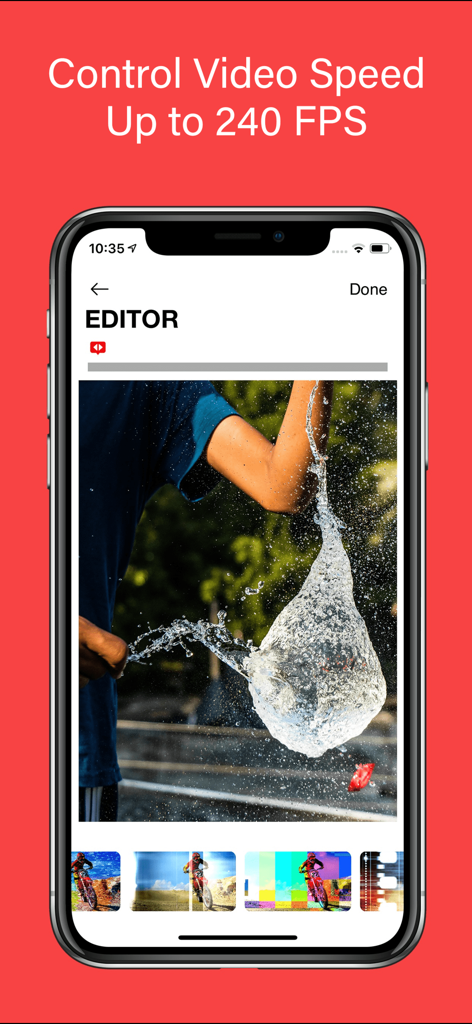
Slow Motion Video Editor App-Bildschirm, der die Bearbeitung von Hochgeschwindigkeitsvideos mit 240 FPS mit einem Wasserballplatzer zeigt
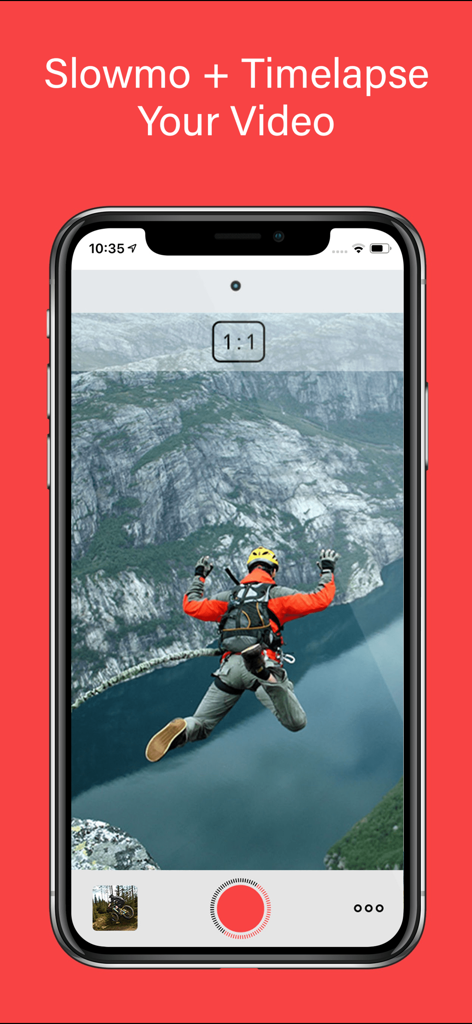
Slow Motion Video Editor Mobile App-Oberfläche, die ein Base-Jumping-Video zeigt
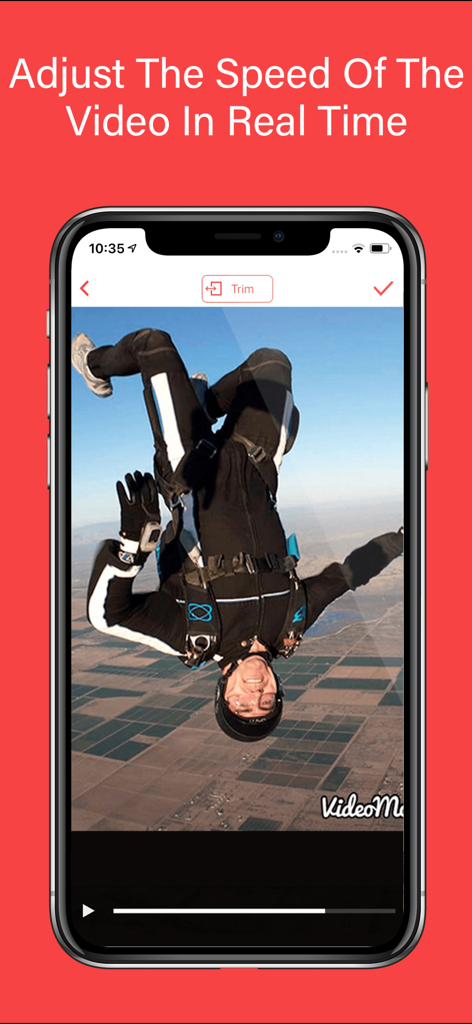
Mobilbildschirm, der die Echtzeit-Video-Geschwindigkeitsanpassung für ein Skydiving-Video zeigt
Beschreibung
Download
Ähnliche Apps
Top-gerankte Apps in derselben Kategorie

CapCut: Photo & Video Editor
BYTEDANCE PTE. LTD.

Instagram, Inc.

YouTube
Google LLC

Canva: AI Photo & Video Editor
Canva Pty Ltd

Snapchat
Snap, Inc.

快手
Beijing Kwai Technology Co., Ltd.

Edits: Video Editor
Instagram, Inc.

Meitu- AI Photo & Video Editor
Xiamen Meitu Technology Co., Ltd.

Google Photos: Backup & Edit
Google LLC
Diese Seite ist keine offizielle Seite der App oder ihres Entwicklers, sondern eine unabhängige redaktionelle Veröffentlichung, die zu Informations- und Kommentarzwecken erstellt wurde. Sofern nicht ausdrücklich anders angegeben, sind weder die App noch ihr Entwickler mit MWM, Apple, Google Play, dem App-Herausgeber oder dem Entwickler der App verbunden, von ihnen unterstützt, gesponsert, autorisiert oder anderweitig offiziell verbunden, und nichts auf dieser Seite impliziert, dass die App unter Verwendung der Dienste von MWM entwickelt wurde. Alle Marken, Logos, Screenshots und andere Inhalte bleiben Eigentum ihrer jeweiligen Inhaber.