
Diese Seite ist keine offizielle Seite der App oder ihres Entwicklers, sondern eine unabhängige redaktionelle Veröffentlichung, die zu Informations- und Kommentarzwecken erstellt wurde. Sofern nicht ausdrücklich anders angegeben, sind weder die App noch ihr Entwickler mit MWM, Apple, Google Play, dem App-Herausgeber oder dem Entwickler der App verbunden, von ihnen unterstützt, gesponsert, autorisiert oder anderweitig offiziell verbunden, und nichts auf dieser Seite impliziert, dass die App unter Verwendung der Dienste von MWM entwickelt wurde. Alle Marken, Logos, Screenshots und andere Inhalte bleiben Eigentum ihrer jeweiligen Inhaber.


SSH, SFTP Client, iSH, Putty
Verwalten Sie AWS-, Azure- und DigitalOcean-Umgebungen sicher unterwegs. Erleben Sie professionellen SSH- und SFTP-Zugriff mit Multi-Session-Unterstützung, benutzerdefinierten Terminal-Themes und vollständiger Bluetooth-Tastaturintegration.
Downloads
137K+Bewertung
Bewertungen gesamt
0Herausgeber
Kategorie
Developer ToolsSprachen
5Neueste Version
4.9.3Größe
65.2 MBErstveröffentlichung
12. Okt. 2019Beherrschen Sie Ihre Server von überall
Der fortschrittlichste SSH- und SFTP-Client, entwickelt für DevOps-Profis und Systemadministratoren, die Desktop-Leistung unterwegs benötigen.
Native Cloud-Integration
Verwalten Sie mühelos AWS-, Azure- und DigitalOcean-Instanzen mit gruppenbasierter Organisation und Stapelausführung.
Profi-Terminal & Editor
Vollständig anpassbares Terminal mit Bluetooth-Tastaturunterstützung, Gestensteuerung und integrierten Editoren wie Vim und Nano.
Die folgenden Screenshots und die Beschreibung stammen direkt aus dem offiziellen Store-Eintrag der App und sind Eigentum des Entwicklers.
App Store
Screenshots
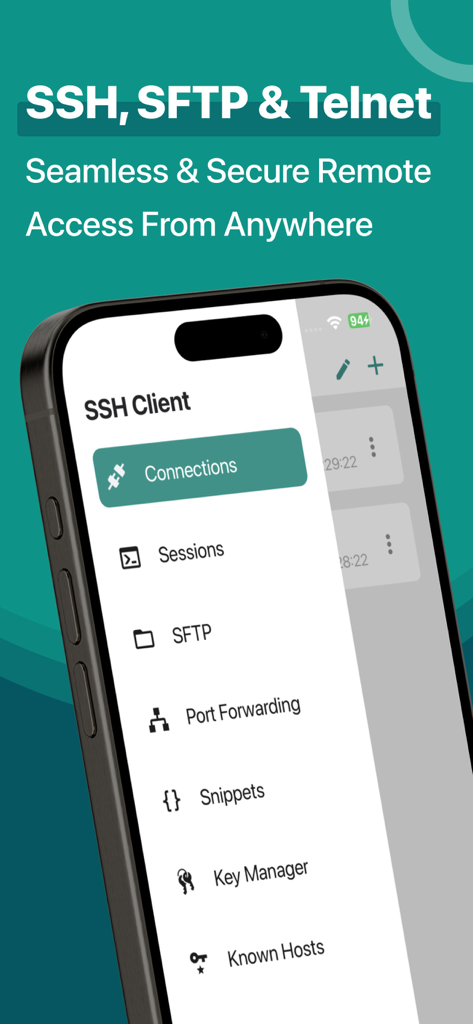
Ein Mobiltelefonbildschirm, der das Navigationsmenü einer SSH- und SFTP-Client-App anzeigt
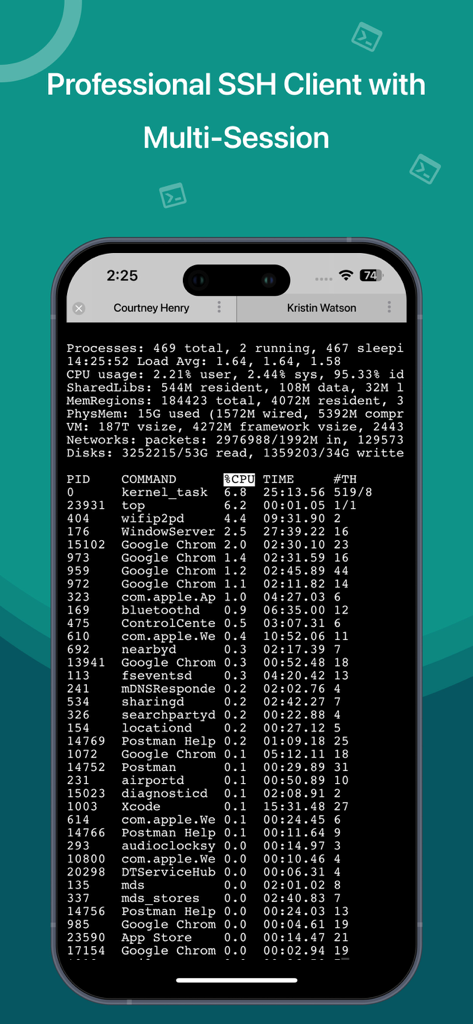
Professionelle SSH-Client-Terminaloberfläche auf dem iPhone mit Multi-Session-Unterstützung und Prozessüberwachung
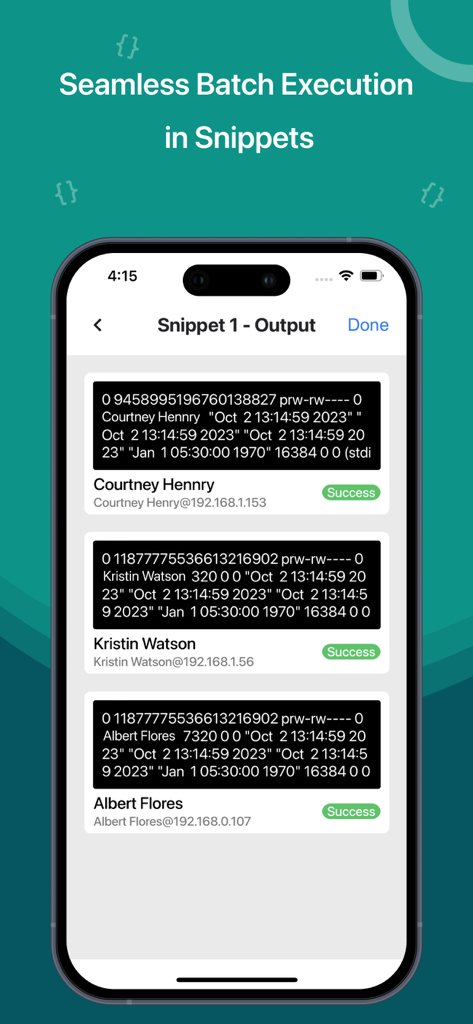
SSH-Client-App-Oberfläche, die die Ausgabe von Stapelausführungen auf mehreren Servern mit Erfolgstatus anzeigt
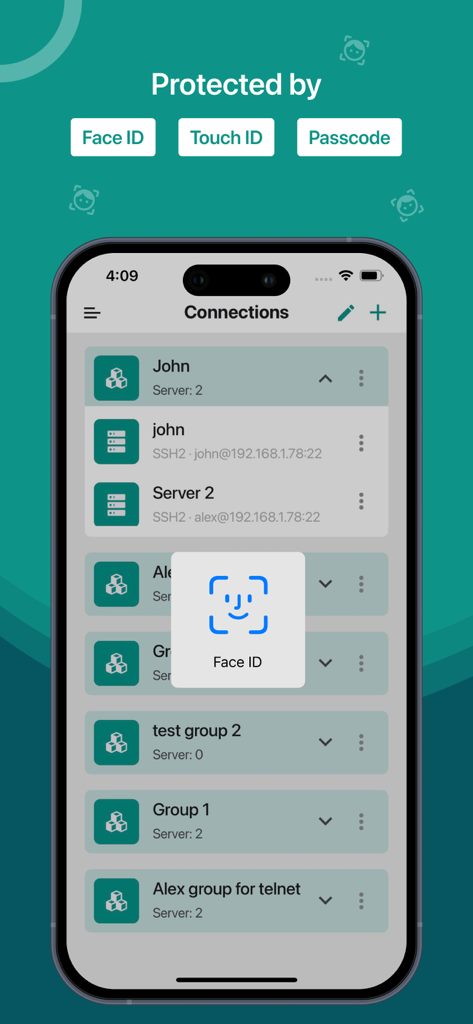
Sichere Anmeldung mit Face ID für die SSH- und SFTP-Serververwaltung auf dem iPhone
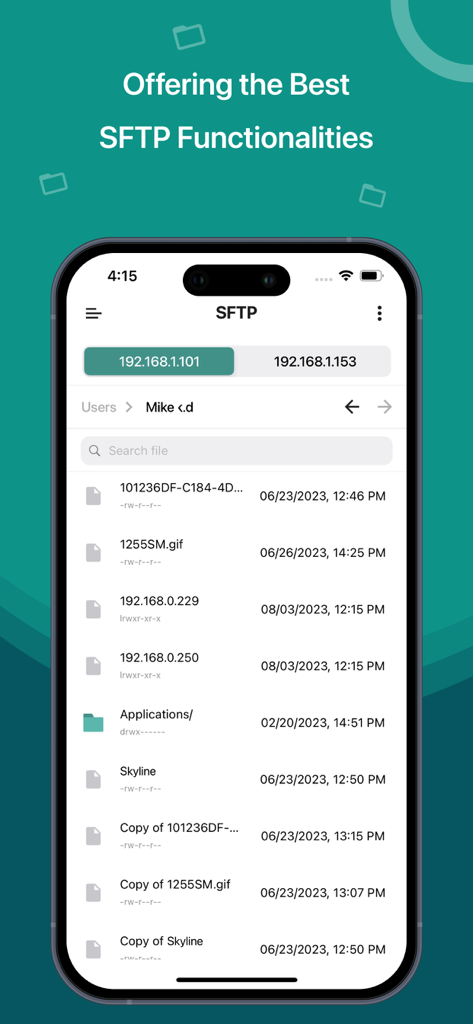
Eine mobile App-Oberfläche, die eine Liste von Dateien und Ordnern auf einem Remote-Server über das SFTP-Protokoll anzeigt.
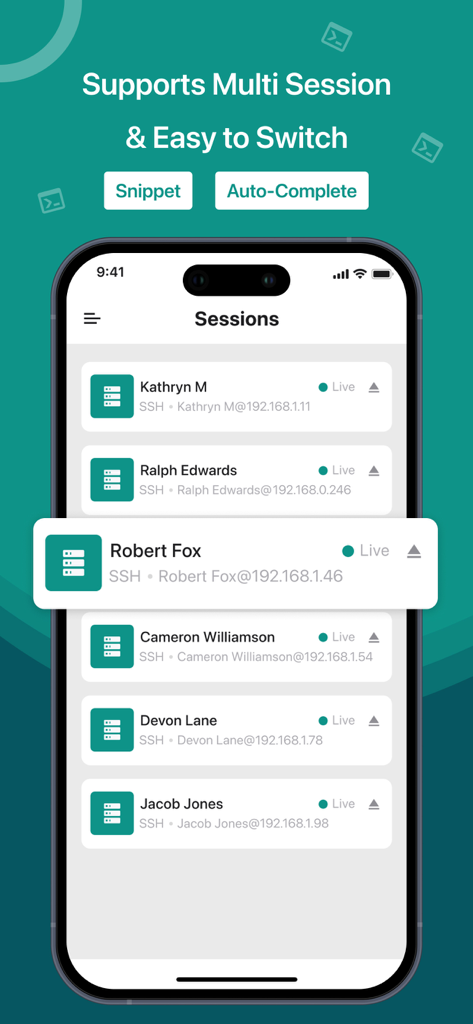
Bildschirm einer mobilen Anwendung, der mehrere aktive SSH-Serververbindungen zeigt
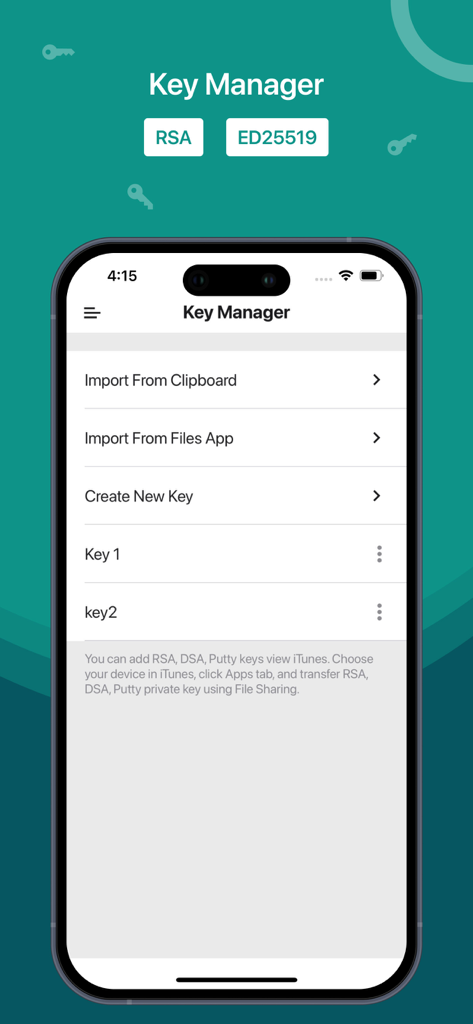
Schlüsselmanager-Oberfläche in der SSH- und SFTP-Client-App, die Optionen zum Importieren und Erstellen von Sicherheitsschlüsseln wie RSA und ED25519 anzeigt.
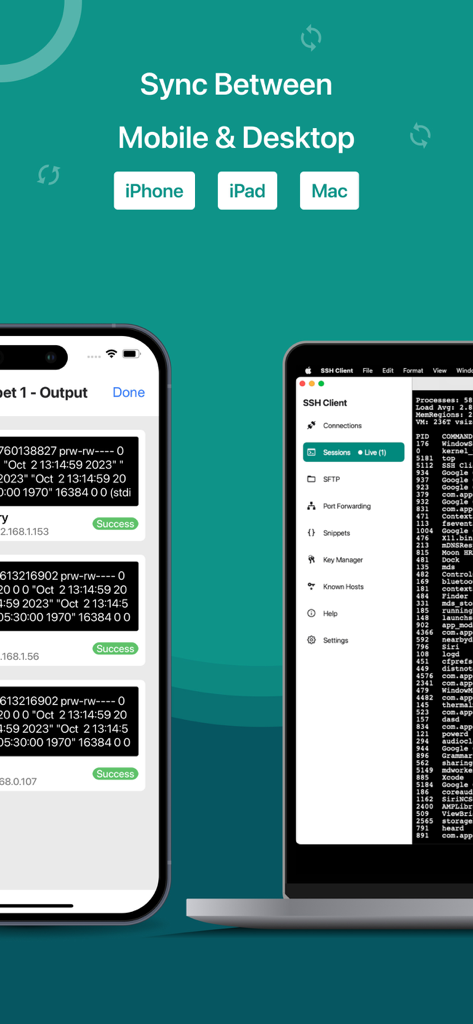
SSH- und SFTP-Client-Oberfläche auf iPhone und Mac, die Gerätesynchronisierung zeigt
Beschreibung
Download
Ähnliche Apps
Top-gerankte Apps in derselben Kategorie

TestFlight
Apple Inc.

Replit: Vibe Code Apps
Replit, Inc

GitHub
GitHub

O-KAM Pro
Shenzhen VeePai IoT Intelligent Technology LLC

Apple Developer
Apple Inc.

Expo Go
650 Industries, Inc.

Scriptable
Simon Stovring

App Store Connect
Apple Inc.

Sekai: Create · Remix · Play
Versa AI, Inc.
Diese Seite ist keine offizielle Seite der App oder ihres Entwicklers, sondern eine unabhängige redaktionelle Veröffentlichung, die zu Informations- und Kommentarzwecken erstellt wurde. Sofern nicht ausdrücklich anders angegeben, sind weder die App noch ihr Entwickler mit MWM, Apple, Google Play, dem App-Herausgeber oder dem Entwickler der App verbunden, von ihnen unterstützt, gesponsert, autorisiert oder anderweitig offiziell verbunden, und nichts auf dieser Seite impliziert, dass die App unter Verwendung der Dienste von MWM entwickelt wurde. Alle Marken, Logos, Screenshots und andere Inhalte bleiben Eigentum ihrer jeweiligen Inhaber.