
Diese Seite ist keine offizielle Seite der App oder ihres Entwicklers, sondern eine unabhängige redaktionelle Veröffentlichung, die zu Informations- und Kommentarzwecken erstellt wurde. Sofern nicht ausdrücklich anders angegeben, sind weder die App noch ihr Entwickler mit MWM, Apple, Google Play, dem App-Herausgeber oder dem Entwickler der App verbunden, von ihnen unterstützt, gesponsert, autorisiert oder anderweitig offiziell verbunden, und nichts auf dieser Seite impliziert, dass die App unter Verwendung der Dienste von MWM entwickelt wurde. Alle Marken, Logos, Screenshots und andere Inhalte bleiben Eigentum ihrer jeweiligen Inhaber.


The OB Wheel Pro 7
Das definitive 7-in-1-Utility zur Berechnung des Gestationsalters, der Ultraschall-Biometrie und des fetalen Gewichts auf iPhone und Apple Watch.
Downloads
166K+Bewertung
Bewertungen gesamt
0Herausgeber
Kategorie
MedicalSprachen
6Neueste Version
2.1Größe
1.5 MBErstveröffentlichung
28. Okt. 2013Präzisionswerkzeuge für die moderne Schwangerschaftsvorsorge
Die OB Wheel Pro 7 konsolidiert sieben wesentliche klinische Rechner in einer Hochleistungs-Oberfläche, die speziell für medizinisches Fachpersonal entwickelt wurde.
Fortgeschrittene Gestationsdatierung
Bestimmen Sie EDD und GA sofort anhand von LMP, Ultraschall-Biometrie (CRL, BPD, FL) oder Empfängnisdaten mit professioneller Genauigkeit.
Umfassende fetale Beurteilung
Berechnen Sie das geschätzte fetale Gewicht (EFW) und bewerten Sie das Risiko von Aneuploidie mithilfe integrierter, altersadjustierter Risikotabellen und biometrischer Formeln.
Die folgenden Screenshots und die Beschreibung stammen direkt aus dem offiziellen Store-Eintrag der App und sind Eigentum des Entwicklers.
App Store
Screenshots
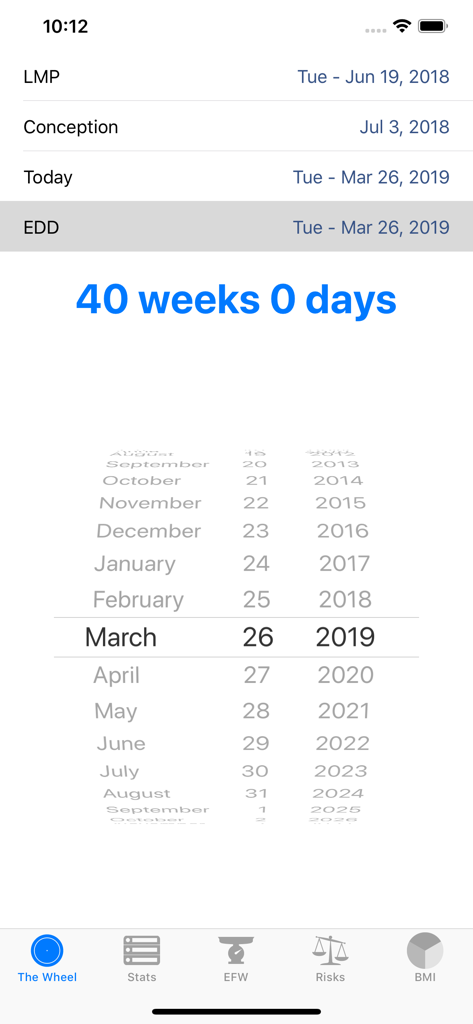
Die OB Wheel Pro 7 App-Oberfläche berechnet 40 Wochen Gestationsalter.
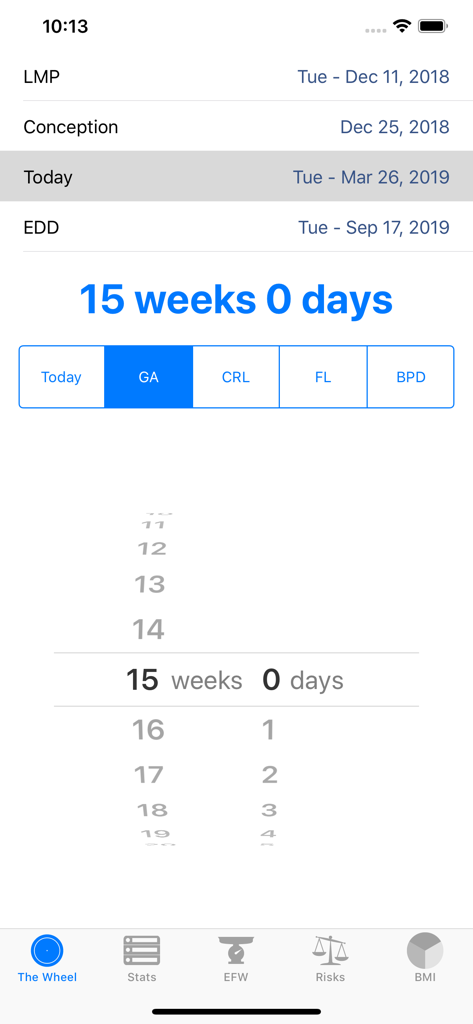
Gestationsalter-Rechner-Bildschirm in der OB Wheel Pro 7 App zeigt 15 Wochen Schwangerschaftsstatus an
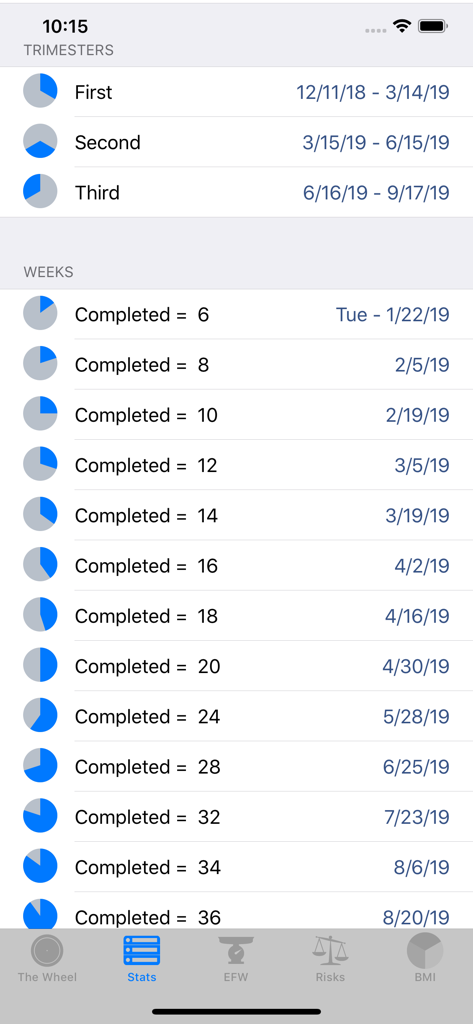
Zeitplan für Schwangerschaftstrimester und abgeschlossene Wochen in der OB Wheel Pro 7 App
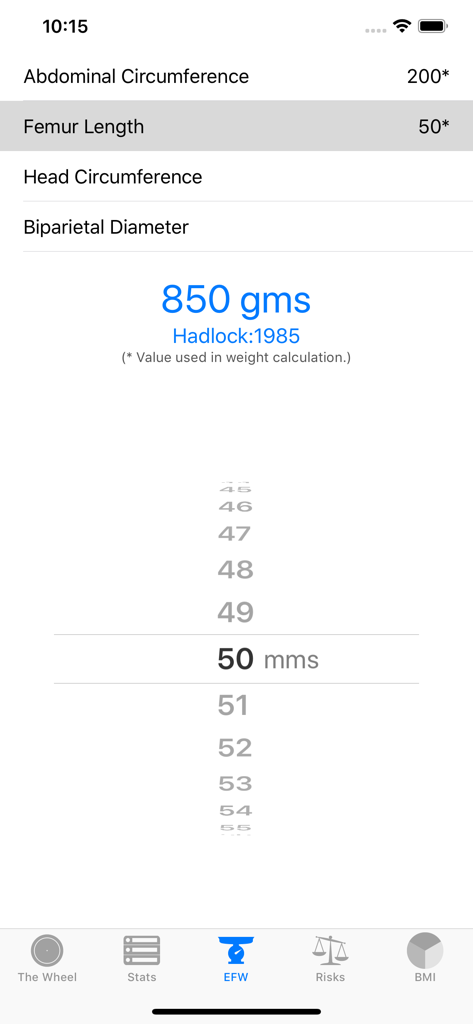
Oberfläche zeigt die Berechnung des geschätzten fetalen Gewichts mit Ultraschall-Biometrie wie Femurlänge und Bauchumfang an
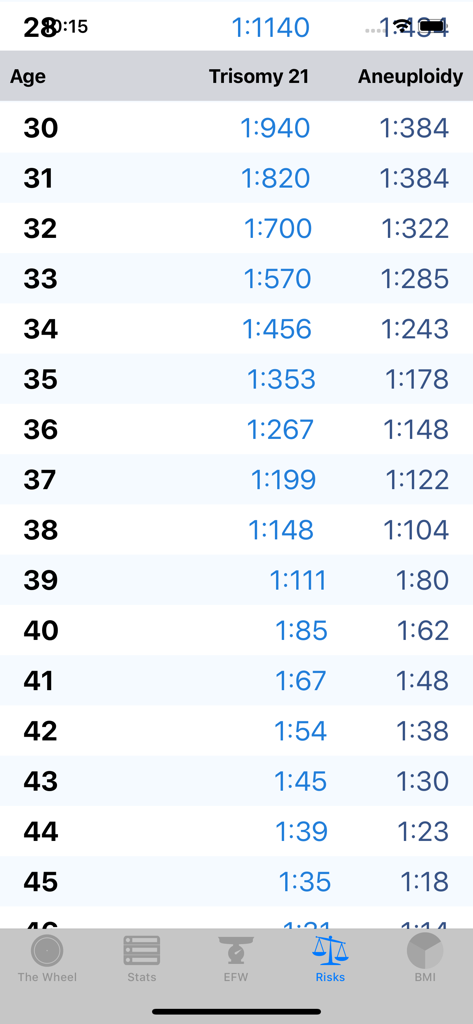
Altersadjustierte Risikotabelle für Trisomie 21 und Aneuploidie in der OB Wheel Pro 7 App
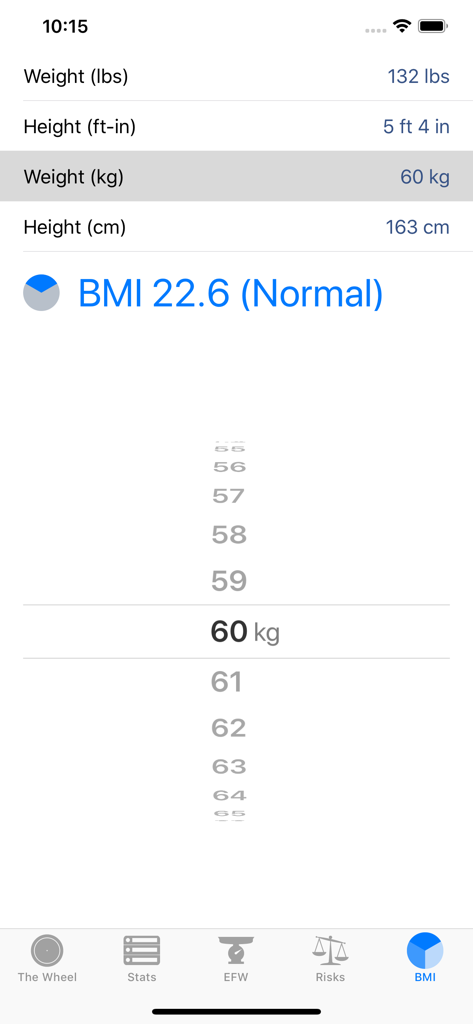
BMI-Rechner-Bildschirm in der OB Wheel Pro 7 App zeigt Eingabefelder für Körpergröße und Gewicht sowie ein berechnetes normales BMI-Ergebnis an
Beschreibung
Download
Ähnliche Apps
Top-gerankte Apps in derselben Kategorie

国家医保服务平台
National Healthcare Security Administration

MyChart
Epic Systems Corporation

Doctolib - Your health partner
Doctolib

Pregnancy + | Tracker App
Philips Digital UK Limited

CVS Health
CVS Pharmacy

江苏医保云
Jiangsu Healthcare Security Bureau

UnitedHealthcare
UNITED HEALTHCARE SERVICES, INC.

京东健康
BEIJING JINGDONG 360 DU E-COMMERCE LTD.

Meu SUS Digital
Servicos e Informacoes do Brasil
Diese Seite ist keine offizielle Seite der App oder ihres Entwicklers, sondern eine unabhängige redaktionelle Veröffentlichung, die zu Informations- und Kommentarzwecken erstellt wurde. Sofern nicht ausdrücklich anders angegeben, sind weder die App noch ihr Entwickler mit MWM, Apple, Google Play, dem App-Herausgeber oder dem Entwickler der App verbunden, von ihnen unterstützt, gesponsert, autorisiert oder anderweitig offiziell verbunden, und nichts auf dieser Seite impliziert, dass die App unter Verwendung der Dienste von MWM entwickelt wurde. Alle Marken, Logos, Screenshots und andere Inhalte bleiben Eigentum ihrer jeweiligen Inhaber.