Zerocam | Anti-AI Camera
Herunterladen auf App Store

Diese Seite ist keine offizielle Seite der App oder ihres Entwicklers, sondern eine unabhängige redaktionelle Veröffentlichung, die zu Informations- und Kommentarzwecken erstellt wurde. Sofern nicht ausdrücklich anders angegeben, sind weder die App noch ihr Entwickler mit MWM, Apple, Google Play, dem App-Herausgeber oder dem Entwickler der App verbunden, von ihnen unterstützt, gesponsert, autorisiert oder anderweitig offiziell verbunden, und nichts auf dieser Seite impliziert, dass die App unter Verwendung der Dienste von MWM entwickelt wurde. Alle Marken, Logos, Screenshots und andere Inhalte bleiben Eigentum ihrer jeweiligen Inhaber.

Logo von Zerocam | Anti-AI Camera
Herunterladen auf App Store

Zerocam | Anti-AI Camera

Holen Sie sich Ihre Fotos von aggressiver Nachbearbeitung zurück. Erleben Sie reine, natürliche Fotografie ohne Einstellungen und Ablenkungen – einfach draufhalten und abdrücken.

Kennzahlen

Downloads

14K+

Bewertung

3.8/5

Bewertungen gesamt

400

Herausgeber

Sergio Rodriguez Rama

Kategorie

Photo & Video

Sprachen

1

Neueste Version

4.7

Größe

33.7 MB

Erstveröffentlichung

1. Juni 2024
Funktionen

Fotografie, ungefiltert.

Entfliehen Sie dem überbearbeiteten Look moderner Smartphones. Zerocam entfernt die Komplexität von KI und Menüs und bringt die rohe, nostalgische Freude der Point-and-Shoot-Fotografie zurück.

Anti-KI Natürlicher Look

Verabschieden Sie sich von aggressivem HDR und künstlicher Schärfe. Wir erhalten natürliches Rauschen und weiche Texturen für Fotos, die sich wie echte Erinnerungen anfühlen, nicht wie digitale Renderings.

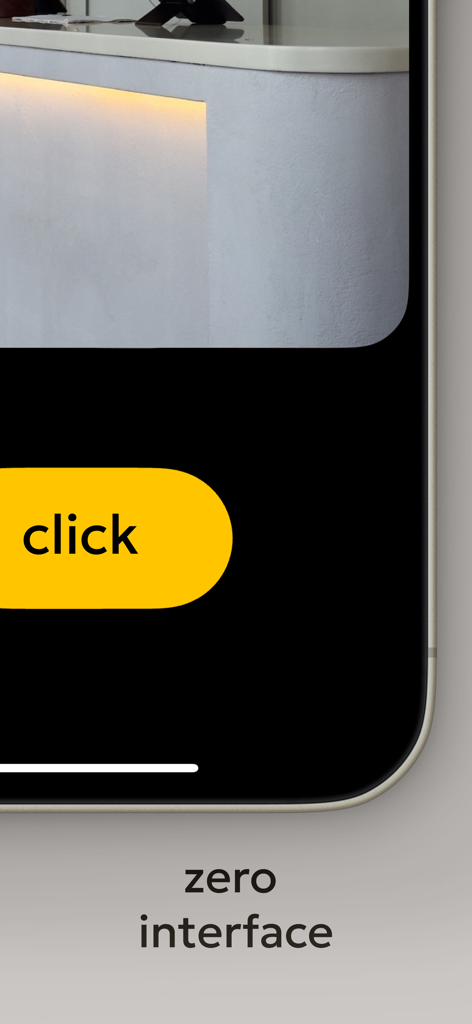
Null-Interface-Design

Kein Fokustippen, keine Belichtungsregler und keine Menüs. Mit nur einem riesigen Auslöser können Sie den Moment sofort festhalten, bevor die Magie verschwindet.

Die folgenden Screenshots und die Beschreibung stammen direkt aus dem offiziellen Store-Eintrag der App und sind Eigentum des Entwicklers.

App Store

Screenshots
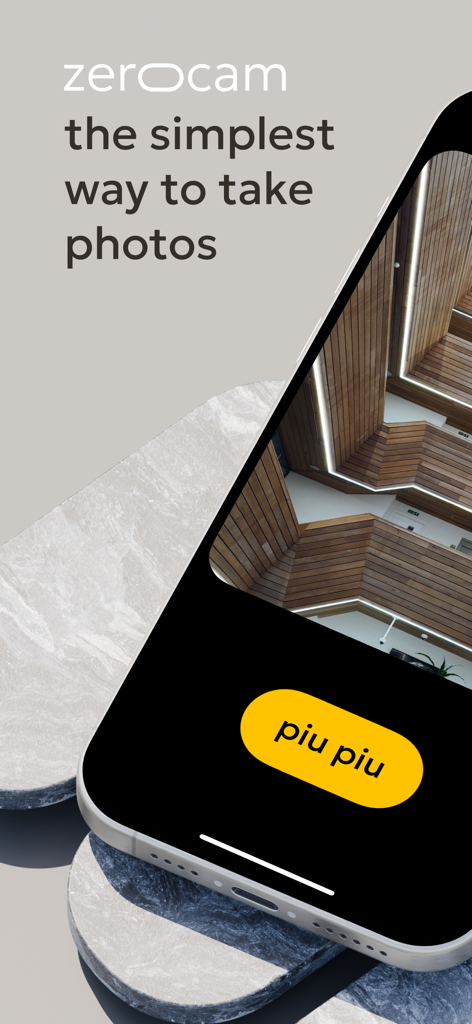
Zerocam | Anti-AI Camera - Zerocam minimalistische Kamera-App-Oberfläche auf einem iPhone mit einem gelben Piupiu-Auslöser und einem architektonischen Foto.
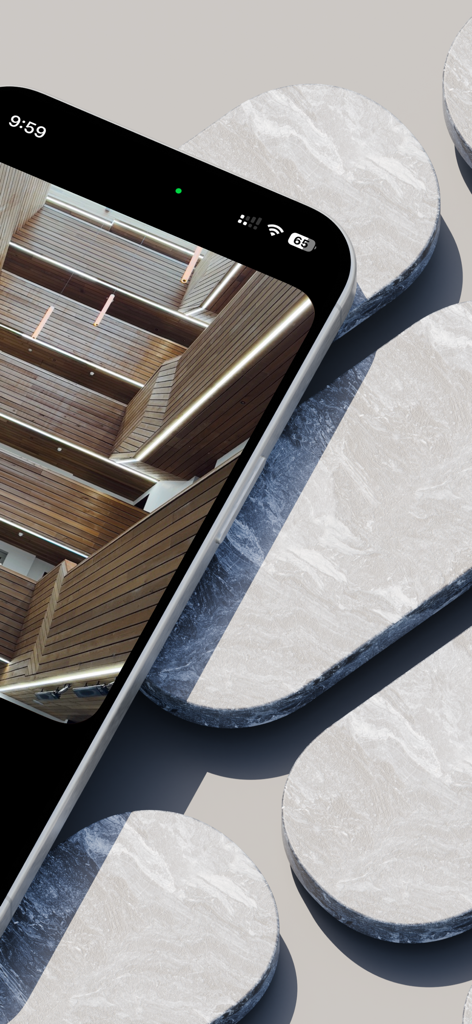
Zerocam minimalistische Kamera-App-Oberfläche auf einem iPhone mit einem gelben Piupiu-Auslöser und einem architektonischen Foto.

Zerocam | Anti-AI Camera - Ein iPhone zeigt ein natürliches architektonisches Foto mit der Zerocam-App auf einem minimalistischen Marmorhintergrund.
Ein iPhone zeigt ein natürliches architektonisches Foto mit der Zerocam-App auf einem minimalistischen Marmorhintergrund.

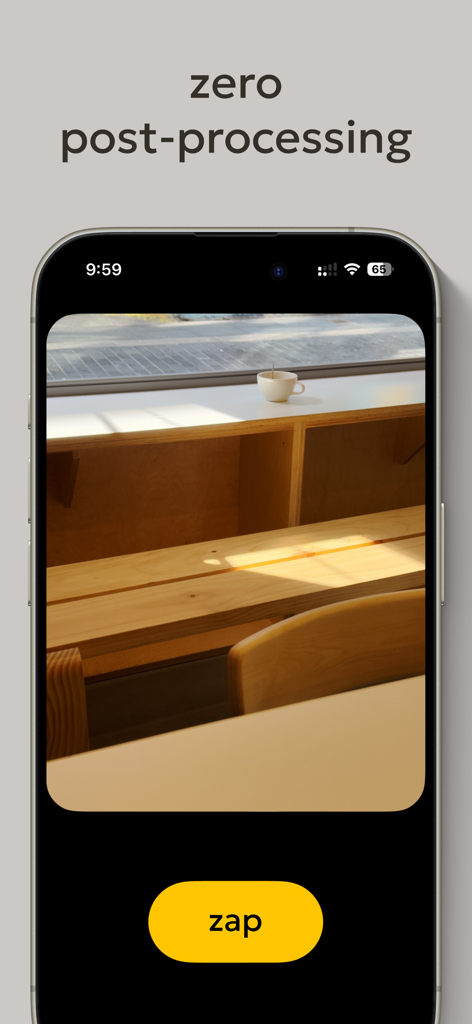
Zerocam | Anti-AI Camera - iPhone-Bildschirm zeigt die Zerocam-App-Oberfläche mit dem Text 'zero post-processing' und einem großen gelben Blitz-Auslöser.
iPhone-Bildschirm zeigt die Zerocam-App-Oberfläche mit dem Text 'zero post-processing' und einem großen gelben Blitz-Auslöser.

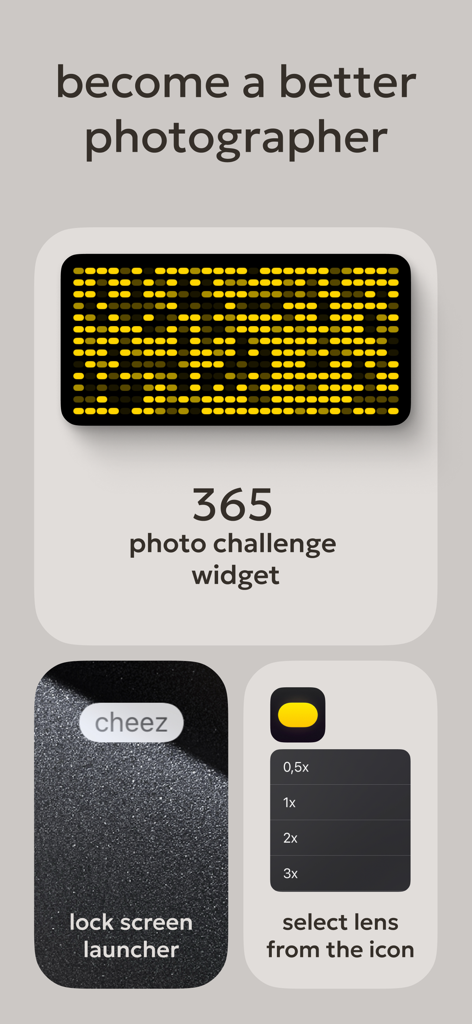
Zerocam | Anti-AI Camera - Zerocam-App-Oberfläche zeigt ein Foto-Herausforderung-Widget, eine Sperrbildschirm-Starttaste und ein Objektiv-Auswahlmenü.
Zerocam-App-Oberfläche zeigt ein Foto-Herausforderung-Widget, eine Sperrbildschirm-Starttaste und ein Objektiv-Auswahlmenü.

Zerocam | Anti-AI Camera - Zerocam-Kamera-App-Oberfläche ohne Schnickschnack zeigt einen großen gelben Auslöser mit dem Wort 'click'.

Zerocam-Kamera-App-Oberfläche ohne Schnickschnack zeigt einen großen gelben Auslöser mit dem Wort 'click'.

Beschreibung

Zerocam: the pure digital camera app. The app that brings pure point-and-shoot photography back! Your phone is a small pocket camera, and we believe this camera is made for fun. Let's be honest: It's not a professional camera with a huge lens, large sensor, complicated settings, and hardware controls. It's a small pocket camera with a tiny sensor and a plastic lens. It's not perfect, but it has a charm! Natural noise, a soft, pleasant look, and subtle in-camera app color grading are distinctive Zerocam looks. The stock camera app is trying to compensate for "imperfections" with very aggressive AI postprocessing, and the result usually looks unnatural, with an unmistakable HDR look and flatness. Our task is to get rid of it. Zero interface. Focus on photography, not the camera! Today, almost all photo apps for mobile devices are packed with features, settings, and complicated controls. In our experience, it's becoming less and less accessible because sometimes we want to take a photo, but we have to set up too much: change the exposure, tap to focus, swipe to the correct mode, change the camera… and we miss the shot! Bummer! Zerocam is the most accessible camera app ever! We created the giant shutter button and all settings. There is no focusing, exposure correction, or hassle. Just click, and we do the rest. It's the same as using a real disposable camera—pure fun! We think photography is about telling a story, and nothing should distract you — not artificial postprocessing, ruining your photo with added details that aren't there, or a bloated interface. FAQ: Does Zerocam shoot RAW? — Nope. However, we use RAW in the pipeline for accurate color grading. And saves JPG for you. Can I shoot in RAW with Zerocam? — Nope. Your mobile camera is excellent, and RAW is more about a professional approach. Where are all the settings and options? — Zero. Remember the app name? Yep! How to focus? — Focus is always on the middle of the frame, as in pocket cameras! Where is the selfie camera? — Flip your device and get a way better selfie! Yep! The primary camera is better. Why does it have no options and functions? — This is why this camera app exists. Accessible and simple. Everyone can understand and use it! What is the difference between RAW shooting and Zerocam results? — RAW is a professional format file; it's only data, not a final photo. Also, the file size is quite large. You must edit it properly, making the photography process longer and more complicated. We appreciate this approach, but sometimes, we want to take photos and be sure they look fantastic. What exactly is Zerocam doing when I press the button? — Zerocam works precisely like a conventional digital camera: It takes temporary RAW with our best setting depending on the light and scene, converts it to a flat image, applies our custom subtitle LUT, and saves it in compressed format. Terms of use: https://www.apple.com/legal/internet-services/itunes/dev/stdeula/

Download

Herunterladen auf App Store

Diese Seite ist keine offizielle Seite der App oder ihres Entwicklers, sondern eine unabhängige redaktionelle Veröffentlichung, die zu Informations- und Kommentarzwecken erstellt wurde. Sofern nicht ausdrücklich anders angegeben, sind weder die App noch ihr Entwickler mit MWM, Apple, Google Play, dem App-Herausgeber oder dem Entwickler der App verbunden, von ihnen unterstützt, gesponsert, autorisiert oder anderweitig offiziell verbunden, und nichts auf dieser Seite impliziert, dass die App unter Verwendung der Dienste von MWM entwickelt wurde. Alle Marken, Logos, Screenshots und andere Inhalte bleiben Eigentum ihrer jeweiligen Inhaber.








