2FA and MFA Authenticator

2FA and MFA Authenticator

ダウンロード: App Store
ロゴ: 2FA and MFA Authenticator

2FA・MFA認証アプリ:アカウントのためのプロフェッショナルグレードのセキュリティ

高度な暗号化と手動キー制御でデジタル資産を保護。セキュリティ意識の高いプロフェッショナル向けに設計された、直感的でプレミアムな認証体験。

開発元

Luna Klyne

カテゴリ

Business

ダウンロード

11K+

ユーザー評価

4.6/5

評価数

200

対応言語

1

一目でわかるセキュリティ

このインターフェースを利用する 11K+ 人のユーザー.

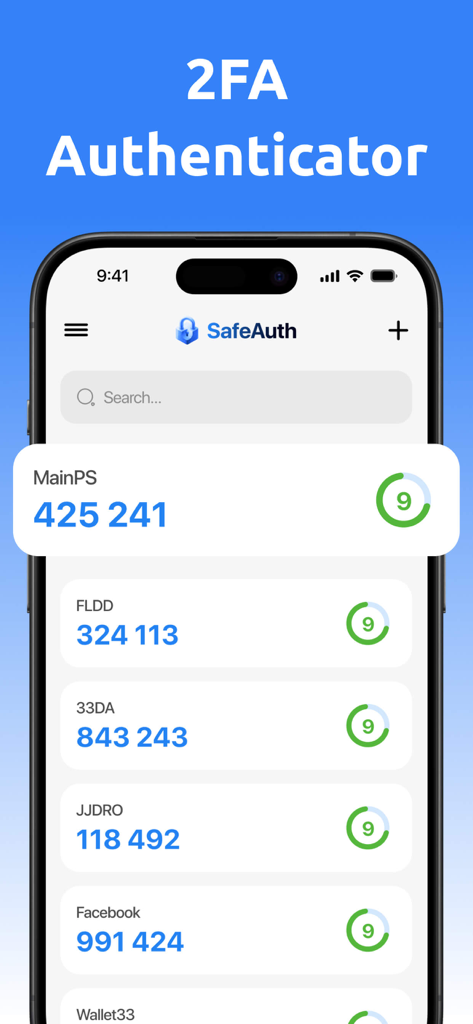
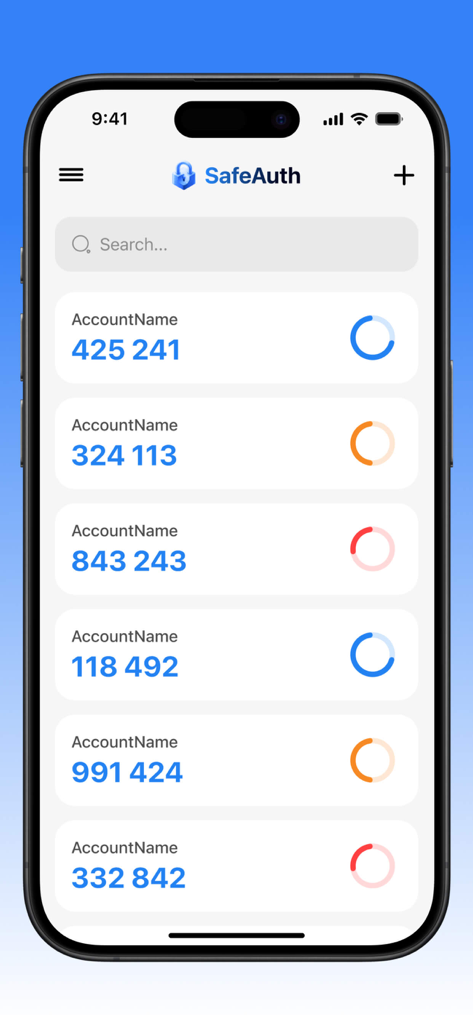
SafeAuthアプリのインターフェース。iPhone上の様々なアカウントの2要素認証コードのリストが表示されています。

SafeAuthアプリのインターフェース。iPhone上の様々なアカウントの2要素認証コードのリストが表示されています。

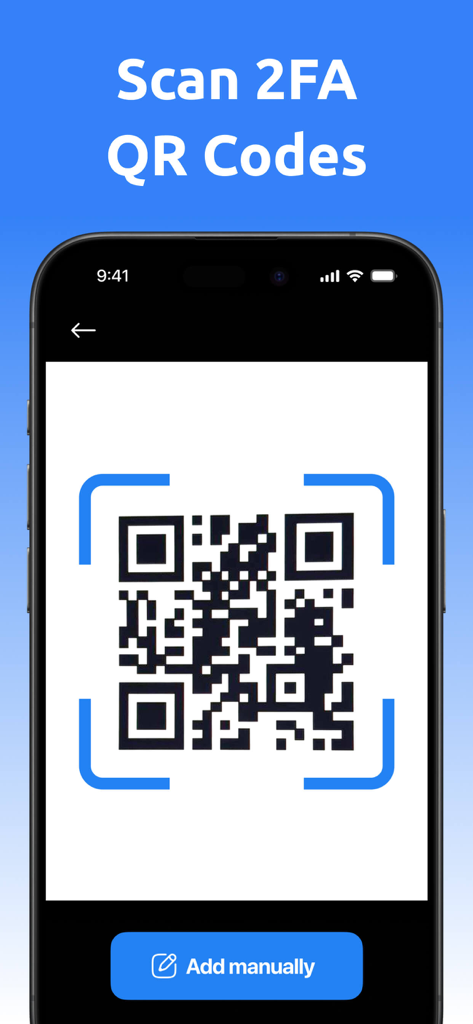
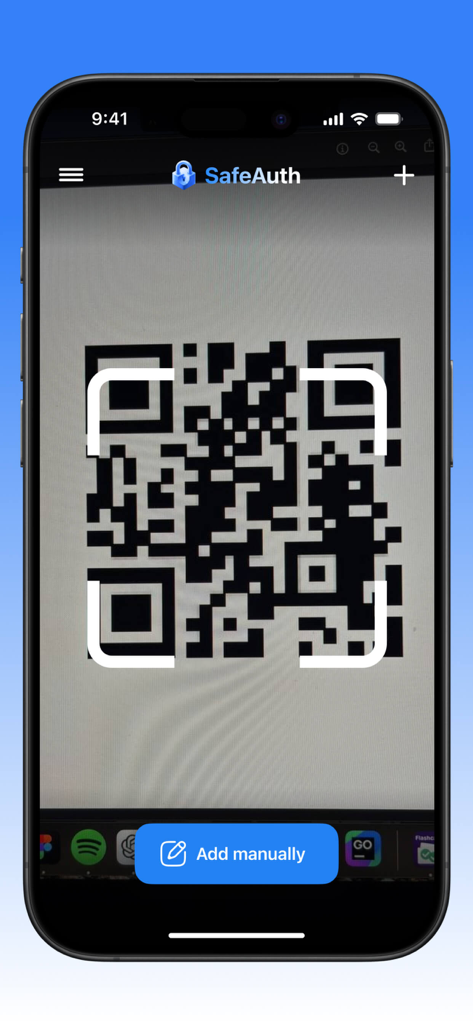
iPhone画面に2FAアカウント設定用のQRコードが表示され、「手動で追加」ボタンがあります。

iPhone画面に2FAアカウント設定用のQRコードが表示され、「手動で追加」ボタンがあります。

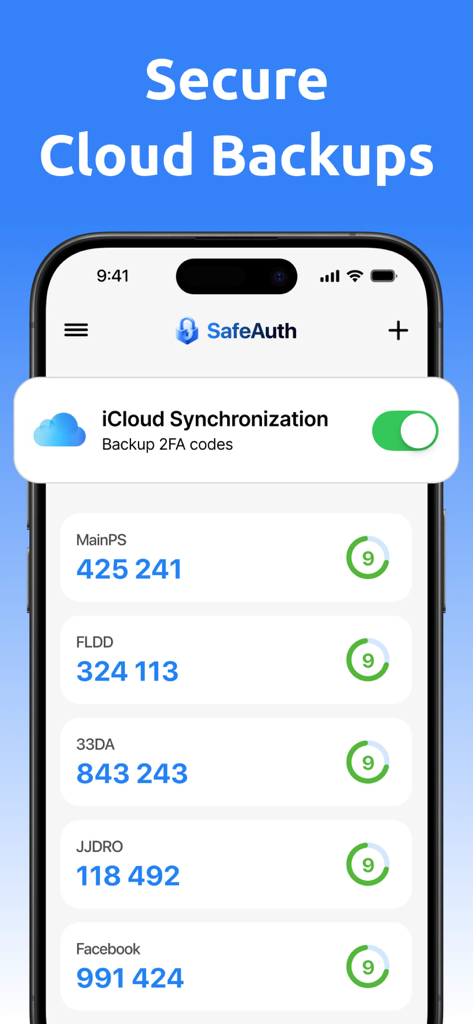
2FA・MFA認証アプリのiPhoneスクリーンショット。検証コードと、安全なクラウドバックアップのためのiCloud同期トグルが有効になっている状態が表示されます。

2FA・MFA認証アプリのiPhoneスクリーンショット。検証コードと、安全なクラウドバックアップのためのiCloud同期トグルが有効になっている状態が表示されます。

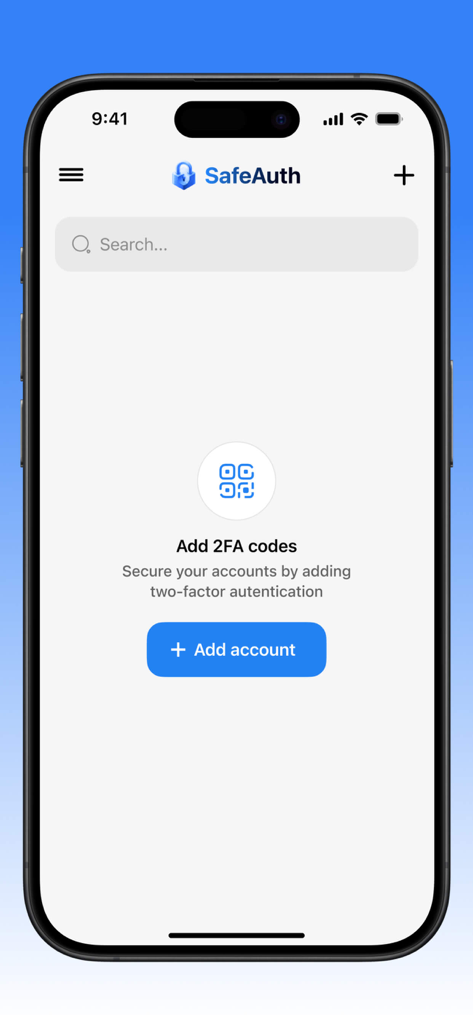
iPhone上のSafeAuth 2FA・MFA認証アプリのインターフェース。新しい安全なアカウントを追加する画面が表示され、青いボタンがあります。

iPhone上のSafeAuth 2FA・MFA認証アプリのインターフェース。新しい安全なアカウントを追加する画面が表示され、青いボタンがあります。

SafeAuthアプリのインターフェース。iPhone上で2要素認証コードが表示されます。

SafeAuthアプリのインターフェース。iPhone上で2要素認証コードが表示されます。

SafeAuth 2FA・MFA認証アプリのインターフェース内でQRコードをスキャンしているスマートフォン。

SafeAuth 2FA・MFA認証アプリのインターフェース内でQRコードをスキャンしているスマートフォン。

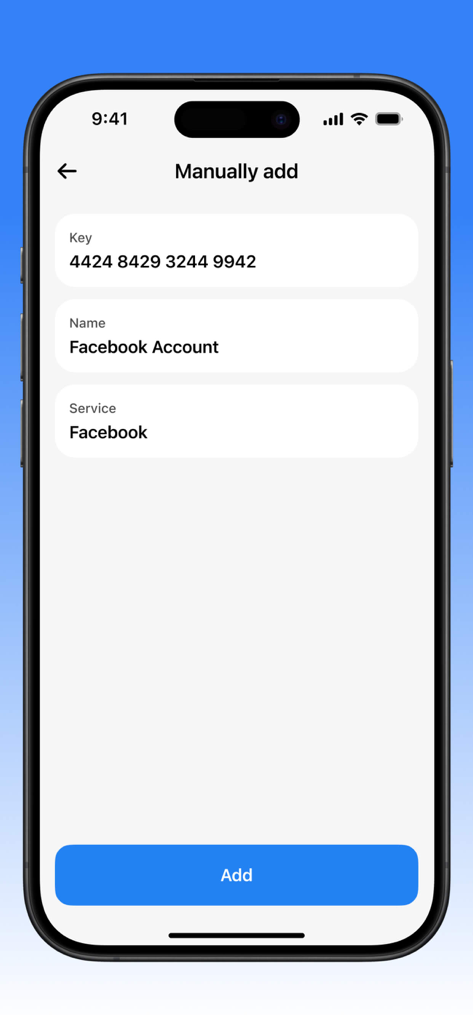
認証アプリでFacebookアカウントにセキュリティキーを手動で追加するためのインターフェース。

認証アプリでFacebookアカウントにセキュリティキーを手動で追加するためのインターフェース。

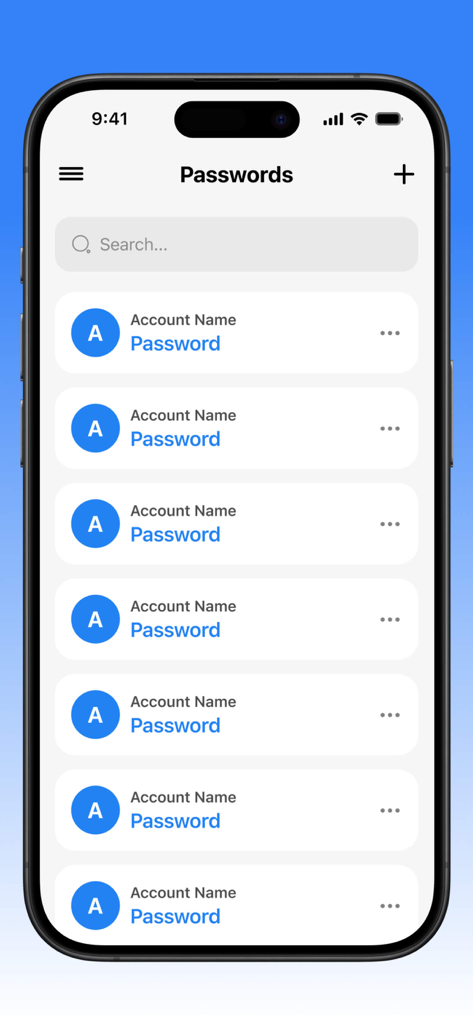
iPhone上の2FA・MFA認証アプリのインターフェース。検索バーと追加ボタンが付いた、管理対象アカウントパスワードのリストが表示されます。

iPhone上の2FA・MFA認証アプリのインターフェース。検索バーと追加ボタンが付いた、管理対象アカウントパスワードのリストが表示されます。

2FA・MFA認証アプリのインターフェース。保存または削除するオプションが付いたパスワード管理メニューが表示されます。

2FA・MFA認証アプリのインターフェース。保存または削除するオプションが付いたパスワード管理メニューが表示されます。

デジタルプロフェッショナルのための妥協なき保護

このアプリを際立たせるツール、 11K+ 人のユーザーが選択.

🛡️

軍用グレードの暗号化

最先端のアルゴリズムで、プロフェッショナルアカウントを侵入不可能に保ち、新たなサイバー脅威に先んじます。

⚙️

完全な手動制御

標準的な2FAを超え、特定のセキュリティ要件に合わせてキーを手動で生成・カスタマイズできます。

🌓

生産性のためのデザイン

フルダークモード対応のクリーンで直感的なインターフェースにより、セキュリティ管理がプロフェッショナルのワークフローに適合します。

アプリについて

について知っておくべきこと 2FA and MFA Authenticator.

説明

Our app is a reliable tool for two-factor and multi-factor authentication, providing a high level of security for your accounts. With it, you can easily manage keys and passwords, protecting your data from unauthorized access. One of the key features is the ability to manually generate keys, allowing users to customize the authentication system according to their individual needs. The app's interface is intuitive and user-friendly, with an option to switch to a dark theme, making it comfortable to use in any lighting conditions. Thanks to modern encryption algorithms, your data remains completely secure, and regular updates ensure protection from new threats. This is the ideal choice for those who value privacy and want to be confident in the security of their online accounts. Additionally, our app offers subscription plans that can be canceled at any time, providing flexibility and control over your service usage. This application has auto-renewable subscriptions and in-app purchase: 1 week - Weekly - 4.99$, 1 month - Monthly - 12.99$, 1 year - Yearly - 39.99$, Lifetime - $59.99 Privacy Policy Link: https://docs.google.com/document/d/16whsDrK1doUXnjj4UPJkDje5z46-UlSq9vMBv2gBxP4/edit?usp=sharing Terms of Use Link: https://www.apple.com/legal/internet-services/itunes/dev/stdeula/

最新バージョン

1.4.2

サイズ

150.3 MB

リリース日

2025年4月14日

今日からデジタルアイデンティティを保護

当社のプレミアムMFAツールが提供する手動キー制御と高度なアカウント保護を信頼する、数千人ものセキュリティ意識の高いプロフェッショナルに加わりましょう。

ダウンロード: App Store

App information, icons, screenshots, and descriptions displayed on this page are sourced from the Apple App Store and are the property of their respective developers. Download estimates and rankings are based on MWM's proprietary models and may not reflect actual figures. This page is provided for informational and analytical purposes only.

Believe this page infringes your intellectual property? File a dispute