2FA Authenticator: Auth Verify

2FA Authenticator: Auth Verify

ダウンロード: App Store
ロゴ: 2FA Authenticator: Auth Verify

2FA Authenticator: Auth Verify: ワンタップでデジタルワールドを安全に

多要素認証のプロフェッショナルな選択肢。暗号化されたクラウドバックアップ、生体認証セキュリティ、そして簡単なアカウント管理で、機密性の高いビジネスおよび個人アカウントを保護します。

ダウンロード: App Store

開発元

Uka Osim

カテゴリ

Business

ダウンロード

139K+

ユーザー評価

4.4/5

評価数

100

対応言語

1

一目でわかるセキュリティ

このインターフェースを利用する 139K+ 人のユーザー.

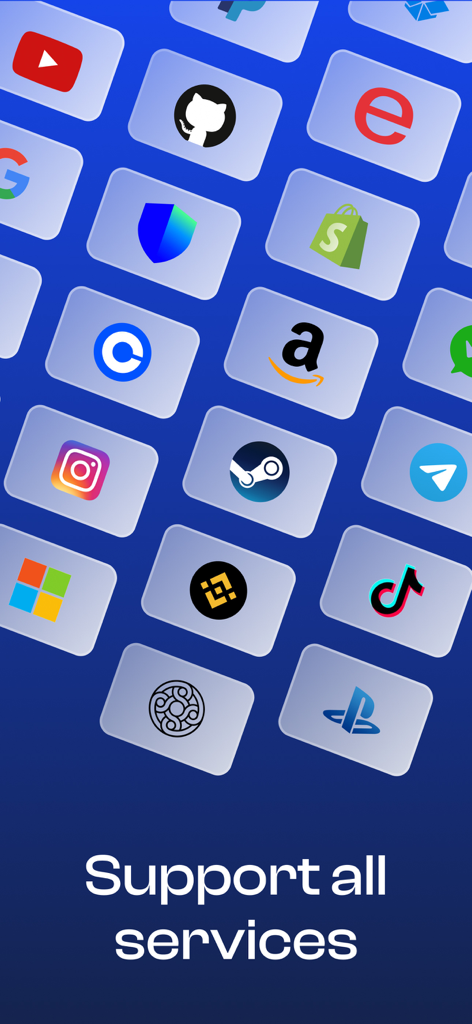
Google、Amazon、TikTokなどのさまざまなプラットフォームアイコンのグリッドと、「すべてのサービスをサポート」というテキストが表示されます。

Google、Amazon、TikTokなどのさまざまなプラットフォームアイコンのグリッドと、「すべてのサービスをサポート」というテキストが表示されます。

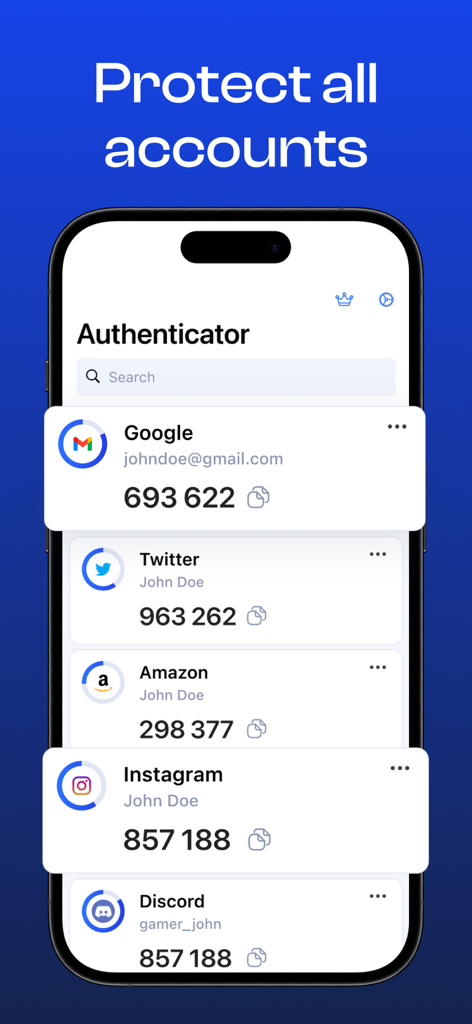
GoogleやTwitterなどの複数のデジタルアカウントの2要素認証コードを表示するモバイルアプリインターフェイス

GoogleやTwitterなどの複数のデジタルアカウントの2要素認証コードを表示するモバイルアプリインターフェイス

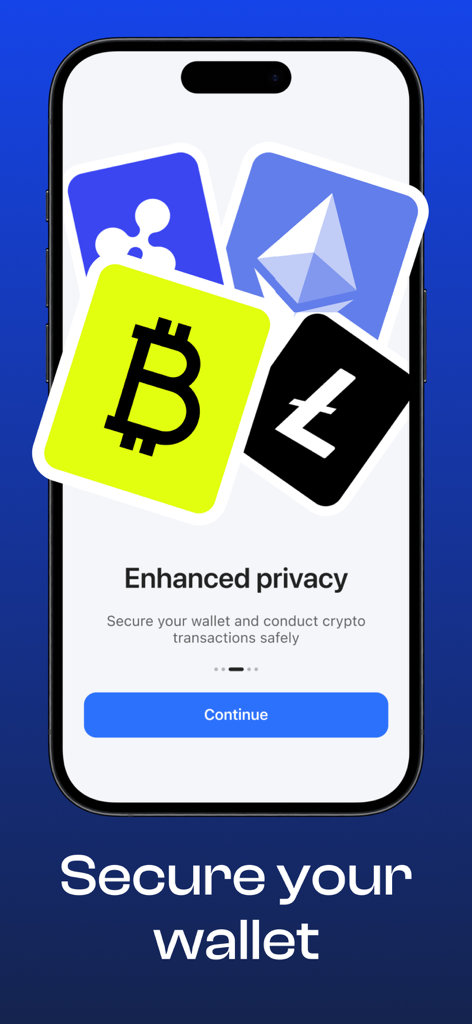
BitcoinやEthereumなどの暗号通貨アイコンと、プライバシー強化と安全なウォレットトランザクションに関するメッセージが表示されたスマートフォン画面

BitcoinやEthereumなどの暗号通貨アイコンと、プライバシー強化と安全なウォレットトランザクションに関するメッセージが表示されたスマートフォン画面

Binance GmailやInstagramなどのアカウントを保護するために2FA Authenticatorアプリを使用しているビジネスマン

Binance GmailやInstagramなどのアカウントを保護するために2FA Authenticatorアプリを使用しているビジネスマン

デジタル資産を簡単に強化

このアプリを際立たせるツール、 139K+ 人のユーザーが選択.

☁️

安全なクラウドリカバリ

認証キーが暗号化され、バックアップされているので安心です。デバイスを切り替えたり、失われたデータを即座に復旧したりでき、ロックアウトされることはありません。

🗂️

精密な整理

カスタムラベルとアイコンを使用して、大量のアカウントを管理します。プロフェッショナル、金融、個人のデジタルライフを完全に分離した状態に保ちます。

🛡️

インスタント生体認証セキュリティ

FaceIDまたはTouchIDを使用して、ミリ秒単位でコードにアクセスできます。ペースの速いワークフローにシームレスに統合されるプロアクティブな保護です。

アプリについて

について知っておくべきこと 2FA Authenticator: Auth Verify.

説明

Introducing 2FA Authenticator: Auth Verify, the ultimate solution for managing all your online accounts' security with efficiency and ease! Our robust and user-friendly app enhances your digital life by adding an extra layer of protection to your accounts while minimizing the hassle of remembering complex passwords. To get started, simply sign up for a 2FA-enabled account with a supported service or enable 2FA on an existing account. You will then receive a unique QR code, which you can scan with our Authenticator app to link your account and begin generating secure, temporary codes. Key Features One-Tap Authentication: Confirm or deny login requests with a single tap. Multi-Factor Security: Strengthen account access by combining your password with your mobile device. Time-Based One-Time Passwords (TOTP): Generate codes that refresh every 30 seconds for maximum protection. Secure Backup & Recovery: Store your authentication keys safely with encrypted cloud storage. Flexible Account Management: Add, edit, and organize accounts with custom names and icons. Cross-Platform Compatibility: Works seamlessly with services supporting standard 2FA protocols. Proactive Security: Includes auto-lock, biometric authentication, and login notifications. Stay ahead of online threats and enjoy seamless access to your accounts with SecureKey Authenticator! Boost your security and simplify your life with our convenient and reliable app. Subscription Plans SecureKey Authenticator offers flexible subscription options: Weekly Plan – 1 week access with a 3-day free trial Monthly Plan – 1 month access Yearly Plan – 1 year access Subscriptions automatically renew unless auto-renew is turned off at least 24 hours before the end of the current period. Payment will be charged to your iTunes account at confirmation of purchase. Privacy Policy: https://4onstudios.com/privacy-policy/ Terms of Use: https://4onstudios.com/terms-of-service/

最新バージョン

2.3.3

サイズ

9.7 MB

リリース日

2023年4月8日

ワンタップでデジタルワールドを安全に

暗号化されたクラウドバックアップとシームレスな多要素保護のためにAuth Verifyを信頼する139,000人以上のプロフェッショナルに加わりましょう。本日、3日間の無料トライアルを開始してください。

ダウンロード: App Store

App information, icons, screenshots, and descriptions displayed on this page are sourced from the Apple App Store and are the property of their respective developers. Download estimates and rankings are based on MWM's proprietary models and may not reflect actual figures. This page is provided for informational and analytical purposes only.

Believe this page infringes your intellectual property? File a dispute