
このページはアプリまたはその開発者の公式ページではなく、情報提供および論評を目的として作成された独立した編集出版物です。明示的に別段の記載がない限り、アプリおよびその開発者は、MWM、Apple、Google Play、アプリのパブリッシャー、またはアプリの開発者と提携、承認、後援、認可、またはその他の公式的な関係はなく、このページのいかなる内容も、アプリがMWMのサービスを使用して開発されたことを意味するものではありません。すべての商標、ロゴ、スクリーンショット、その他のコンテンツはそれぞれの所有者の財産です。


Air Manager
iPadをフルカスタマイズ可能なタクタイル(触覚的)なフライトデッキに変え、没入感を高めましょう。MSFS 2024、X-Plane、Prepar3Dとシームレスに接続し、1,000以上の高精度な計器を指先で操作できます。
ダウンロード
58K+ユーザー評価
評価数
100開発元
カテゴリ
Games対応言語
1最新バージョン
5.0.0サイズ
896.8 MBリリース日
2016年2月16日究極のコックピット・リアリズム
iPadをプロ仕様のフライトデッキに変貌させます。カスタムレイアウトを作成し、メイン画面を解放して、タクタイルなタッチコントロールで操縦しましょう。
カスタムパネルビルダー
数分で独自の計器レイアウトを設計・スケーリング。軽飛行機から大型ジェット機まで、仮想ハンガー内のあらゆる機体に合わせて複数の構成を保存できます。
タクタイル・タッチコントロール
コックピットと自然に対話できます。没入感を損なうマウス操作の代わりに、高精度のタッチ操作で高度計の調整、無線周波数の設定、スイッチの切り替えが可能です。
以下のスクリーンショットと説明は、アプリの公式ストアリスティングから直接取得されたものであり、アプリ開発者の所有物です。
アプリストア
スクリーンショット
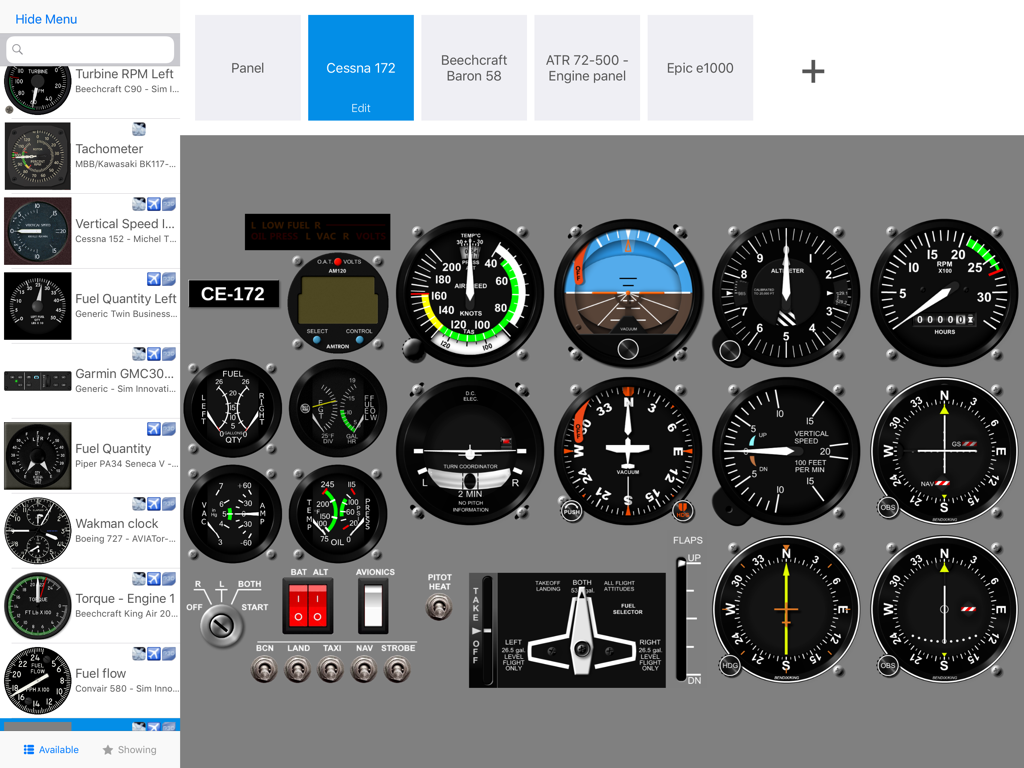
Air Managerアプリ内のカスタムCessna 172飛行計器パネルインターフェース
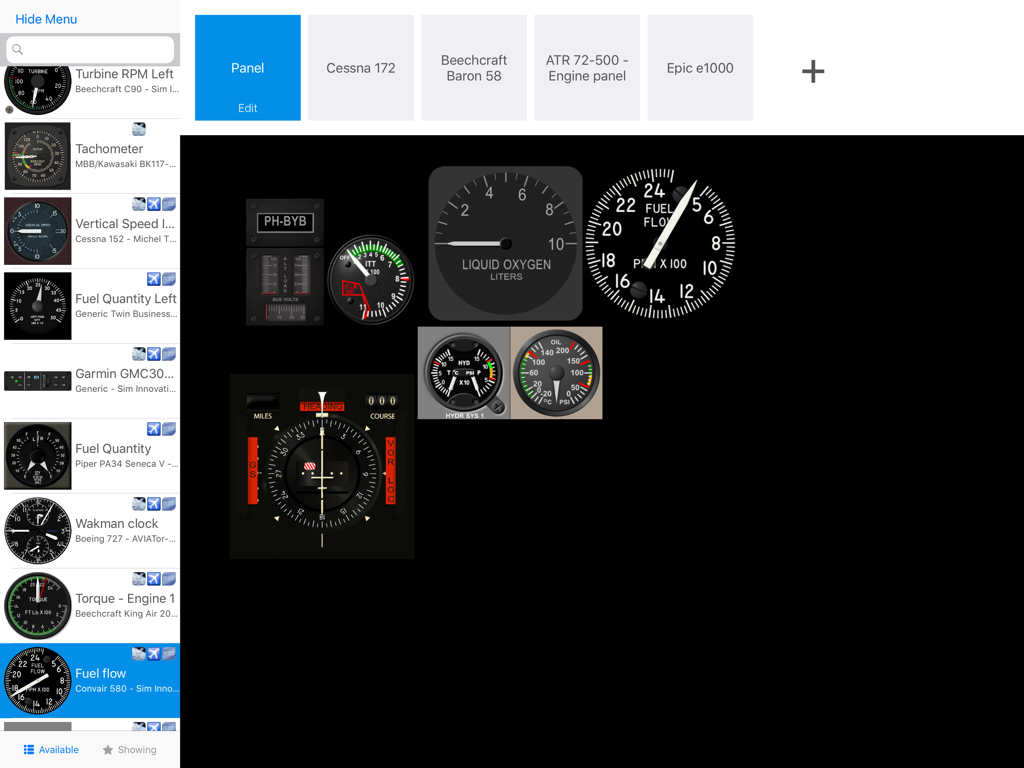
Air Managerでフライトシミュレーターの計器パネルをカスタマイズしている様子
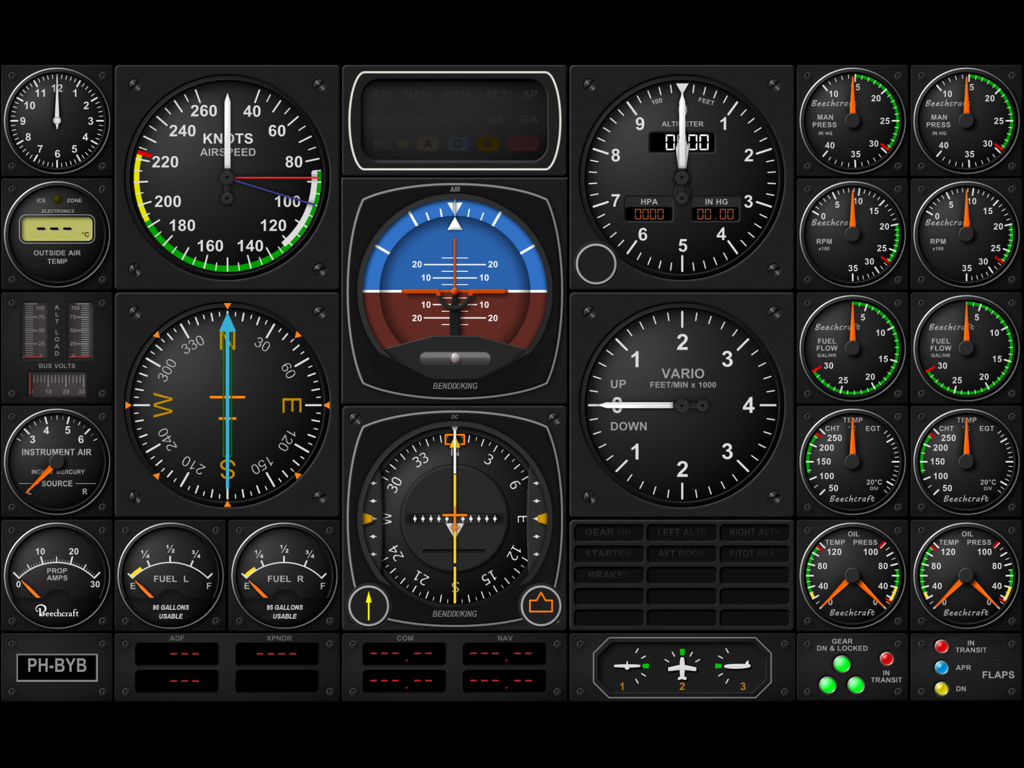
フライトシミュレーター用のカスタムデジタル航空機コックピット計器パネル
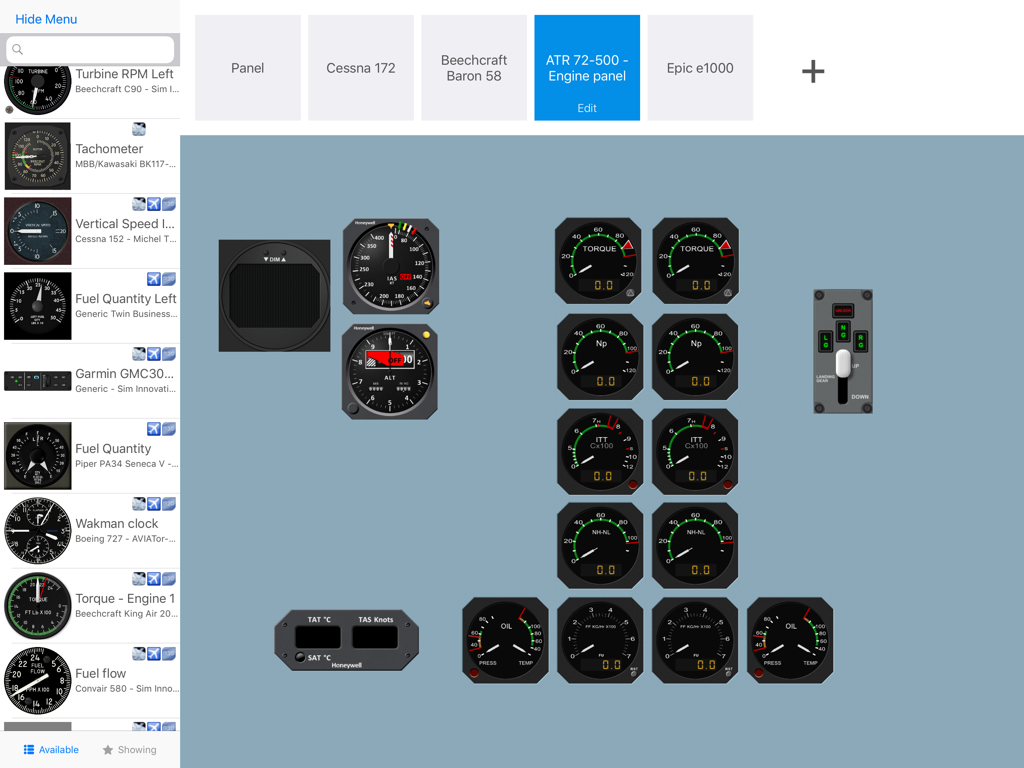
iPadでカスタムフライトシミュレーター計器パネルを設計するためのAir Managerインターフェース
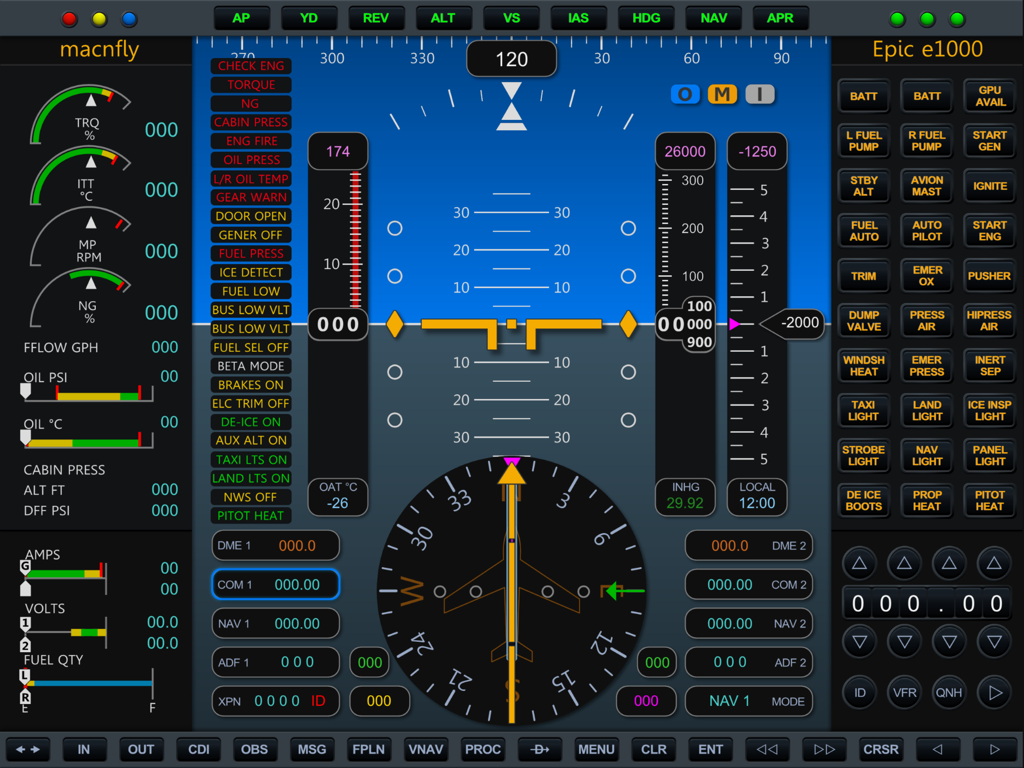
Air Managerアプリ内の、飛行計器とエンジンゲージを備えた詳細なEpic E1000デジタルコックピットディスプレイ
説明
Download
類似アプリ
同じカテゴリのトップランクアプリ

Block Blast!
ARETIS LIMITED

Heartopia
XD Entertainment Co., Ltd.

Solitaire Associations Journey
Hitapps Games LTD

Roblox
Roblox Corporation

Gossip Harbor®: Merge & Story
Microfun Limited

Arrows – Puzzle Escape
Lessmore UG haftungsbeschraenkt

Township
PLR Worldwide Sales Limited

Last War:Survival
FUNFLY PTE. LTD.

Vita Mahjong
VITA STUDIO PTE. LTD.
このページはアプリまたはその開発者の公式ページではなく、情報提供および論評を目的として作成された独立した編集出版物です。明示的に別段の記載がない限り、アプリおよびその開発者は、MWM、Apple、Google Play、アプリのパブリッシャー、またはアプリの開発者と提携、承認、後援、認可、またはその他の公式的な関係はなく、このページのいかなる内容も、アプリがMWMのサービスを使用して開発されたことを意味するものではありません。すべての商標、ロゴ、スクリーンショット、その他のコンテンツはそれぞれの所有者の財産です。