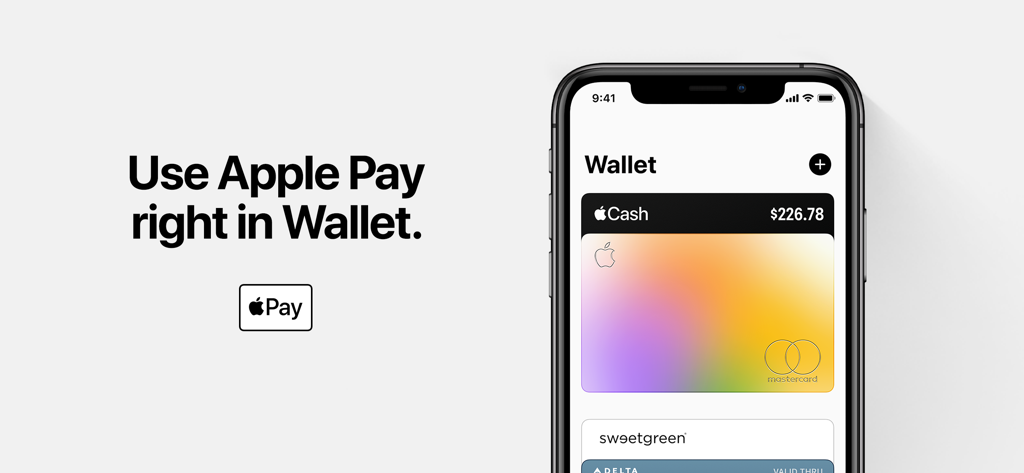
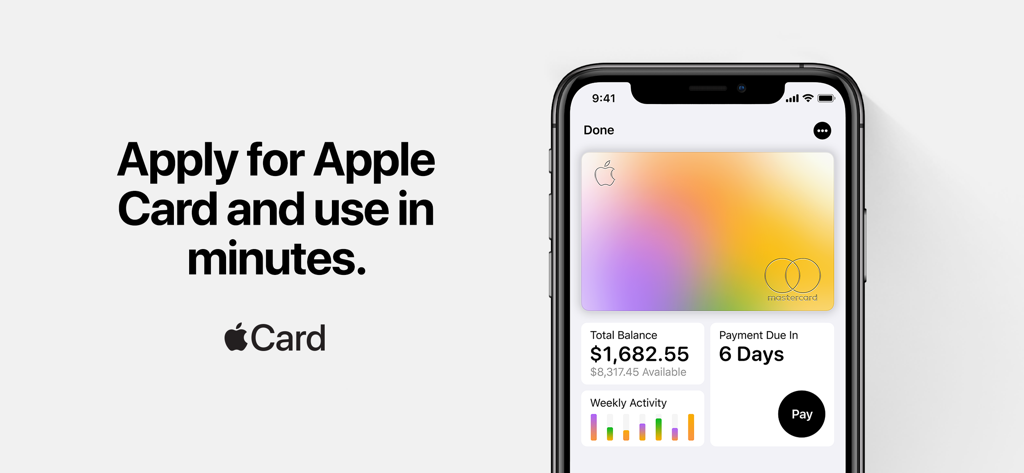
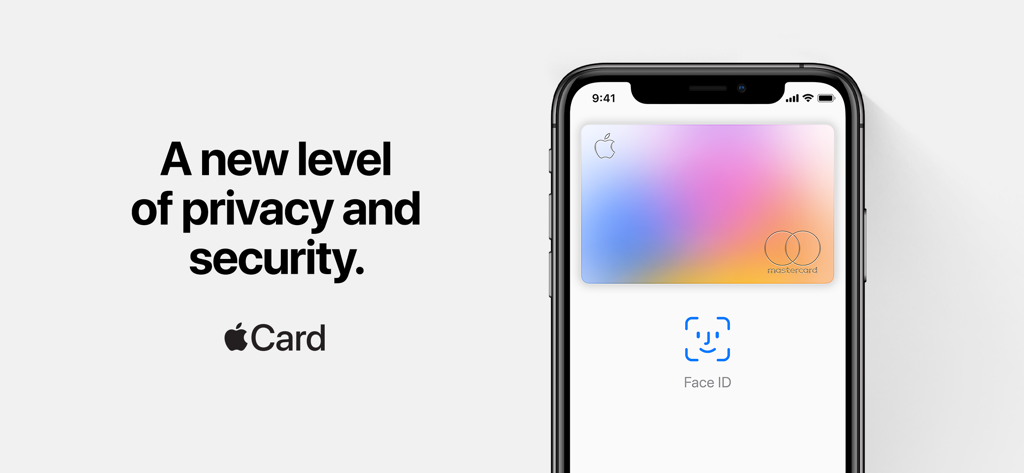
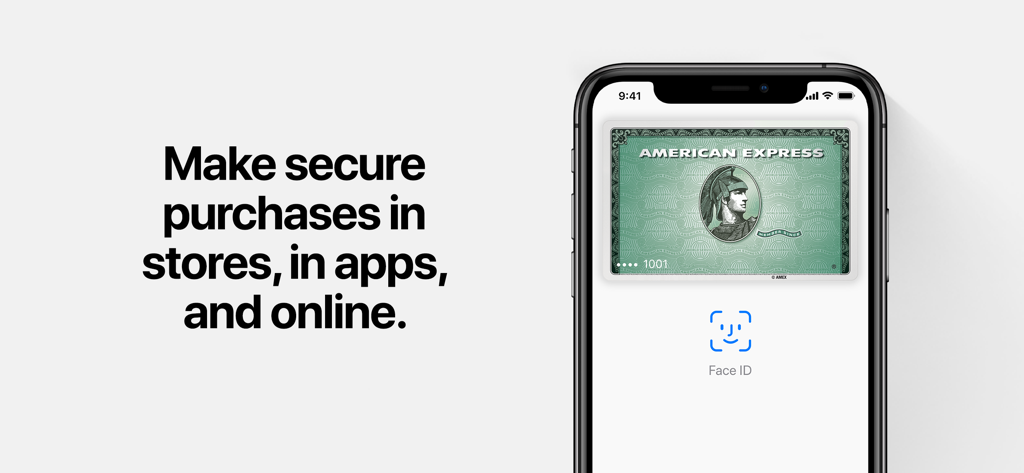
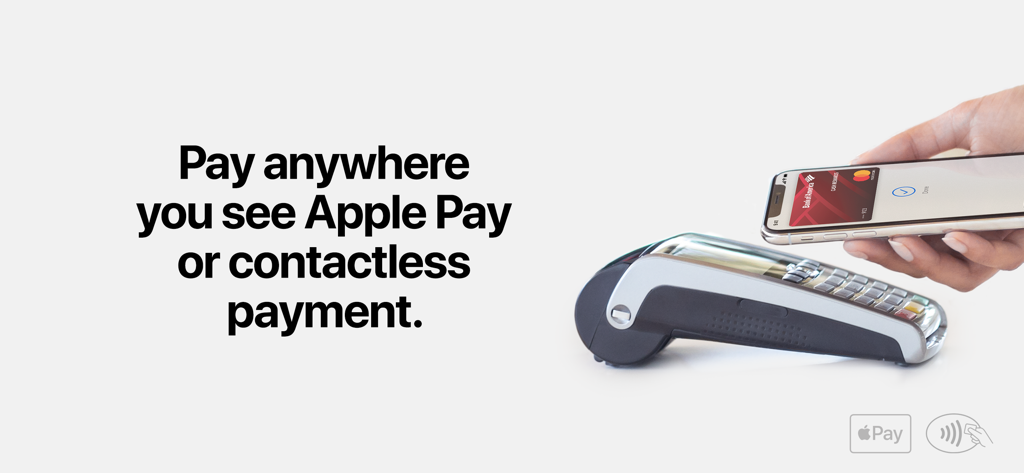
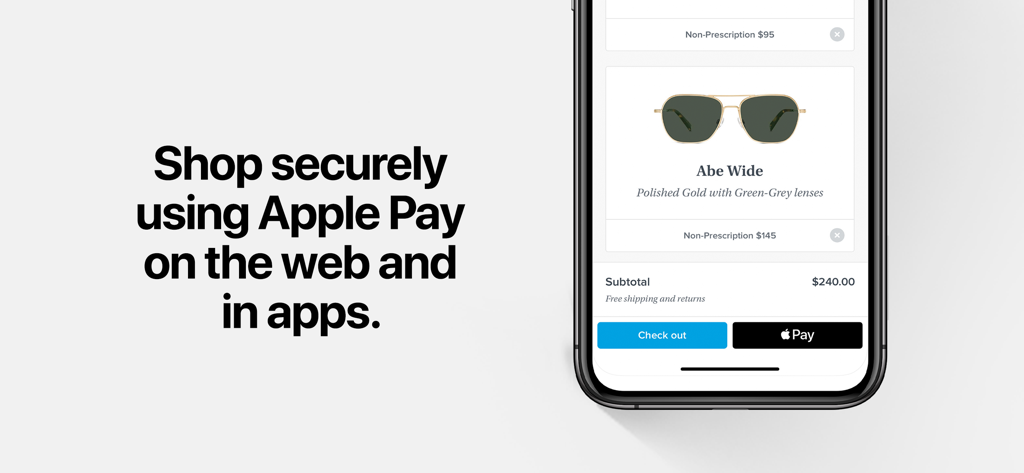
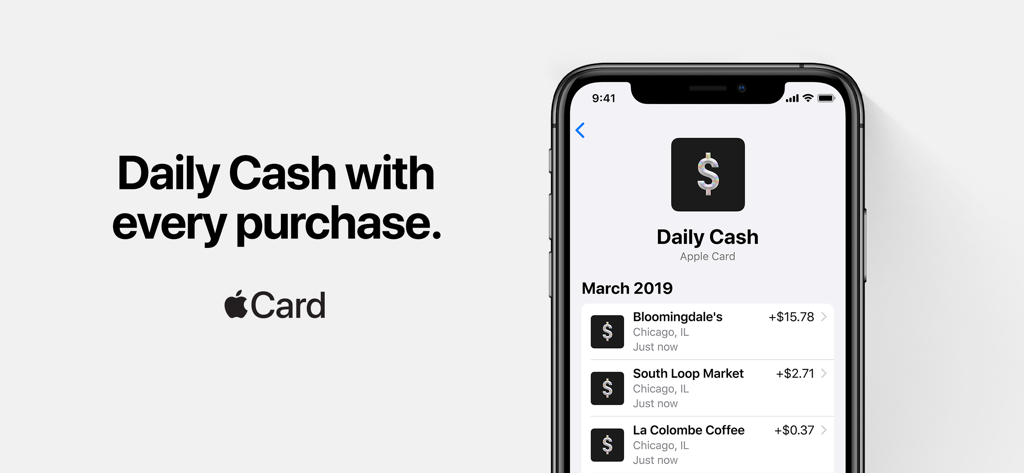
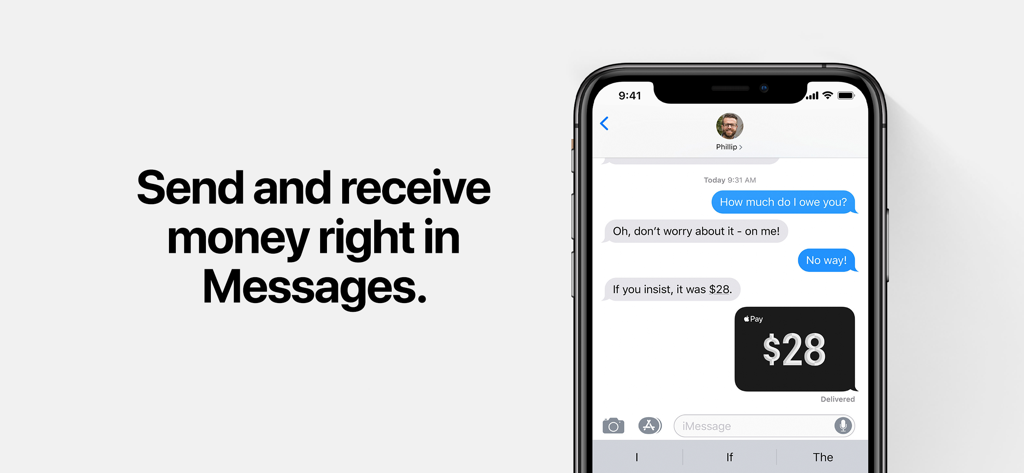
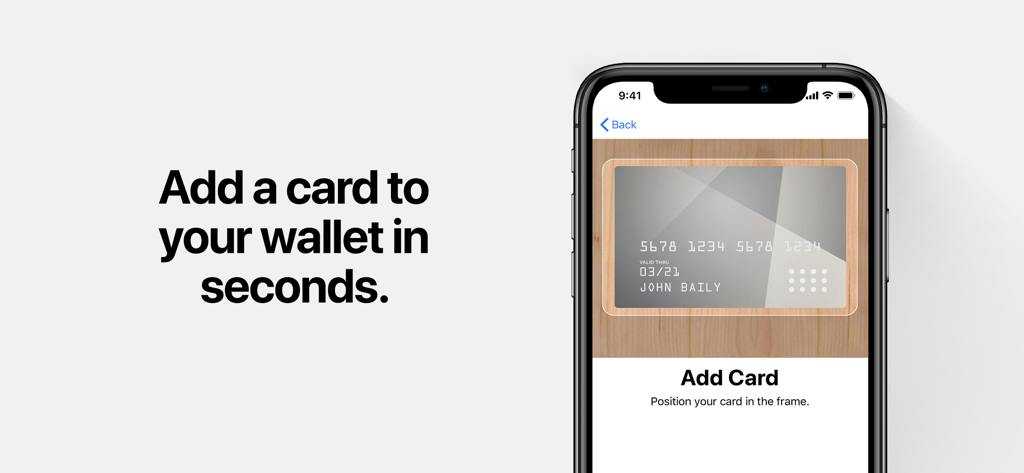
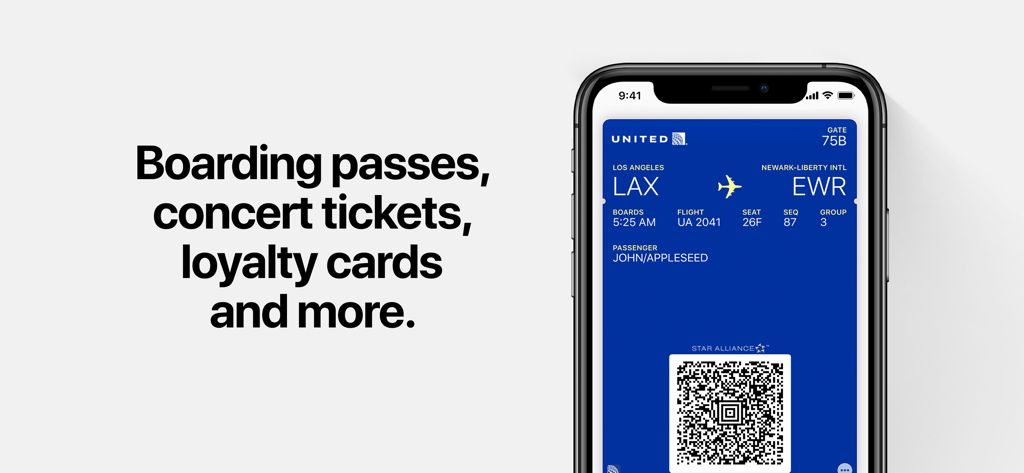
The Wallet app lives right on your iPhone. It’s where you securely keep your credit and debit cards, eligible driver’s license or state ID, transit cards, keys, event tickets, and more — all in one place. And it all works with iPhone or Apple Watch, so you can take less with you but always bring more. Apple Pay Apple Pay is an easy, secure way to pay in stores or online.1 Pay for a ride, a pizza, or even a new sofa — with Touch ID or Face ID. Apple Card Apple Card is the credit card created by Apple. You earn up to 3% unlimited Daily Cash back on every purchase every day, and it’s designed with all the privacy and security you’d expect from Apple. You can apply in as little as minute with no impact to your credit score.2 Apple Cash Apple Cash is an easy and secure way to send and receive money in Messages or Wallet.3 And because it’s a digital card that lives in Wallet, you can use it to make purchases in stores, online, or in apps with Apple Pay. With Tap to Cash, you can send and receive Apple Cash simply by holding your iPhone near someone else’s iPhone — without having to share phone numbers. Driver’s License and State ID Add your eligible driver’s license or state ID to Wallet, and with just a tap of your iPhone or Apple Watch you can present your ID without handing over your device.4 The security of Face ID and Touch ID means only you can present your ID. Boarding Passes After you add your airline passes to Wallet, just show up at your gate and easily present your pass directly from your lock screen. And receive timely flight information and notifications along the way.5 Transit Set your card to Express Mode, then just tap and hop on to ride the next train or bus.5 Breeze through the turnstiles by holding your iPhone or Apple Watch to the reader. Sports & Live Events With Wallet, your tickets are always at the ready. Enter a concert venue, sports stadium or festival with just your iPhone or Apple Watch.5 Tickets in Apple Wallet now bring fans a richer experience including venue maps, recommended Apple Music playlists, and more. Keys Store keys to your car, home, workplace, and hotel room in Wallet.5 Unlock doors with just a tap of your iPhone or Apple Watch, and securely share keys in Wallet through messaging apps, including Messages, Mail, and more. Loyalty and Rewards Add your favorite coffee shop, drugstore, or retail rewards cards to Wallet, and next time you’re at checkout, just tap and pay to receive and redeem rewards.5 1 Apple Pay is a service provided by Apple Payments Services LLC, a subsidiary of Apple Inc. Neither Apple Inc. nor Apple Payments Services LLC is a bank. Any card used in Apple Pay is offered by the card issuer. 2 Accepting an Apple Card after your application is approved will result in a hard inquiry, which may impact your credit score. To access and use all Apple Card features and products available only to Apple Card users, you must add Apple Card to Wallet on an iPhone or iPad that supports and has the latest version of iOS or iPadOS. Apple Card is subject to credit approval, available only for qualifying applicants in the United States, and issued by Goldman Sachs Bank USA, Salt Lake City Branch. 3 Apple Cash services are provided by Green Dot Bank. Member FDIC. Apple Payments Services LLC, a subsidiary of Apple Inc., is a service provider of Green Dot Bank for Apple Cash accounts. Neither Apple Inc. nor Apple Payments Services LLC is a bank. To learn more about the Terms and Conditions visit https://applecash.greendot.com/termsconditions. Only available in the U.S. on eligible devices. 4 ID cards in Wallet are currently available for use in select states at select TSA checkpoints. ID verifier is available at select merchants. Requires eligible device and OS version. See apple.com/wallet for details. 5 Only available with select partners and locations, and requires eligible device and OS version. See apple.com/wallet for details.