
このページはアプリまたはその開発者の公式ページではなく、情報提供および論評を目的として作成された独立した編集出版物です。明示的に別段の記載がない限り、アプリおよびその開発者は、MWM、Apple、Google Play、アプリのパブリッシャー、またはアプリの開発者と提携、承認、後援、認可、またはその他の公式的な関係はなく、このページのいかなる内容も、アプリがMWMのサービスを使用して開発されたことを意味するものではありません。すべての商標、ロゴ、スクリーンショット、その他のコンテンツはそれぞれの所有者の財産です。


Audio One: Multitrack Editor
ポケットに収まるパワフルでありながらシンプルなスタジオで、音楽やポッドキャストの録音、ミキシング、マスタリングを行いましょう。
ダウンロード
49K+ユーザー評価
評価数
200開発元
カテゴリ
Music対応言語
2最新バージョン
1.8.4サイズ
133.3 MBリリース日
2022年2月4日どこでもサウンドをマスター
プログレードのオーディオ編集とモバイルのシンプルさが融合。次世代のクリエイターのために設計された直感的なマルチトラックスタジオで、トラックの録音、ミキシング、仕上げを行いましょう。
プロマルチトラックミキシング
ボーカル、ビート、楽器を簡単にレイヤー化。直感的なインターフェースは、モバイルファーストのエクスペリエンスでデスクトップDAWのパワーを提供し、効率性を高めます。
スタジオグレードのプロセッシング
10バンドイコライザーとリバーブやピッチコントロールなどのプロフェッショナルエフェクトでサウンドを磨き上げましょう。ポッドキャストや音楽デモでラジオ対応の仕上がりを実現します。
以下のスクリーンショットと説明は、アプリの公式ストアリスティングから直接取得されたものであり、アプリ開発者の所有物です。
アプリストア
スクリーンショット
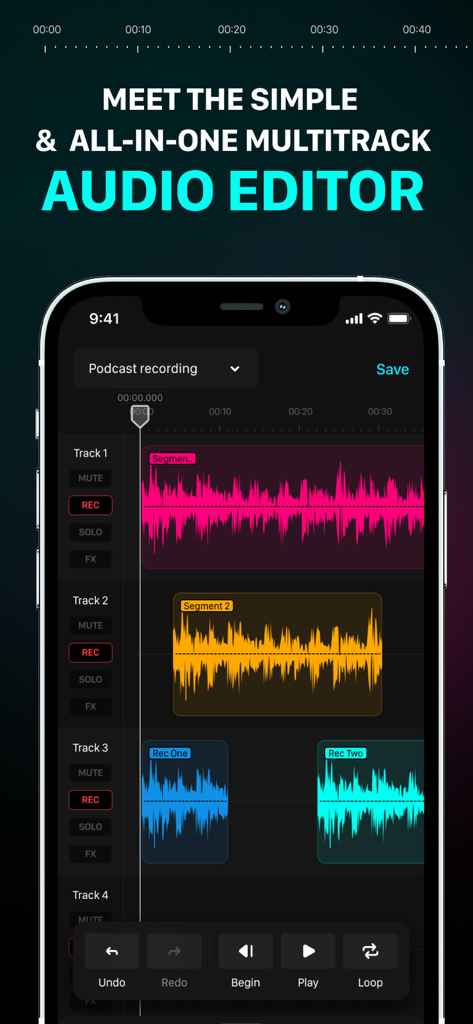
ポッドキャストの録音と編集のために、色分けされた波形が表示された複数のオーディオトラックを示すiPhone上のAudio Oneアプリのインターフェース。
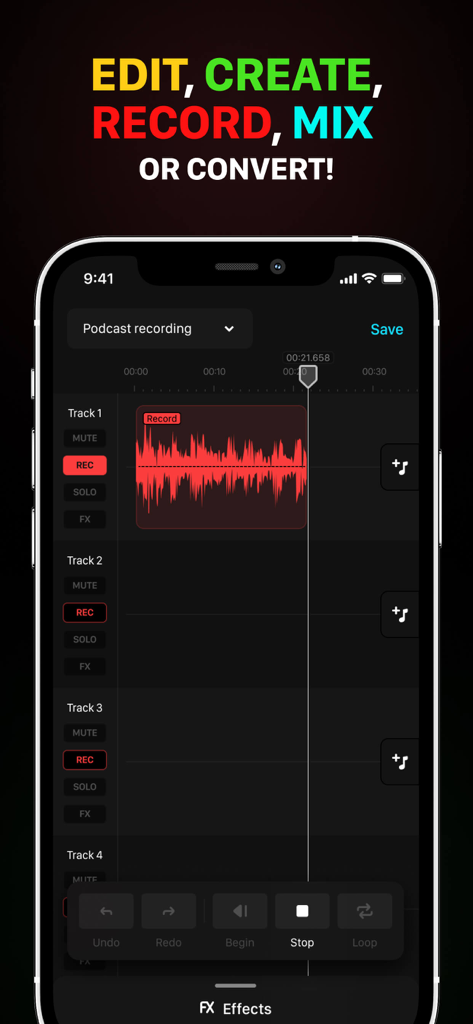
iPhone上のポッドキャスト録音波形を表示するAudio Oneマルチトラックエディターインターフェース。
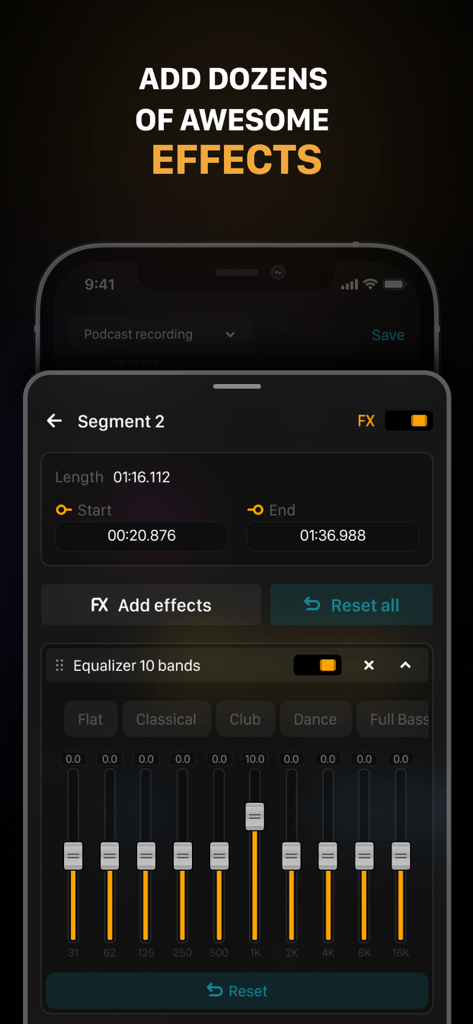
10バンドイコライザーとオーディオセグメントエフェクト設定を表示するAudio Oneアプリのインターフェース。
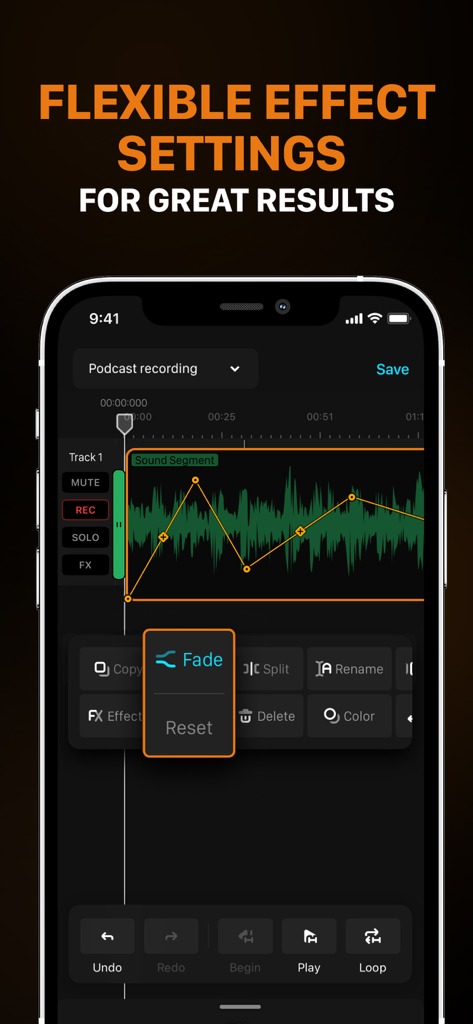
フェードエフェクト設定と波形を備えたマルチトラック編集を表示するAudio Oneアプリのインターフェース。
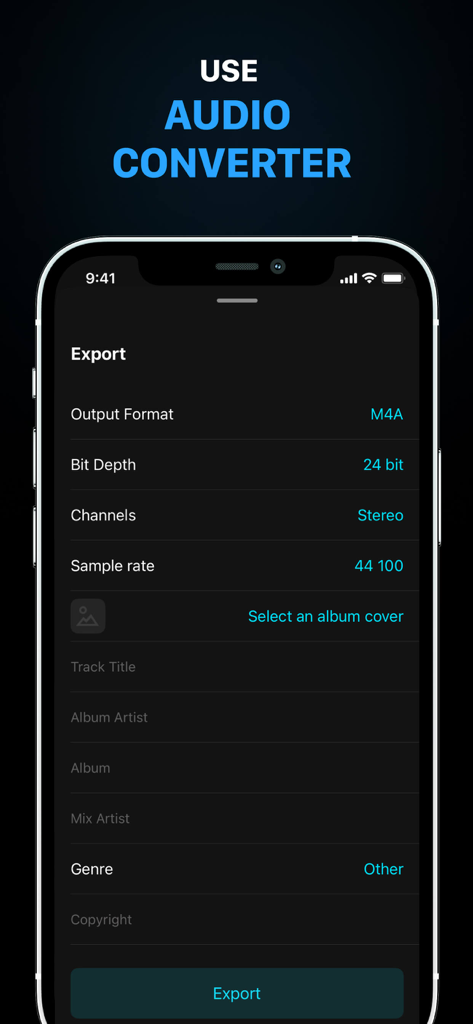
オーディオコンバーターのエクスポート設定とメタデータフィールドを表示するAudio Oneアプリのスクリーンショット。
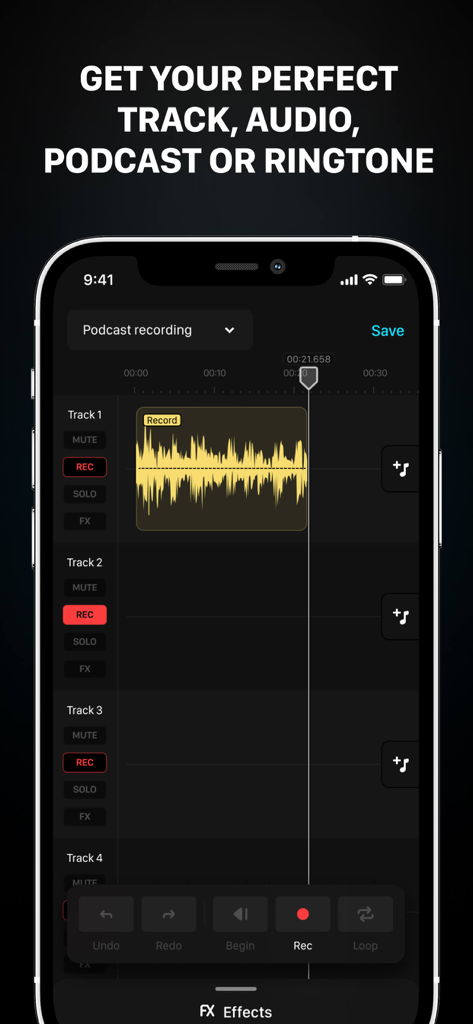
iPhone上のマルチトラックポッドキャスト録音を表示するAudio Oneアプリのインターフェース。
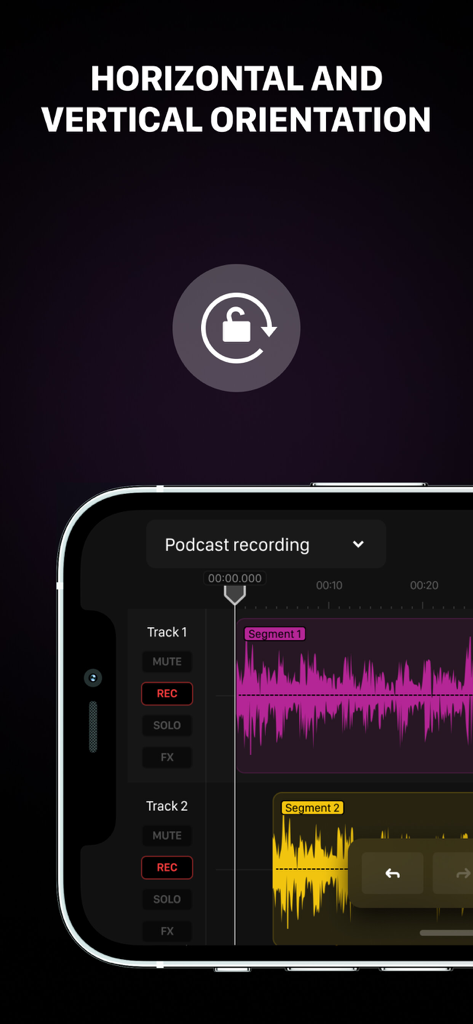
オーディオ波形を備えたマルチトラックポッドキャスト録音インターフェースを示す、横向きモードのAudio Oneアプリ。
説明
Download
類似アプリ
同じカテゴリのトップランクアプリ

Spotify: Music and Podcasts
Spotify

YouTube Music
Google LLC

Shazam: Find Music & Concerts
Apple Inc.

SoundCloud: The Music You Love
SoundCloud Global Limited & Co KG

Suno - AI Songs & Music
Suno Inc.

QQ音乐 - 听我想听
Tencent Technology (Shenzhen) Company Limited

Audiomack - Play Music Offline
Audiomack, Inc.

GuitarTuna: Tune & Play Guitar
Yousician Ltd

BandLab – Music Maker & Beats
BandLab Singapore Pte Ltd
このページはアプリまたはその開発者の公式ページではなく、情報提供および論評を目的として作成された独立した編集出版物です。明示的に別段の記載がない限り、アプリおよびその開発者は、MWM、Apple、Google Play、アプリのパブリッシャー、またはアプリの開発者と提携、承認、後援、認可、またはその他の公式的な関係はなく、このページのいかなる内容も、アプリがMWMのサービスを使用して開発されたことを意味するものではありません。すべての商標、ロゴ、スクリーンショット、その他のコンテンツはそれぞれの所有者の財産です。