
このページはアプリまたはその開発者の公式ページではなく、情報提供および論評を目的として作成された独立した編集出版物です。明示的に別段の記載がない限り、アプリおよびその開発者は、MWM、Apple、Google Play、アプリのパブリッシャー、またはアプリの開発者と提携、承認、後援、認可、またはその他の公式的な関係はなく、このページのいかなる内容も、アプリがMWMのサービスを使用して開発されたことを意味するものではありません。すべての商標、ロゴ、スクリーンショット、その他のコンテンツはそれぞれの所有者の財産です。


Authenticator App : 2FA Secure
鉄壁の多要素認証でセキュリティを強化しましょう。暗号化されたOTPコードとシームレスなバックアップで、メール、クラウドサービス、金融アカウントを保護します。高性能iPhoneユーザー専用に設計されています。
ダウンロード
0ユーザー評価
評価数
0開発元
カテゴリ
Business対応言語
1最新バージョン
1.0サイズ
32.3 MBリリース日
2026年1月6日すべてのログインを完全に信頼して保護
iOSエコシステム専用に最適化された、業界をリードする暗号化とシームレスな多要素認証で、プロフェッショナルなアイデンティティを保護します。
ストレスフリーなデバイス移行
締め出されることを二度と恐れないでください。2FAデータを安全にバックアップし、新しいiPhoneにアップグレードする際に即座に復元します。
プライバシーファーストのアーキテクチャ
あなたのセキュリティは個人的なものです。キーを外部サーバーに保存しないため、機密データは完全にあなたの管理下に置かれます。
よくある質問
について知っておくべきこと Authenticator App : 2FA Secure
What is the Authenticator App : 2FA Secure app?
The Authenticator App : 2FA Secure is an iPhone application that provides 2FA and MFA support to protect online accounts. It generates time-based one-time passwords (OTP) for secure logins, enhancing digital security against breaches.
Does the Authenticator App support Two-Factor Authentication (2FA)?
Yes, the Authenticator App : 2FA Secure fully supports Two-Factor Authentication (2FA). It offers cutting-edge 2FA and MFA solutions to add a strong security layer to your online accounts, ensuring maximum protection.
How does the Authenticator App generate one-time passwords (OTPs)?
The Authenticator App generates highly secure, time-based one-time passwords (OTP) using industry-standard TOTP and HOTP algorithms. These verification codes refresh every few seconds for maximum protection.
Can I use the Authenticator App with multiple online accounts?
Yes, the Authenticator App supports multiple online accounts. Users can manage authentication codes for email, social platforms, cloud services, and work accounts all in one secure place.
Does the Authenticator App work offline?
Yes, the Authenticator App features offline functionality. It works seamlessly even when your device is not connected to the internet, allowing access to your 2FA codes anytime, anywhere.
How do I set up a new account in the Authenticator App : 2FA Secure?
Users set up accounts by enabling 2FA/MFA on their online service, then scanning the provided QR code with the Authenticator App. Manual entry of a secret key is also an option for quick setup.
Can I back up and restore my 2FA data with the Authenticator App?
Yes, the Authenticator App provides backup and restore functionality. It allows users to safely back up their 2FA data and restore it if they switch devices, ensuring data continuity.
Does the Authenticator App offer iCloud Sync for backups?
Yes, the Authenticator App offers easy sync with iCloud. Users can enable iCloud Sync in the app's settings for convenient backup and restoration of their 2FA data across devices.
Does the Authenticator App store my passwords or sensitive information on external servers?
No, the Authenticator App does not store your passwords or sensitive information on external servers. It is built with a strong focus on privacy and security, keeping your data fully protected on your device.
Are all features in the Authenticator App : 2FA Secure free to use?
No, some features of the Authenticator App are only available after taking a paid subscription. To unlock all premium features and content, users can choose a subscription plan or make a one-time payment for lifetime access.
How do subscriptions work for the Authenticator App : 2FA Secure?
Subscriptions for the Authenticator App automatically renew based on the selected plan’s rate and duration. The purchase amount is charged to your iTunes account upon confirmation, and renewal occurs within 24 hours before the current period ends.
How can I manage my subscription for the Authenticator App : 2FA Secure?
You can manage your Authenticator App subscription and disable auto-renewal at any time through your iTunes Account Settings after purchase. This provides full control over your subscription status.
以下のスクリーンショットと説明は、アプリの公式ストアリスティングから直接取得されたものであり、アプリ開発者の所有物です。
アプリストア
スクリーンショット
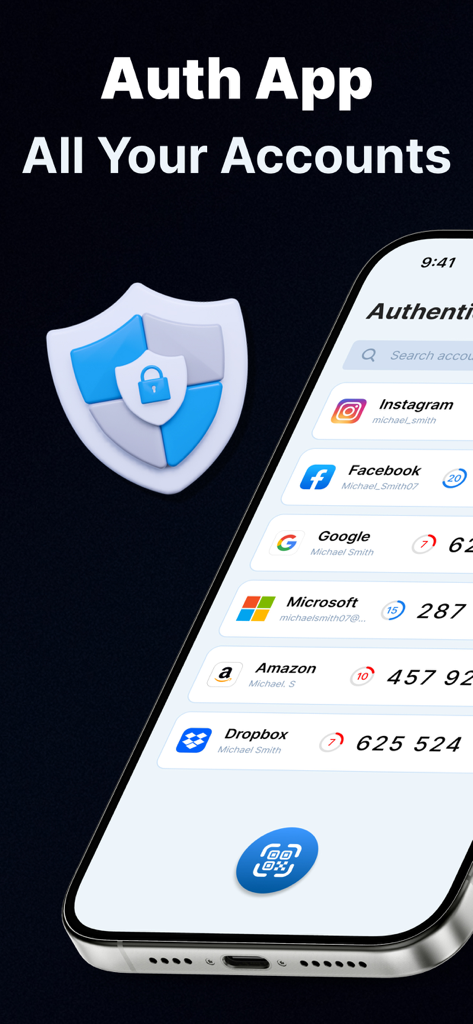
GoogleやFacebookなどの複数のアカウントの2FAセキュリティコードが表示されたiPhone画面
モバイルアカウントの2FA認証保護を表示するグラフィック。
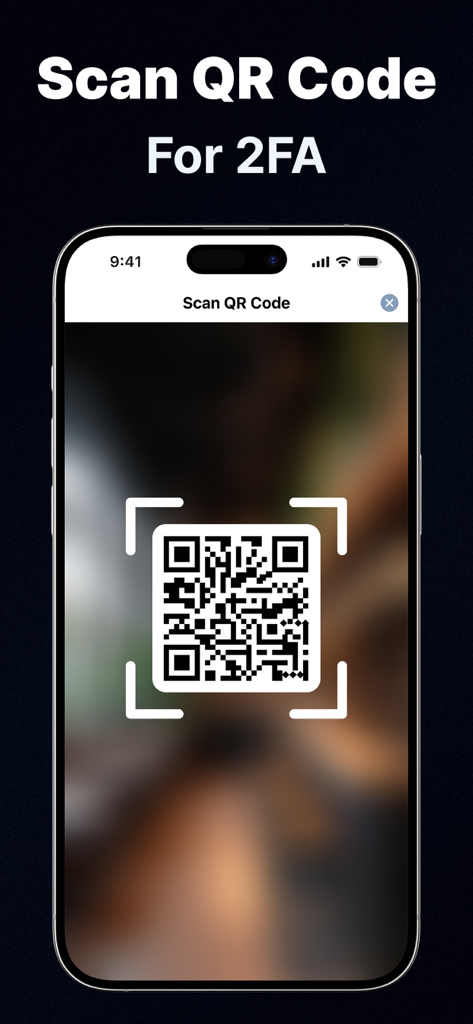
2要素認証の設定のためQRコードをスキャンするiPhone
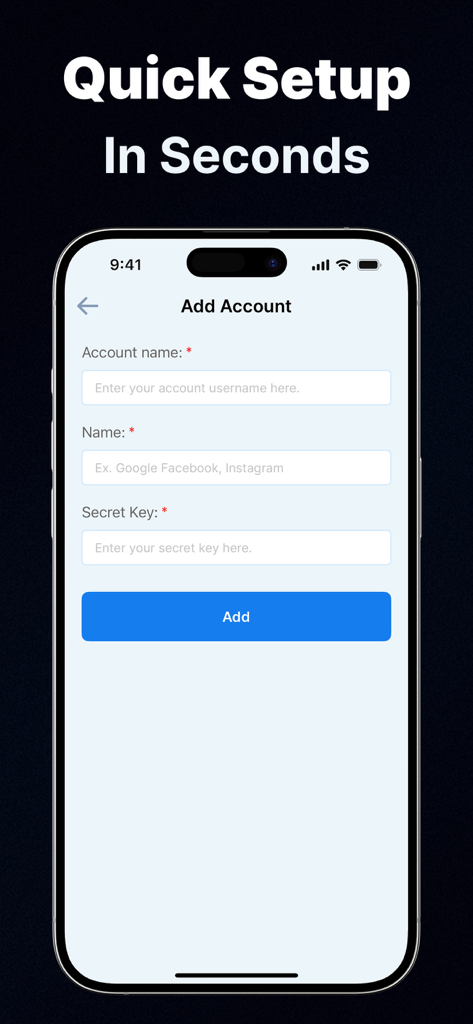
iPhone上のAuthenticator App 2FA Secureのアカウント追加設定インターフェース
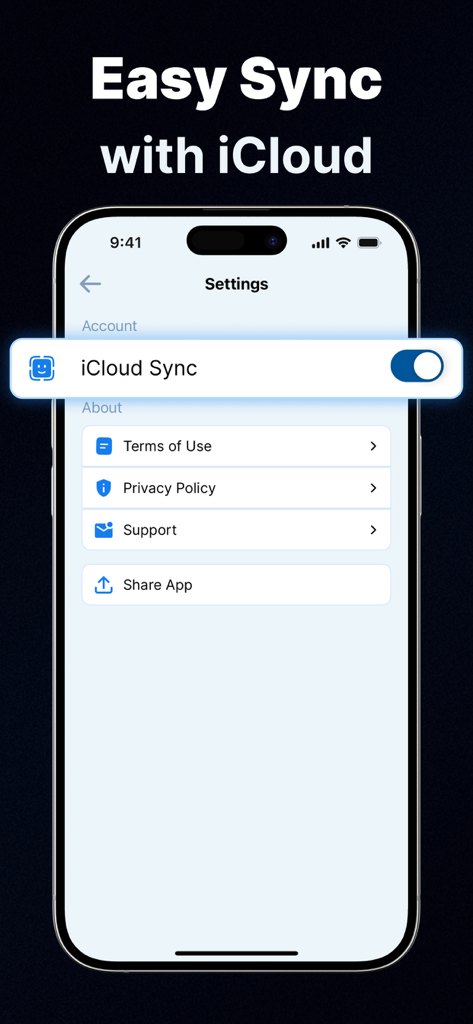
2FA Authenticator Appの設定で有効になっているiCloud同期機能を示すiPhoneスクリーンショット
説明
Download
類似アプリ
同じカテゴリのトップランクアプリ

Microsoft Teams
Microsoft Corporation

Zoom Workplace
Zoom Communications, Inc.

WhatsApp Business
WhatsApp Inc.

Indeed Job Search
Indeed Inc.

LinkedIn: Network & Job Finder
LinkedIn Corporation

Adobe Acrobat Reader: Sign PDF
Adobe Inc.

WeCom-Work Communication&Tools
Tencent Technology (Shenzhen) Company Limited

BOSS直聘-招聘求职找工作神器
Beijing China Product Bo Farce Network Technology Co., Ltd.

DingDing - Redefine Work in AI
DingTalk Technology Co., Ltd.
このページはアプリまたはその開発者の公式ページではなく、情報提供および論評を目的として作成された独立した編集出版物です。明示的に別段の記載がない限り、アプリおよびその開発者は、MWM、Apple、Google Play、アプリのパブリッシャー、またはアプリの開発者と提携、承認、後援、認可、またはその他の公式的な関係はなく、このページのいかなる内容も、アプリがMWMのサービスを使用して開発されたことを意味するものではありません。すべての商標、ロゴ、スクリーンショット、その他のコンテンツはそれぞれの所有者の財産です。