
このページはアプリまたはその開発者の公式ページではなく、情報提供および論評を目的として作成された独立した編集出版物です。明示的に別段の記載がない限り、アプリおよびその開発者は、MWM、Apple、Google Play、アプリのパブリッシャー、またはアプリの開発者と提携、承認、後援、認可、またはその他の公式的な関係はなく、このページのいかなる内容も、アプリがMWMのサービスを使用して開発されたことを意味するものではありません。すべての商標、ロゴ、スクリーンショット、その他のコンテンツはそれぞれの所有者の財産です。


Auto Caption Video Subtitles
プロフェッショナルなアニメーションキャプション、自動無音カット、内蔵プロンプト機能で視聴維持率を最大化。ウォーターマークなし、100%オンデバイスプライバシーで、インパクトのあるバイラルコンテンツを数秒で作成できます。
ダウンロード
103K+ユーザー評価
評価数
4K+開発元
カテゴリ
Photo & Video対応言語
1最新バージョン
3.0サイズ
277.1 MBリリース日
2023年1月11日プロレベルのコンテンツでフィードを席巻
バイラル風キャプションからAI編集機能まで、手作業の労力なしで、スクローラーを熱心なフォロワーに変えるためのツールを提供します。
バイラルキャプショントレンド
エンゲージメントを高め、ブランドのユニークな美学に完璧にマッチするようにデザインされた100以上のテンプレートから選択できます。
ワンタップ無音カット
不要な間や気まずい沈黙を即座にカットし、ソーシャルアルゴリズムが求めるペースの速い、エネルギッシュな動画を作成します。
よくある質問
について知っておくべきこと Auto Caption Video Subtitles
Auto Caption Video Subtitlesとは何ですか?
Auto Caption Video Subtitlesは、AIを活用したアプリで、動画の正確なクローズドキャプションと字幕を作成します。YouTube Shorts、Instagram Reels、TikTokなどのプラットフォームで、コンテンツクリエイターがより幅広い視聴者にリーチするのに役立ちます。
Auto Captionは字幕で何言語をサポートしていますか?
Auto Caption Video Subtitlesは、AIによる正確なクローズドキャプショニングのために、99の異なる言語と翻訳をサポートしています。この機能により、コンテンツクリエイターは効果的にグローバルな視聴者にリーチできます。
Auto Captionは動画から無音部分を削除できますか?
はい、Auto Caption Video Subtitlesには自動無音部分削除機能があり、ユーザーは動画から無音部分を削除できます。これにより、動画の流れが改善され、プロフェッショナルになり、編集時間が節約されます。
Auto Captionにはテレプロンプター機能が含まれていますか?
はい、Auto Caption Video Subtitlesには録画用の内蔵テレプロンプターが含まれています。この機能は、ユーザーが自信を持って話すのに役立ち、動画作成中にメッセージがスムーズに伝わるようにします。
Auto Captionの字幕で利用できるカスタマイズオプションは何ですか?
Auto Captionは、100以上のユニークな字幕スタイル、カスタムキャプションカラー、特定の単語を強調する機能を提供します。ユーザーは、タイミングを調整したり、必要に応じてトランスクリプションを編集したりすることもできます。
Auto Captionで動画にBGMを追加できますか?
はい、Auto Caption Video Subtitlesでは、ユーザーは動画にBGMを追加できます。キュレーションされたライブラリから選択するか、独自のトラックをインポートして動画コンテンツを強化できます。
Auto Caption Video Subtitlesには無料トライアルがありますか?
はい、Auto Caption Video Subtitlesには無料トライアル期間があります。トライアルは、終了の少なくとも24時間前にキャンセルしない限り、自動的に有料サブスクリプションに移行します。
Auto Captionのサブスクリプションをキャンセルするにはどうすればよいですか?
iTunesアカウント設定を調整することで、いつでもAuto Captionサブスクリプションの自動更新を無効にできます。キャンセルは、現在の期間が終了する少なくとも24時間前に行う必要があります。
Auto Captionは個人情報を収集したり、動画をクラウドにアップロードしたりしますか?
いいえ、Auto Caption Video Subtitlesは個人情報を要求せず、動画がクラウドに送信されることもありません。このアプリは、ユーザーのプライバシーとデータセキュリティを優先します。
Auto Captionは動画にウォーターマークや広告を追加しますか?
いいえ、Auto Caption Video Subtitlesは動画にウォーターマークや広告を追加しません。これにより、コンテンツクリエイターにとってクリーンでプロフェッショナルな出力が保証されます。
Auto Captionはどの動画プラットフォームに最適化されていますか?
Auto Caption Video Subtitlesは、YouTube Shorts、Instagram Reels、TikTokのコンテンツクリエイターに最適化されています。また、ソーシャルメディアに最適なサイズに動画を自動的にクロップします。
以下のスクリーンショットと説明は、アプリの公式ストアリスティングから直接取得されたものであり、アプリ開発者の所有物です。
アプリストア
スクリーンショット
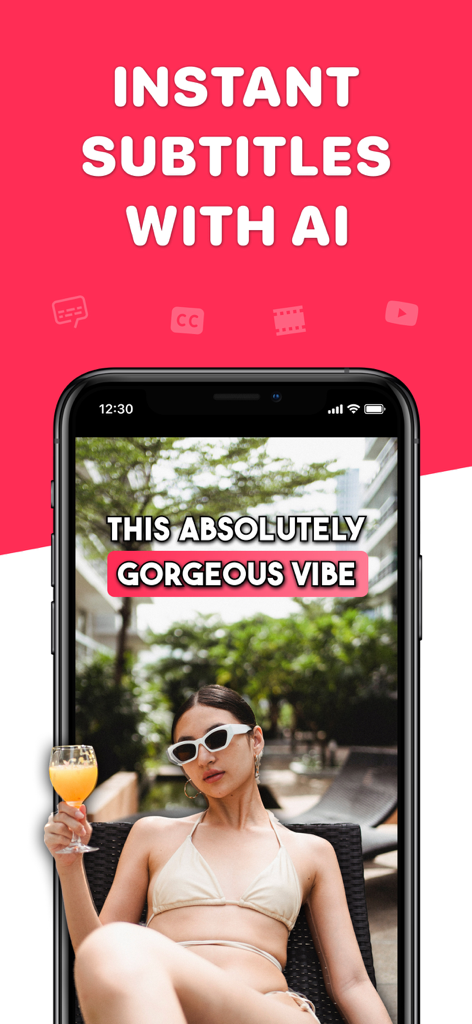
インスタントAI生成字幕とソーシャルメディア向けスタイライズドキャプションが表示された動画を映すスマートフォン
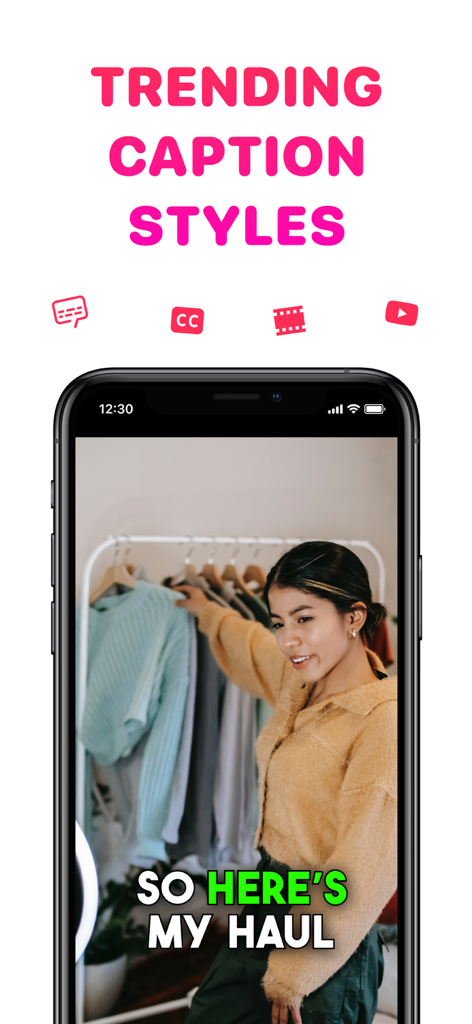
ソーシャルメディアの洋服紹介動画向けのトレンドキャプションが表示されたスマートフォン
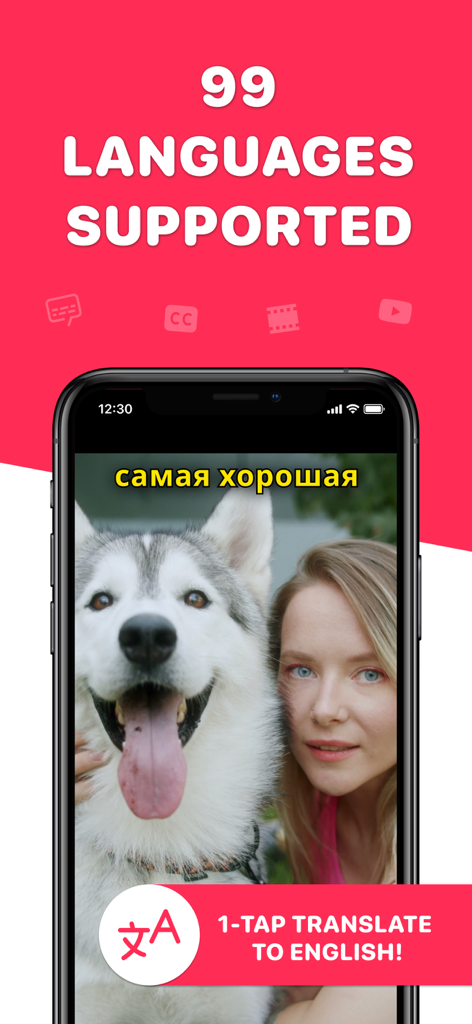
99言語対応の動画字幕翻訳機能が表示されたスマートフォン画面
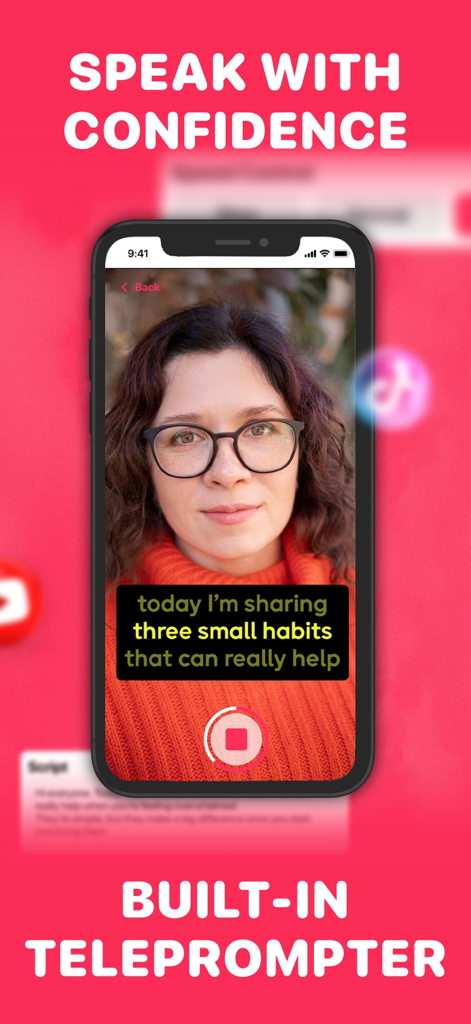
女性がAuto Caption Video Subtitlesアプリの内蔵プロンプト機能を使用してソーシャルメディアコンテンツを録画している様子
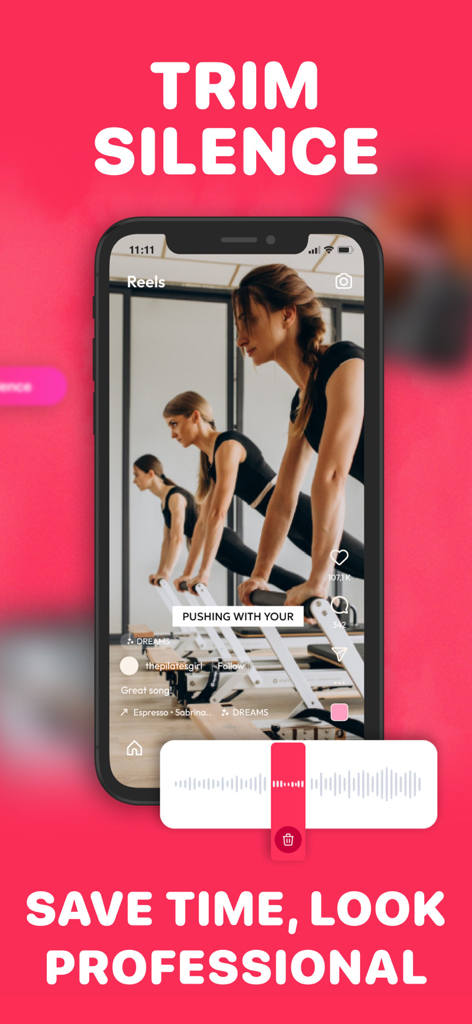
動画波形とピラティス動画プレビューが表示された無音トリム機能を示すモバイルアプリインターフェース
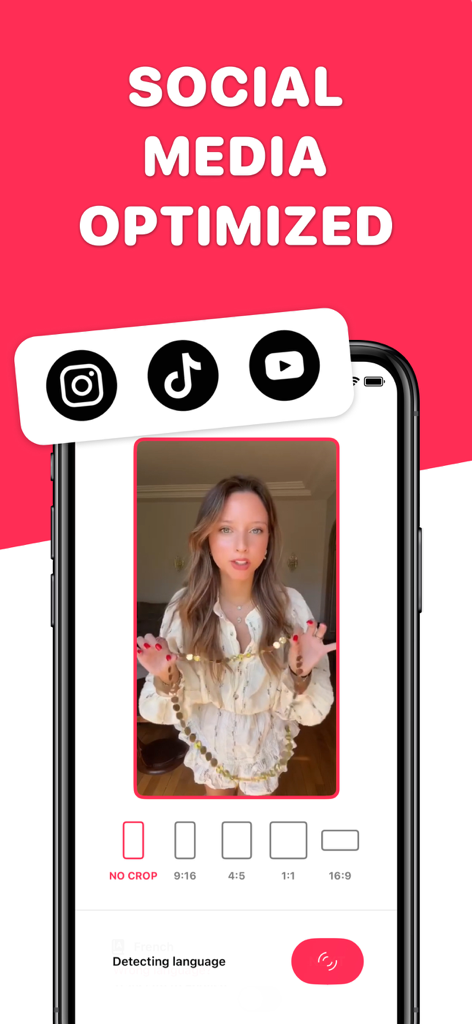
Instagram、TikTok、YouTubeのソーシャルメディアプラットフォーム向け動画トリミングオプションを表示するインターフェース
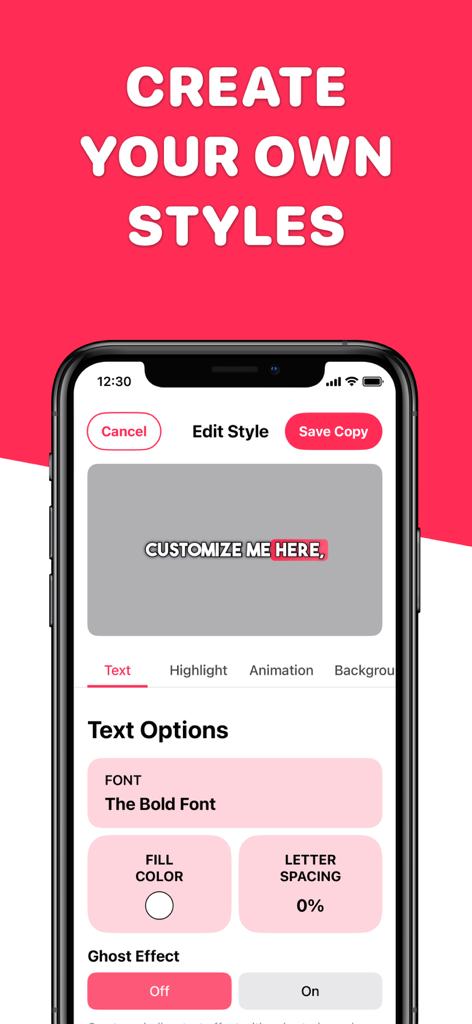
フォントとカラーオプションを備えた動画キャプションスタイルのカスタマイズ用モバイルアプリインターフェース
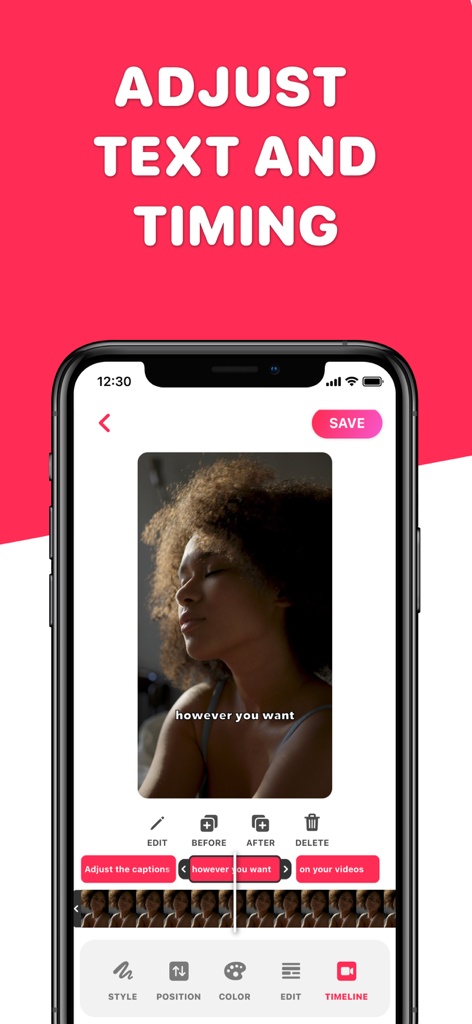
動画キャプションのテキストとタイミングを調整するためのインターフェースを表示する携帯電話画面
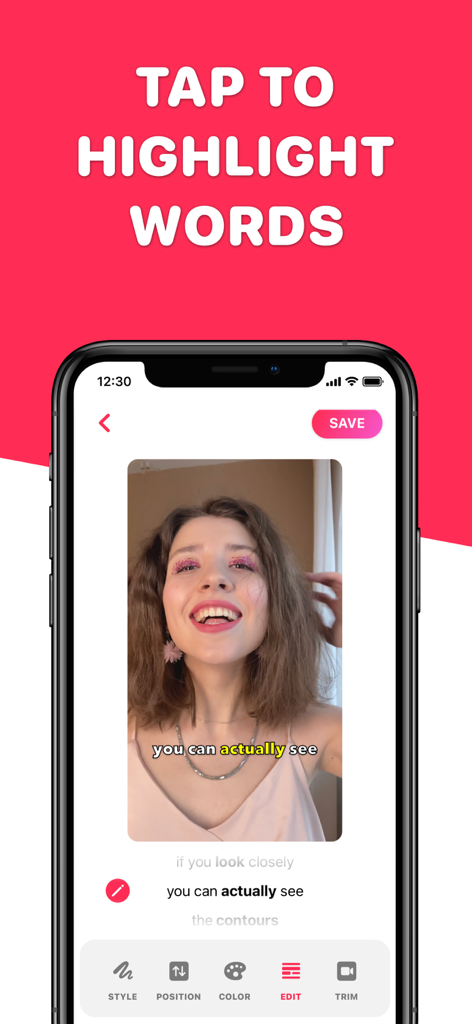
ソーシャルメディアコンテンツの動画字幕で特定の単語をハイライトするユーザーを表示するモバイルアプリインターフェース
説明
Download
類似アプリ
似た機能とユーザー体験を持つアプリ

Vrew
VoyagerX, Inc.

Captions for Videos - SubMe AI
Polina Kravchenko

Capzy: AI Caption
unitedreams inc.

AI Captions for Videos: VidCap
Fadel.io OU

Subcap: Captions AI, Subtitles
RATEL BILISIM HIZMETLERI LTD STI

Captions & Filters – GARMASH
Top G Team FZ-LLC

Capti AI. Captions for videos.
Capti AI FZ-LLC
MixCaptions: Video Captions
Mixcord Inc.
Subtitles: Captions For Video
Mariia Abolnik
このページはアプリまたはその開発者の公式ページではなく、情報提供および論評を目的として作成された独立した編集出版物です。明示的に別段の記載がない限り、アプリおよびその開発者は、MWM、Apple、Google Play、アプリのパブリッシャー、またはアプリの開発者と提携、承認、後援、認可、またはその他の公式的な関係はなく、このページのいかなる内容も、アプリがMWMのサービスを使用して開発されたことを意味するものではありません。すべての商標、ロゴ、スクリーンショット、その他のコンテンツはそれぞれの所有者の財産です。