
このページはアプリまたはその開発者の公式ページではなく、情報提供および論評を目的として作成された独立した編集出版物です。明示的に別段の記載がない限り、アプリおよびその開発者は、MWM、Apple、Google Play、アプリのパブリッシャー、またはアプリの開発者と提携、承認、後援、認可、またはその他の公式的な関係はなく、このページのいかなる内容も、アプリがMWMのサービスを使用して開発されたことを意味するものではありません。すべての商標、ロゴ、スクリーンショット、その他のコンテンツはそれぞれの所有者の財産です。
ダウンロード
2M+ユーザー評価
評価数
70K+開発元
カテゴリ
Education対応言語
1最新バージョン
4.3.3サイズ
269.3 MBリリース日
2011年6月25日成長する心のためのスマートなスクリーンタイム
専門家がデザインした「マジックノートパソコン」を使用して、200万人以上の家族に加わり、幼児期の発達の節目を遊び心のある冒険に変えましょう。
専門家承認の学習
教育専門家が作成した、文字、数字、動物を含む12のテーマ別カテゴリーを探求し、早期の語彙力を向上させましょう。
小さな手に合わせた設計
シンプルで直感的なナビゲーションと大きなボタンにより、幼児は自信を持って自立して探求し、自分のペースで遊びながら自信を育むことができます。
よくある質問
について知っておくべきこと Baby games for one year olds.
Abby's Magic Laptopとは何ですか?
Abby's Magic Laptopは、22learnの未就学児および幼児向けの教育アプリです。インタラクティブな探求とゲームを通じて、文字、数字、色、形、動物などを教えます。
Abby's Magic Laptopにはどのようなゲームモードがありますか?
Abby's Magic Laptopには、「Let's Play!」と「Let's Learn!」の2つの主要なゲームモードがあります。これらのモードは、子供たちに異なるインタラクティブな体験を提供するように設計されています。
Abby's Magic Laptopの「Let's Play!」モードはどのように機能しますか?
「Let's Play!」モードでは、子供たちはテーマ別のカテゴリを選択します。ピクチャーボタンを押すと、アイテムが拡大表示され、名前が発音され、単語が表示され、簡単なアニメーションとともに本物の音が再生されます。
Abby's Magic Laptopの「Let's Learn!」モードはどのように機能しますか?
「Let's Learn!」モードでは、猿のキャラクターであるAbbyがタスクを与え、子供に選択したテーマ別カテゴリから正しい絵を選択するように求めます。正解の後には、褒める言葉が続きます。
Abby's Magic Laptopで利用できる教育カテゴリは何ですか?
Abby's Magic Laptopには、文字、数字1〜10、数字11〜20、色、形、動物園の動物、農場の動物、楽器、果物、野菜、おもちゃ、乗り物の12のテーマ別カテゴリがあります。
Abby's Magic Laptopアプリは誰が開発しましたか?
Abby's Magic Laptopは、ベストセラーアプリ「Abby Basic Skills」のクリエーターであり、受賞歴のある教育スタジオである22learnが、教育専門家と協力して開発しました。
Abby's Magic Laptopはどの年齢層向けに設計されていますか?
はい、Abby's Magic Laptopは未就学児および幼児向けに設計されています。このアプリは、1歳以上のお子様が教育コンテンツやインターフェースで遊ぶのに適しています。
Abby's Magic Laptopにはトーキングフラッシュカードが含まれていますか?
はい、Abby's Magic Laptopにはトーキングフラッシュカードが含まれています。これらの教育ツールは、視覚的および聴覚的な手がかりを通じて、形、動物、衣類、その他のオブジェクトの名前を子供たちが学ぶのに役立ちます。
Abby's Magic Laptopアプリは文字と数字を教えますか?
はい、Abby's Magic Laptopは文字と数字を教えます。文字、数字1〜10、数字11〜20をカバーしており、アルファベットと数字の両方のスキルにおける基礎学習を提供します。
Abby's Magic Laptopには、学習モード以外にどのようなインタラクティブ機能がありますか?
Abby's Magic Laptopには、ビデオ通話機能をシミュレートする4つのカラフルなボタンが含まれています。これらは楽しい効果音とメロディーを提供し、学習体験に魅力的な要素を追加します。
以下のスクリーンショットと説明は、アプリの公式ストアリスティングから直接取得されたものであり、アプリ開発者の所有物です。
アプリストア
スクリーンショット
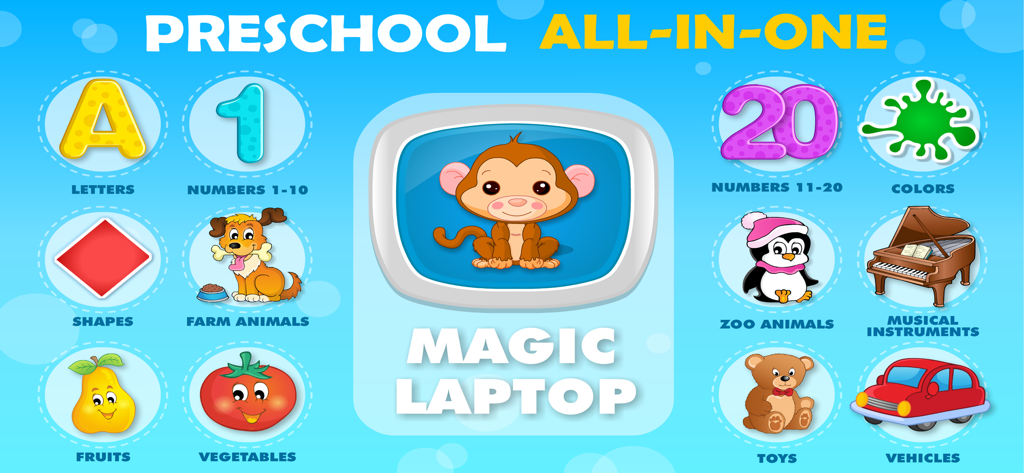
就学前の子供向けの教育ゲームインターフェース。文字、数字、動物などのさまざまな学習カテゴリーを備えています。
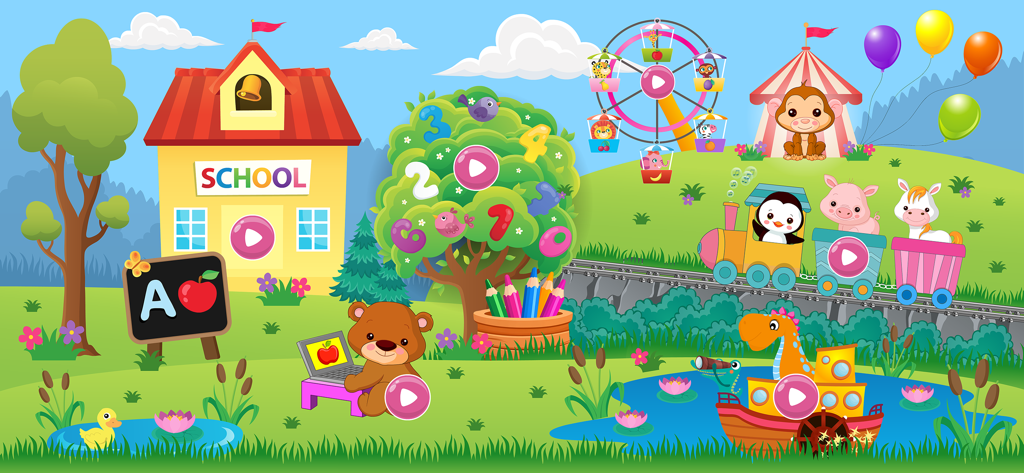
学校、動物、教育活動を備えた、幼児向け学習ゲームのインタラクティブでカラフルな漫画の風景。
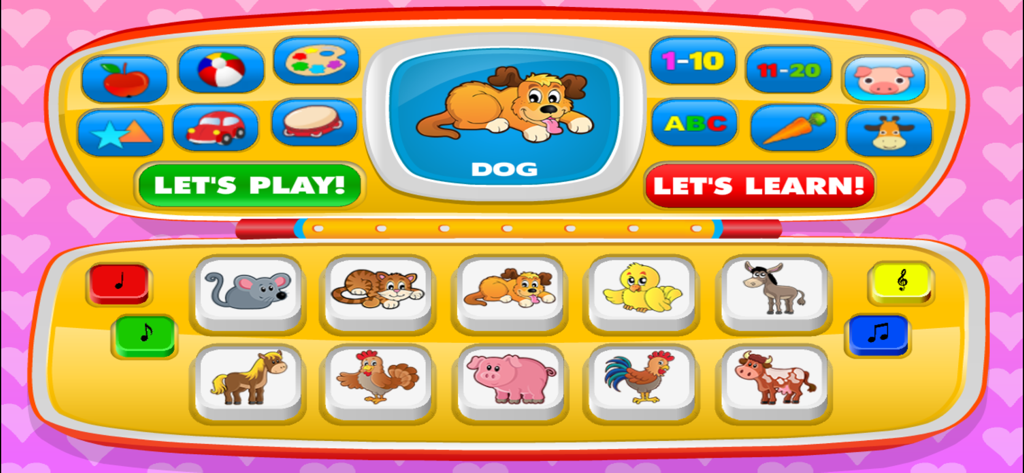
動物、数字、形用のボタンが付いた、おもちゃのノートパソコンを模したカラフルなベビー学習ゲームインターフェース。
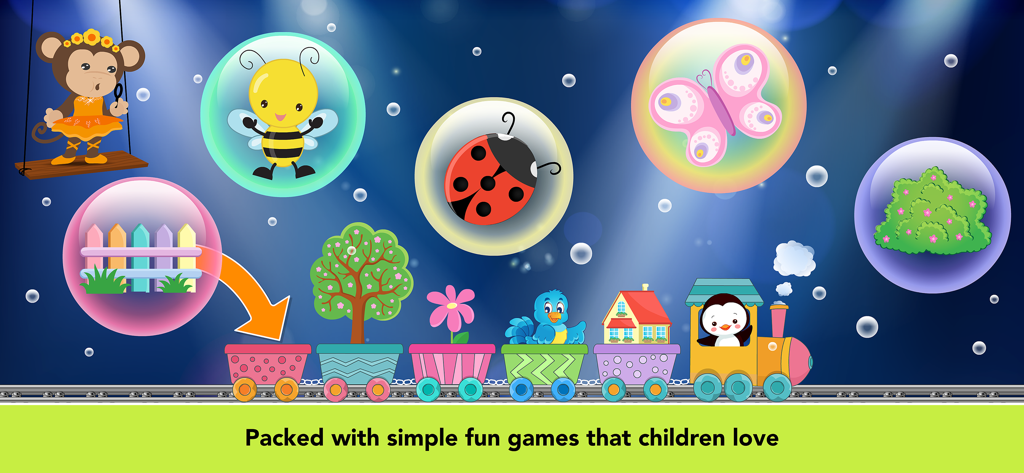
カラフルな電車と自然の泡を備えた、幼児向けの教育ゲーム画面。
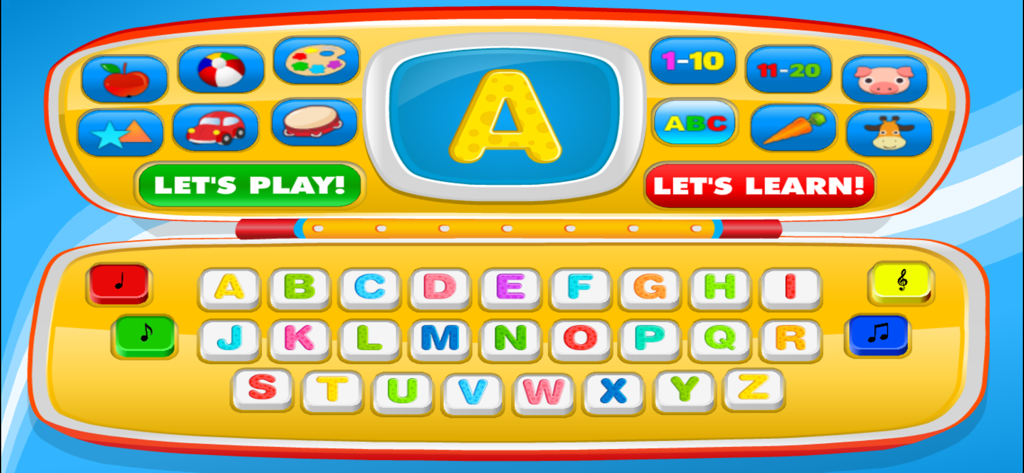
幼児のアルファベット学習用の、カラフルなおもちゃのノートパソコンの画面とキーボードインターフェース。
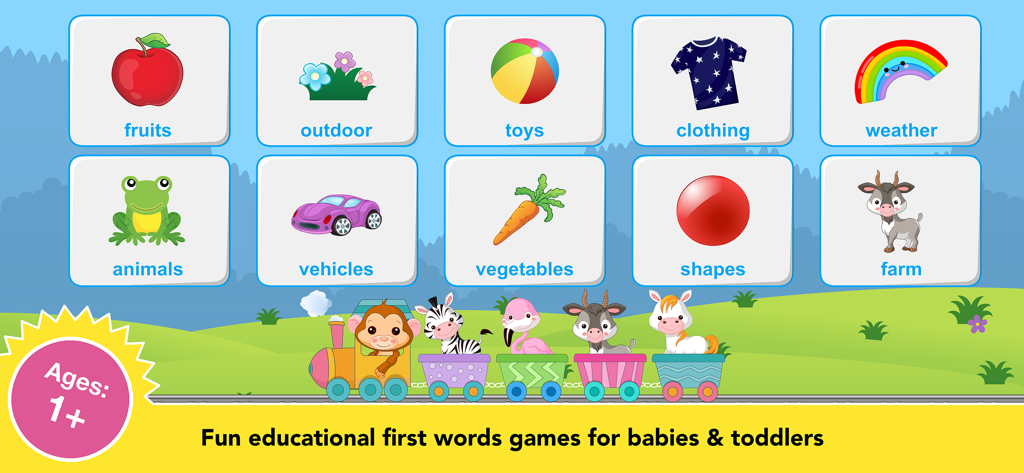
動物や果物を特徴とする、1歳児向けの教育ゲームカテゴリー。
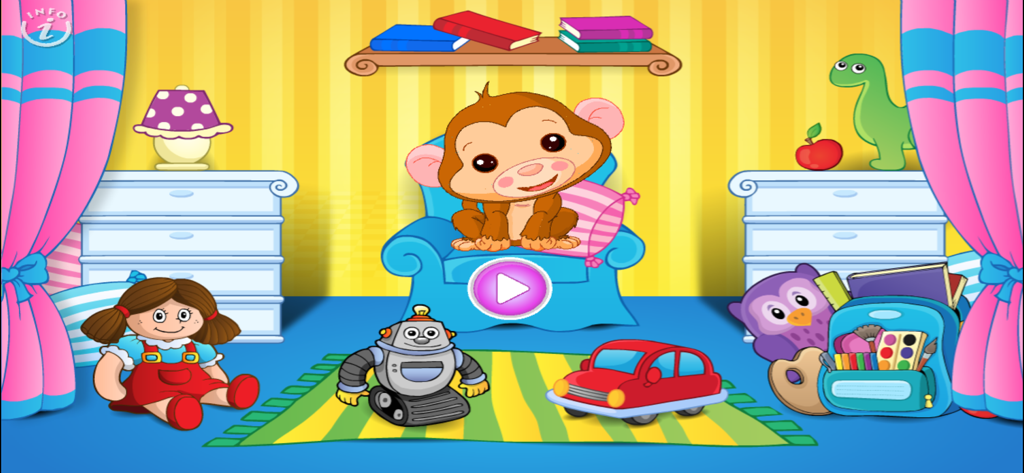
おもちゃと再生ボタンのあるカラフルなプレイルームにいるアビーザモンキー。
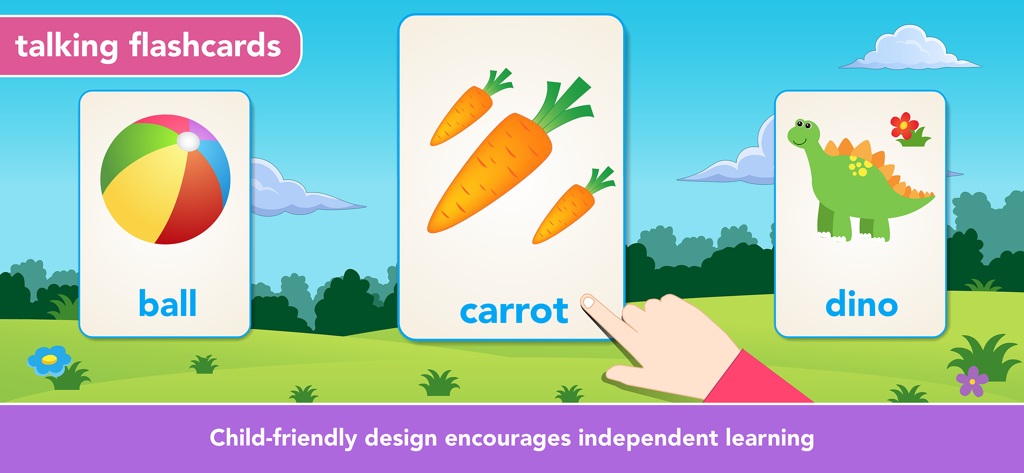
ボール、ニンジン、恐竜を特徴とする幼児向けの教育的なトーキングフラッシュカード。独立した学習を奨励します。
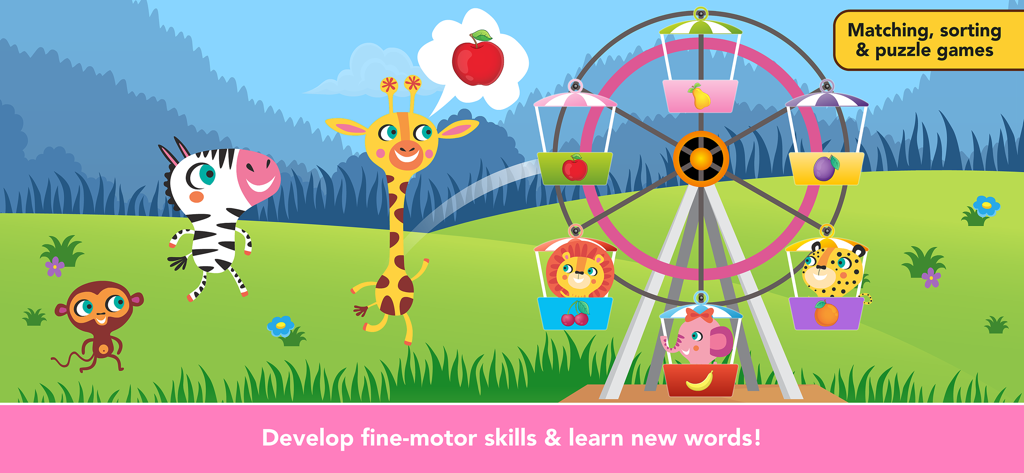
幼児が動物や果物をマッチングさせて細かい運動能力を発達させる、カラフルな観覧車を備えた教育ゲーム画面。
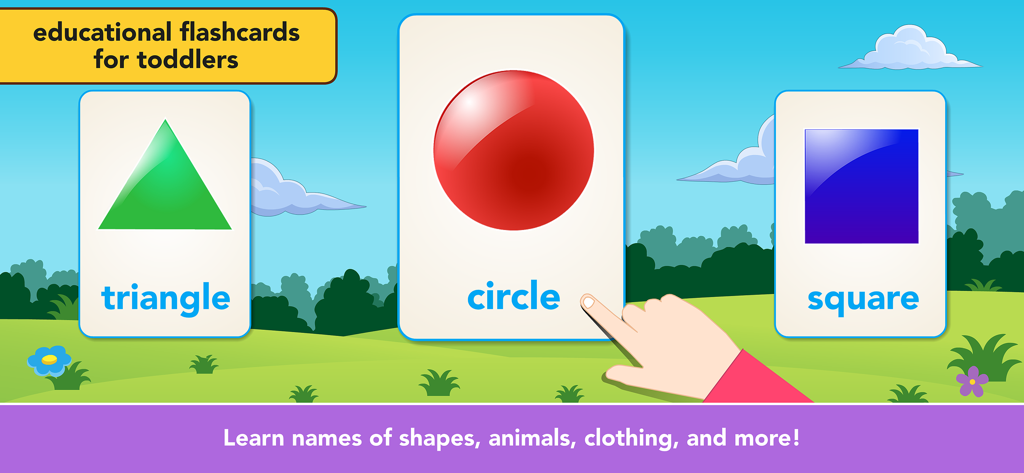
三角形、円、正方形などの基本的な形を教える幼児向けの教育フラッシュカード。
説明
Download

類似アプリ
似た機能とユーザー体験を持つアプリ

Khan Academy Kids
Khan Academy
Baby Panda's Play-BabyBus
BABYBUS CO.,LTD

小灯塔-启蒙百科动画故事学习平台
Guangdong Liuyi Online Non-academic Tutoring School Co., Ltd

Bubbles & Friends
The Learning Experience Holding Corp

Bebi: Baby Games for Preschool
Bebi LLC

Keiki Learning games for Kids
BENIPOL LIMITED
Buddy.ai: Kids Learning Games
AI Buddy, Inc.
Toddler Games For 2 Year Olds.
22LEARN Toddler and Baby Learning Games, LLC
Kids Games! Learning 4 Toddler
ERUDITO PLUS SP Z O O
このページはアプリまたはその開発者の公式ページではなく、情報提供および論評を目的として作成された独立した編集出版物です。明示的に別段の記載がない限り、アプリおよびその開発者は、MWM、Apple、Google Play、アプリのパブリッシャー、またはアプリの開発者と提携、承認、後援、認可、またはその他の公式的な関係はなく、このページのいかなる内容も、アプリがMWMのサービスを使用して開発されたことを意味するものではありません。すべての商標、ロゴ、スクリーンショット、その他のコンテンツはそれぞれの所有者の財産です。